People
Remove a Person
Take one person out of a photo and continue the scene behind them
4 free credits to start, enough for one Standard pass of this tool.
- 1Upload the photo
- 2Describe the person who should go by position and clothing
- 3Download the photo with the scene continued where they stood
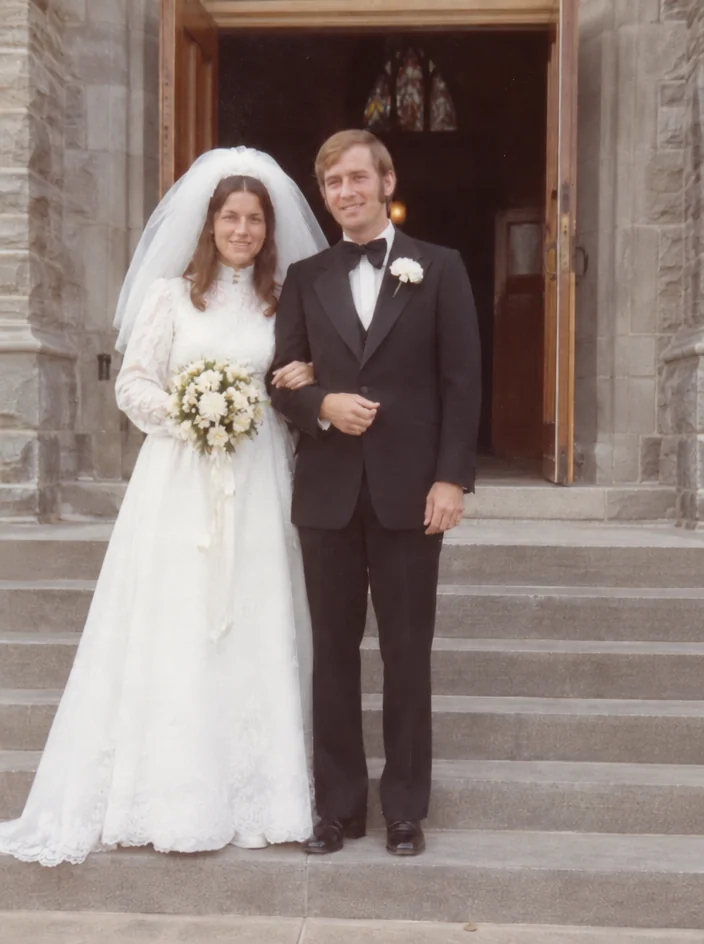
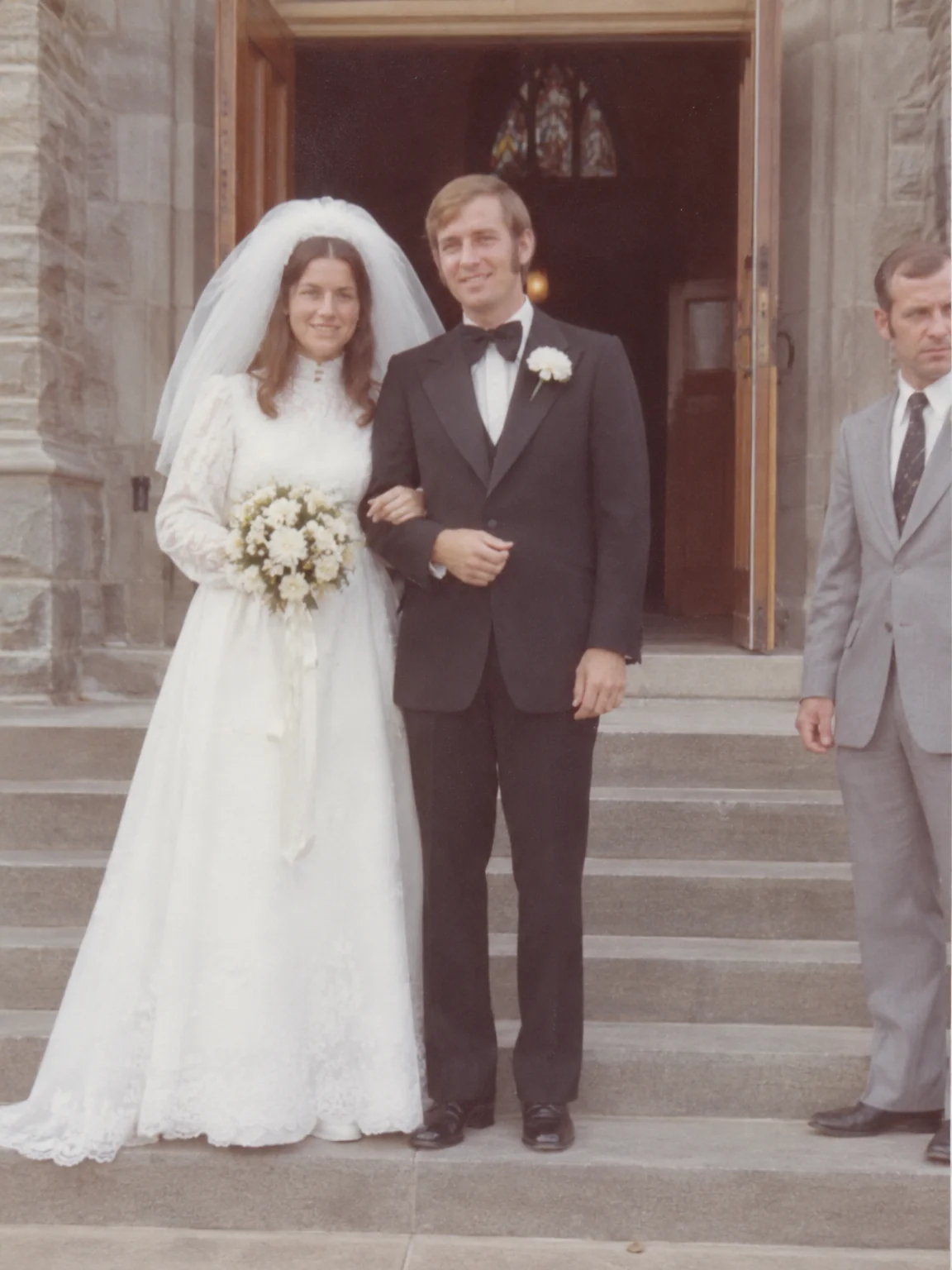
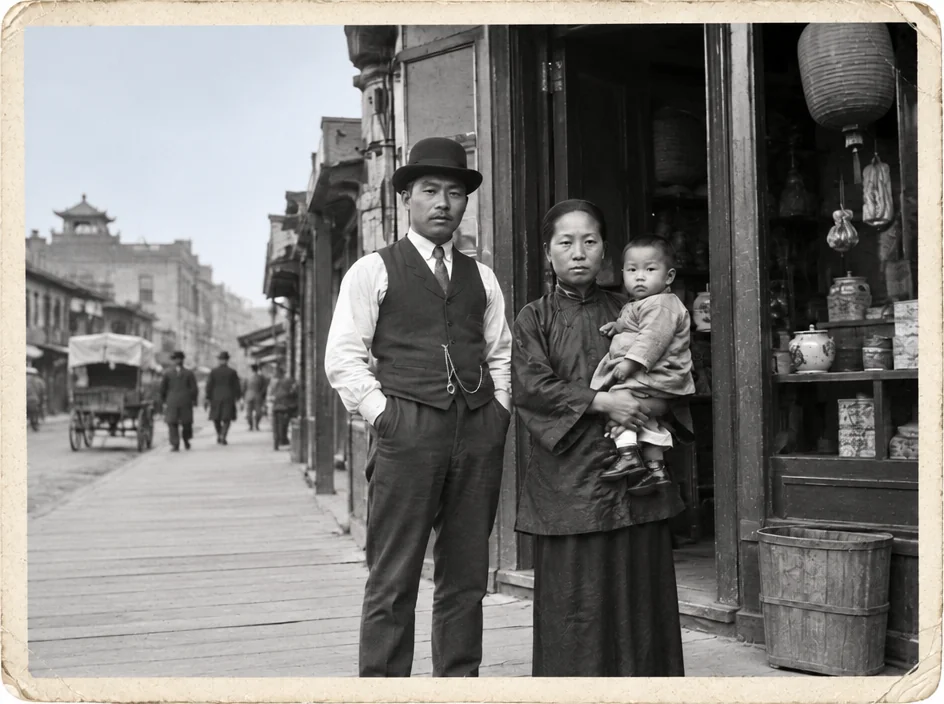
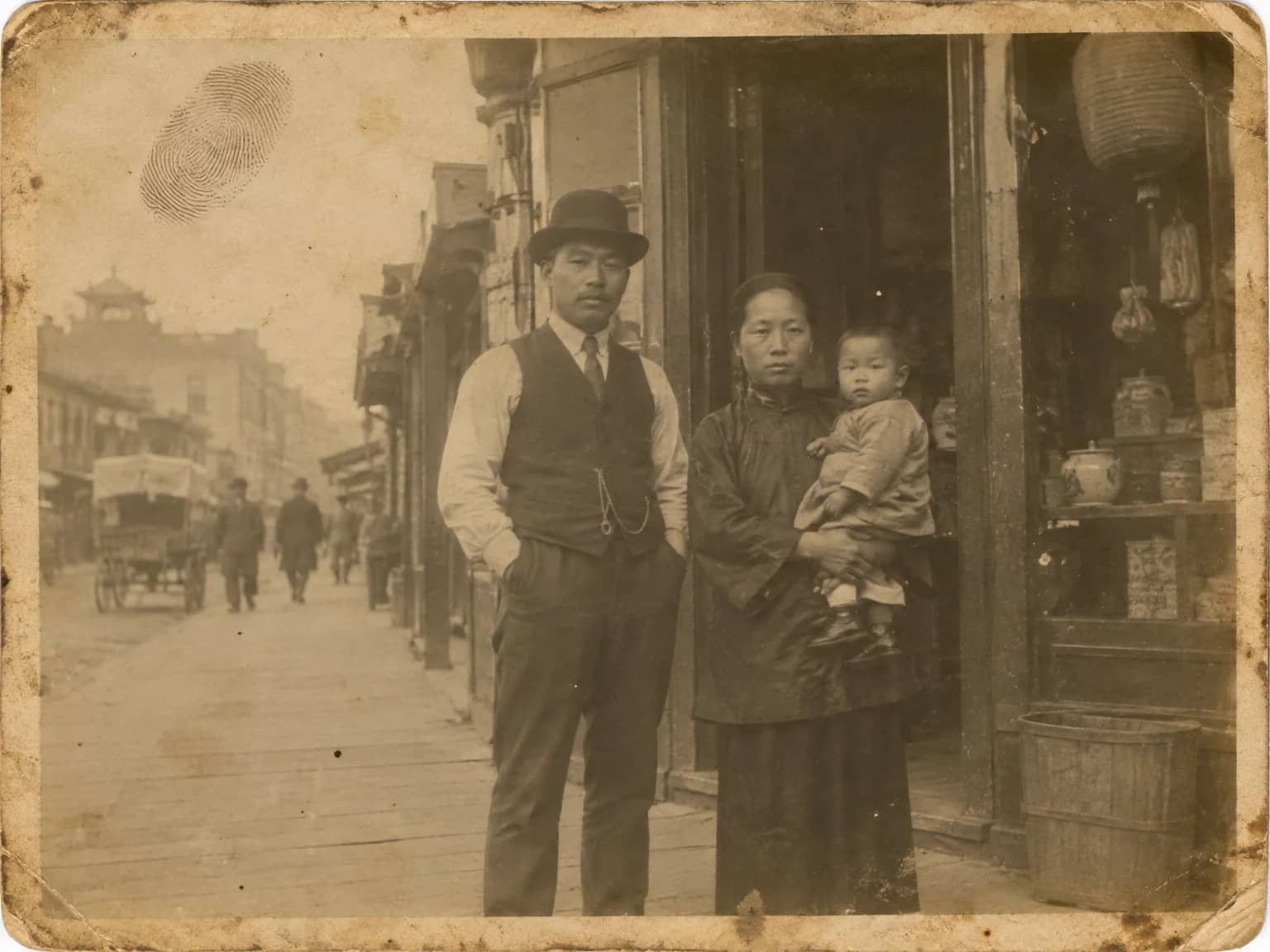
Restored by this tool from the original. Drag the handle to compare before and after.
There are reasons a family might want someone out of a photograph, and they do not need explaining. A former partner in an otherwise lovely picture of the children. A stranger who wandered into the frame at the beach. A photographer's assistant caught at the edge of a wedding group. Or, more gently, the wish for a photo of a grandmother alone when the only one that exists has a neighbor standing beside her. Remove a Person takes the described person out and fills the space with the background and scene continued plausibly: the wall carries on, the hedge carries on, a partly hidden chair or a half-covered relative is completed from what can be seen. Everyone else in the frame is kept as photographed, and so is the framing.
The Who should go box is required. Describe the person by position and something visible, such as the man on the right in the grey suit, or the woman in the hat behind the bride. The clearer the description, the surer the AI is of whom to remove. There are no other settings, because what remains is determined by the photograph: the AI continues whatever was behind and beside the person, and it does not invent new people or objects to fill the gap. Position words such as far left, second from right or standing behind are the ones that help most, and clothing color settles any remaining doubt. A photo with only two people in it needs less description, but naming the one to remove is still required.
Be aware of what the removal implies. A person who was standing in front of a plain wall leaves a gap that fills invisibly. A person who had an arm around someone else leaves a shoulder and a sleeve that have to be rebuilt, and that rebuilt area is an inference. A person who covered most of another person cannot be removed without inventing the hidden one. Results follow the shape of the upload and come back in seconds; the Crop a Person tool is the alternative when you would rather isolate someone than remove them. It is worth keeping the original file, because a removal cannot be undone from the result, and because circumstances change. The tool does not slim the group or move anyone closer together; the composition stays as the camera saw it, with one person less in it.
Credits per pass
| Tier | Credits | Good for |
|---|---|---|
| Standard | 4 | The print at screen size, quick repairs |
| Pro | 12 | More of the scan is sent, finer faces and texture |
| Max | 44 | The full scan, every readable detail kept for print |
What you can tell it
- Photo with the person to remove
- Who should go?
- Result · Same ratio as the original
In the Studio
- Pass the result into any other tool without uploading again
- Standard, Pro and Max tiers, with the cost shown before you run
- Every restoration kept in your library beside its original
- Upscale to 32 MP for framing, or make a short moving version
About this tool
Often used next
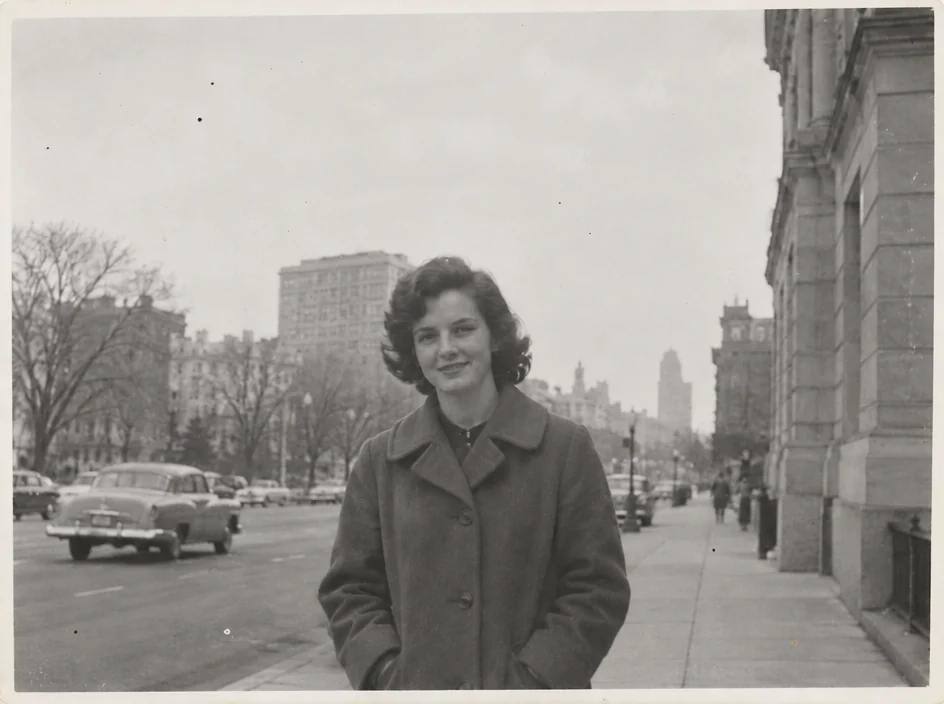
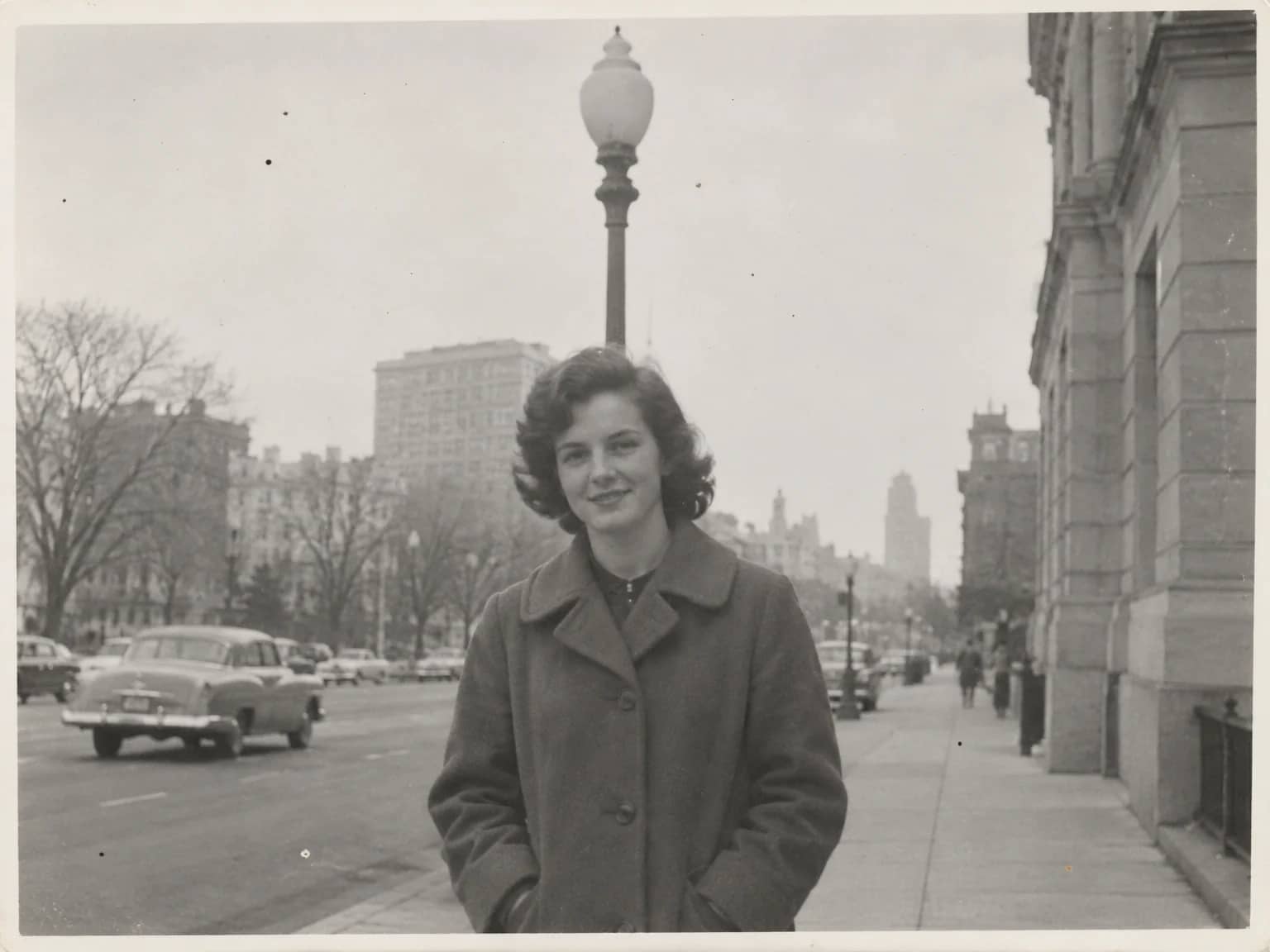
Remove Objects
Remove the lamp post, the car, the clutter, and keep every person in place
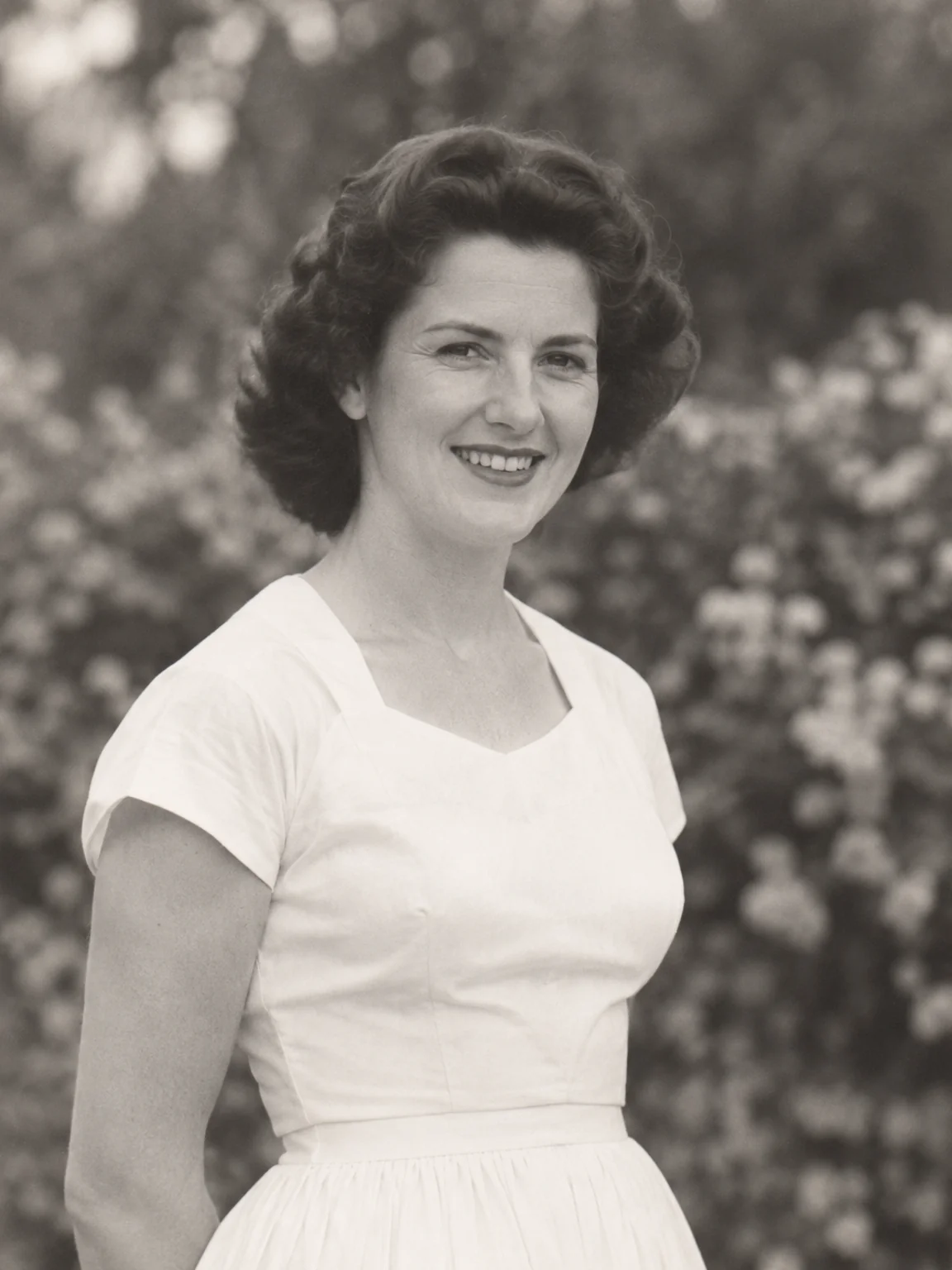
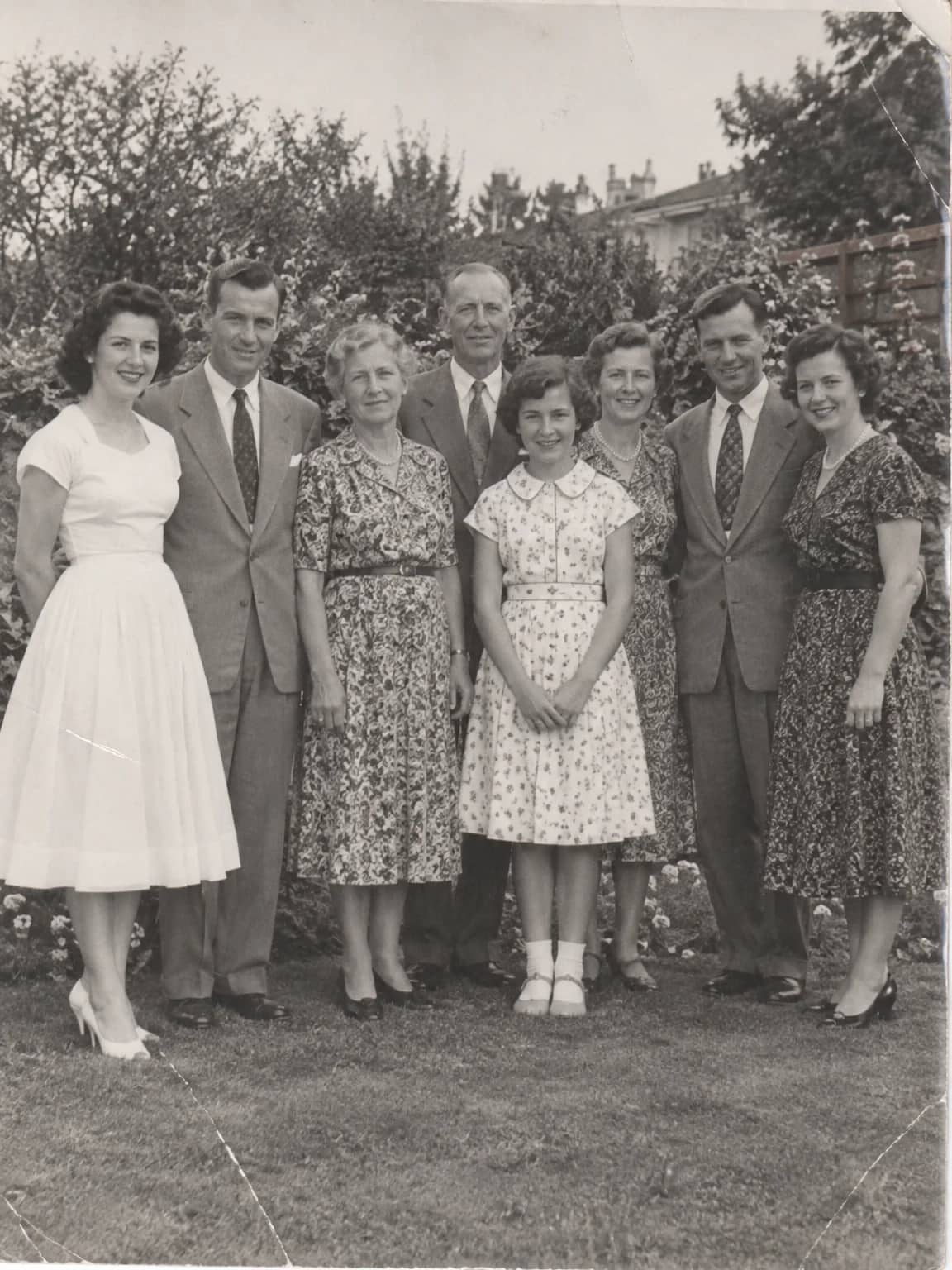
Crop a Person from a Group Photo
Lift one person out of a crowd into a restored head-and-shoulders portrait
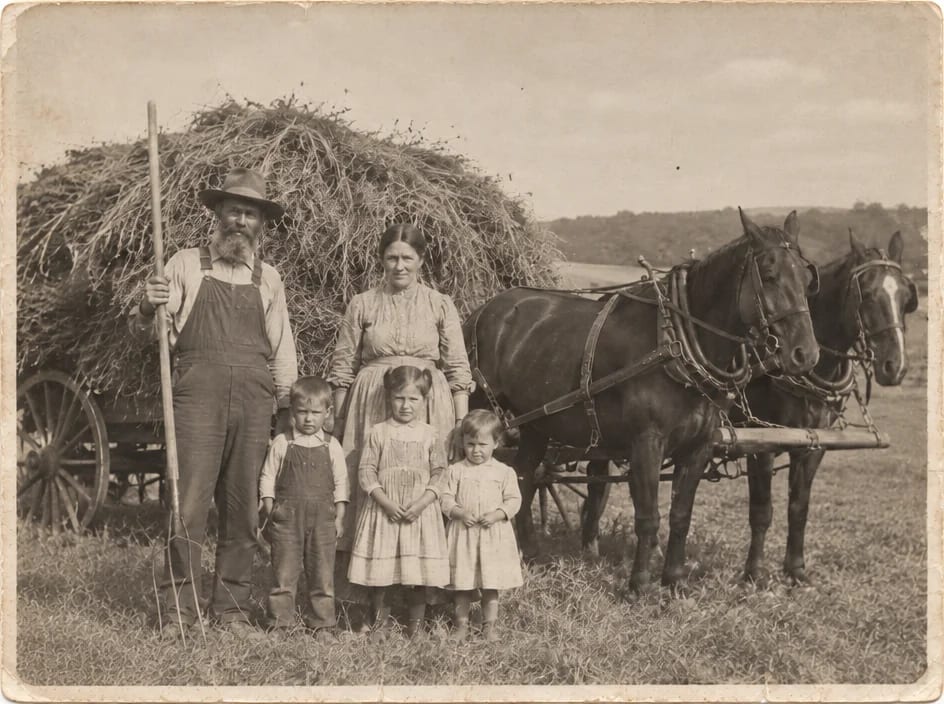
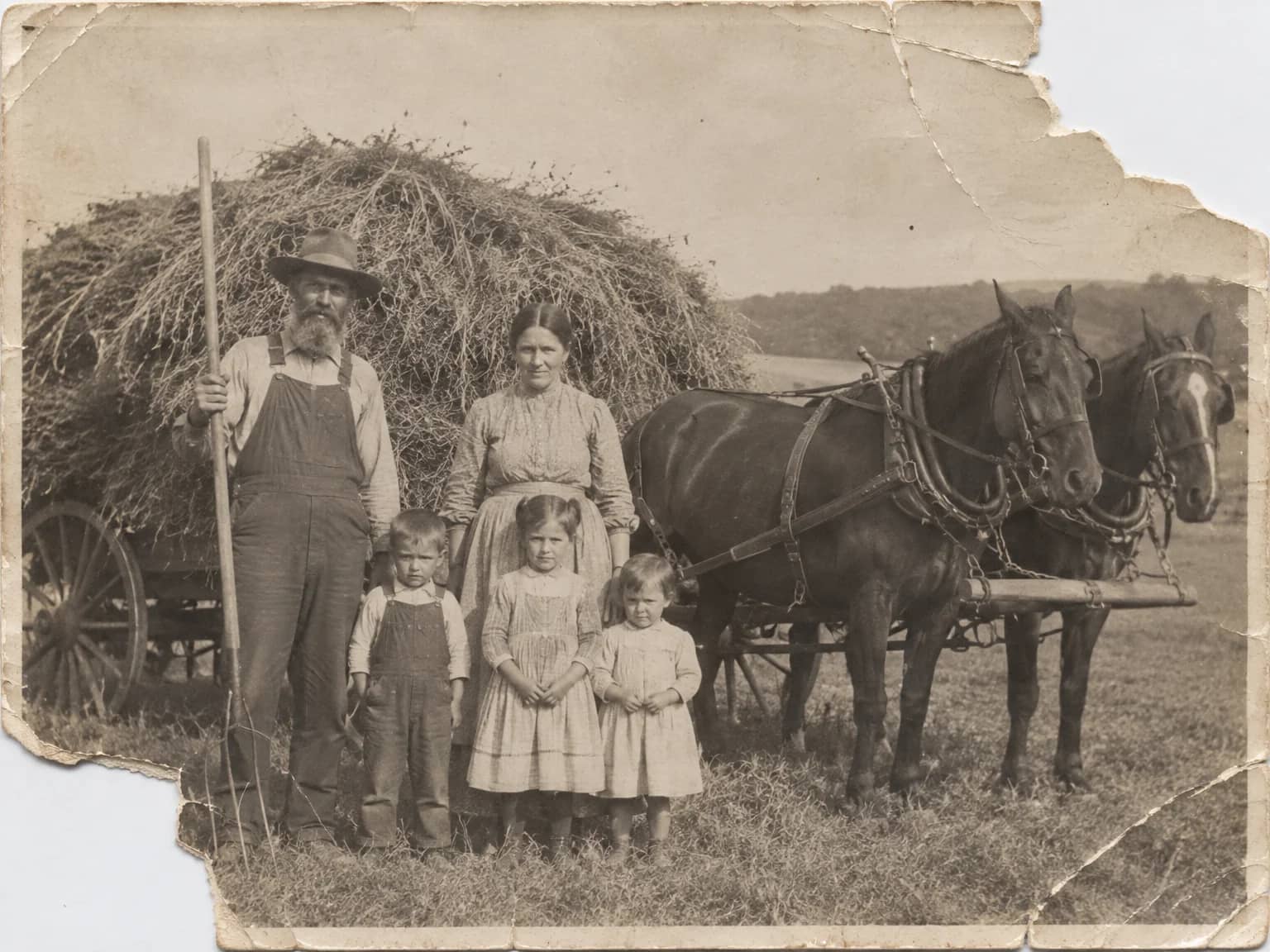
Missing Parts Filler
Rebuild a torn-off corner or a lost edge by continuing the surviving scene
Describe the Repair
Say in plain words what needs fixing and let the AI carry it out