Formats
Newspaper & Yearbook Photo Restoration
Turn a halftone clipping or yearbook page back into a smooth photograph
4 free credits to start, enough for one Standard pass of this tool.
- 1Upload a high-resolution scan of the clipping or page
- 2Tell it whether the source is a newspaper, yearbook, magazine or photocopy
- 3Download the smoothed photograph or send it on to Face Restoration
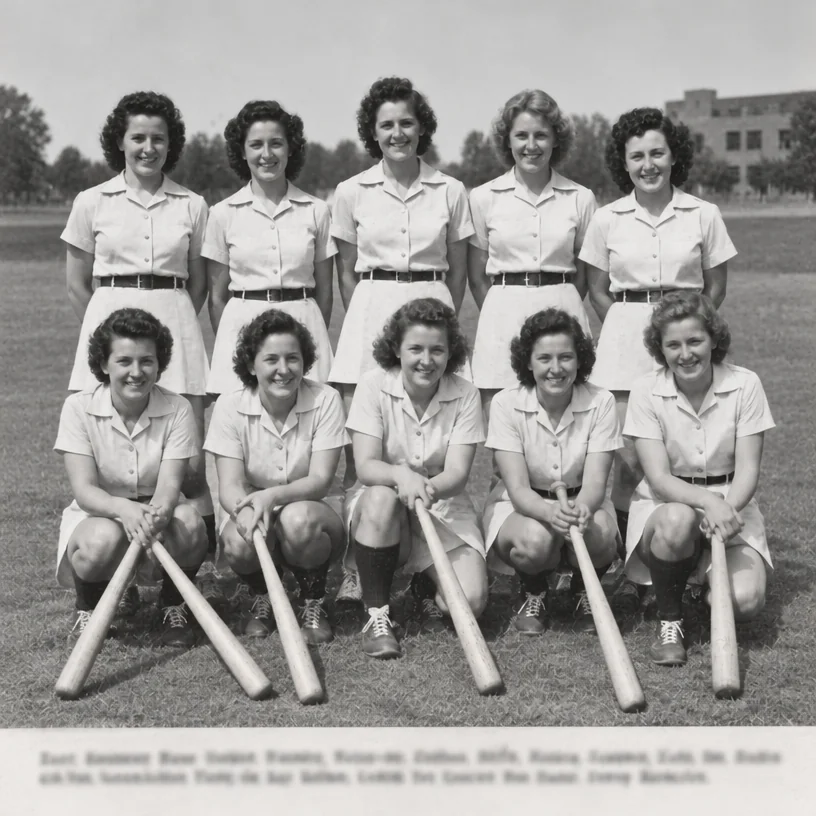
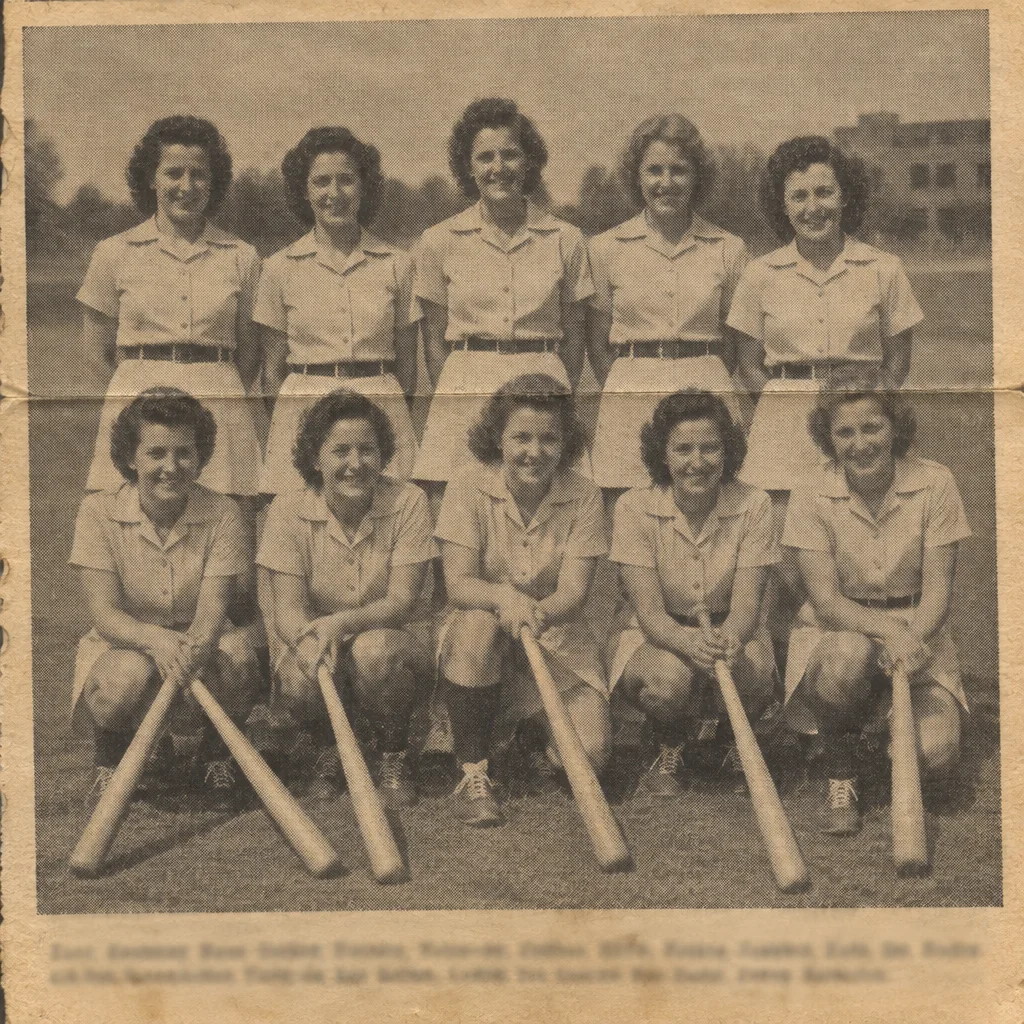
Restored by this tool from the original. Drag the handle to compare before and after.
For a great many families the only surviving picture of someone is a printed one: a wedding notice cut from the local paper, a yearbook portrait, an obituary photograph, a team picture in a club magazine. Those images were never continuous-tone prints. They were made of dots, a halftone screen that tricks the eye at reading distance and falls apart under a scanner, where it turns into a grid and, often, a shimmering moire pattern on top. This tool removes the dots and the moire and rebuilds smooth photographic tones from them, neutralizes the yellowing of the newsprint, takes out the paper texture, and keeps any printed caption legible and unchanged so the names stay with the faces.
The Printed source select tells the AI what kind of screen it is looking at, because they differ. Newspaper means a coarse screen on soft, yellowed newsprint with ink that has spread a little. Yearbook means a finer screen on better paper, usually with a portrait against a plain backdrop. Magazine means a fine screen with slight ink bleed and glossier paper. Photocopy is a different problem altogether: harsh contrast, banding and toner speckle, with the mid-tones already lost, and the AI is told to expect that. The right choice changes how aggressively the dot pattern is treated and how much smooth tone the AI expects to recover between the dots. When you are unsure, Newspaper is the broadest setting and a reasonable first try.
Scan the clipping at a high resolution, 600 dpi if your scanner allows, and do not let the scanner's own descreen setting run first, since two descreening passes tend to leave a softer result than one. Results follow the shape of the upload and come back in seconds. A restored clipping is a good candidate for the Face Restoration tool next, and then for enlargement if you want to frame it. Keep the original scan of the clipping with its caption and date, since the newspaper page is often the only record of when and where the photograph was published, and the restored image will not carry that context on its own. Yearbook portraits from the same page respond well to the same settings, so a whole class can be done in sequence.
Credits per pass
| Tier | Credits | Good for |
|---|---|---|
| Standard | 4 | The print at screen size, quick repairs |
| Pro | 12 | More of the scan is sent, finer faces and texture |
| Max | 44 | The full scan, every readable detail kept for print |
What you can tell it
- Clipping or printed page
- Printed sourceNewspaperYearbookMagazinePhotocopy
- Result · Same ratio as the original
In the Studio
- Pass the result into any other tool without uploading again
- Standard, Pro and Max tiers, with the cost shown before you run
- Every restoration kept in your library beside its original
- Upscale to 32 MP for framing, or make a short moving version
About this tool
Often used next
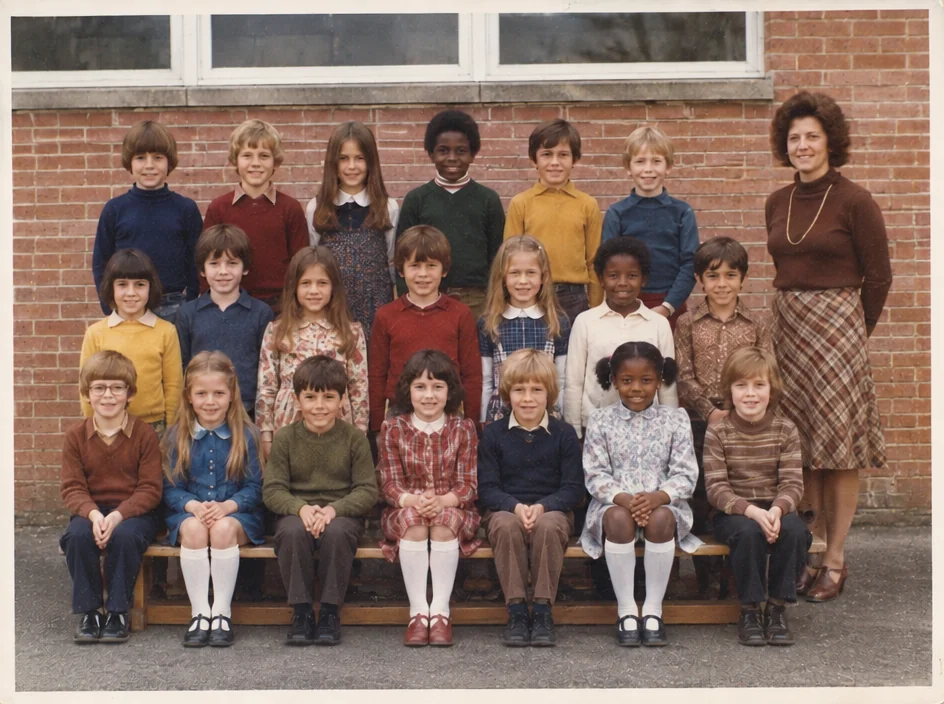
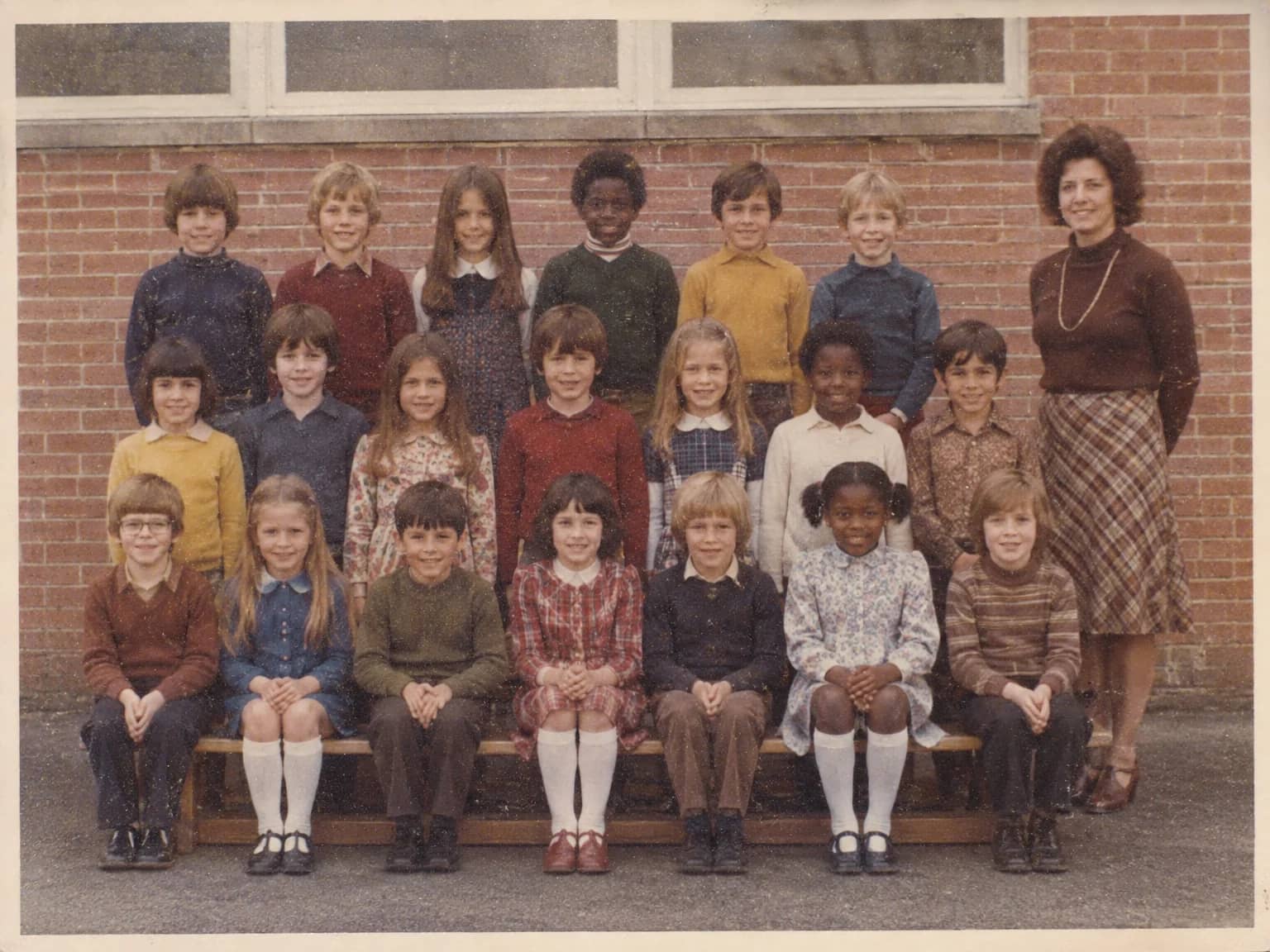
Grain & Noise Remover
Quiet heavy grain, sensor noise, JPEG blocks and halftone dots, keep the texture
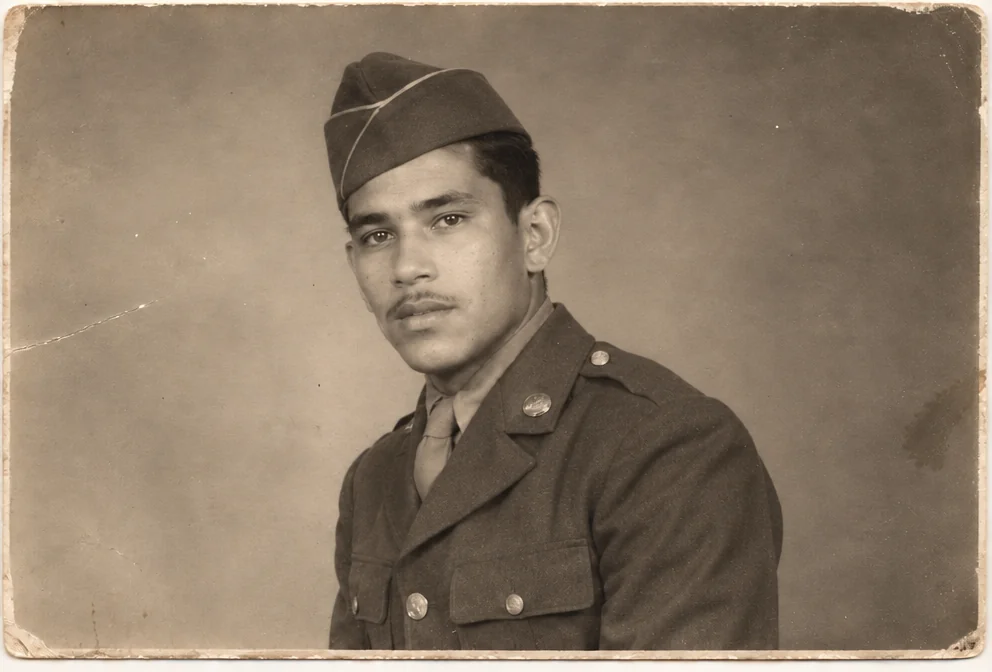
Face Restoration
Recover eyes, skin and hair in soft or tiny faces while keeping the person
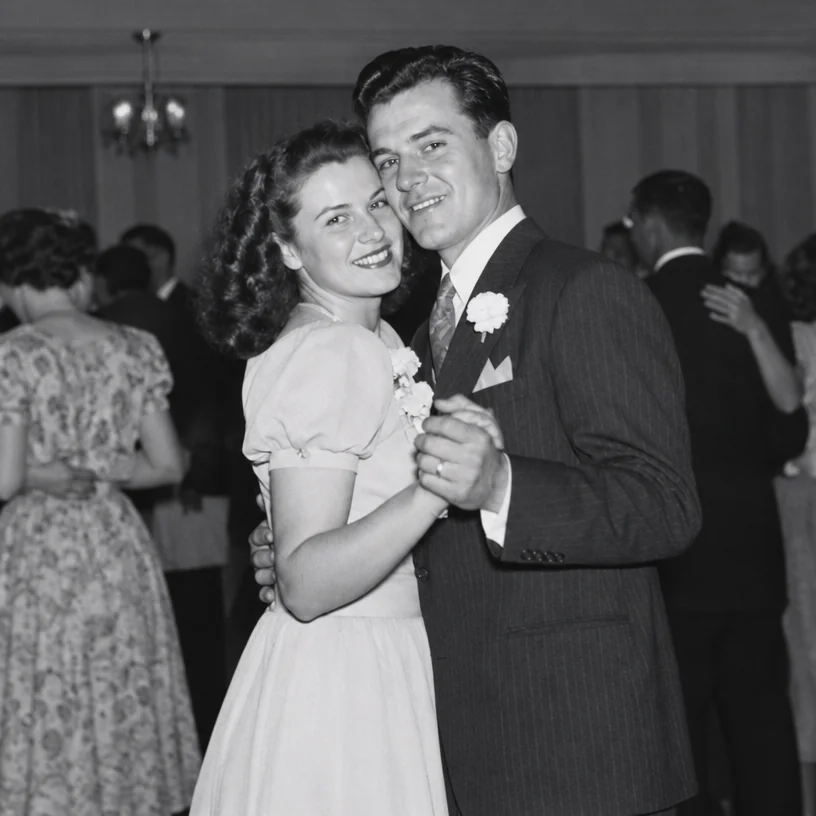
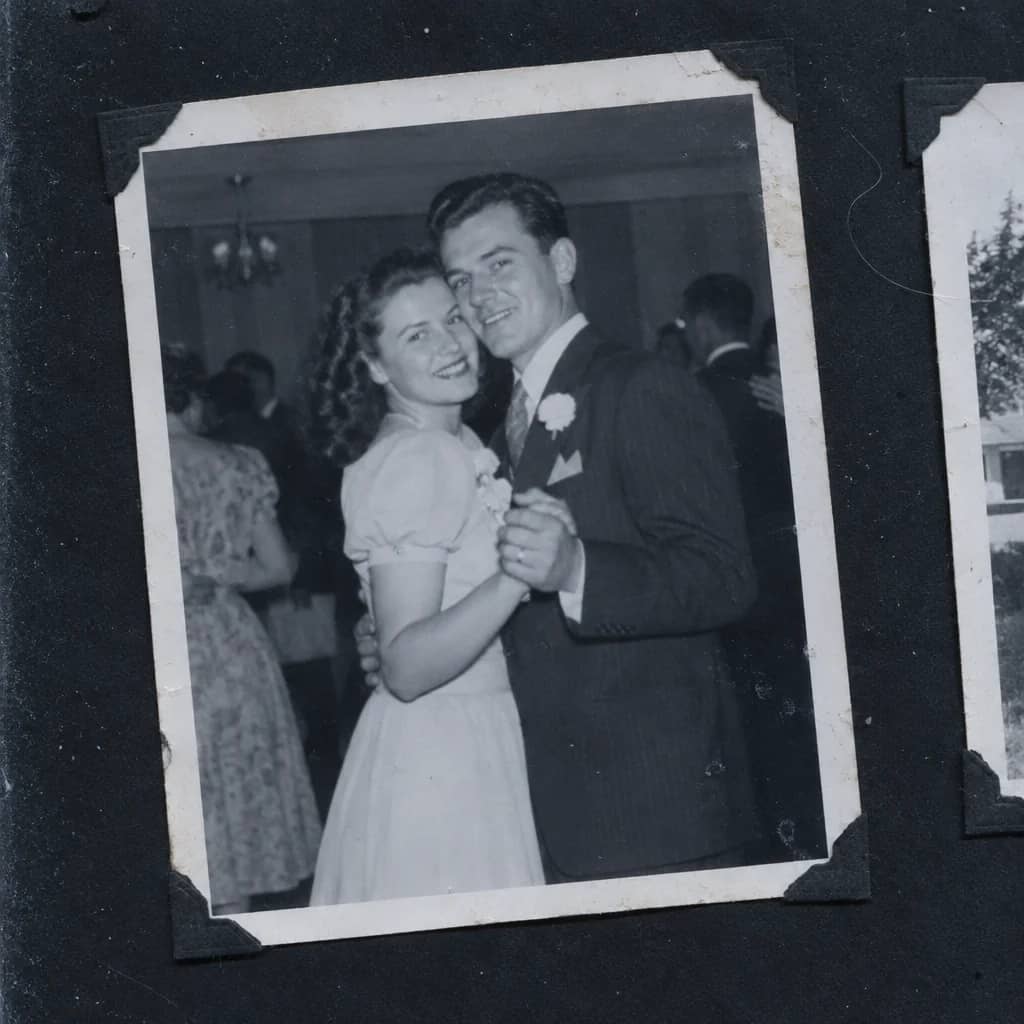
Scan Cleanup
Crop, straighten and de-dust a flatbed scan and remove the scanner's cast
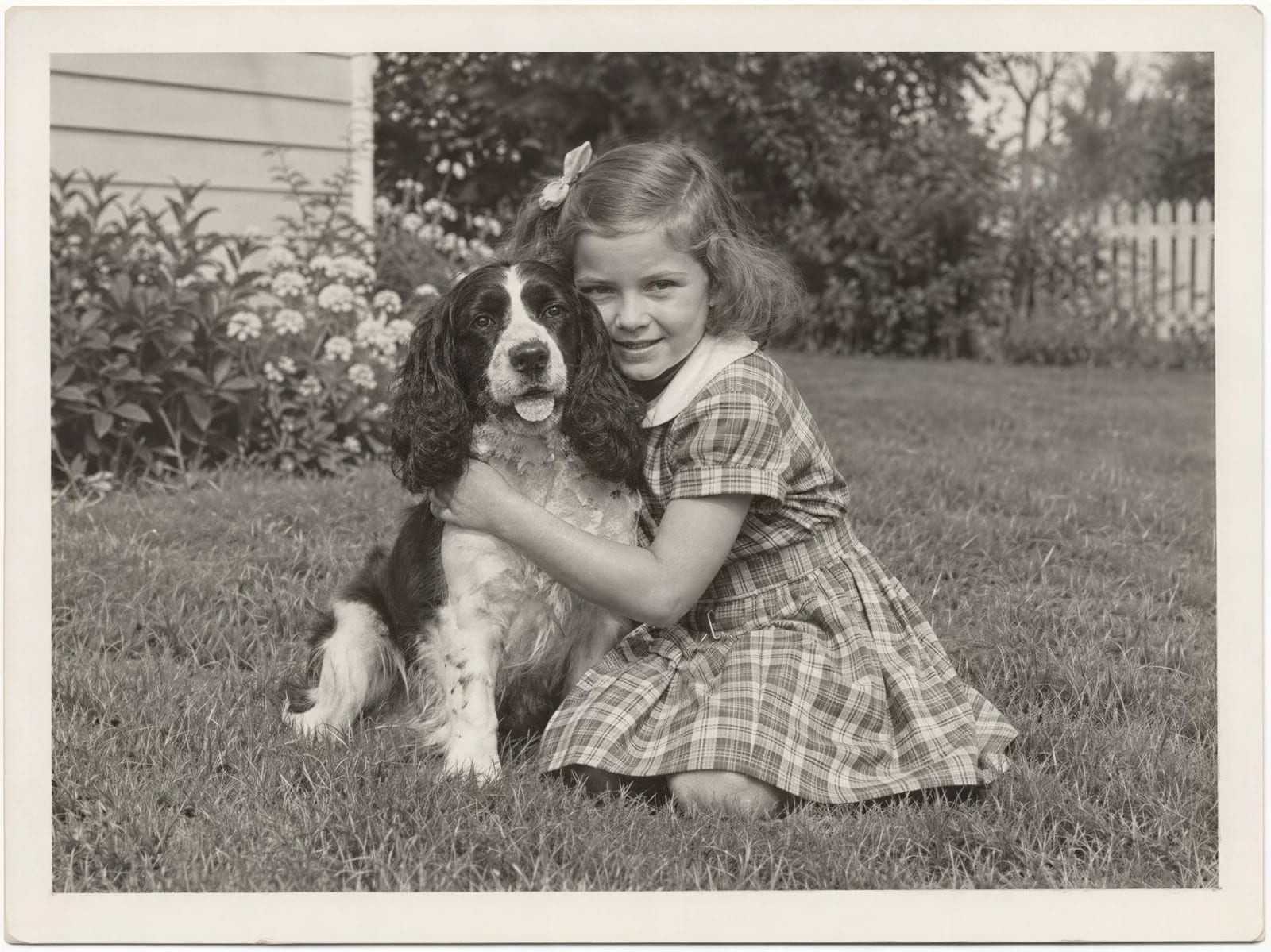
Image Upscaler
Enlarge a restored photo for reprinting, from a small scan up to 32 megapixels