Repair
Date Stamp & Writing Remover
Take the orange date stamp, pen marks, stickers and tape off the picture
4 free credits to start, enough for one Standard pass of this tool.
- 1Upload the photo with the stamp, writing or sticker
- 2Choose what to remove, or leave it on Everything
- 3Download the clean photo or continue with another repair
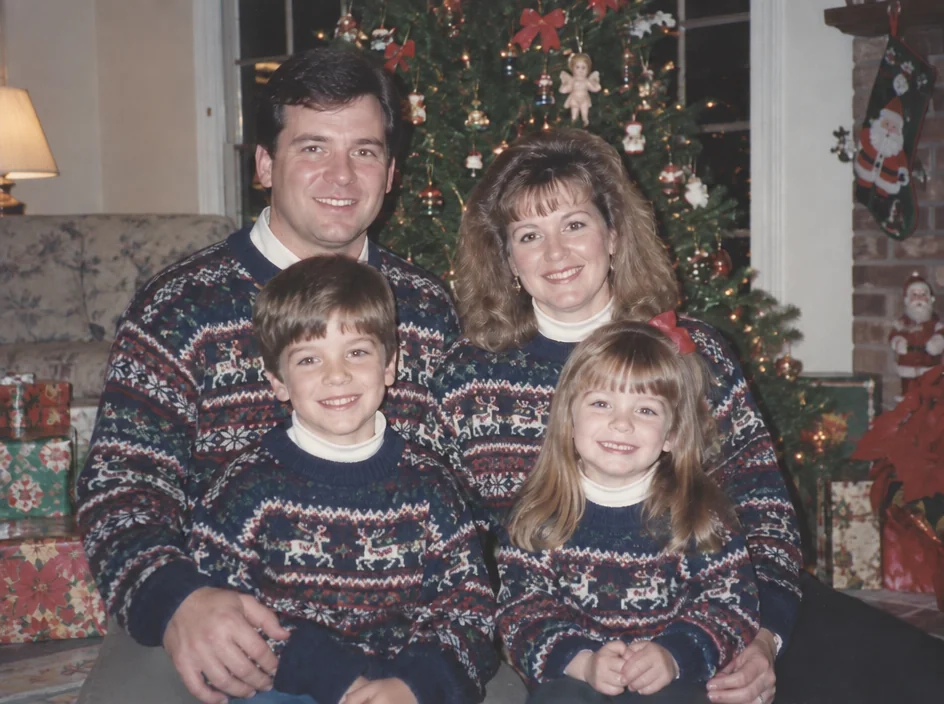
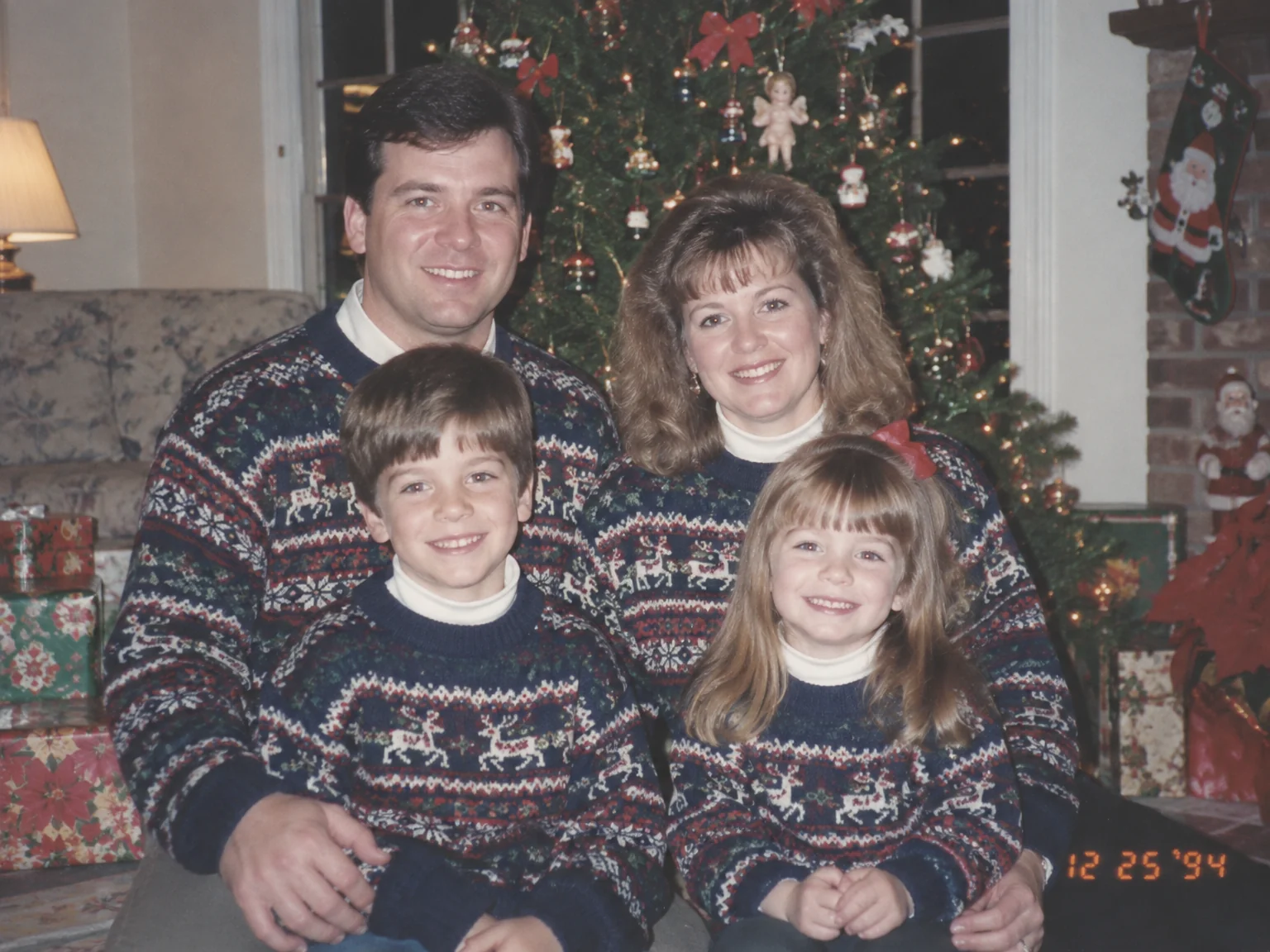
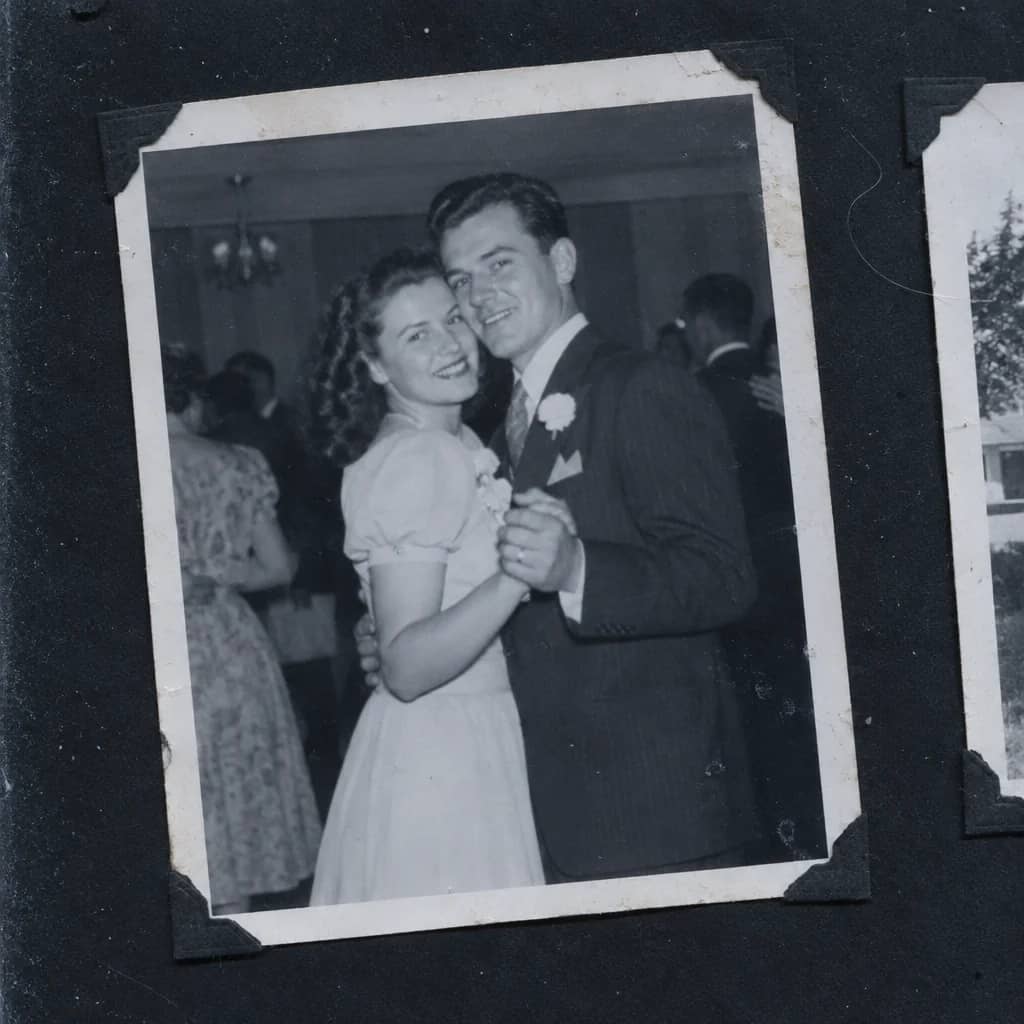
Restored by this tool from the original. Drag the handle to compare before and after.
Every camera sold in the late 1980s and 1990s seemed to come with the date stamp switched on, and so a generation of family photos carries a row of orange digits in the bottom corner, often for a date that was never set correctly. Then there are the marks people added themselves: a name in biro across a sky, a price sticker from a frame shop never peeled off, the yellow ghost of the tape that once held the print in an album. The Date Stamp & Writing Remover takes these off and fills the space naturally from the image around it. Nothing else in the photograph is touched, so the tone, grain and sharpness stay as they were.
The Remove select says what to look for. Date stamp targets the orange or yellow camera imprint. Handwriting covers pen, pencil and ink marks on the image. Tape marks covers tape and sticker residue along edges and corners. Stickers is for labels and stickers stuck to the picture itself. Everything removes all of these in one pass. A narrow choice is safer when the photograph contains real text you want to keep, such as a shop sign or a banner, since the AI is less likely to treat it as a mark to remove when it has been told what kind of mark to look for. Handwriting that carries a caption you want to keep is best cropped out of the upload or noted so it is left alone.
If the date itself matters for your family record, note it somewhere before you remove it; the scan you uploaded keeps it anyway. Results follow the shape of the upload and return in seconds. Marks that fall across fine detail, like a stamp over a patterned carpet, are rebuilt from the pattern around them, and a stamp over a face is rebuilt from the face, which is worth checking afterwards. A photo that has been stamped, written on and taped into an album at different times can carry all three at once, and Everything is the sensible choice there. The result keeps the original tone and grain, so a print that was faded will still be faded, ready for the Faded Photo Fixer as a next step.
Credits per pass
| Tier | Credits | Good for |
|---|---|---|
| Standard | 4 | The print at screen size, quick repairs |
| Pro | 12 | More of the scan is sent, finer faces and texture |
| Max | 44 | The full scan, every readable detail kept for print |
What you can tell it
- Photo with a stamp or marks
- RemoveDate stampHandwritingTape marksStickersEverything
- Result · Same ratio as the original
In the Studio
- Pass the result into any other tool without uploading again
- Standard, Pro and Max tiers, with the cost shown before you run
- Every restoration kept in your library beside its original
- Upscale to 32 MP for framing, or make a short moving version
About this tool
Often used next

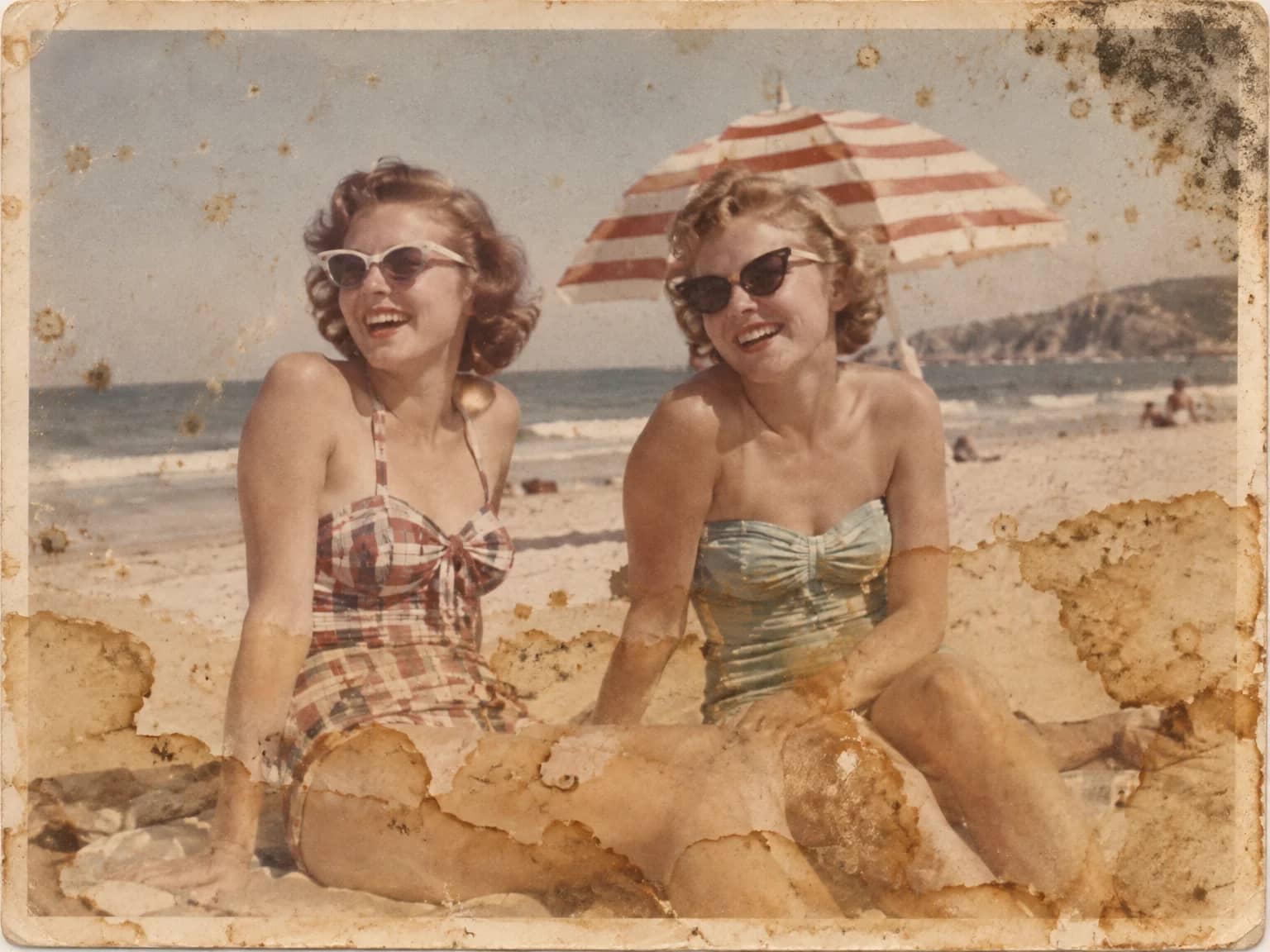
Stain & Spot Remover
Lift water stains, mold, foxing, dust, ink and tape residue from an old print


Remove Objects
Remove the lamp post, the car, the clutter, and keep every person in place


Scratch & Tear Repair
Close scratches, tears, creases and cracked emulsion without touching the rest
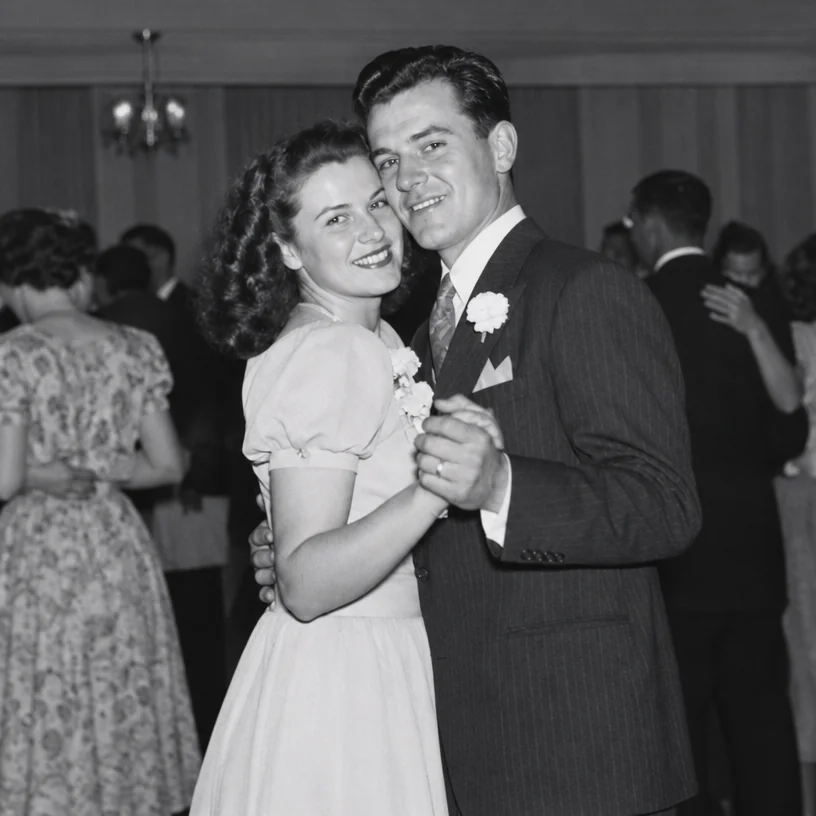
Scan Cleanup
Crop, straighten and de-dust a flatbed scan and remove the scanner's cast