Formats
Slide Restoration
Bring a faded, fungus-spotted 35mm slide back to its film stock's colors
4 free credits to start, enough for one Standard pass of this tool.
- 1Upload a scan of the slide, or a phone photo of it on a lightbox
- 2Pick the film stock if the mount says, or leave it on Not sure
- 3Download the restored picture with the mount cropped away
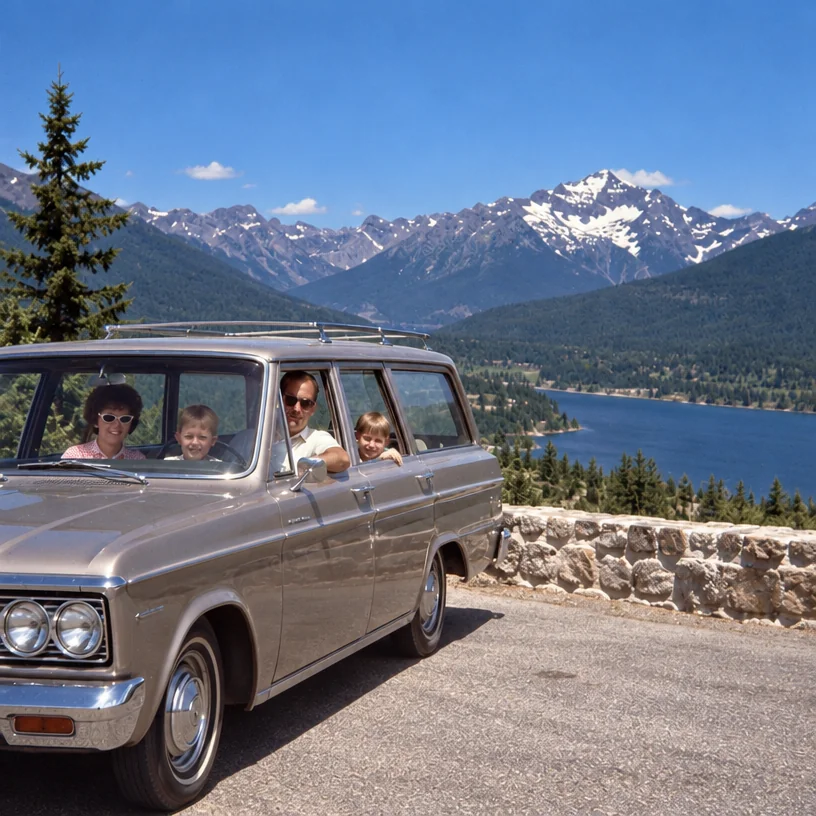
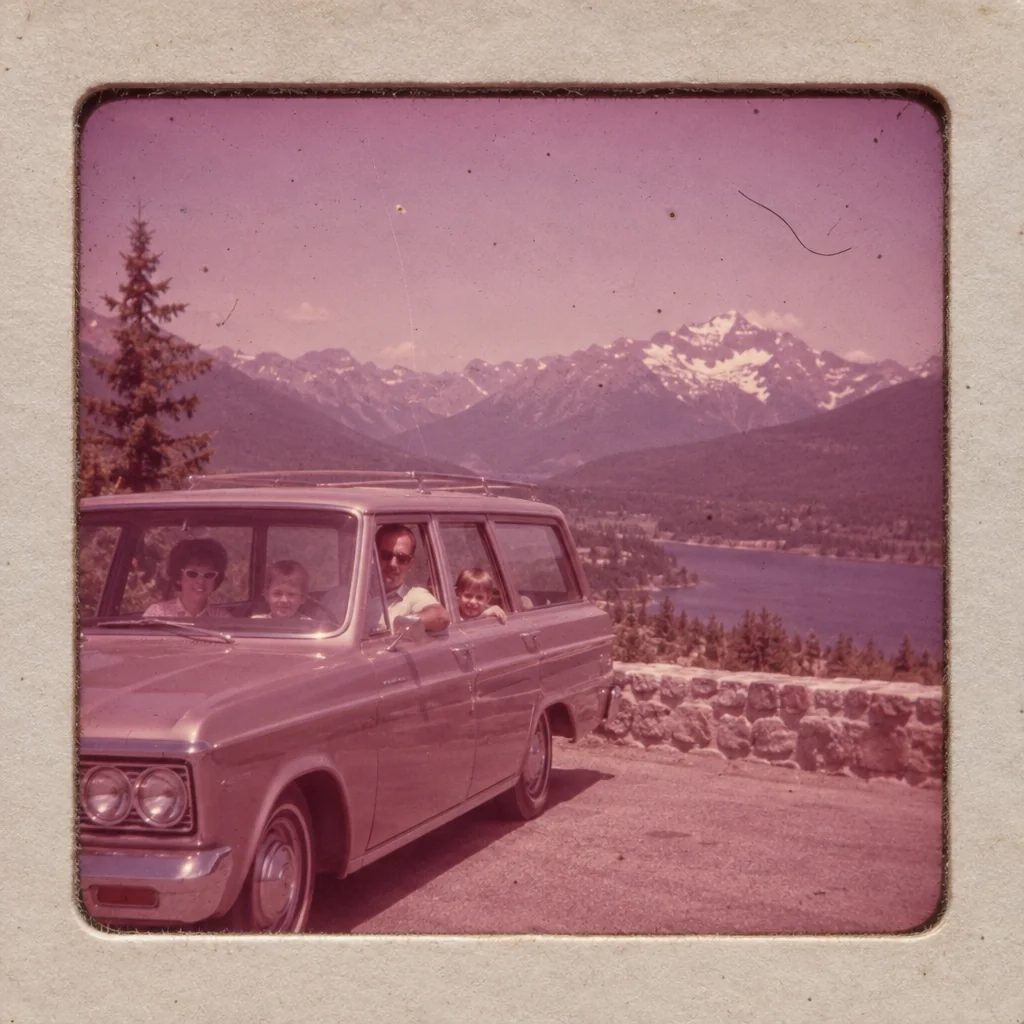
Restored by this tool from the original. Drag the handle to compare before and after.
A carousel of slides is a family's holidays and Christmases from the 1950s to the 1980s, and it is often the sharpest, best-exposed record they have, because slide film was unforgiving and people who shot it tended to know what they were doing. It is also fragile in specific ways. Some stocks fade toward red or magenta, others toward cyan. Fungus grows in the emulsion in humid houses and leaves branching grey threads. Dust settles on the film during forty years of projection, and scratches come from the projector gate. Slide Restoration corrects the fading and color shift, removes the dust, fungus and scratches, recovers contrast and sharpness, and crops away the cardboard or plastic mount so that only the picture remains.
The Film stock select is worth a moment, because different films fail differently. Kodachrome is famously stable but when it does drift it goes toward a red-brown; restored, it should show rich reds, deep blues and warm skin. Ektachrome and similar stocks fade toward magenta and were cooler and cleaner to begin with, with clear blues and greens. Agfachrome sits between, softer and slightly warm. Choose the one printed on the mount if you can read it; choose Not sure otherwise and the AI treats the slide as whatever stock it appears to be. Identity and framing are kept as photographed, and nothing is added to the scene. If a box holds several stocks, sort them by mount and run each stock with its own setting.
A scan from a dedicated film scanner or a flatbed with a transparency unit is ideal. Failing that, a phone photo of the slide held against a bright white screen or a lightbox works well enough to restore, provided it is in focus and the mount is visible so the AI can crop it. Results come back in seconds and follow the shape of the picture inside the mount. The mount is cropped away by default, so the small notes people wrote on it, the date and the place, will not appear in the result; keep a photo of the mount if that matters. A restored slide is often sharp enough to enlarge well, and the upscaler is the natural next step for a print.
Credits per pass
| Tier | Credits | Good for |
|---|---|---|
| Standard | 4 | The print at screen size, quick repairs |
| Pro | 12 | More of the scan is sent, finer faces and texture |
| Max | 44 | The full scan, every readable detail kept for print |
What you can tell it
- Slide scan
- Film stockNot sureKodachromeEktachromeAgfachrome
- Result · Same ratio as the original
In the Studio
- Pass the result into any other tool without uploading again
- Standard, Pro and Max tiers, with the cost shown before you run
- Every restoration kept in your library beside its original
- Upscale to 32 MP for framing, or make a short moving version
About this tool
Often used next
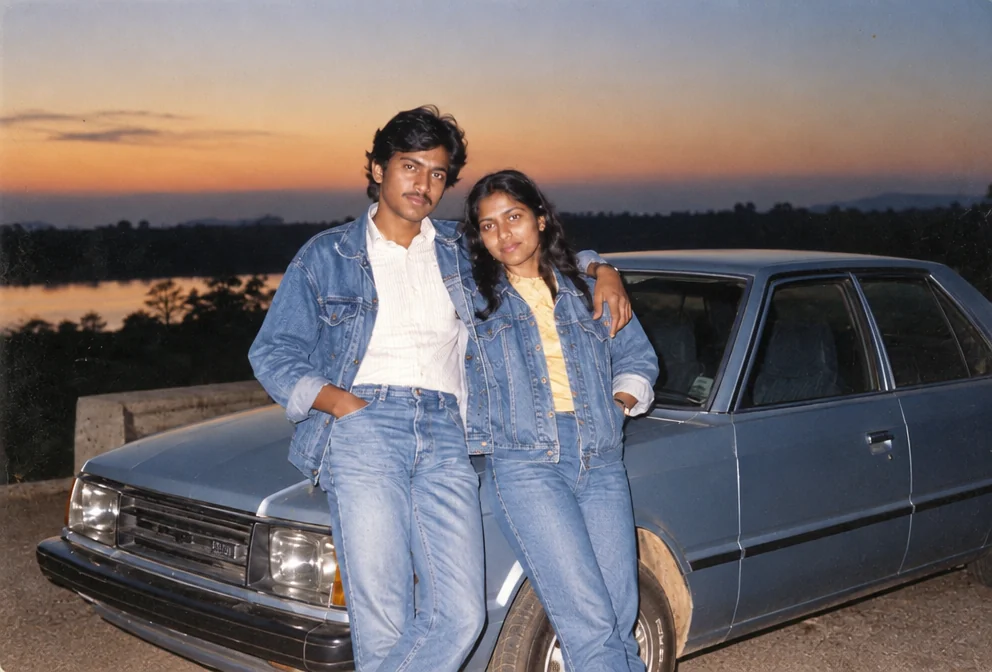
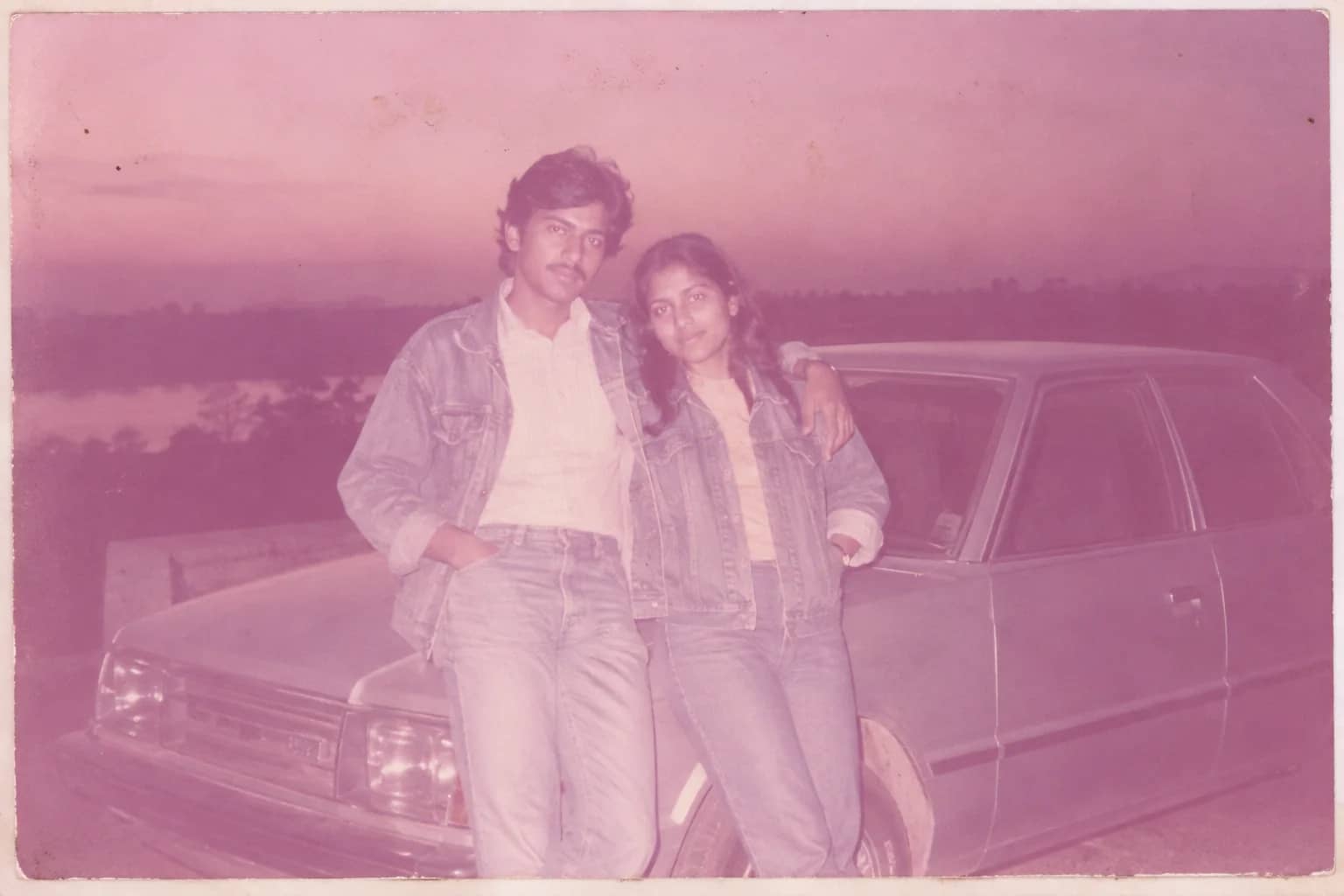
Faded Photo Fixer
Bring back contrast and true color to a yellowed, pink-shifted or bleached print
Grain & Noise Remover
Quiet heavy grain, sensor noise, JPEG blocks and halftone dots, keep the texture
Scan Cleanup
Crop, straighten and de-dust a flatbed scan and remove the scanner's cast
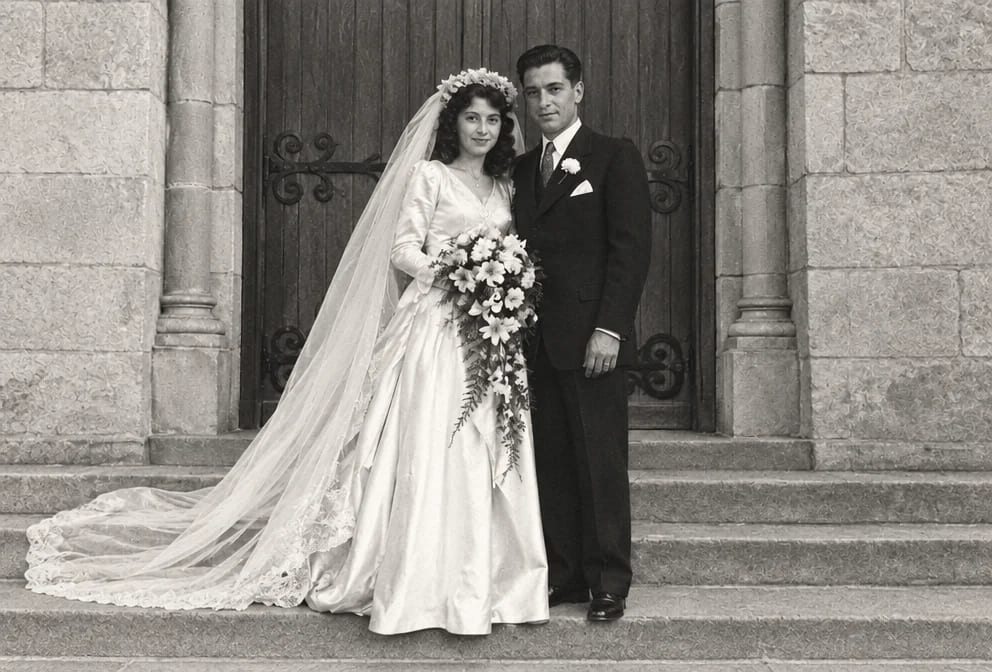
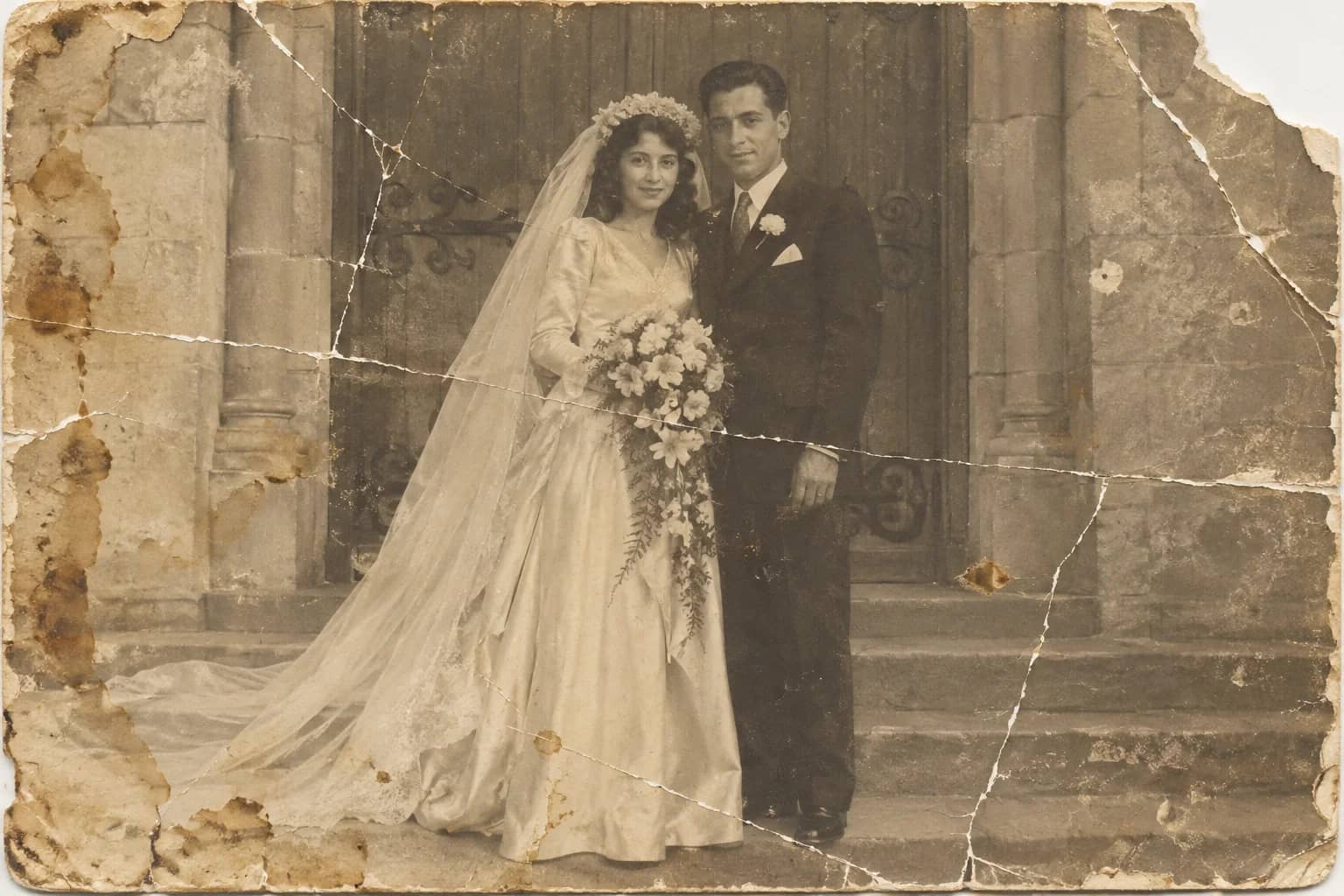
Photo Restoration
One pass that repairs damage, lifts fading and sharpens faces in an old photo