Formats
Polaroid Restoration
Undo the yellow-green drift and chemical blotches of an old instant photo
4 free credits to start, enough for one Standard pass of this tool.
- 1Upload a flat, glare-free scan or photo of the instant print
- 2Choose whether to keep the white frame or crop to the picture
- 3Download the restored photo or take it on to another tool
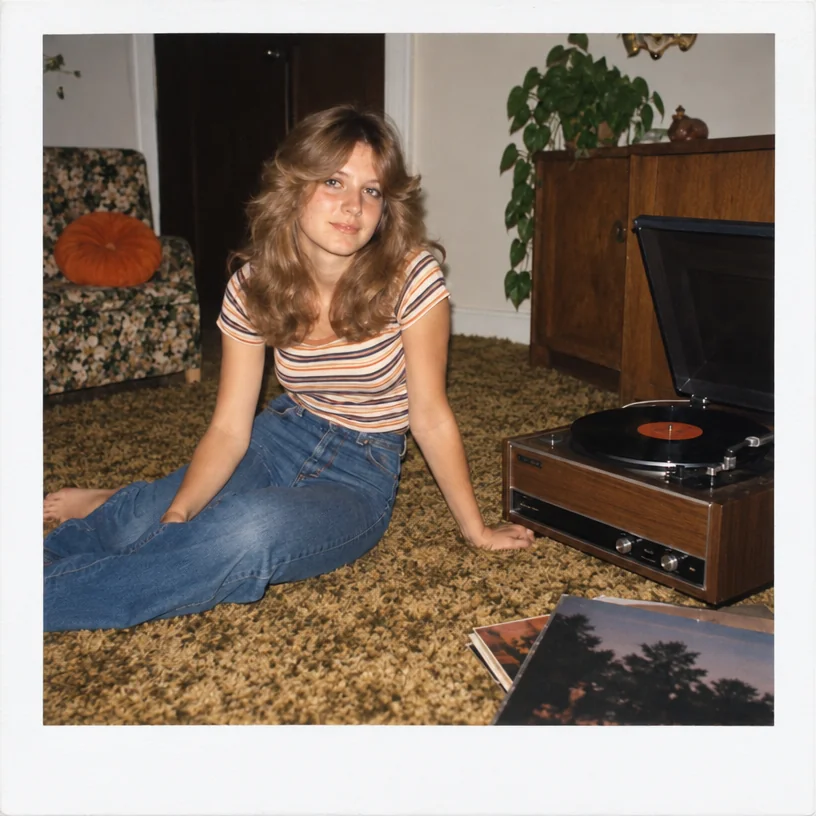
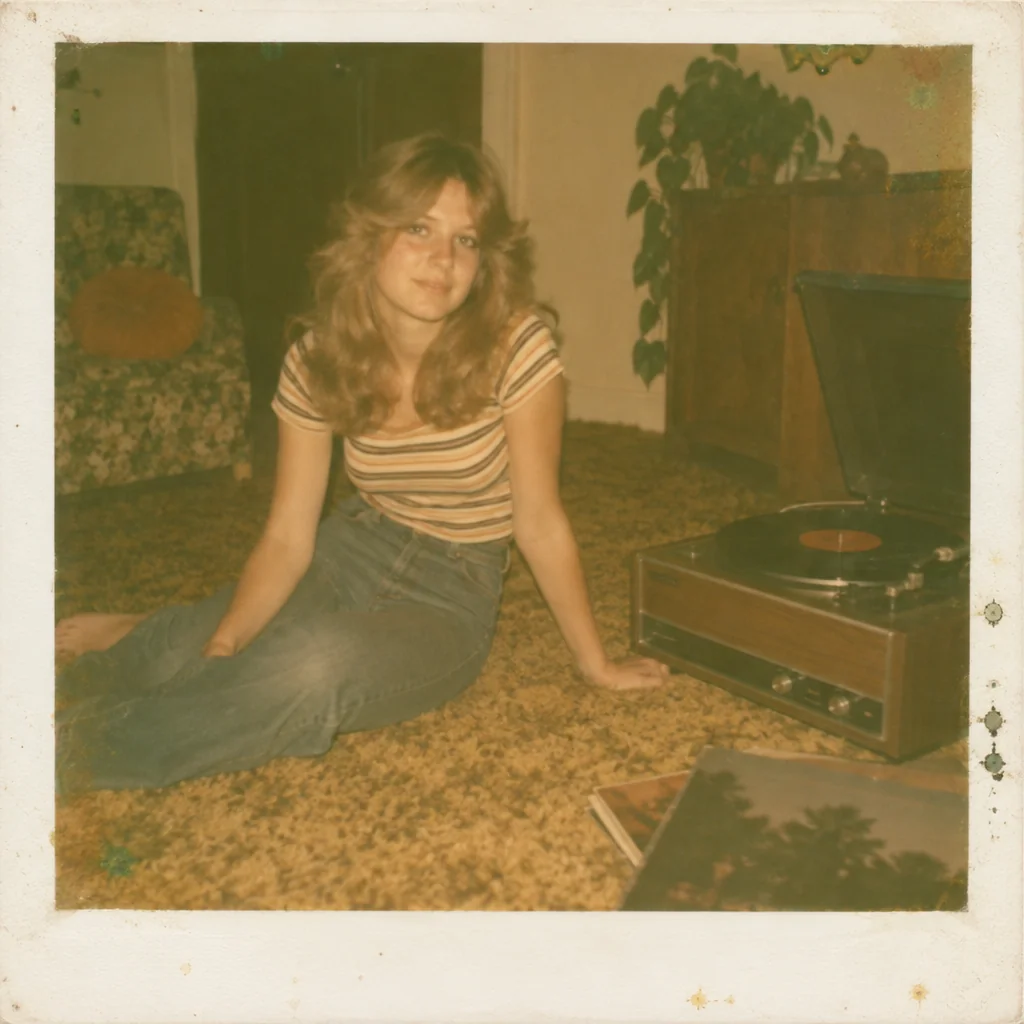
Restored by this tool from the original. Drag the handle to compare before and after.
Instant photographs age in their own way. The image sits in a sandwich of chemistry and plastic, and as the years pass the dyes shift toward yellow, orange or a sickly green, the contrast drains out, and the developer pod sometimes leaves blotches, streaks or a web of fine cracks across the picture. Because instant prints were taken at parties, on holidays and in kitchens, they tend to be the most candid photos a family owns, and the most casually stored. Polaroid Restoration is built for that specific decay: it brings back contrast and something close to the original colors, removes the color shift, clears the chemical marks and cracks, and recovers the sharpness the soft plastic lens never quite delivered.
The White frame select is the one decision to make. Keep the frame returns the picture inside its familiar white border, cleaned to a neutral white with any fingerprints, pen marks or yellowing removed, and the wider bottom margin left as it was. Remove the frame crops to the image area alone, which is what you want if the picture is going into an album alongside ordinary prints or being enlarged for a wall. Either way the image itself is treated the same. Faces, expressions and clothing are kept as photographed; nothing is added. Instant prints from the same pack tend to have aged the same way, so once one setting works for the first, it usually works for the batch.
Photograph or scan the instant print flat, since the glossy surface throws reflections; if you are using a phone, stand where no lamp or window is mirrored in the print, or use the Photo-of-a-Photo Fixer first to take the glare off. Results come back in seconds. If the print has faded to almost nothing, the Faded Photo Fixer on Let the AI judge can be a useful second pass. One caution: an instant print that was cut down or peeled apart may have lost its frame already, in which case Remove the frame simply crops to the image edge. The picture area itself, small as it is, is worth enlarging afterwards if you intend to print it at album size.
Credits per pass
| Tier | Credits | Good for |
|---|---|---|
| Standard | 4 | The print at screen size, quick repairs |
| Pro | 12 | More of the scan is sent, finer faces and texture |
| Max | 44 | The full scan, every readable detail kept for print |
What you can tell it
- Instant photo
- White frameKeep the frameRemove the frame
- Result · Same ratio as the original
In the Studio
- Pass the result into any other tool without uploading again
- Standard, Pro and Max tiers, with the cost shown before you run
- Every restoration kept in your library beside its original
- Upscale to 32 MP for framing, or make a short moving version
About this tool
Often used next
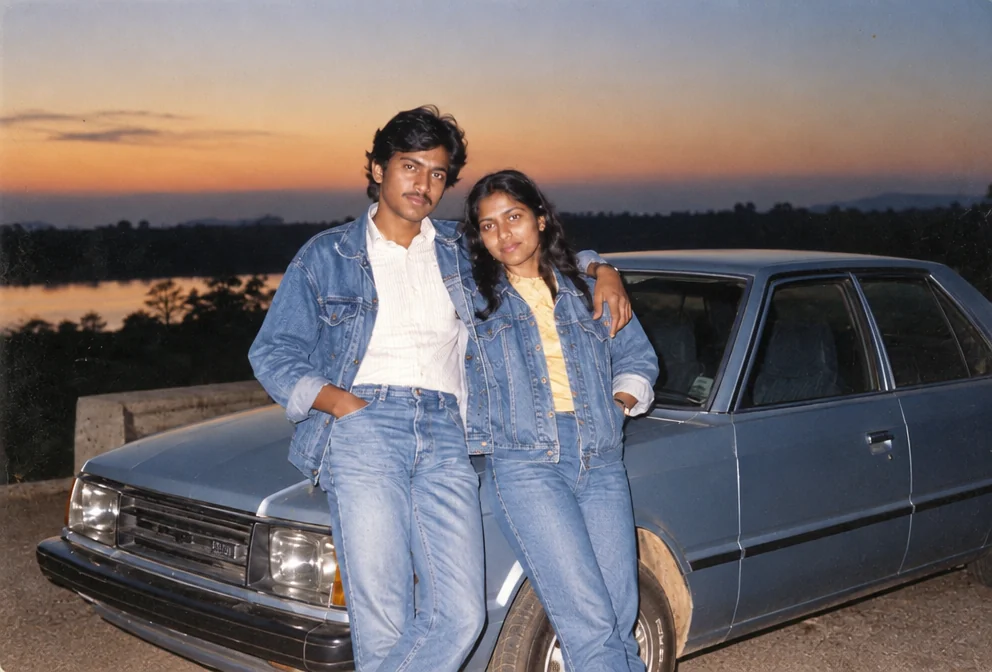
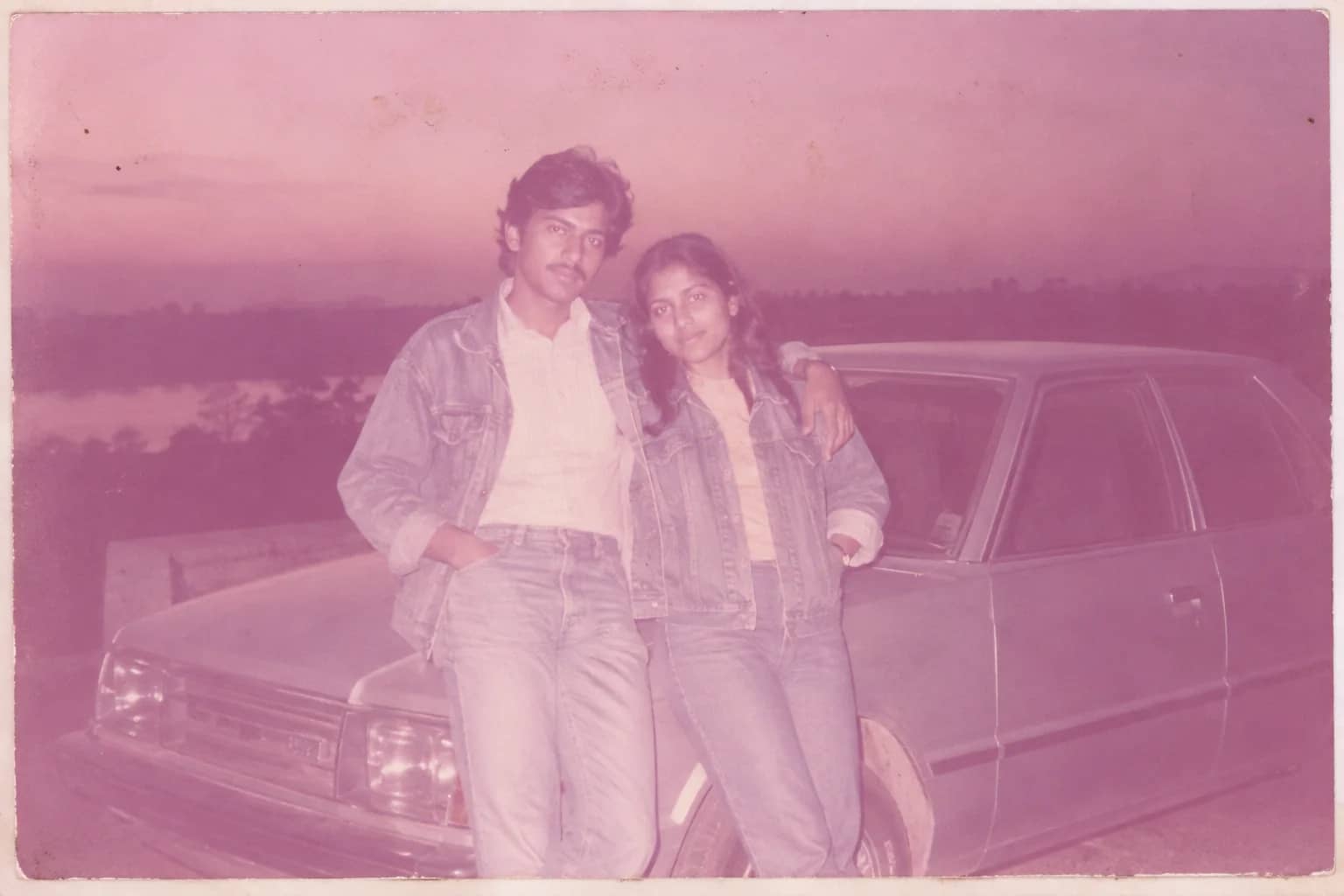
Faded Photo Fixer
Bring back contrast and true color to a yellowed, pink-shifted or bleached print
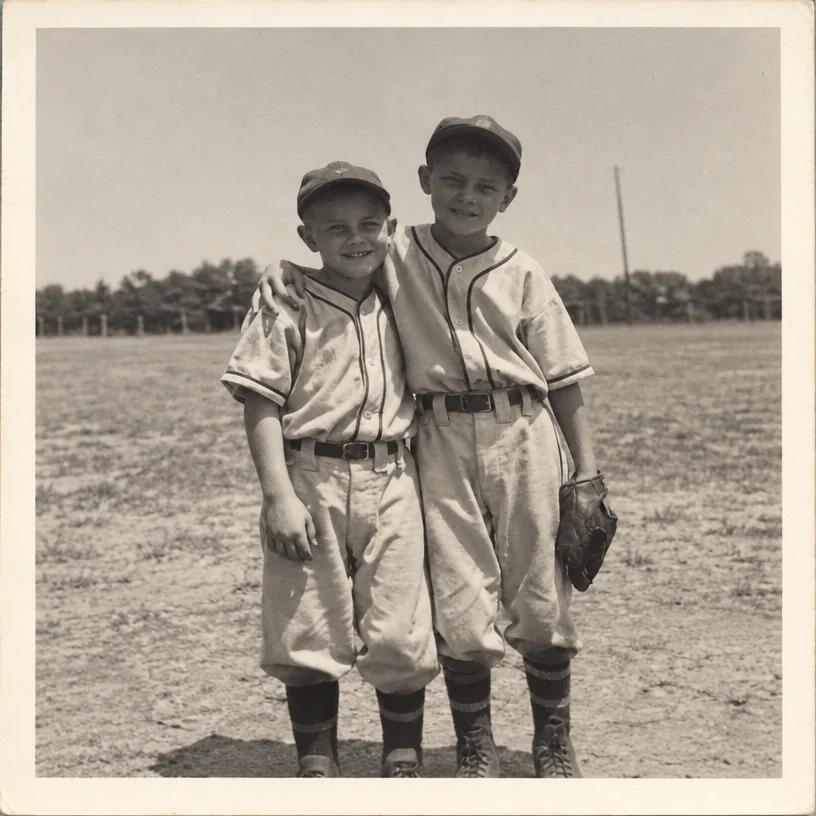
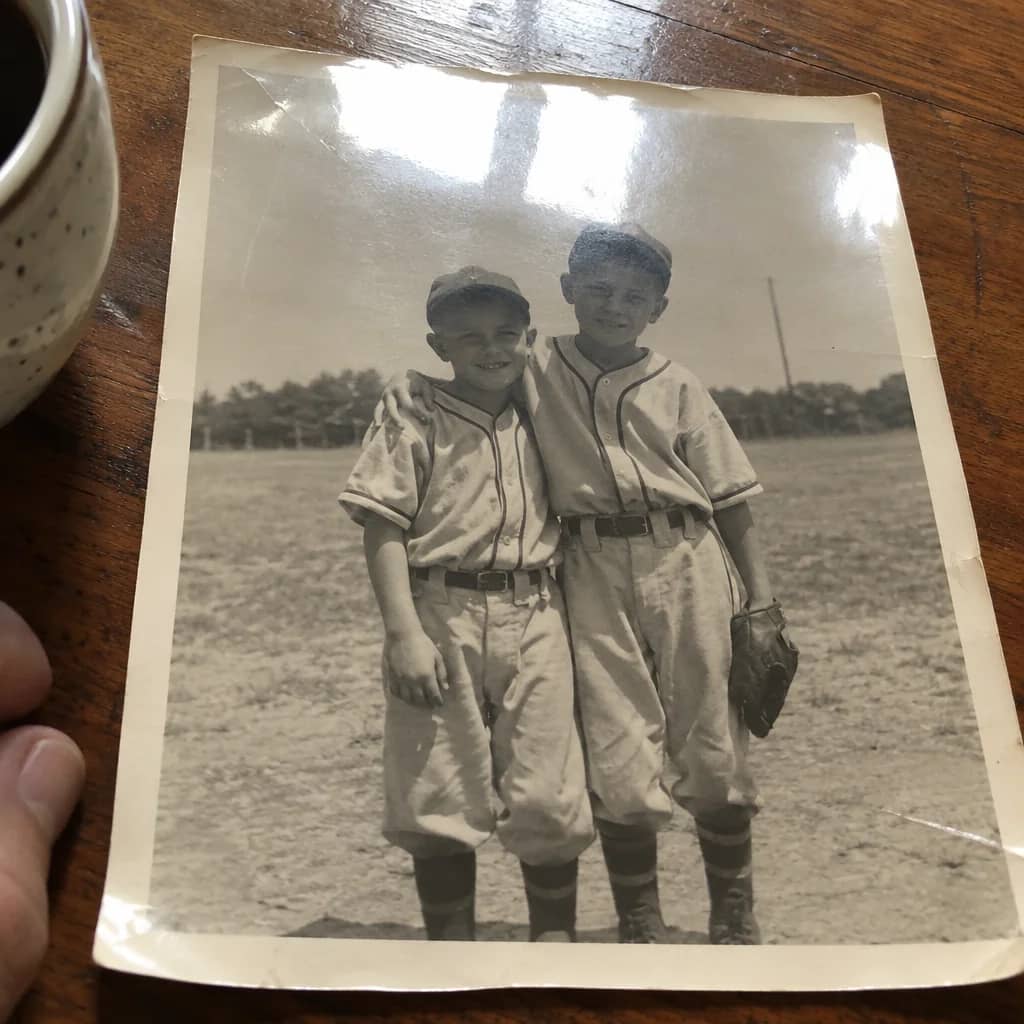
Photo-of-a-Photo Fixer
Turn a phone snap of a print into a flat, square, glare-free copy
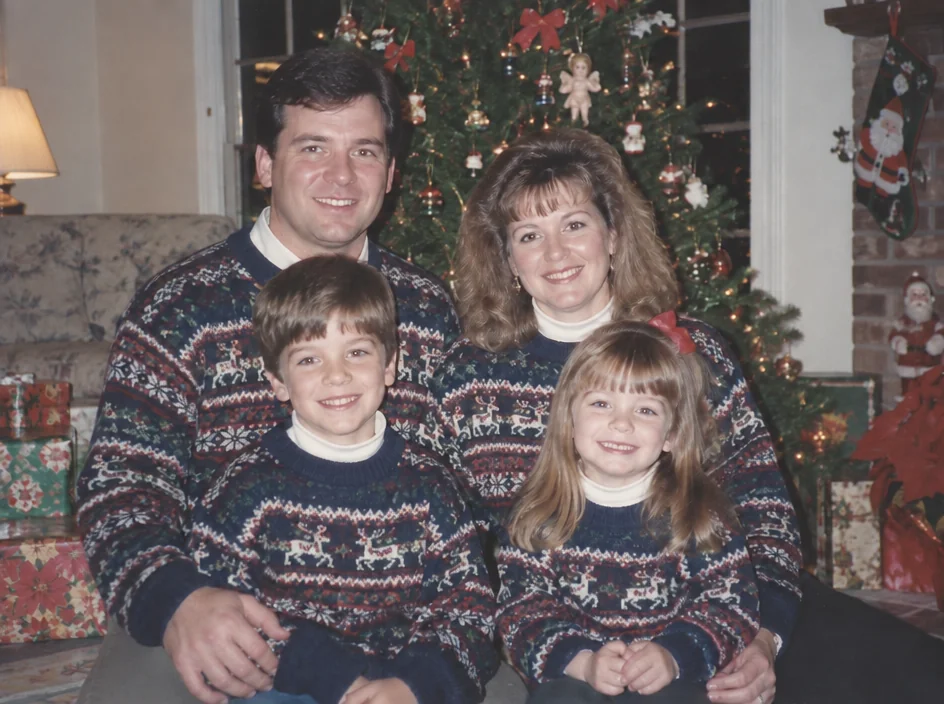
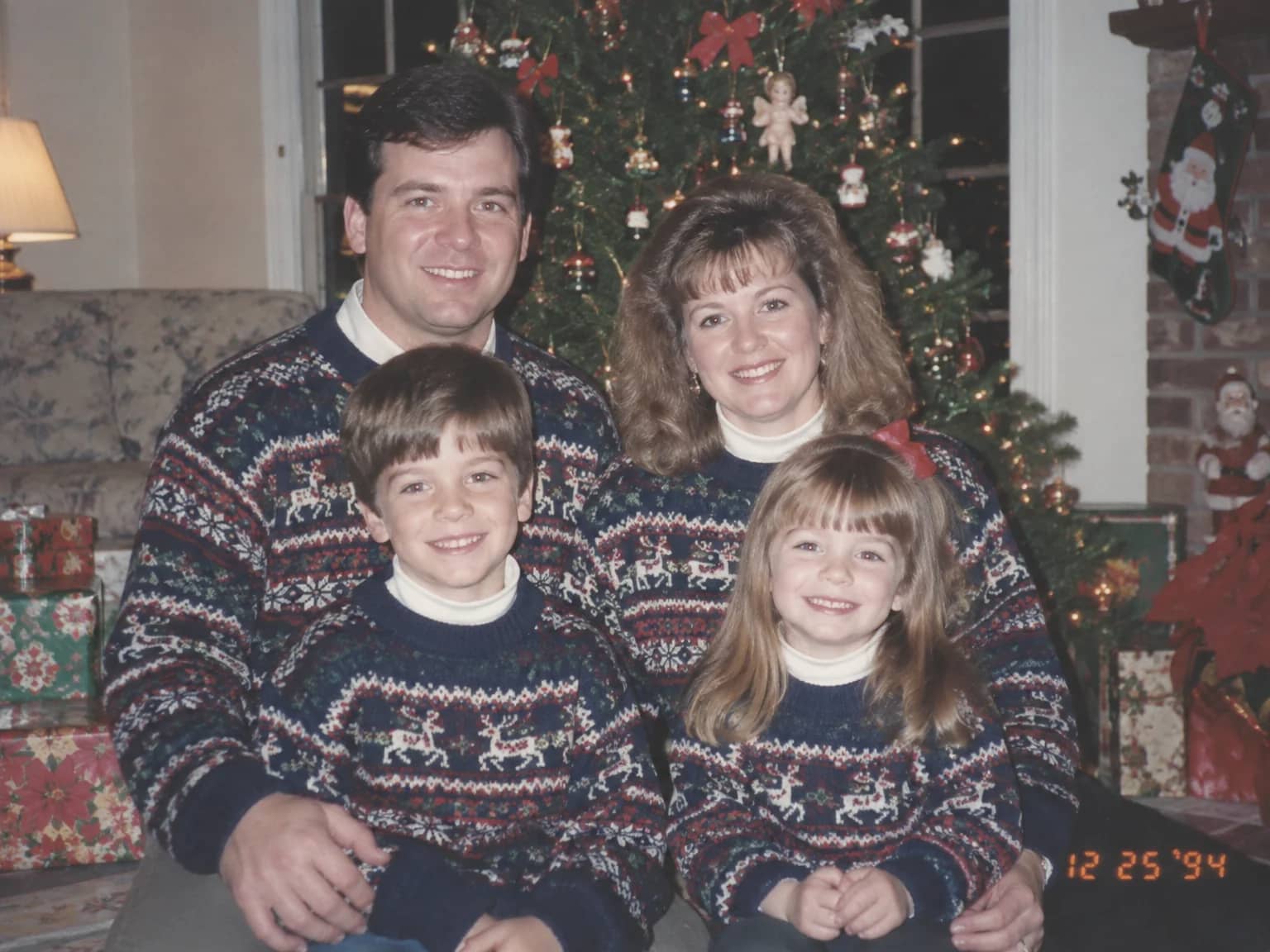
Date Stamp & Writing Remover
Take the orange date stamp, pen marks, stickers and tape off the picture
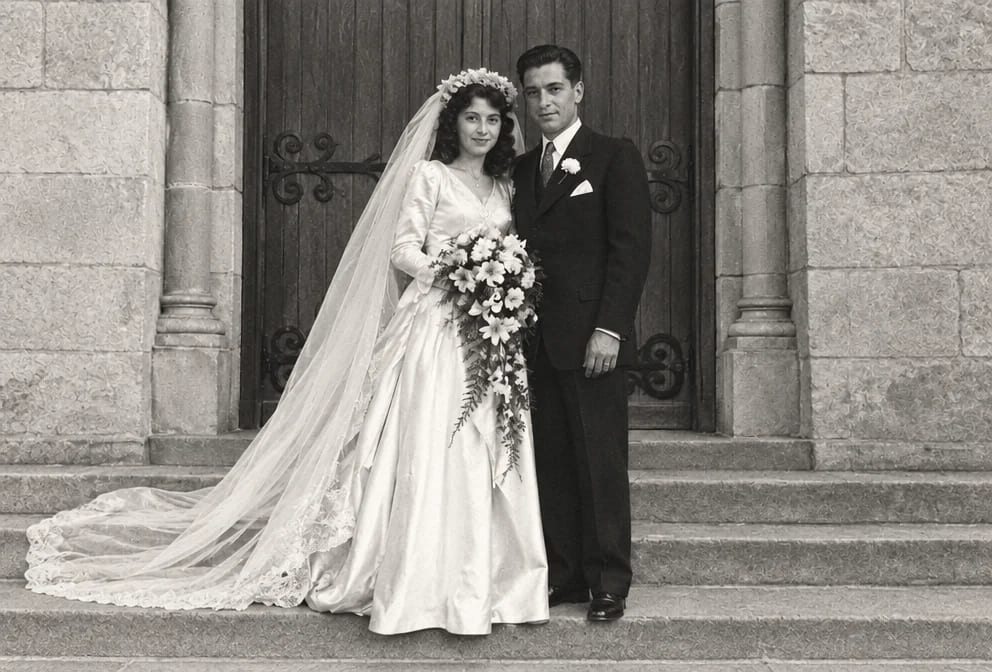
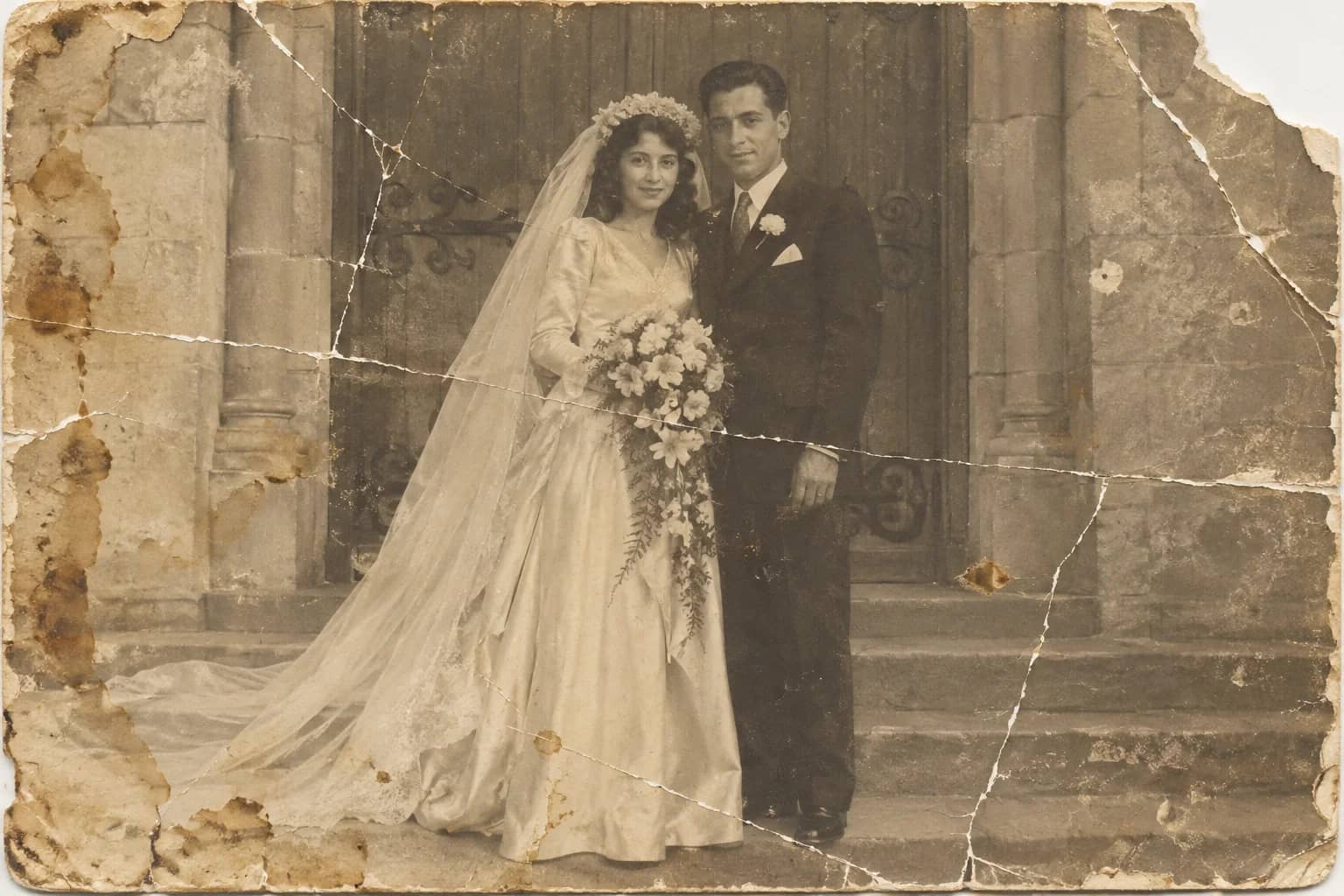
Photo Restoration
One pass that repairs damage, lifts fading and sharpens faces in an old photo