Formats
Photo-of-a-Photo Fixer
Turn a phone snap of a print into a flat, square, glare-free copy
4 free credits to start, enough for one Standard pass of this tool.
- 1Upload the phone photo of the print, taken flat and without flash
- 2Choose the full fix or only the glare or only the straightening
- 3Download the flattened copy and run it through restoration next
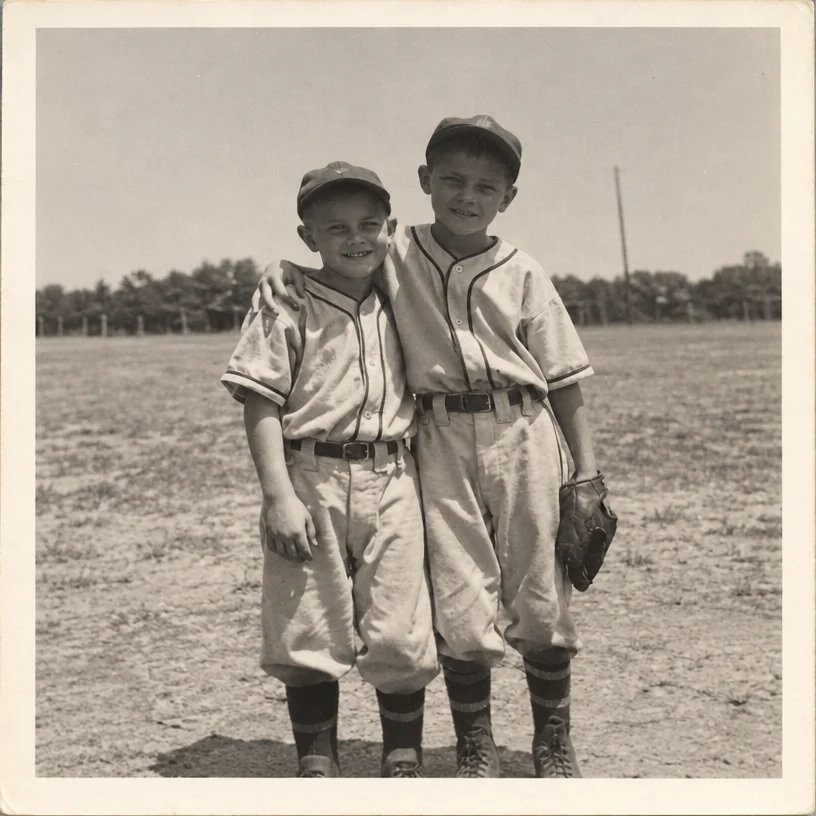
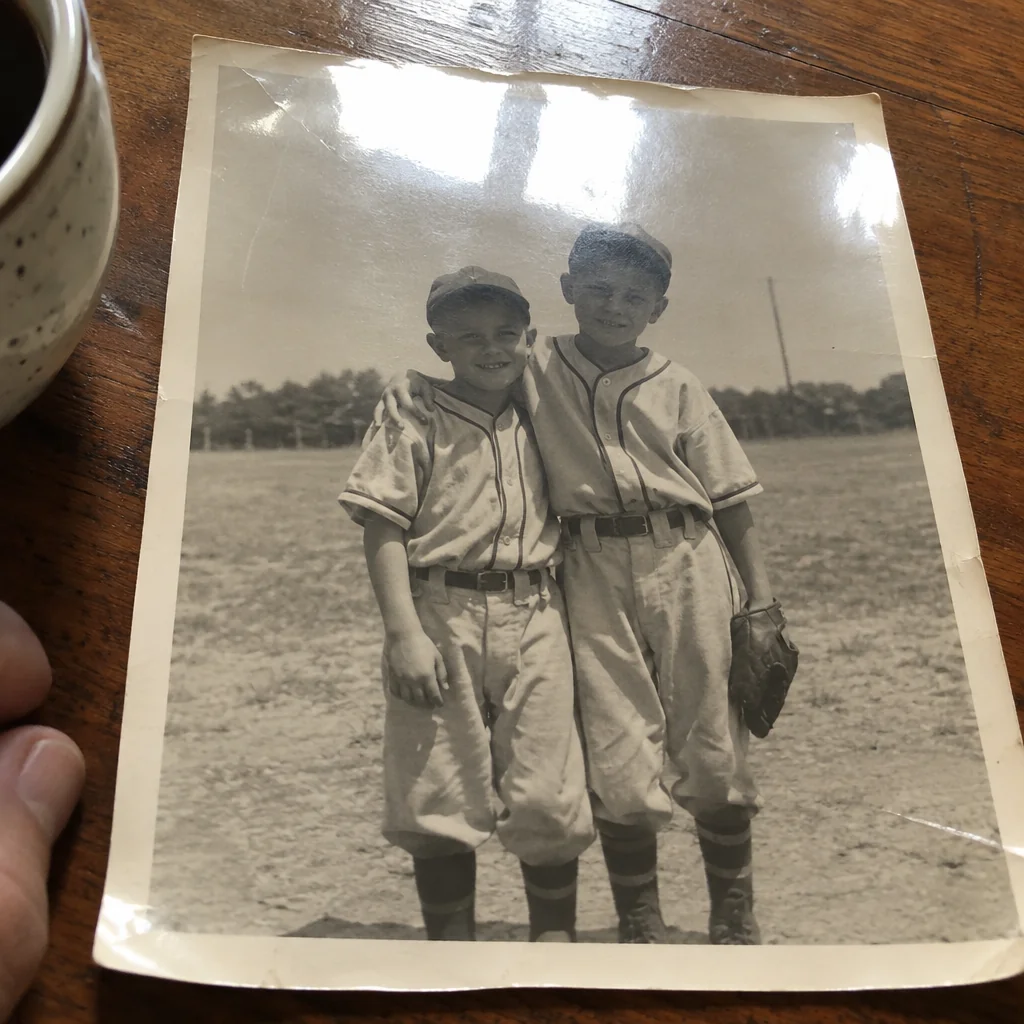
Restored by this tool from the original. Drag the handle to compare before and after.
Most old photographs reach the internet as a phone photo of a print, taken at a relative's kitchen table with the album held open by one hand. It is the practical way to copy a picture you cannot take home, and it comes with a set of predictable problems: the print is a trapezoid because the phone was not directly above it, a window or ceiling light has left a bright smear across the glossy surface, the edges show the tablecloth and a thumb, and the whole thing has a color cast from the room. The Photo-of-a-Photo Fixer turns that snapshot into something closer to a scan: only the print, squared up, flat, with the glare and reflections gone and the surroundings cropped away.
The Fix select chooses how much to do. Crop, straighten & de-glare is the full treatment and the default. Glare only leaves the framing as it is and removes the reflections, sheen and shadows, which suits a photo that was already taken straight on. Crop & straighten only corrects the perspective and trims the surroundings while leaving the lighting alone, useful when the print was photographed in flat light through glass and the only problem is the angle. The print's own content, including whatever damage it carries, is kept unchanged; this tool fixes the copying, not the print. Which one to choose depends on how the photo was taken: a straight-on shot under a window wants Glare only, an angled shot in even light wants Crop & straighten only.
A better phone photo makes a better result. Lay the print flat, stand so that no lamp or window is reflected in it, turn off the flash, and fill the frame with the print. Results come back in seconds at the shape the AI finds for the print. From here the picture can go straight into Photo Restoration or any of the repair tools, which is the workflow this tool exists to make possible. For an album page, photograph each print on its own rather than the whole spread, so the AI has one clear subject. Where a print sits under a plastic sleeve, slide it out if you can; the sleeve adds a haze that no correction fully removes.
Credits per pass
| Tier | Credits | Good for |
|---|---|---|
| Standard | 4 | The print at screen size, quick repairs |
| Pro | 12 | More of the scan is sent, finer faces and texture |
| Max | 44 | The full scan, every readable detail kept for print |
What you can tell it
- Phone photo of the print
- FixCrop, straighten & de-glareGlare onlyCrop & straighten only
- Result · Same ratio as the original
In the Studio
- Pass the result into any other tool without uploading again
- Standard, Pro and Max tiers, with the cost shown before you run
- Every restoration kept in your library beside its original
- Upscale to 32 MP for framing, or make a short moving version
About this tool
Often used next
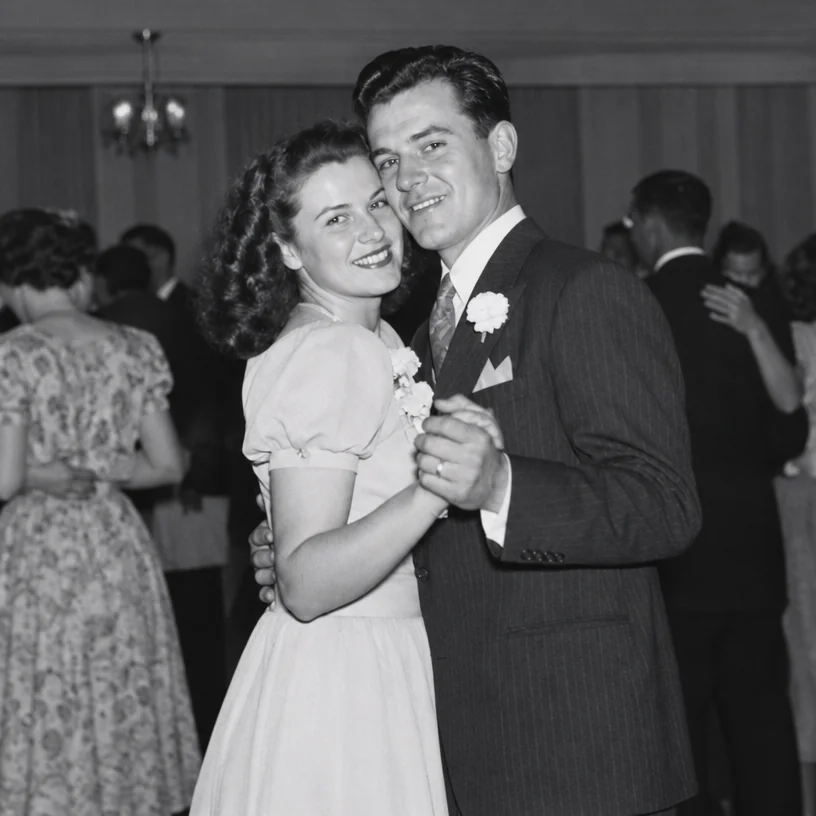
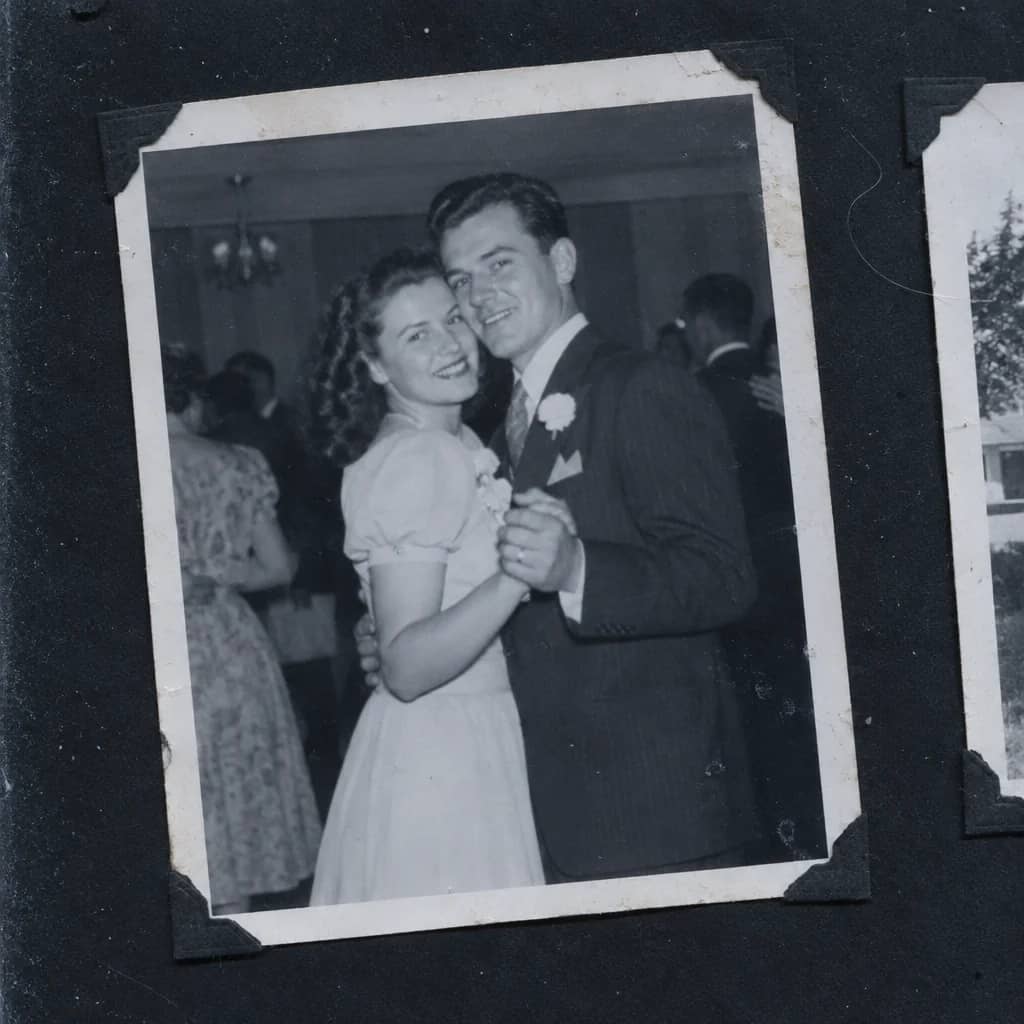
Scan Cleanup
Crop, straighten and de-dust a flatbed scan and remove the scanner's cast
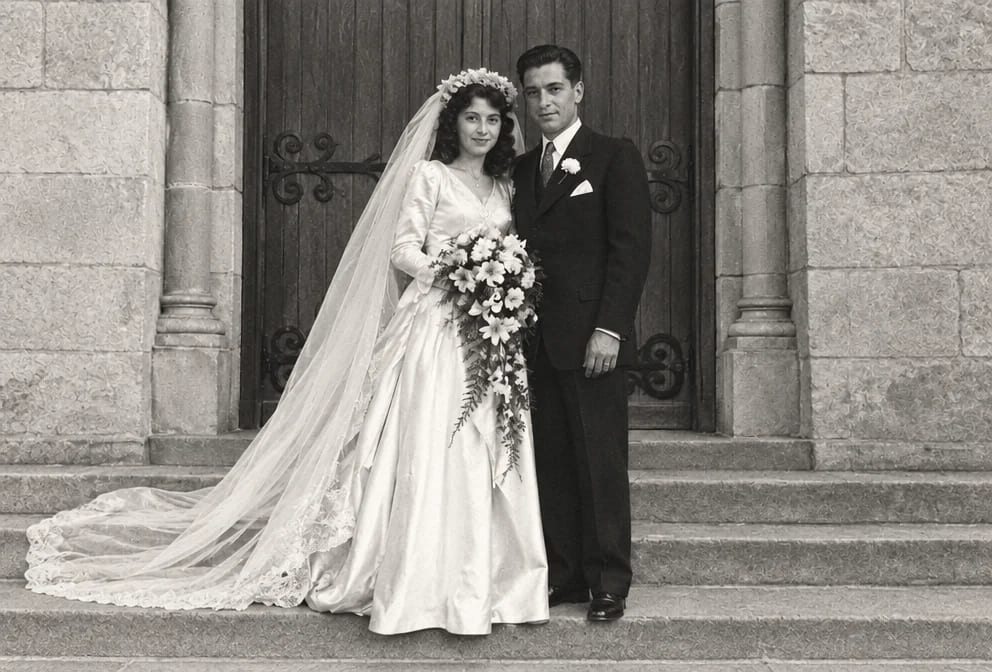
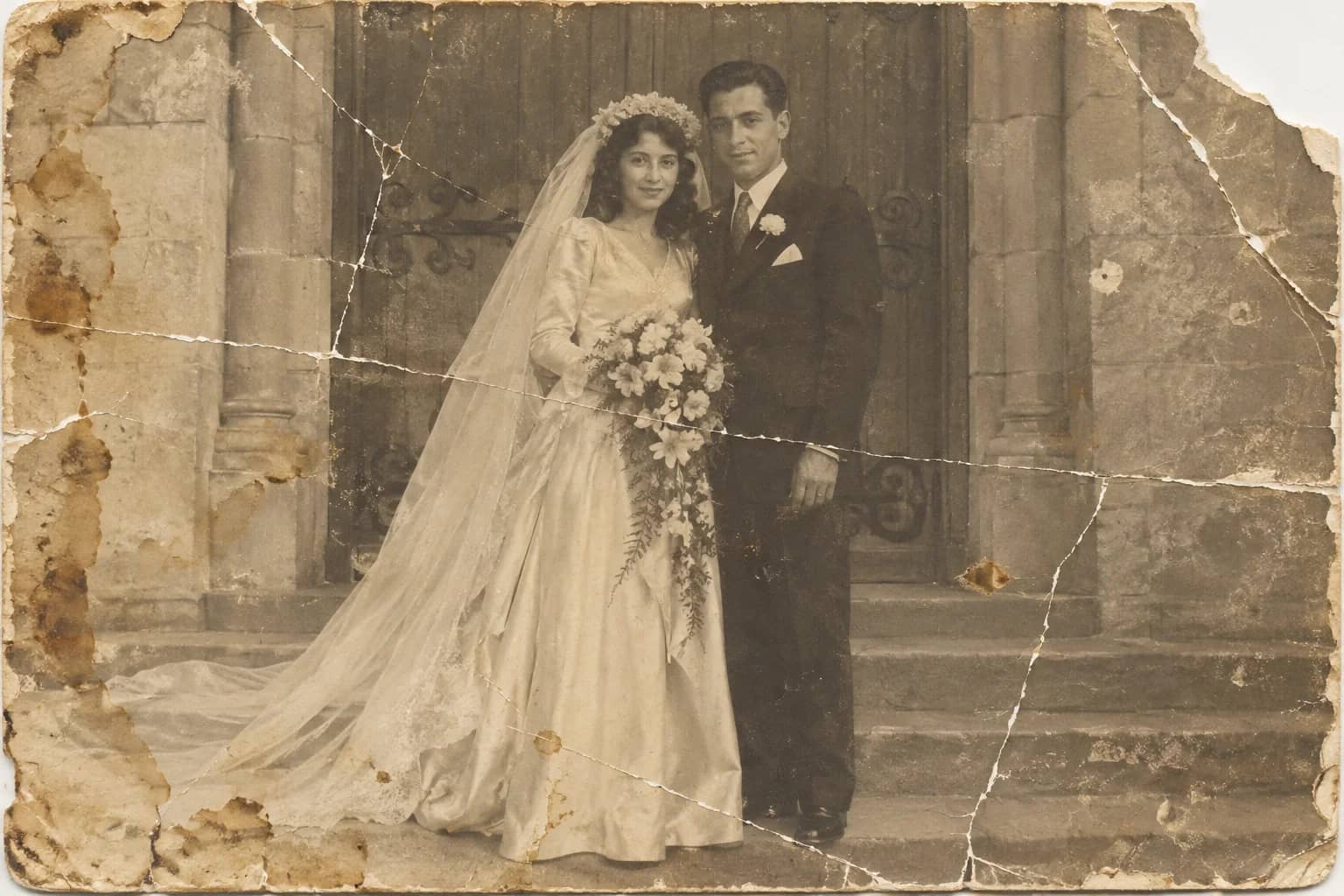
Photo Restoration
One pass that repairs damage, lifts fading and sharpens faces in an old photo
Polaroid Restoration
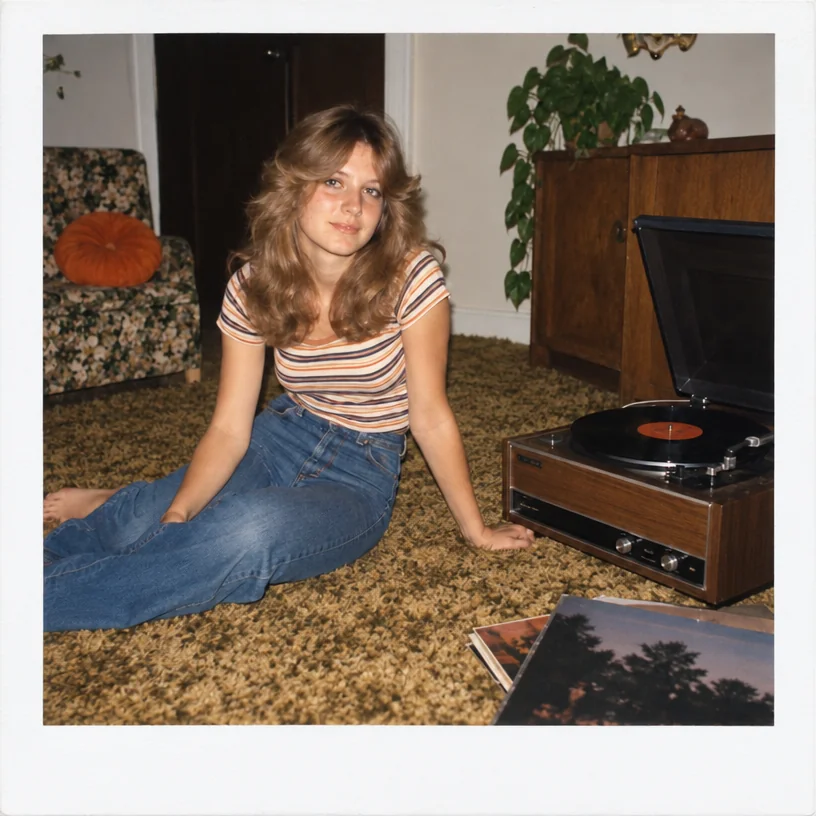
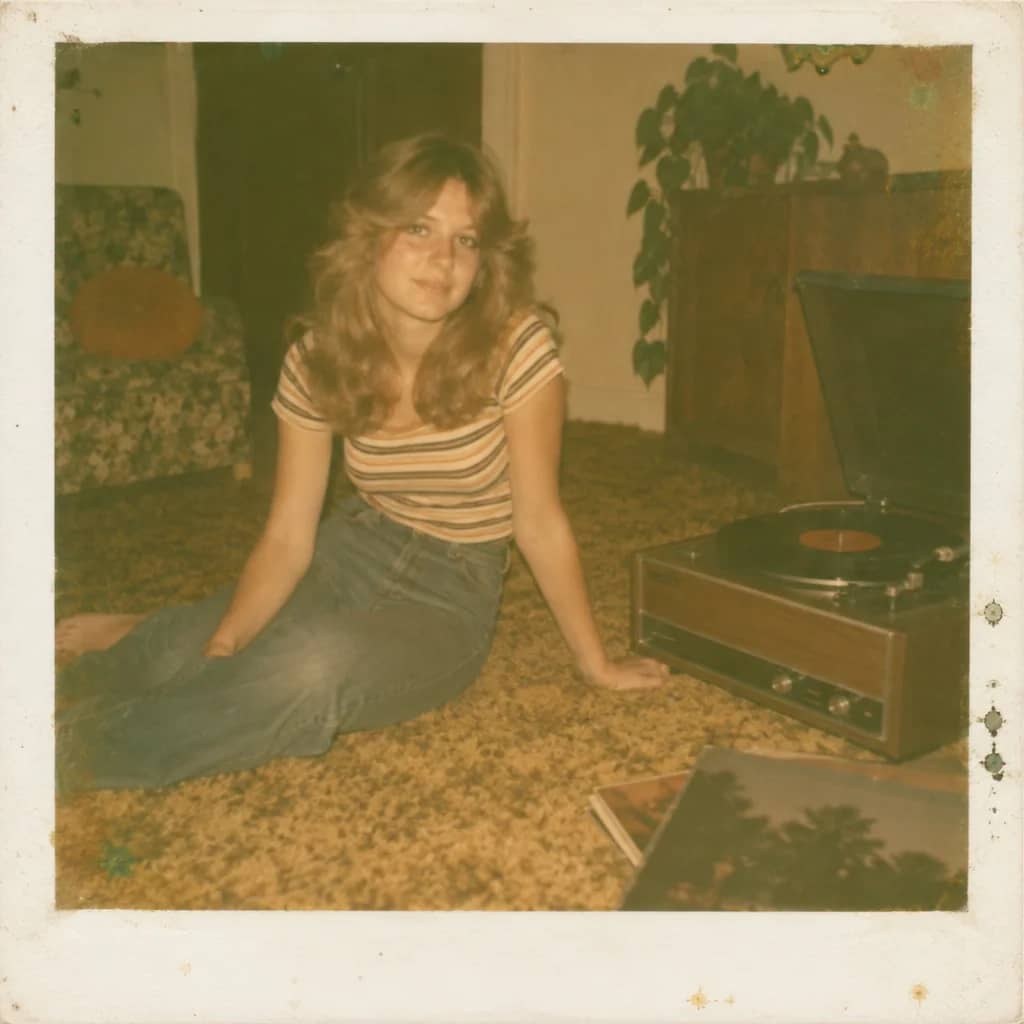
Undo the yellow-green drift and chemical blotches of an old instant photo
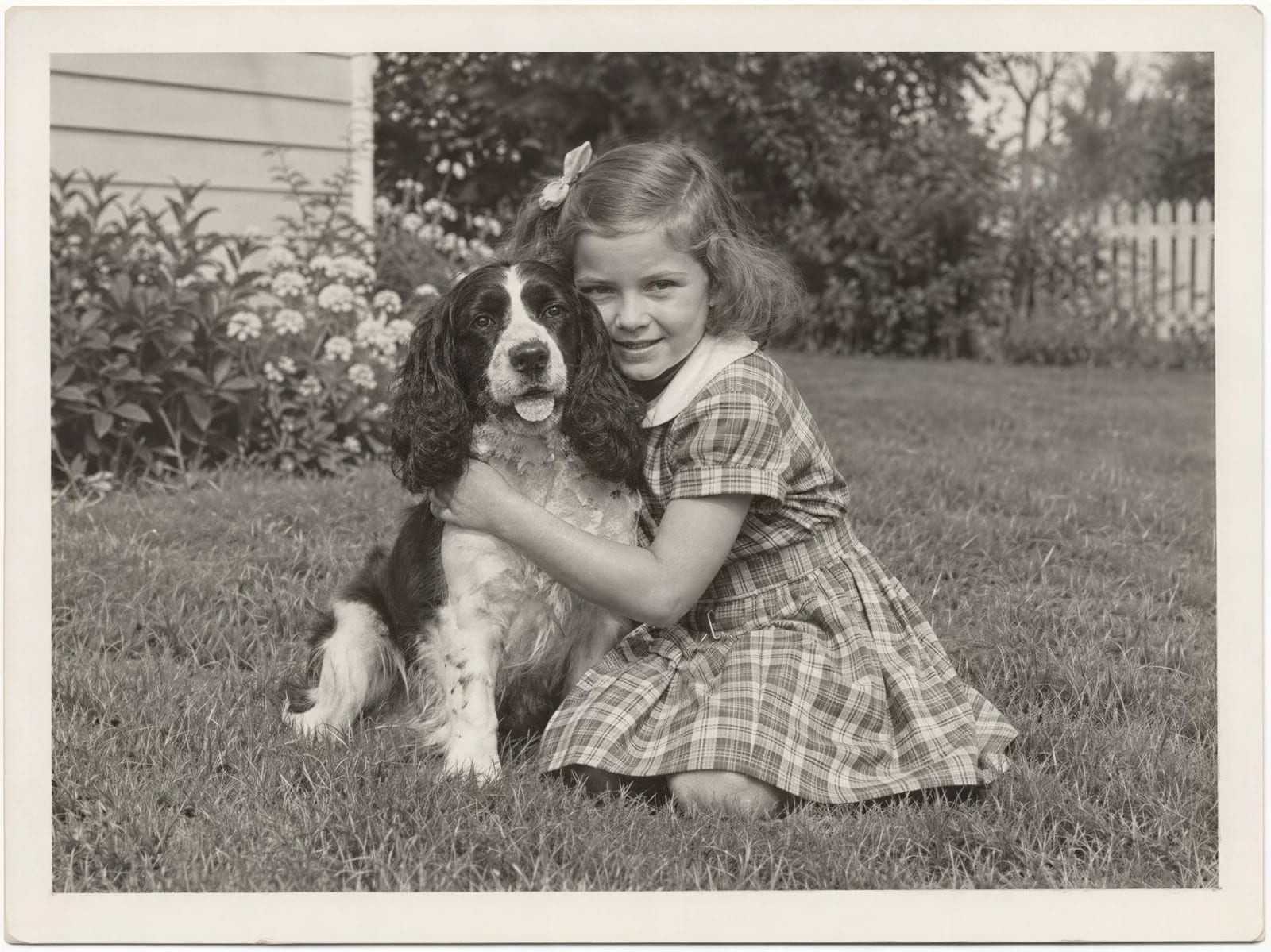
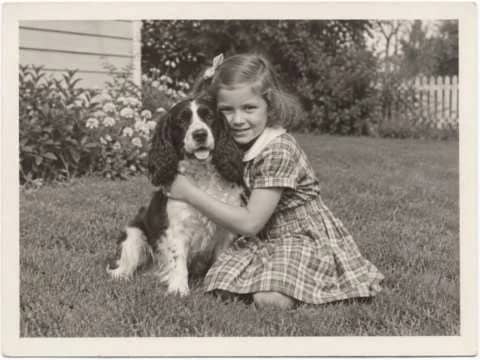
Image Upscaler
Enlarge a restored photo for reprinting, from a small scan up to 32 megapixels