Repair
Red-Eye Removal
Give flash-lit red pupils their natural dark center and real iris color back
4 free credits to start, enough for one Standard pass of this tool.
- 1Upload the flash photo with red pupils
- 2Let the AI find and correct every affected eye
- 3Download the photo, then soften the flash with the Exposure Fixer if needed
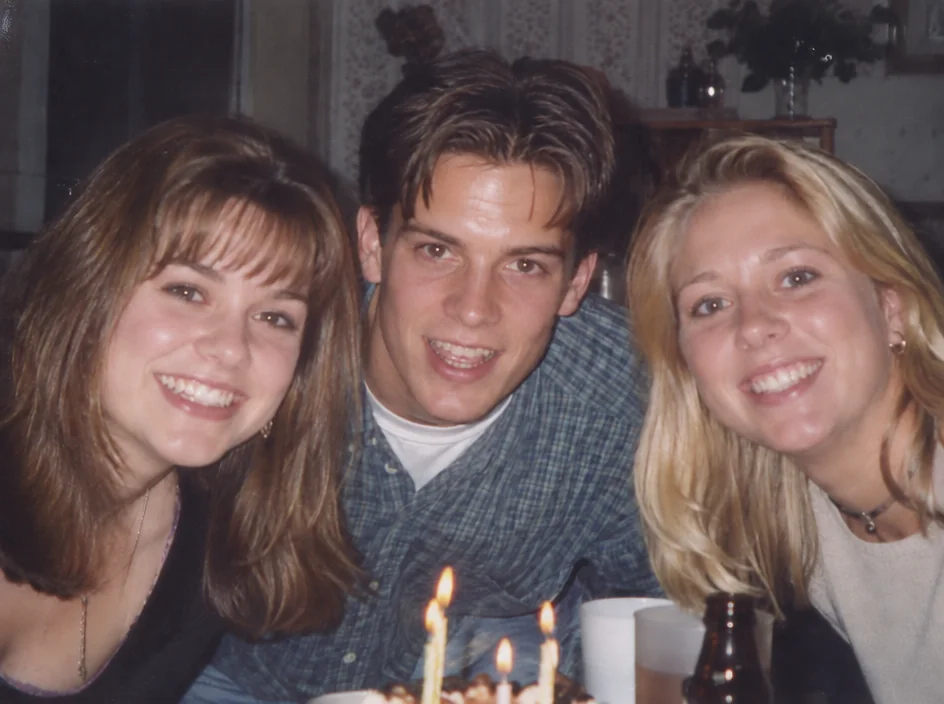
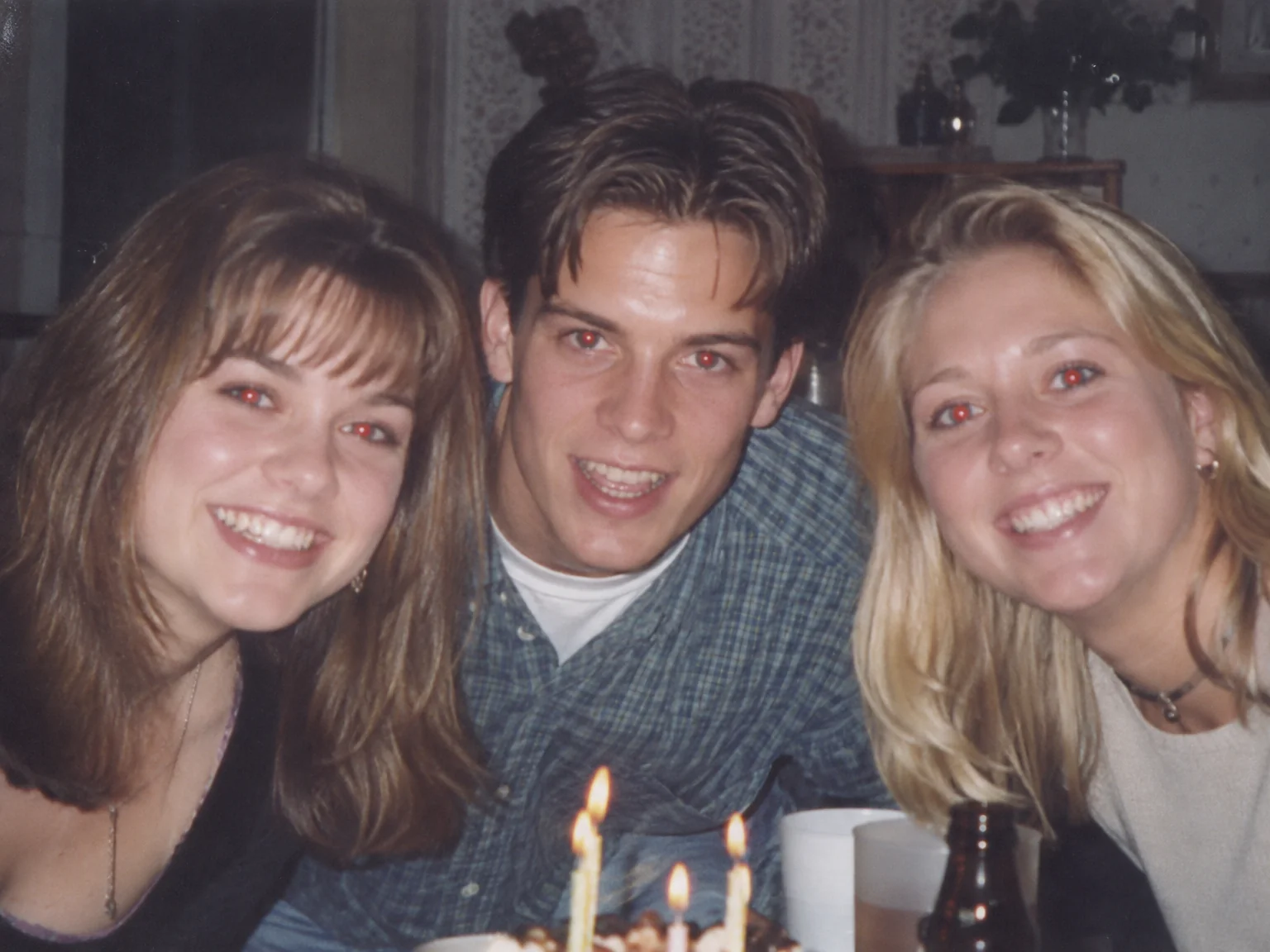
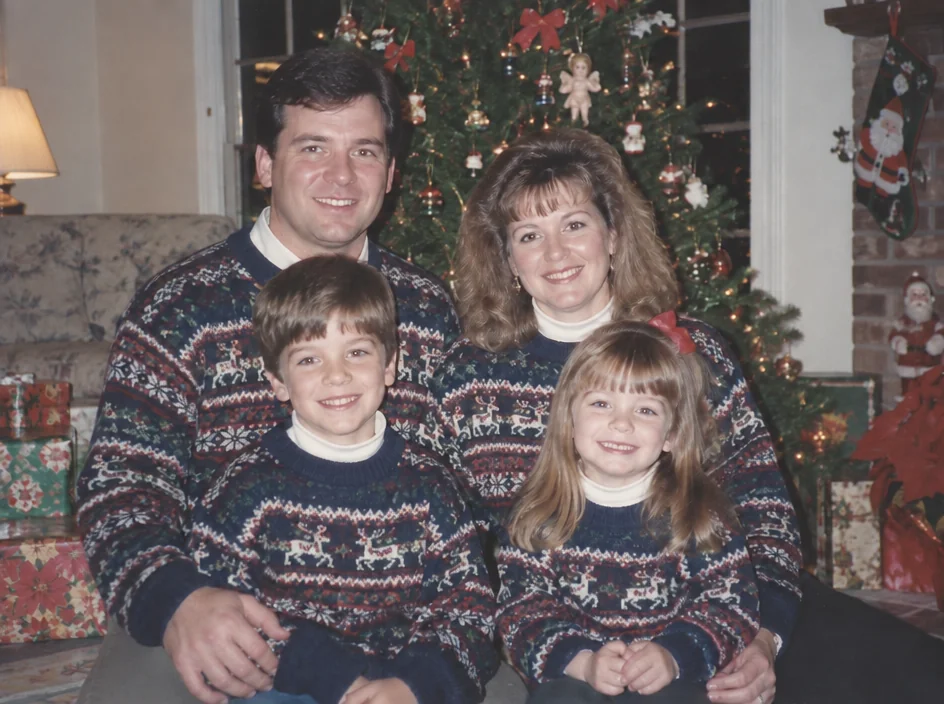
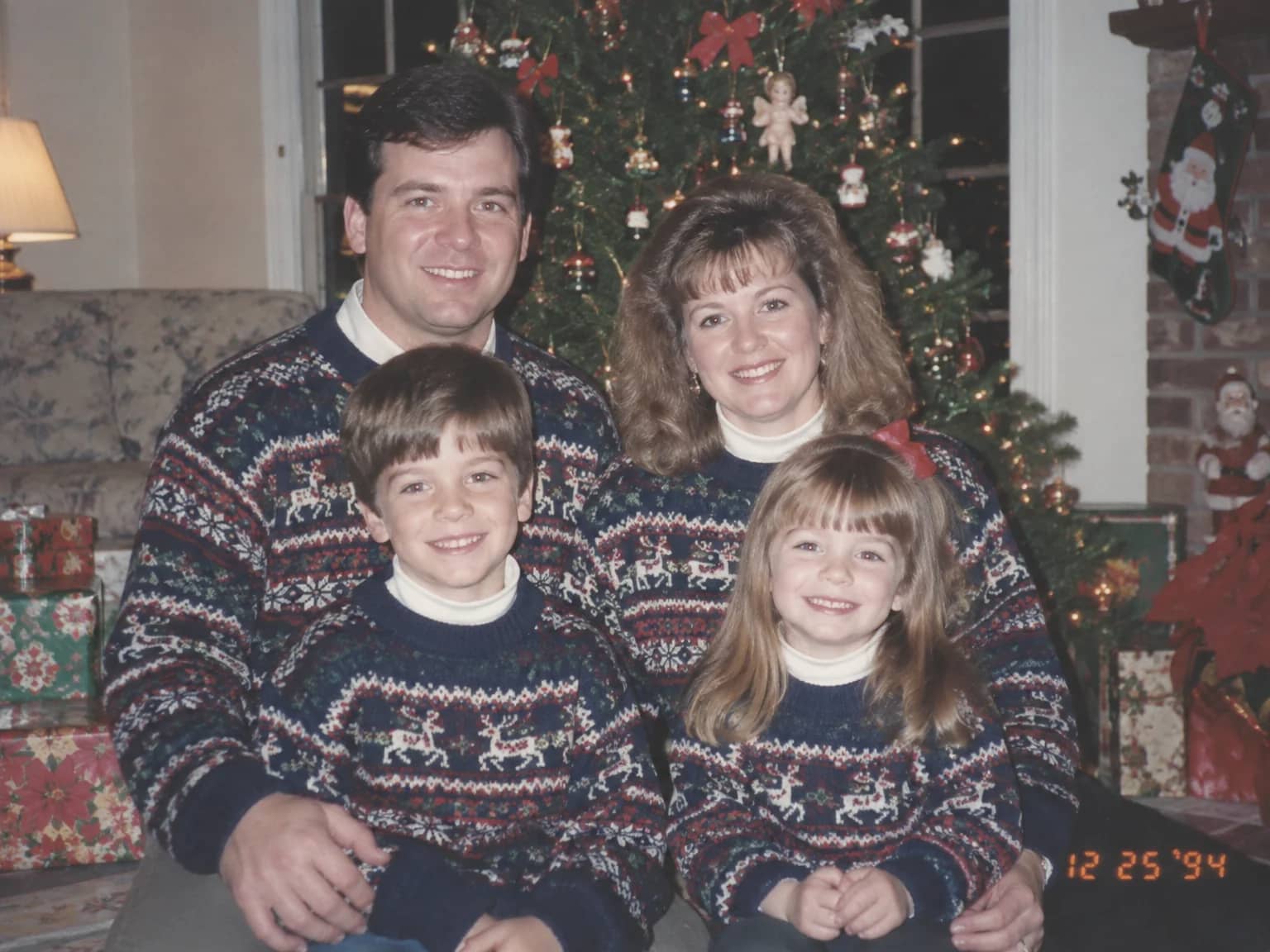
Restored by this tool from the original. Drag the handle to compare before and after.
Red-eye is the mark of a certain kind of photograph: a compact camera, a flash mounted close to the lens, a dim room, and everybody looking straight at it. The flash lights up the blood vessels at the back of the eye before the pupil has a chance to close, and the print comes back with glowing red pupils on the whole family. Christmas mornings, birthday cakes, the 1980s and 1990s in general. Red-Eye Removal restores what the eyes actually looked like: a natural dark pupil, the person's own iris color around it, and a small catchlight so the eye still looks alive rather than painted black. The correction is small and local, and the rest of the photograph is not touched at all.
There are no options to set, because there is only one right answer. The AI finds every affected eye in the frame, including pets whose eyes tend to glow green or white rather than red, and corrects each one while leaving everything else alone. It is told to keep the person's real iris color, which it infers from any part of the iris that survived the flash and from the person's coloring, so a blue-eyed child does not come back brown-eyed. Expression, eyelids, lashes and everything around the eyes stay as photographed. A room full of people all looking at the camera is handled in one pass, with each pair of eyes corrected on its own, and the odd person who blinked or looked away is left as they were.
This works on a scan of a print, on a scan of a negative, and on an original digital file from an early camera. Results keep the shape of the upload and return in seconds. Because a flash photo often has a washed-out face and a hard shadow behind it as well, the Exposure Fixer on its Harsh flash setting is a natural second step, and the Studio can chain the two. Prints from that era were often small and glossy, so a scan at 600 dpi is worth the trouble; it gives each eye enough pixels for the AI to place a natural pupil and catchlight rather than a dark dot. The original file is kept as uploaded, so nothing is lost by trying.
Credits per pass
| Tier | Credits | Good for |
|---|---|---|
| Standard | 4 | The print at screen size, quick repairs |
| Pro | 12 | More of the scan is sent, finer faces and texture |
| Max | 44 | The full scan, every readable detail kept for print |
What you can tell it
- Flash photo
- Result · Same ratio as the original
In the Studio
- Pass the result into any other tool without uploading again
- Standard, Pro and Max tiers, with the cost shown before you run
- Every restoration kept in your library beside its original
- Upscale to 32 MP for framing, or make a short moving version
About this tool
Often used next
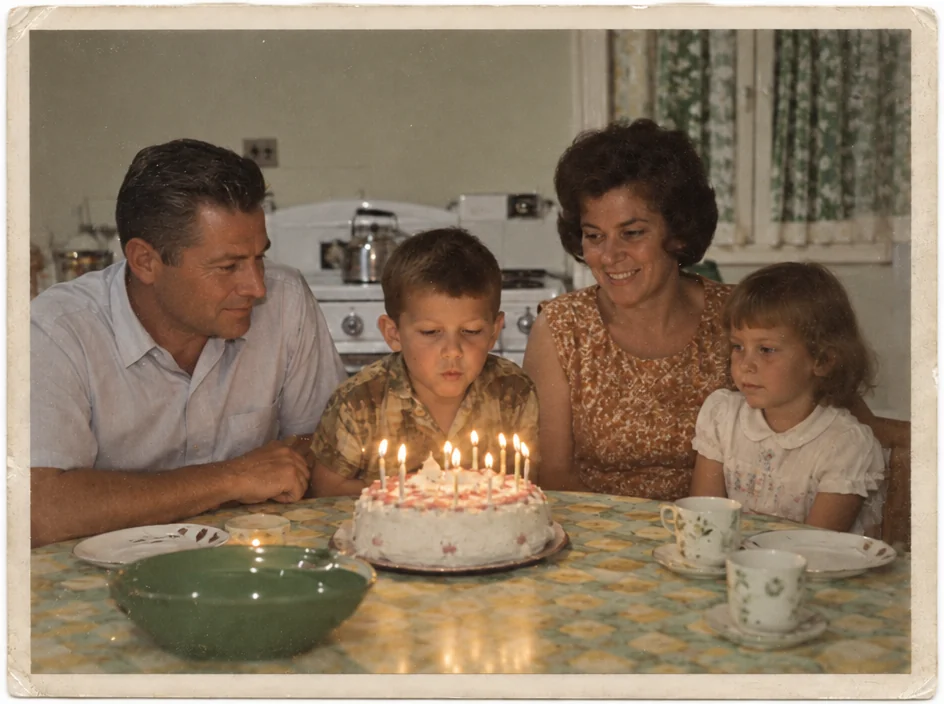
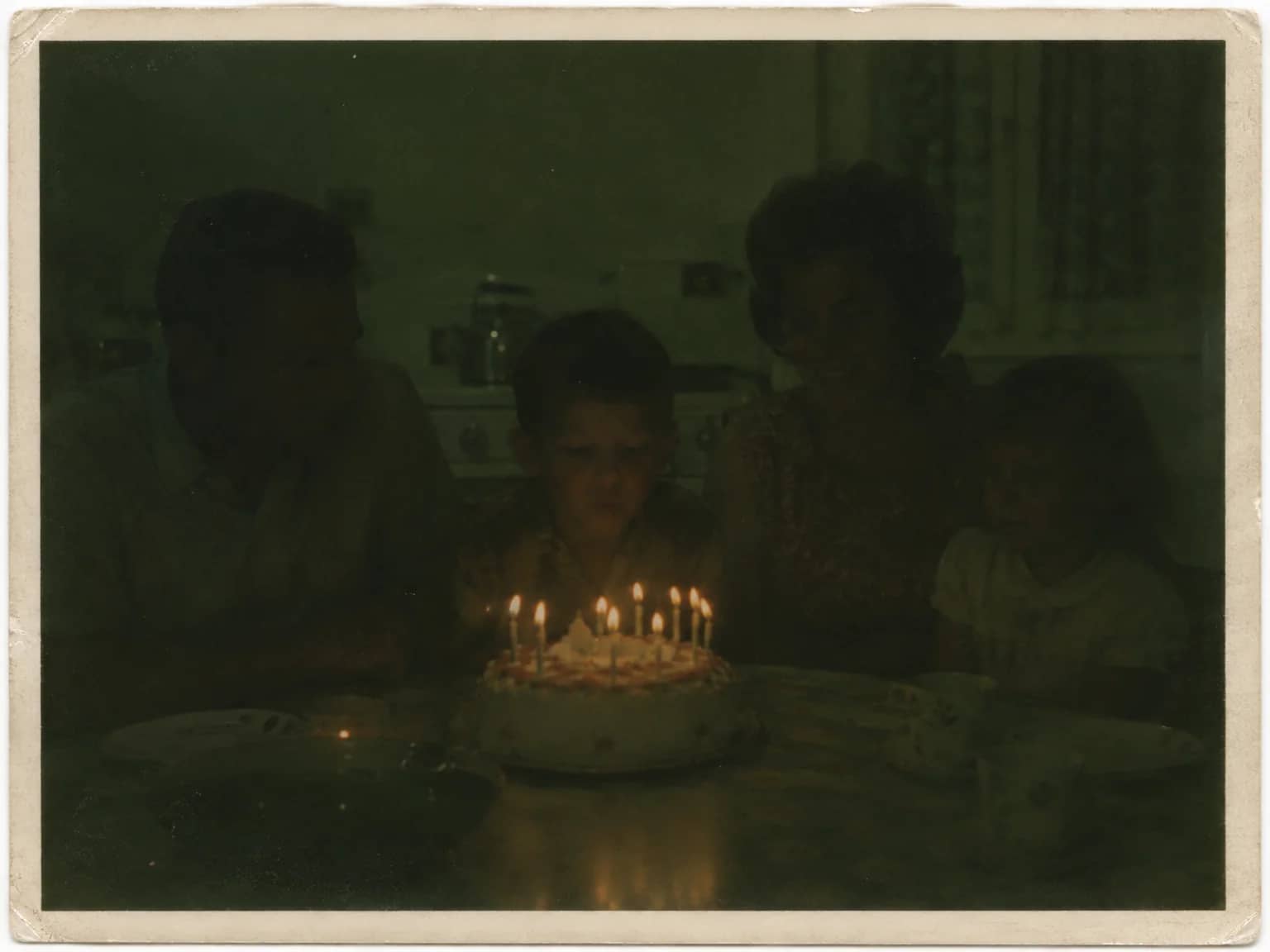
Exposure Fixer
Recover a too-dark, too-bright, flash-lit or backlit photo without an HDR look
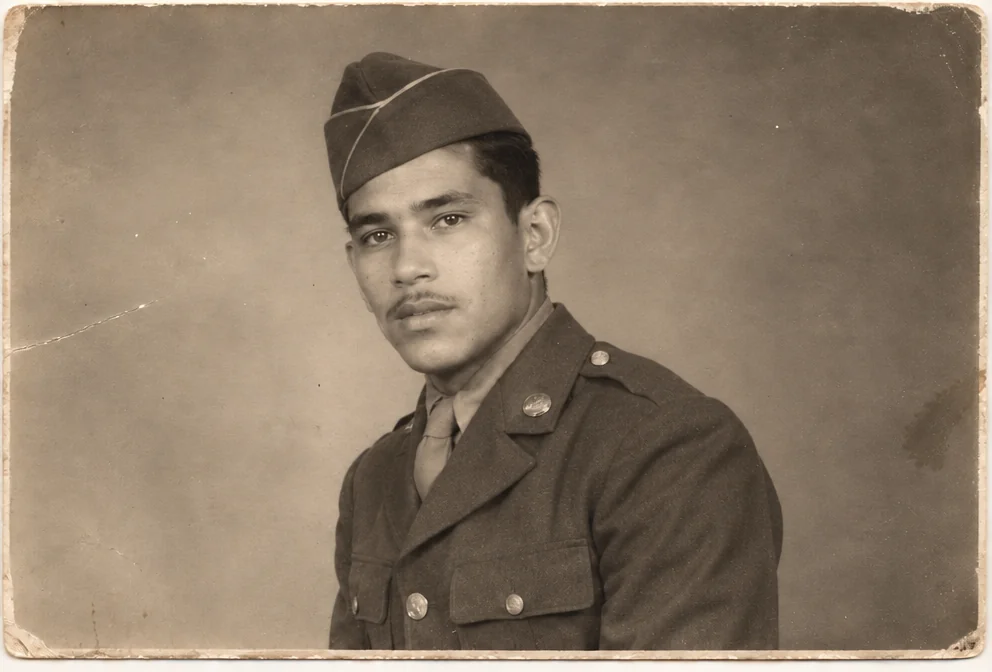
Face Restoration
Recover eyes, skin and hair in soft or tiny faces while keeping the person
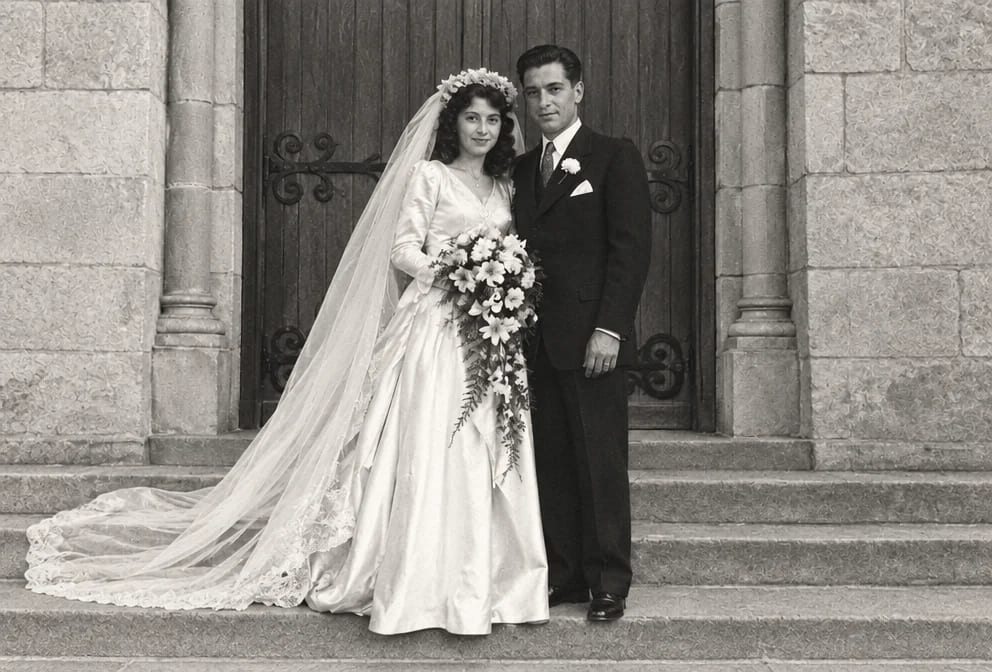
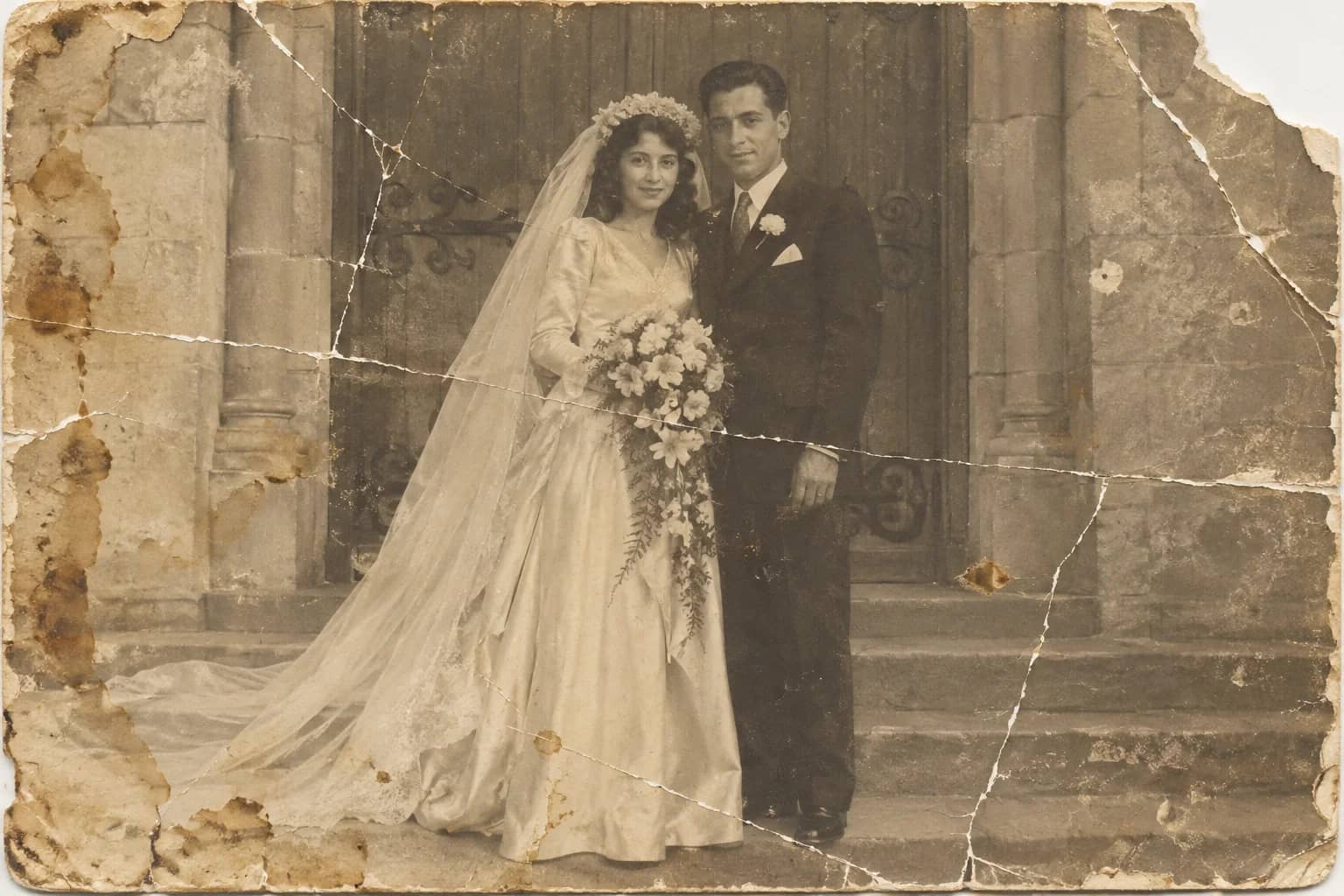
Photo Restoration
One pass that repairs damage, lifts fading and sharpens faces in an old photo
Date Stamp & Writing Remover
Take the orange date stamp, pen marks, stickers and tape off the picture