Sharpen & clean
Exposure Fixer
Recover a too-dark, too-bright, flash-lit or backlit photo without an HDR look
4 free credits to start, enough for one Standard pass of this tool.
- 1Upload the dark, bright, flash-lit or backlit photo
- 2Name the problem, or let the AI judge it
- 3Download the balanced photo or pass it to another tool
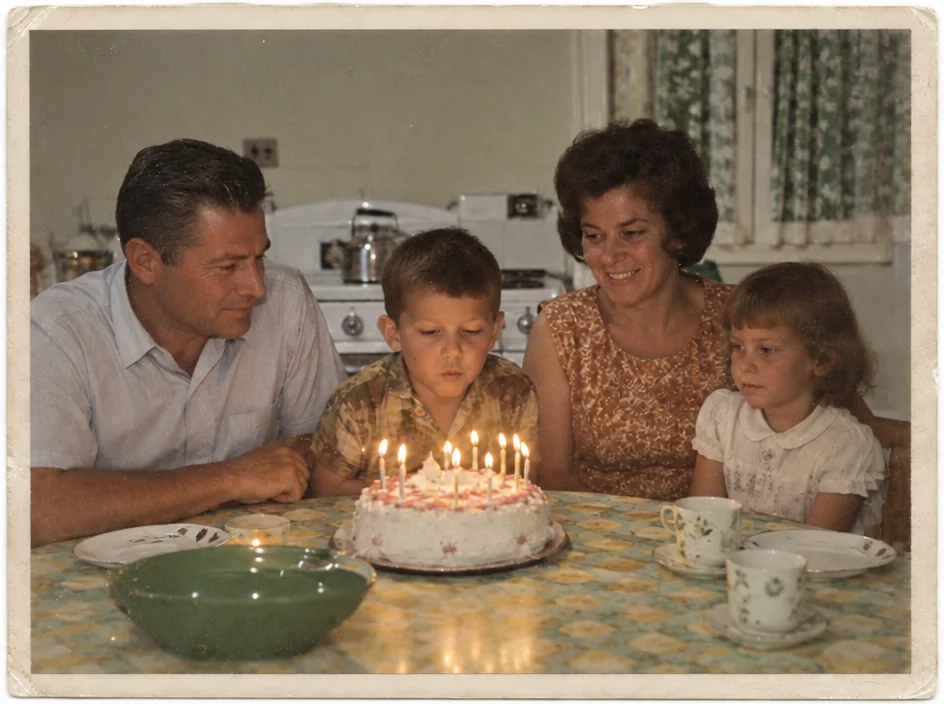
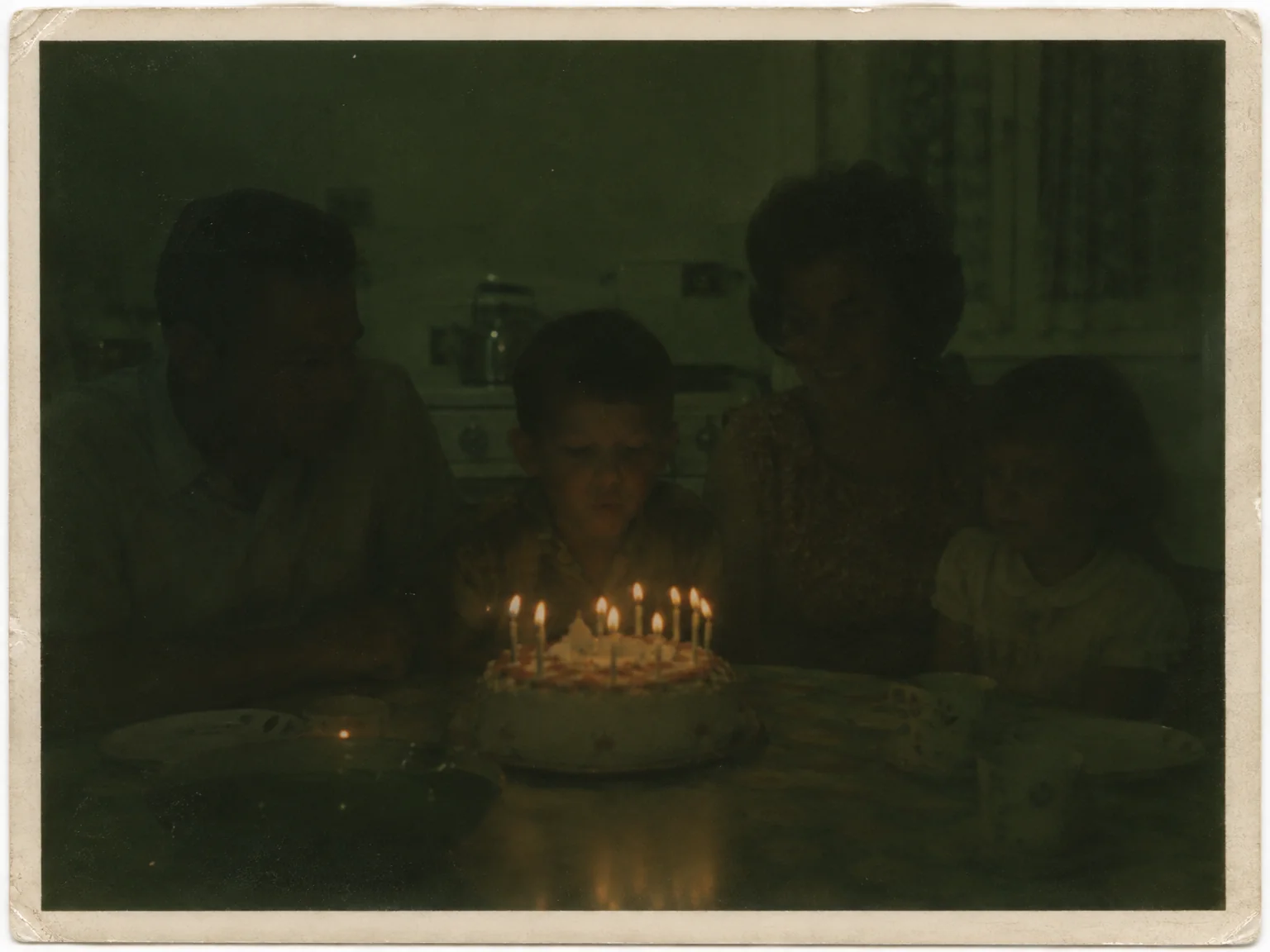
Restored by this tool from the original. Drag the handle to compare before and after.
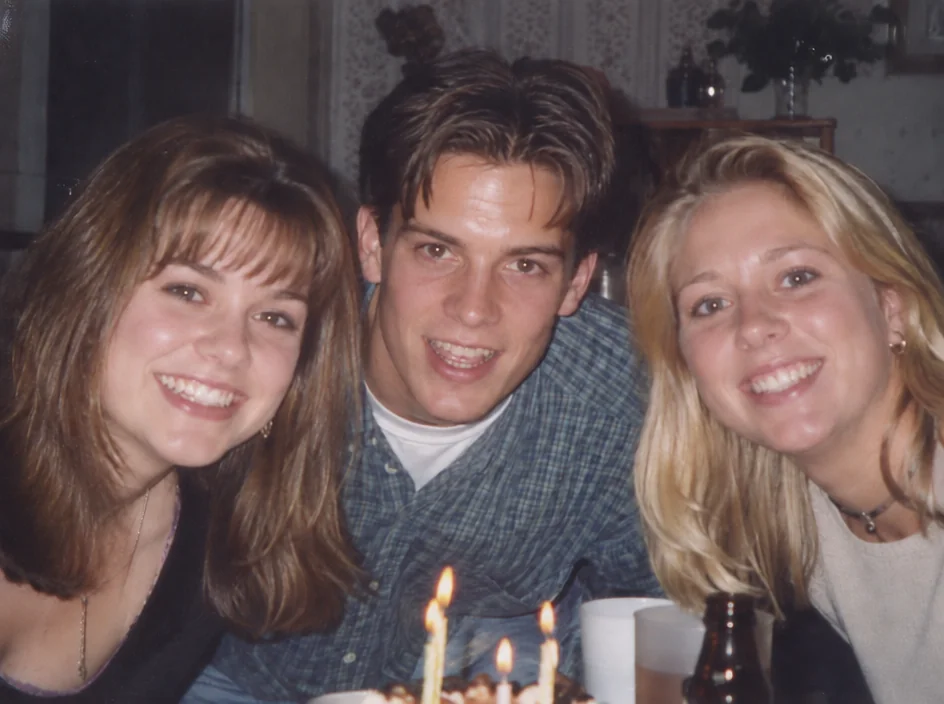
Exposure mistakes are as old as cameras, and film was less forgiving of them than a phone is now. The birthday cake photo taken with the lights off is a dark smear with a few candles in it. The beach photo has a white sky and faces lost in shadow under hats. The party photo is a row of pale, flattened faces with black shadows behind them where the flash hit the wall. The graduation photo was taken with the sun behind the subject, so the building is fine and the graduate is a silhouette. The Exposure Fixer recovers natural detail, balanced contrast and true skin tones from each of these, and it is told to do so without the flat, glowing look that heavy-handed tone mapping produces.
The Problem select names the failure. Too dark lifts the shadows and recovers what was in the dark areas. Too bright / washed out brings back the blown highlights and the washed-out mid-tones. Harsh flash softens the flat, bleached faces of a close on-camera flash and tames the hard shadows behind them. Backlit brightens the shadowed subject while keeping the bright background as it was, which is the hardest of the four because it asks for two different corrections in one frame. Let the AI judge reads the photo and chooses. Whatever the setting, the framing, the people and the scene stay as photographed. A photo with two problems, dark and grainy, or flash-lit and red-eyed, is handled one problem at a time, with the other tools taking their turn afterwards.
There is a limit to what any recovery can do: a highlight that was printed as pure white has no detail left in it, and a shadow that is solid black in the scan carries nothing to lift. Scanning from the negative rather than the print recovers far more in both cases, because negatives hold more range than paper. Results follow the shape of the upload and return in seconds. Black-and-white prints respond as well as color ones; the same shadow lifting and highlight recovery applies to greys. The result keeps grain and sharpness as they were, and a lifted shadow may reveal noise that was hidden in the dark, which the Grain & Noise Remover takes care of next.
Credits per pass
| Tier | Credits | Good for |
|---|---|---|
| Standard | 4 | The print at screen size, quick repairs |
| Pro | 12 | More of the scan is sent, finer faces and texture |
| Max | 44 | The full scan, every readable detail kept for print |
What you can tell it
- Badly exposed photo
- ProblemLet the AI judgeToo darkToo bright / washed outHarsh flashBacklit
- Result · Same ratio as the original
In the Studio
- Pass the result into any other tool without uploading again
- Standard, Pro and Max tiers, with the cost shown before you run
- Every restoration kept in your library beside its original
- Upscale to 32 MP for framing, or make a short moving version
About this tool
Often used next
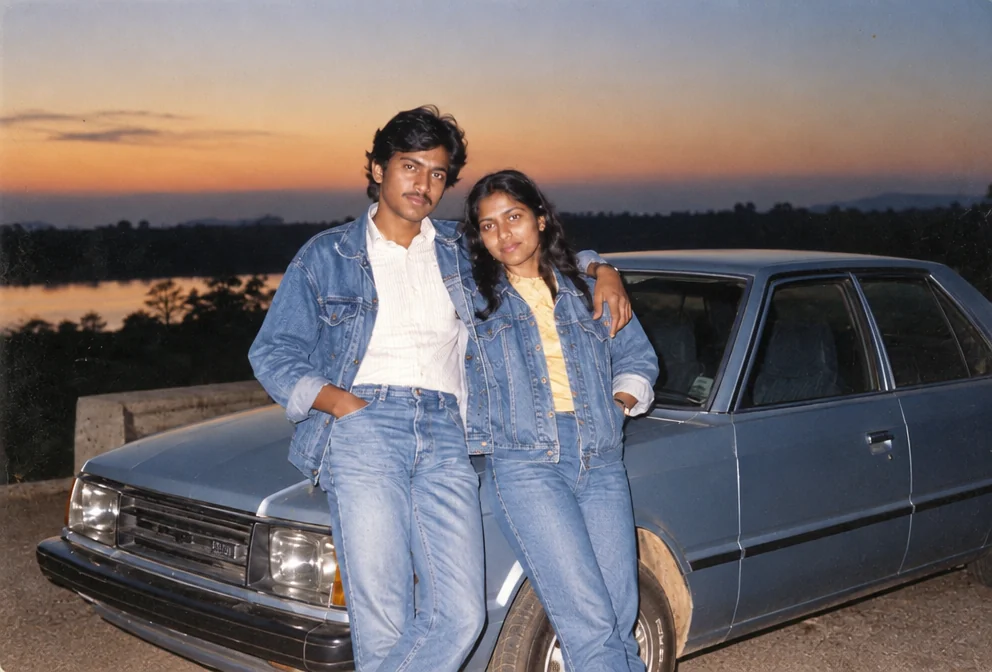
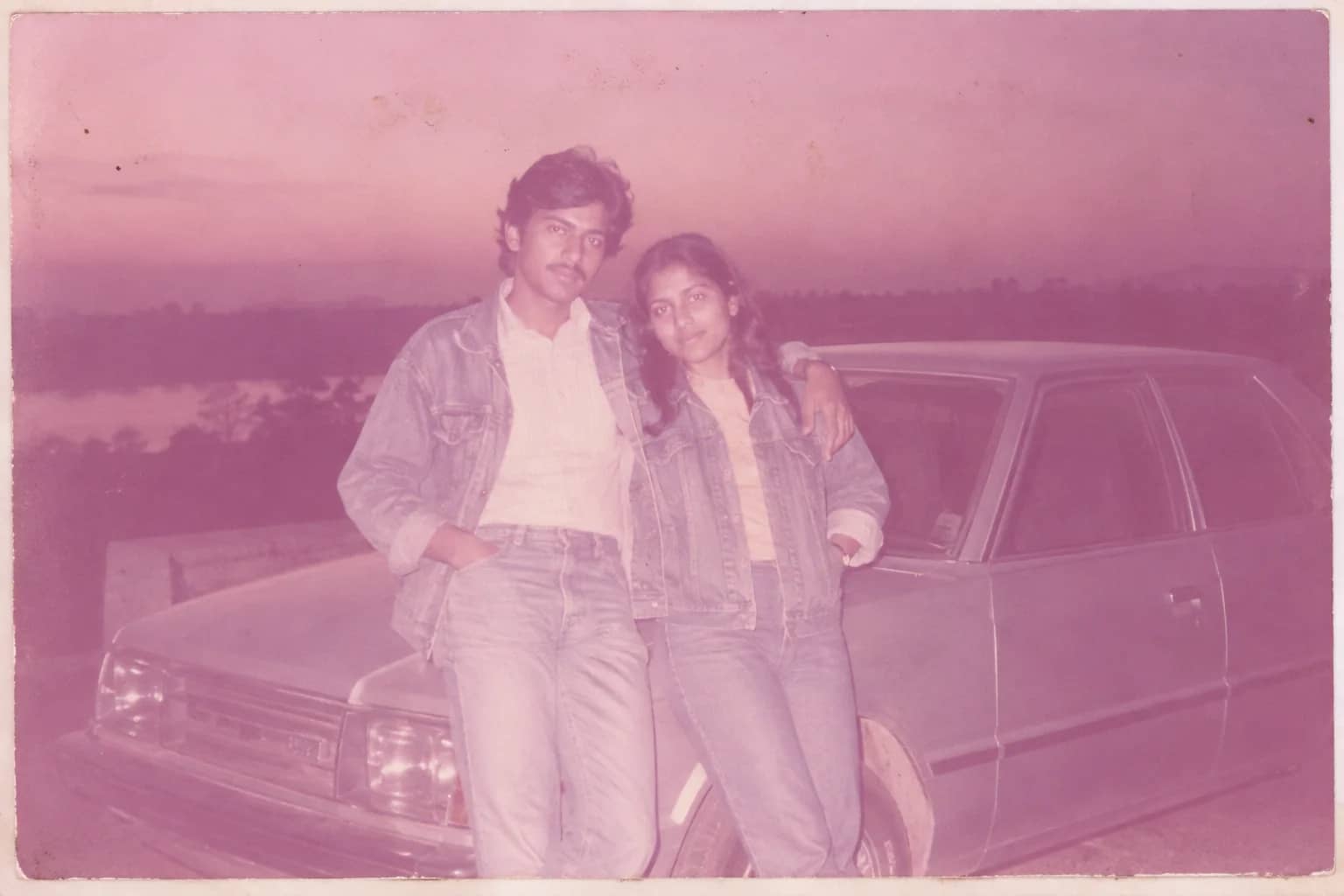
Faded Photo Fixer
Bring back contrast and true color to a yellowed, pink-shifted or bleached print
Red-Eye Removal
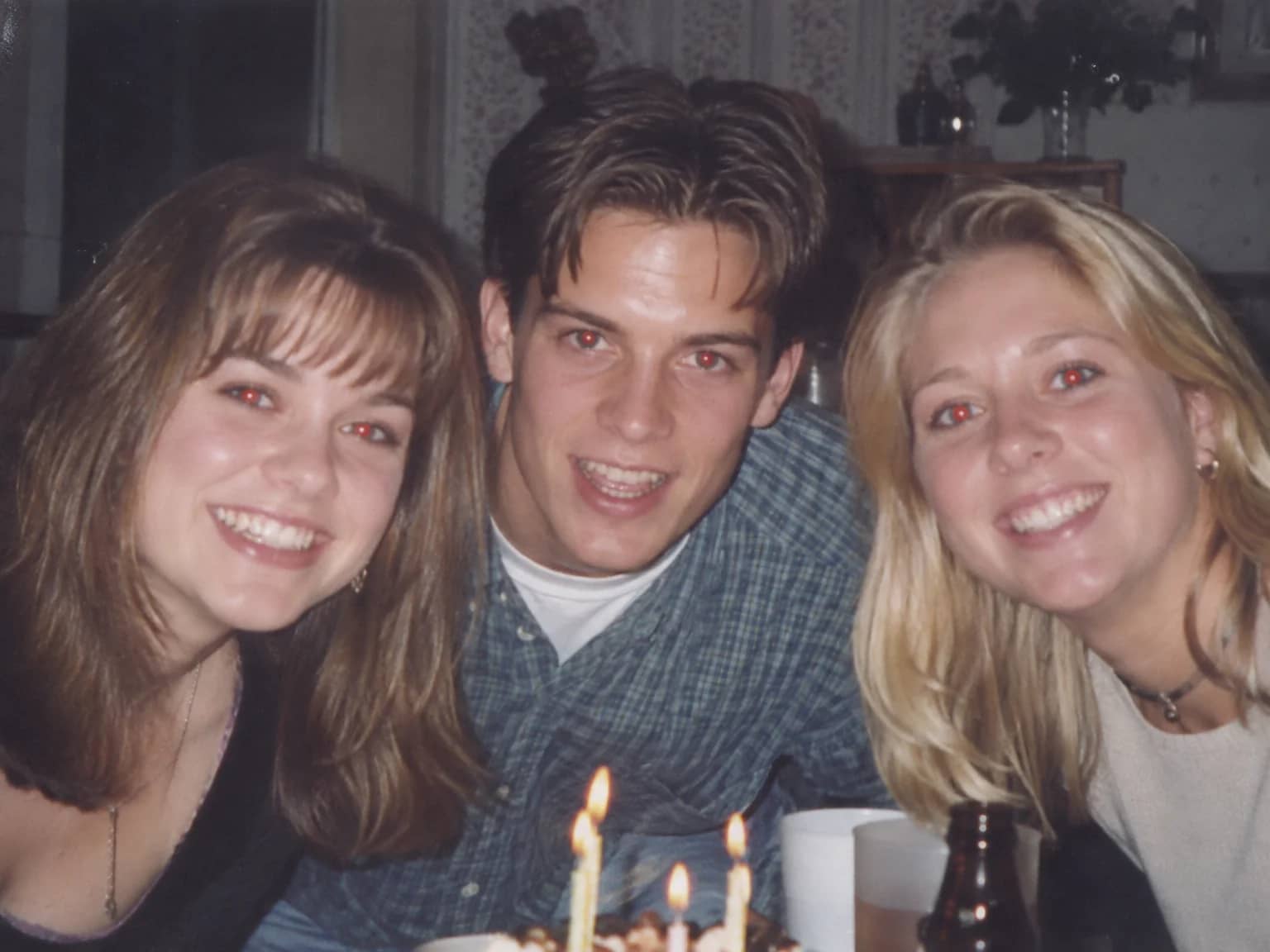
Give flash-lit red pupils their natural dark center and real iris color back
Grain & Noise Remover
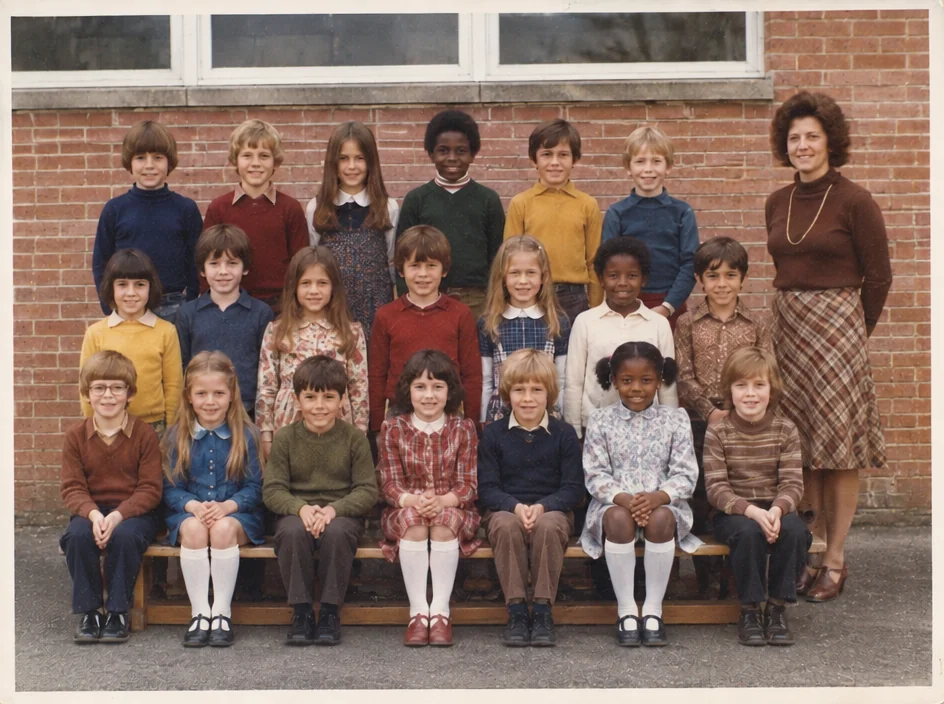
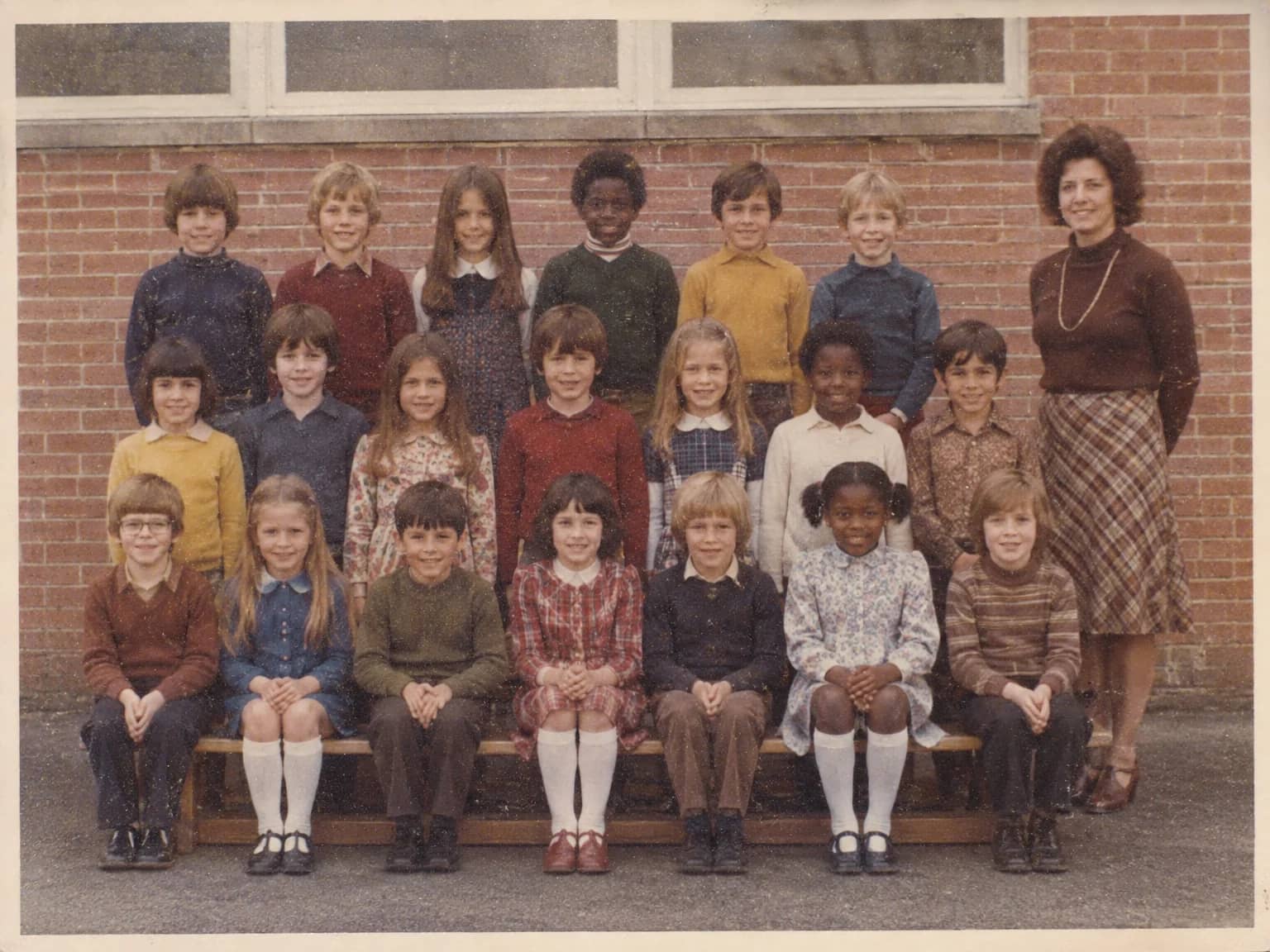
Quiet heavy grain, sensor noise, JPEG blocks and halftone dots, keep the texture
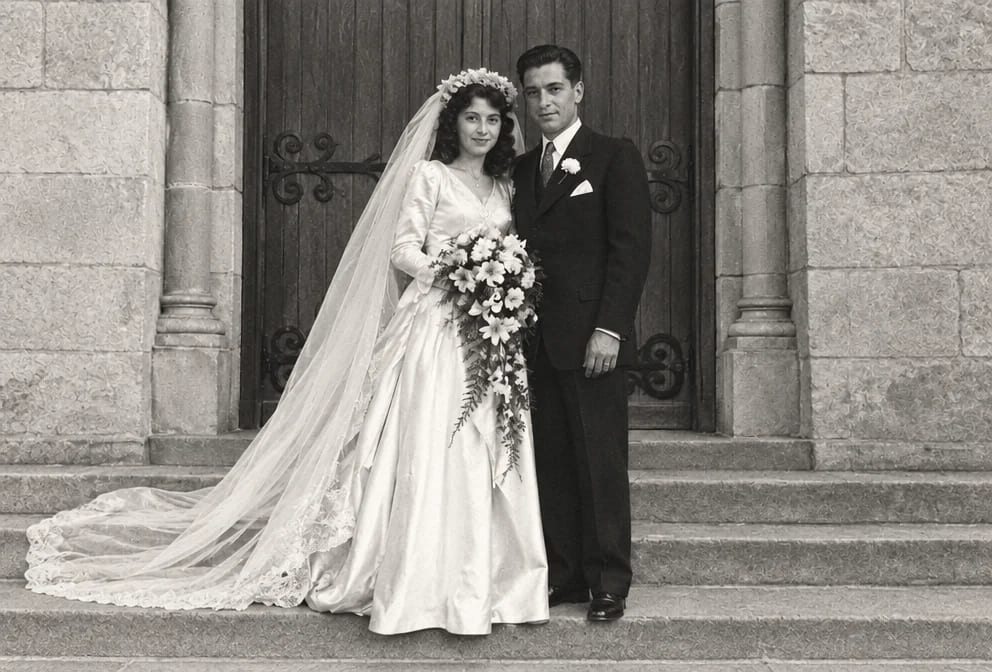
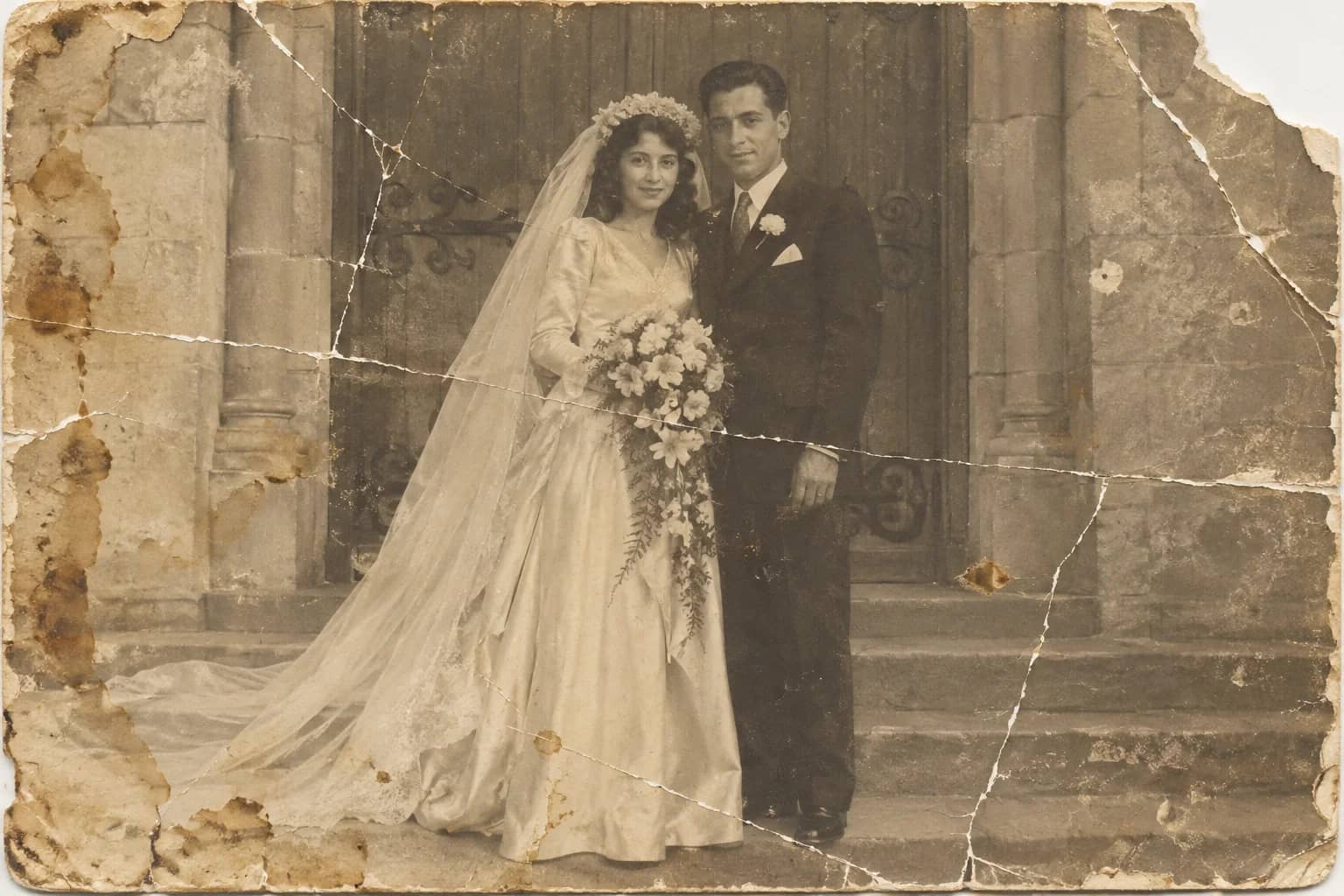
Photo Restoration
One pass that repairs damage, lifts fading and sharpens faces in an old photo