Formats
Scan Cleanup
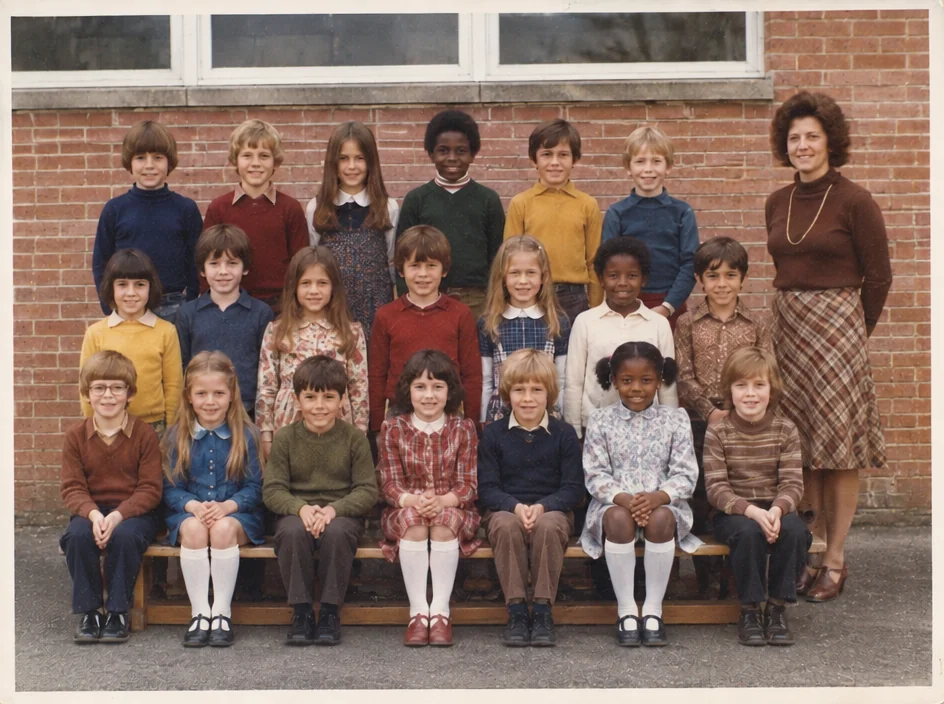
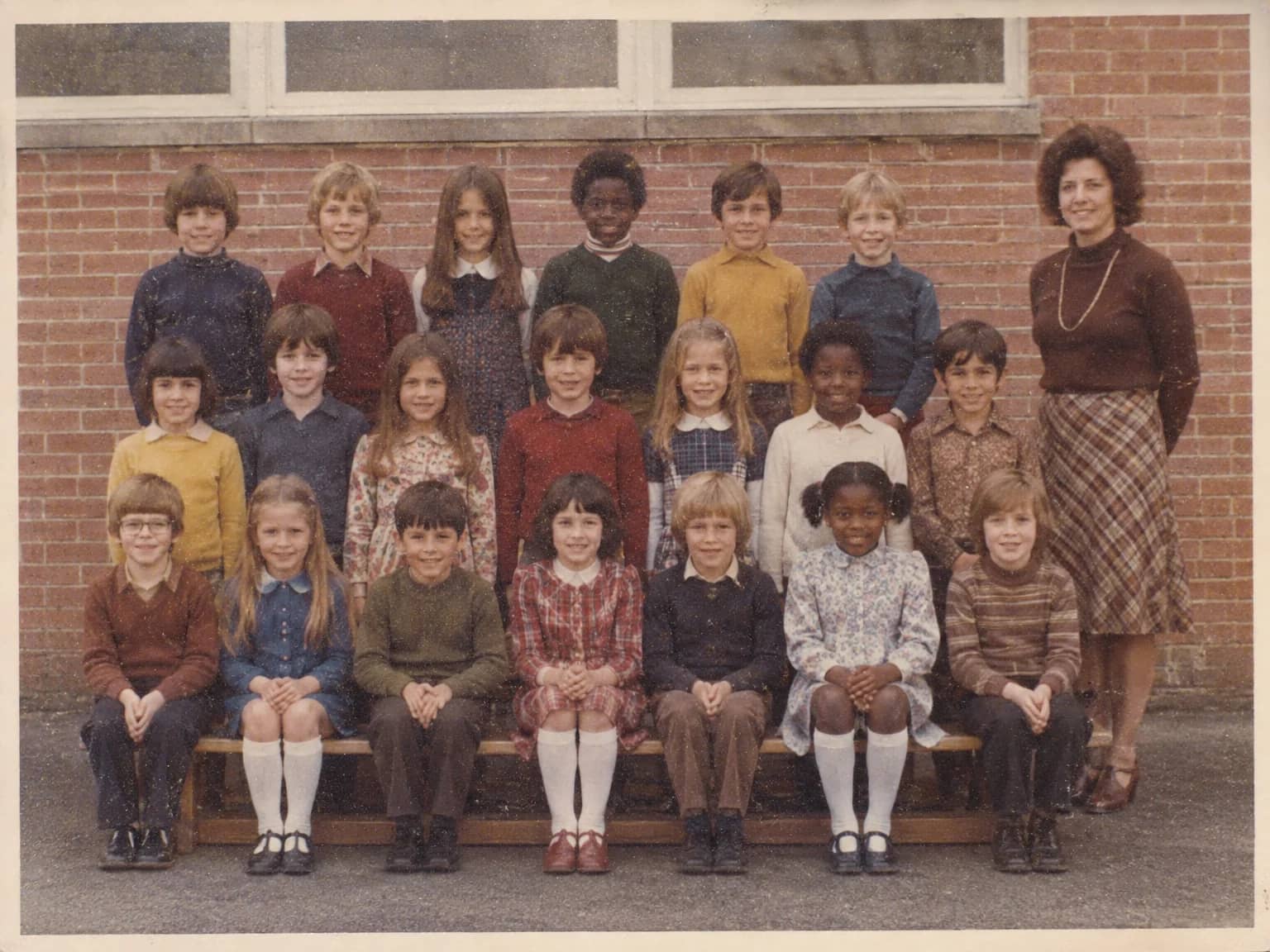
Crop, straighten and de-dust a flatbed scan and remove the scanner's cast
4 free credits to start, enough for one Standard pass of this tool.
- 1Upload the raw scan straight from the scanner
- 2Let the AI crop, straighten and clean the scan
- 3Download the cleaned scan and start the restoration from there
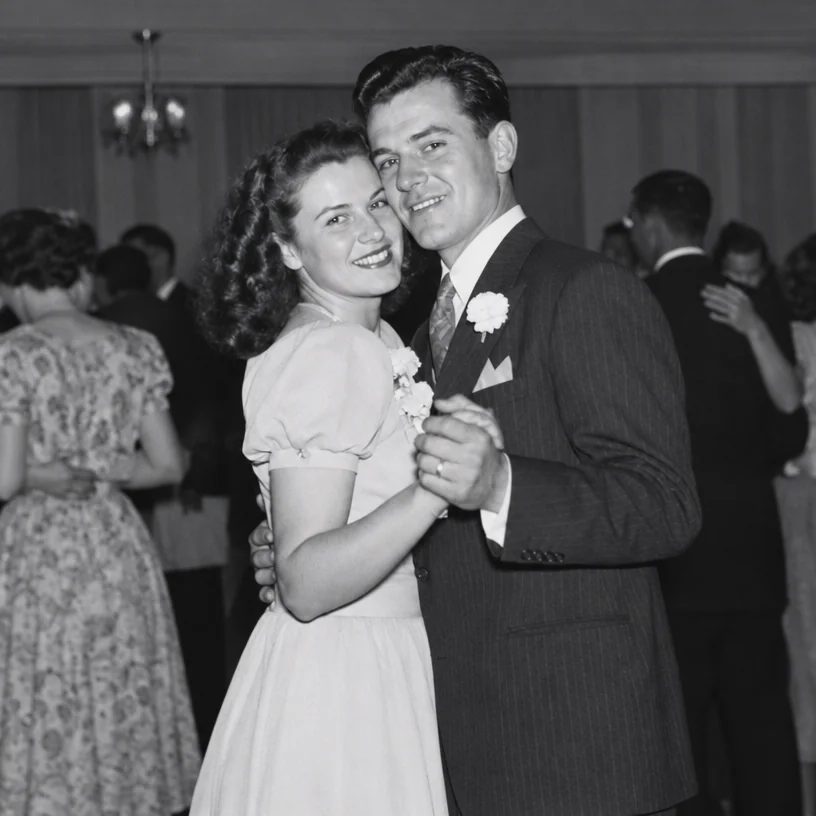
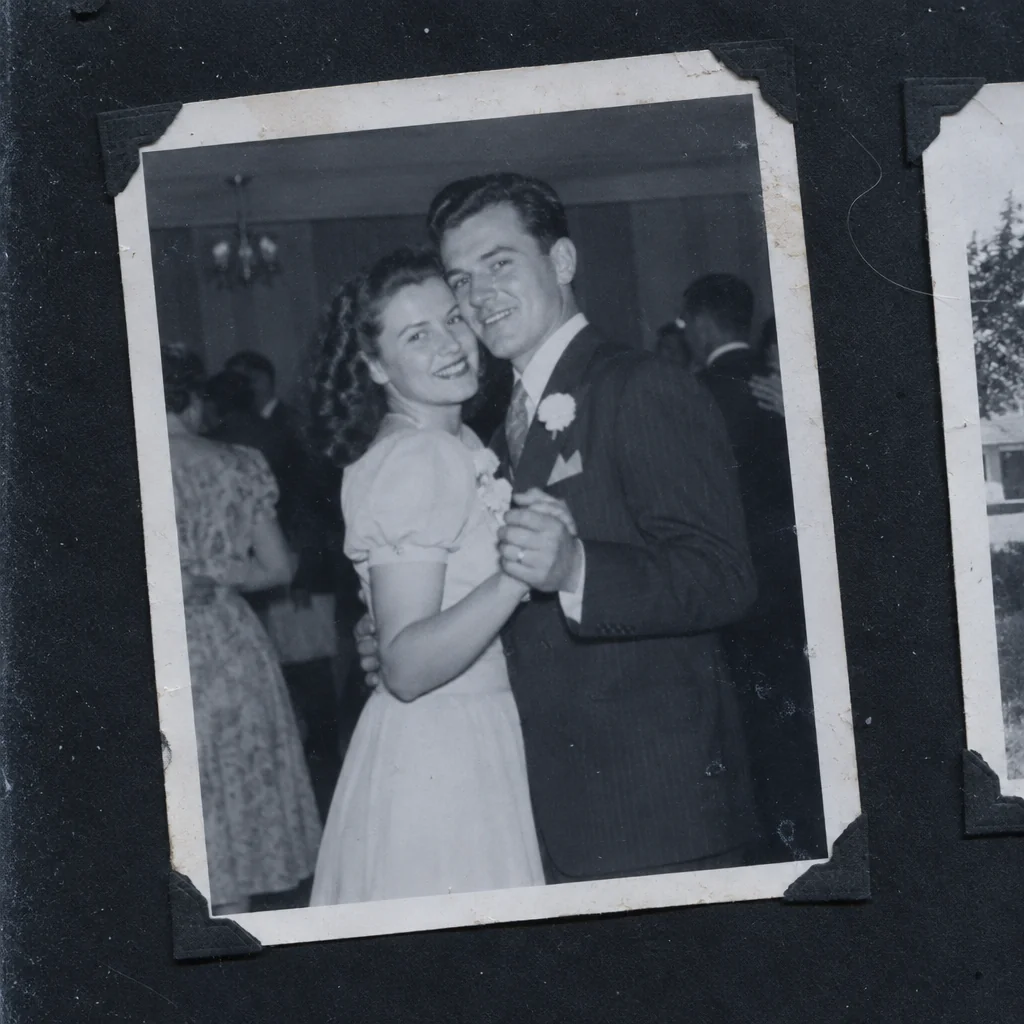
Restored by this tool from the original. Drag the handle to compare before and after.
A flatbed scanner is the best way to copy a print, and it still leaves work to do. The print was laid down a few degrees off square. The scan includes a strip of the scanner lid or the black album page around the edges, and sometimes the corner of the next photo along. There is a hair on the glass, a scatter of dust, a faint banding from the scanner lamp, and the whole scan has a cast, often slightly blue or slightly green, that the print does not have. Scan Cleanup deals with all of that at once. It crops to the photograph, straightens it, removes the dust, hairs and scratches that live on the glass rather than the print, takes out the banding, and neutralizes the scanner's color cast. The content of the photo is kept as it is.
There are no options because the job is the same every time. What this tool does not do is restore the print. Fading, creases and stains in the paper itself are left for the restoration and repair tools, and that separation is deliberate: cleaning up the scan first means the AI in the next step is looking at the photograph rather than at the scanner's contribution to it. A cleaned scan is the best possible starting point for Photo Restoration or any narrower repair. The tool is also useful on scans you made years ago and never trimmed, the ones with a black border and a slight tilt that have been sitting in a folder since the scanner was new.
For the scan itself, wipe the glass, lay the print as square as you can, close the lid, and scan at 300 dpi for a standard print or 600 dpi for anything smaller than a postcard. Save as TIFF or a high-quality JPEG. Results follow the shape of the print the AI finds and come back in seconds. If you scanned several prints on one pass, run each crop through separately for the cleanest result. A batch of prints from one album will usually share the same cast and the same tilt, so cleaning each scan in turn gives a consistent set. Keep the raw scans as well as the cleaned ones; they are the archive, and the cleaned versions are the working copies.
Credits per pass
| Tier | Credits | Good for |
|---|---|---|
| Standard | 4 | The print at screen size, quick repairs |
| Pro | 12 | More of the scan is sent, finer faces and texture |
| Max | 44 | The full scan, every readable detail kept for print |
What you can tell it
- Flatbed scan
- Result · Same ratio as the original
In the Studio
- Pass the result into any other tool without uploading again
- Standard, Pro and Max tiers, with the cost shown before you run
- Every restoration kept in your library beside its original
- Upscale to 32 MP for framing, or make a short moving version
About this tool
Often used next
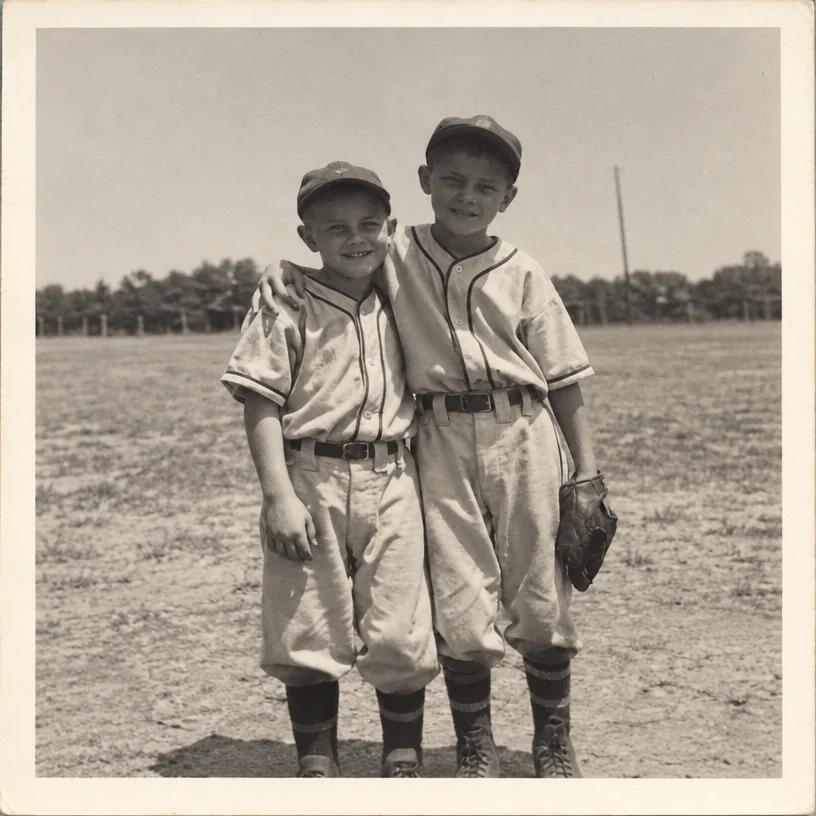
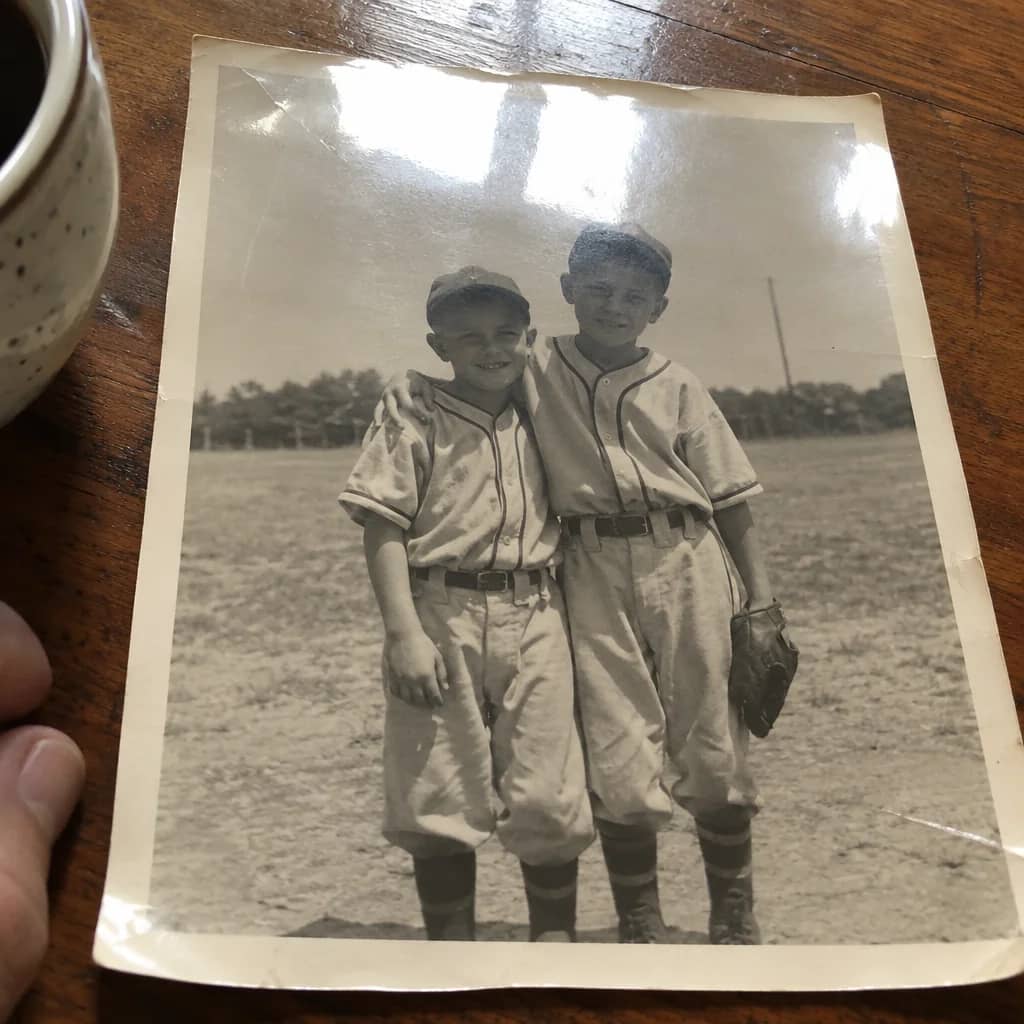
Photo-of-a-Photo Fixer
Turn a phone snap of a print into a flat, square, glare-free copy
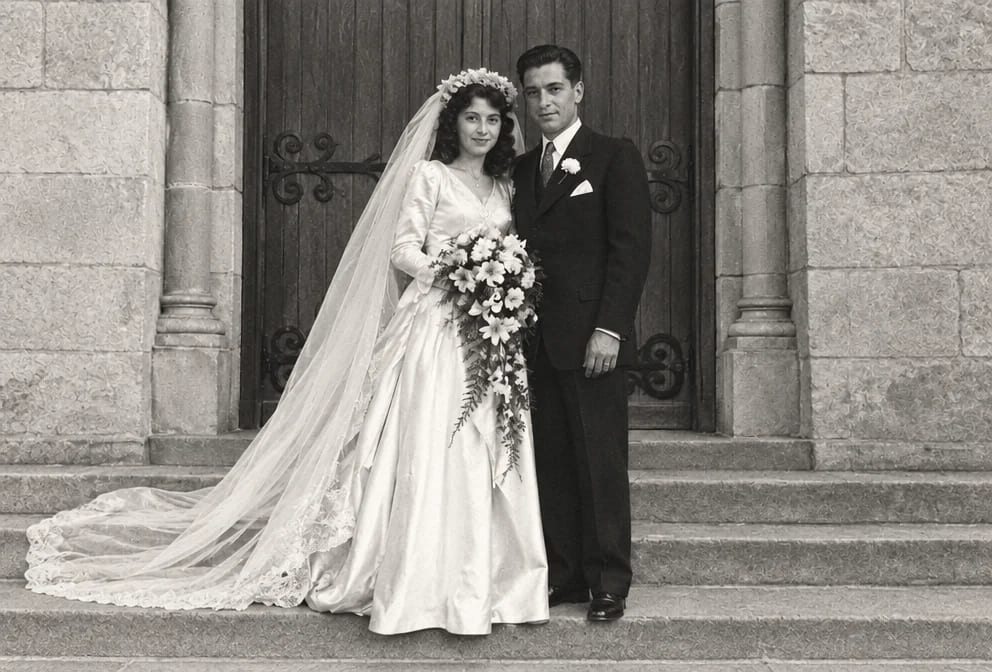
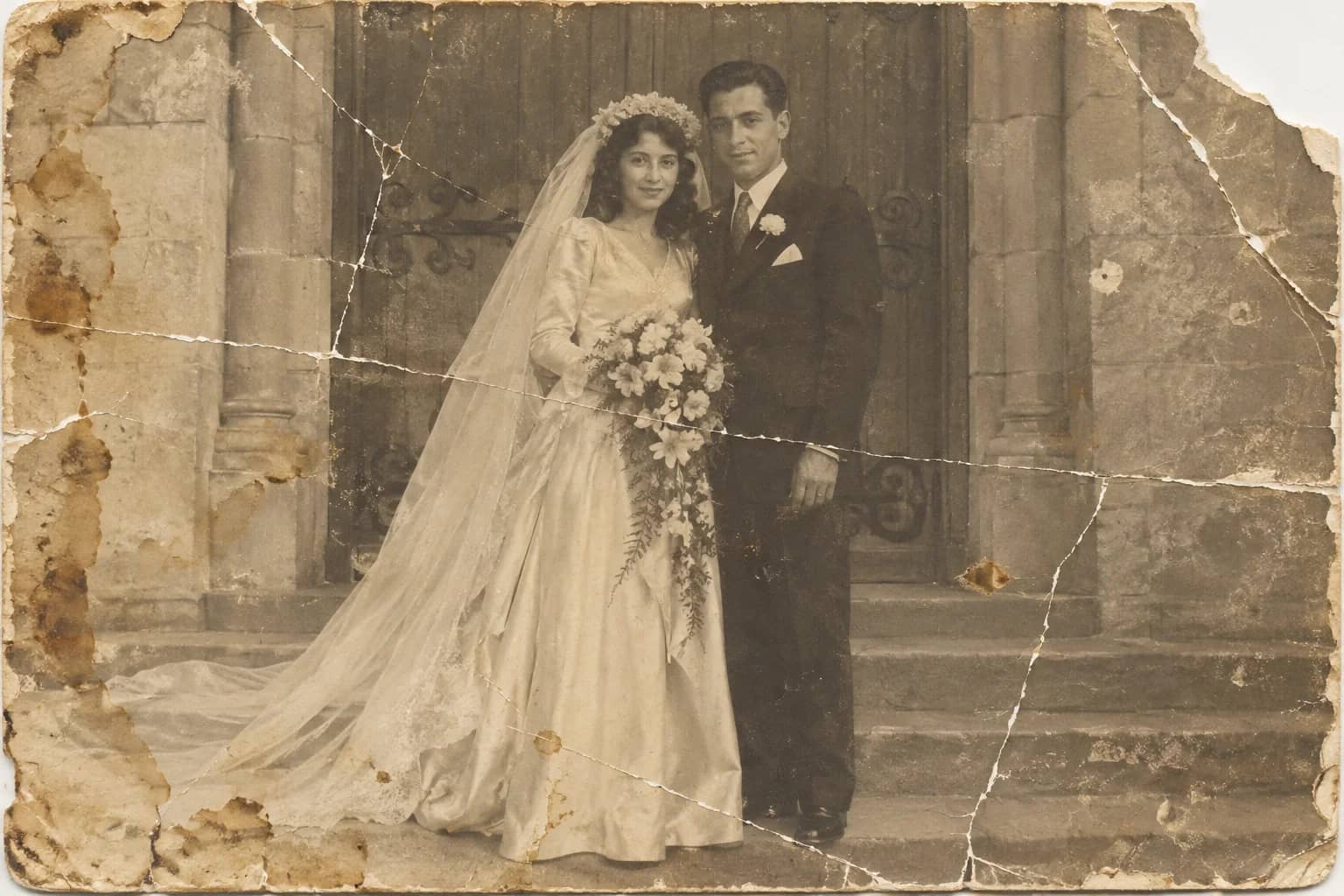
Photo Restoration
One pass that repairs damage, lifts fading and sharpens faces in an old photo
Stain & Spot Remover
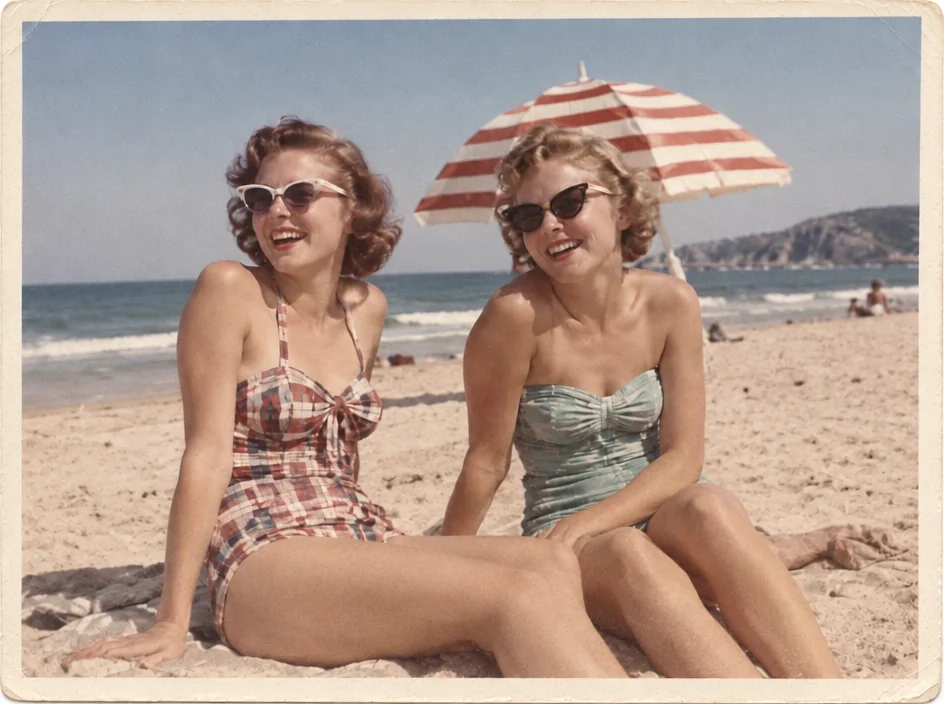
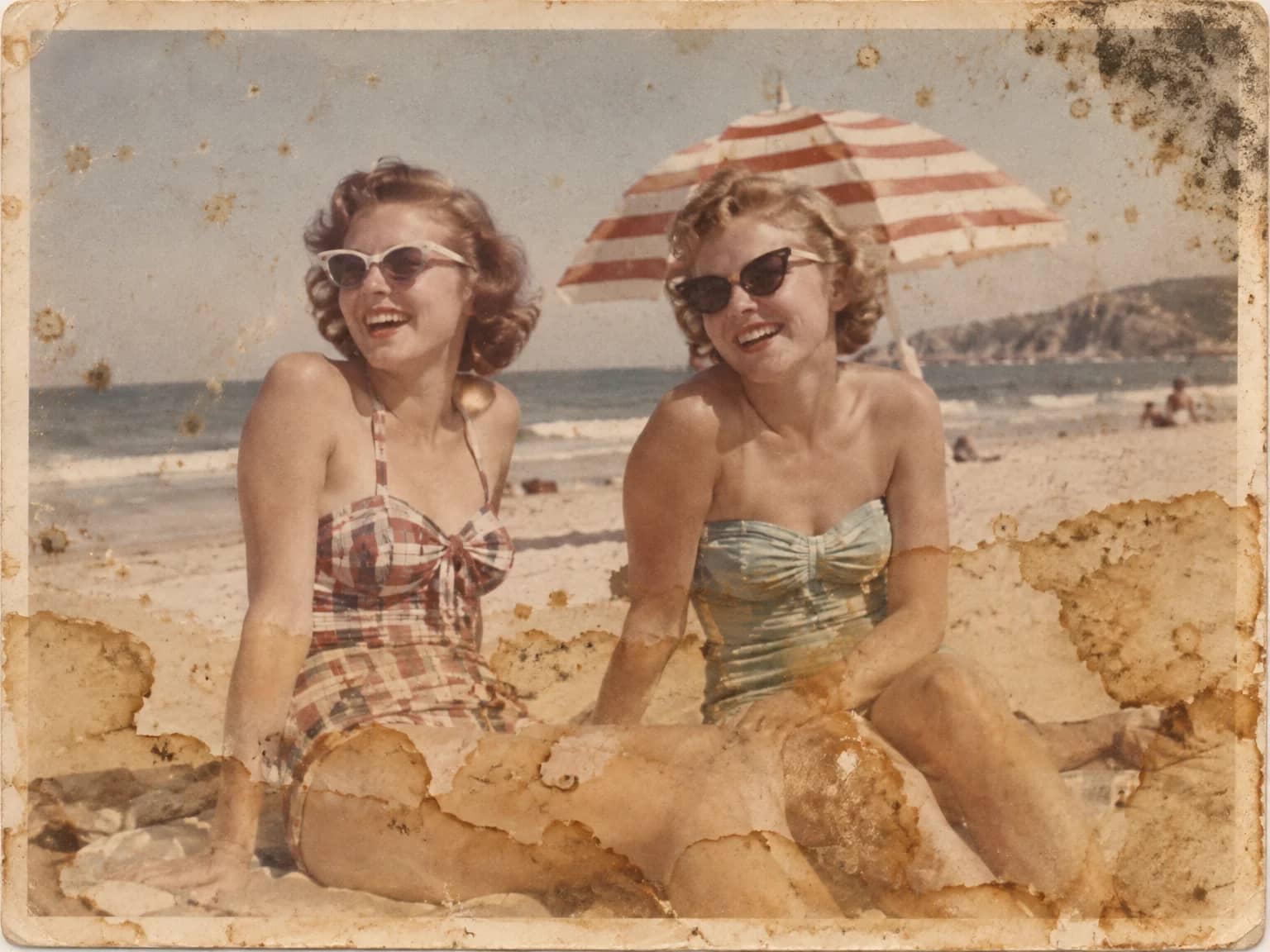
Lift water stains, mold, foxing, dust, ink and tape residue from an old print
Grain & Noise Remover
Quiet heavy grain, sensor noise, JPEG blocks and halftone dots, keep the texture