Repair
Stain & Spot Remover
Lift water stains, mold, foxing, dust, ink and tape residue from an old print
4 free credits to start, enough for one Standard pass of this tool.
- 1Upload the stained or spotted print
- 2Choose the stain type and say where it is if it could be mistaken for the scene
- 3Download the cleaned print or chain into fading correction


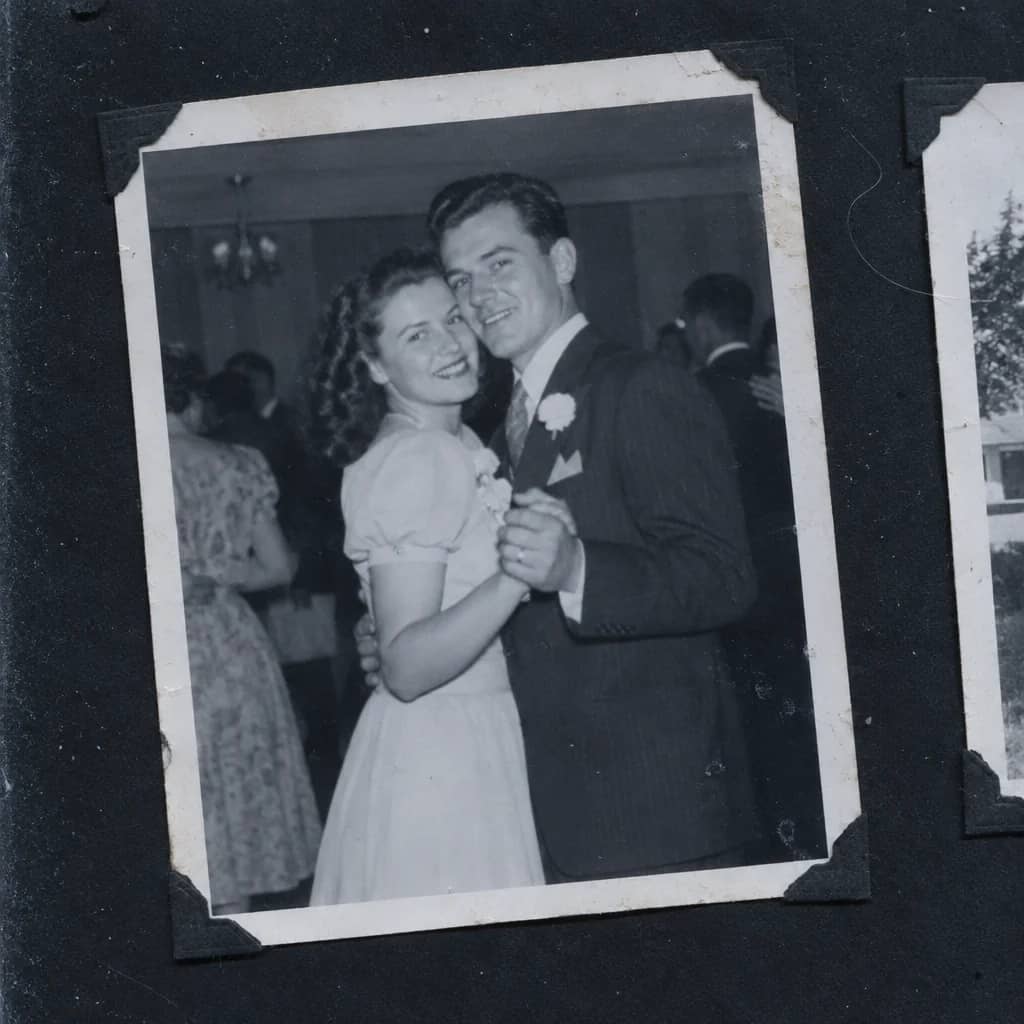
Restored by this tool from the original. Drag the handle to compare before and after.
Stains are the damage that happens to prints kept in the wrong place. A basement flood leaves a tide mark that curves across the sky. A damp attic grows a bloom of mildew in one corner. Old paper freckles with the brown foxing that comes from age and humidity. Someone once wrote a name across the back in ballpoint and it pressed through. The Stain & Spot Remover takes these off the image and rebuilds what was beneath them from the surrounding picture, so the sky continues as sky and the wall as wall. Everything outside the stained areas is left unchanged: no sharpening, no color shift, no cropping. A print from a damp cellar and a print from a sunny windowsill need different things, and this tool is for the first.
The Stain type select focuses the work. Water stains covers tide marks and blotches. Mold covers mildew patches, which often have a soft, spreading edge. Foxing spots is for the small brown age spots that speckle older prints. Dust & specks is for the tiny white and black dots that come from a dusty print or a dusty scanner glass. Ink or pen is for ballpoint, pencil and ink marks on the image itself. Tape residue is for the yellow stripes and sticky patches left by tape and glue, common along edges that were once fixed into an album. Everything asks the AI to find and remove whatever marks it can see. Use the notes box to point at a stain that could be mistaken for part of the scene, such as a brown water stain across the sky.
A stain that crosses a face or a patterned dress is harder to rebuild than one that crosses a plain wall, because there is more to infer. Where a stain hides most of a face, treat what comes back as a reconstruction and compare it with another photo. Results keep the shape of your upload and arrive in seconds; if the print is also faded, run the Faded Photo Fixer afterwards. Prints that have been stained often carry a slight tide of fading around the mark as well, and that halo is treated as part of the stain, so the area should come back at the same tone as its neighbors rather than as a lighter or darker patch.
Credits per pass
| Tier | Credits | Good for |
|---|---|---|
| Standard | 4 | The print at screen size, quick repairs |
| Pro | 12 | More of the scan is sent, finer faces and texture |
| Max | 44 | The full scan, every readable detail kept for print |
What you can tell it
- Stained print
- Stain typeEverythingWater stainsMoldFoxing spotsDust & specksInk or penTape residue
- Where is it? (optional)
- Result · Same ratio as the original
In the Studio
- Pass the result into any other tool without uploading again
- Standard, Pro and Max tiers, with the cost shown before you run
- Every restoration kept in your library beside its original
- Upscale to 32 MP for framing, or make a short moving version
About this tool
Often used next


Scratch & Tear Repair
Close scratches, tears, creases and cracked emulsion without touching the rest
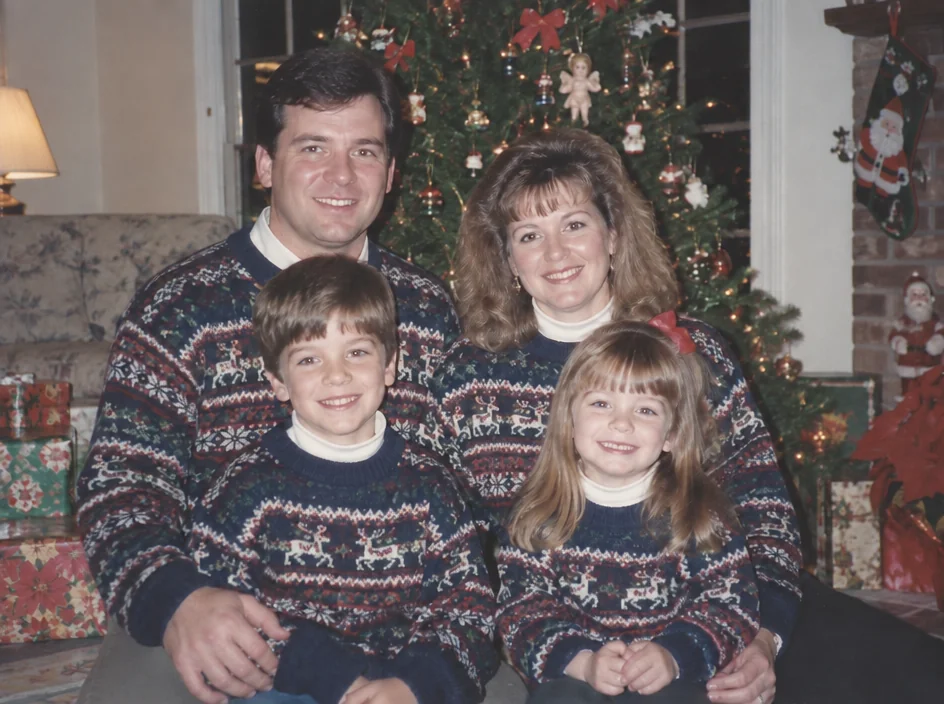
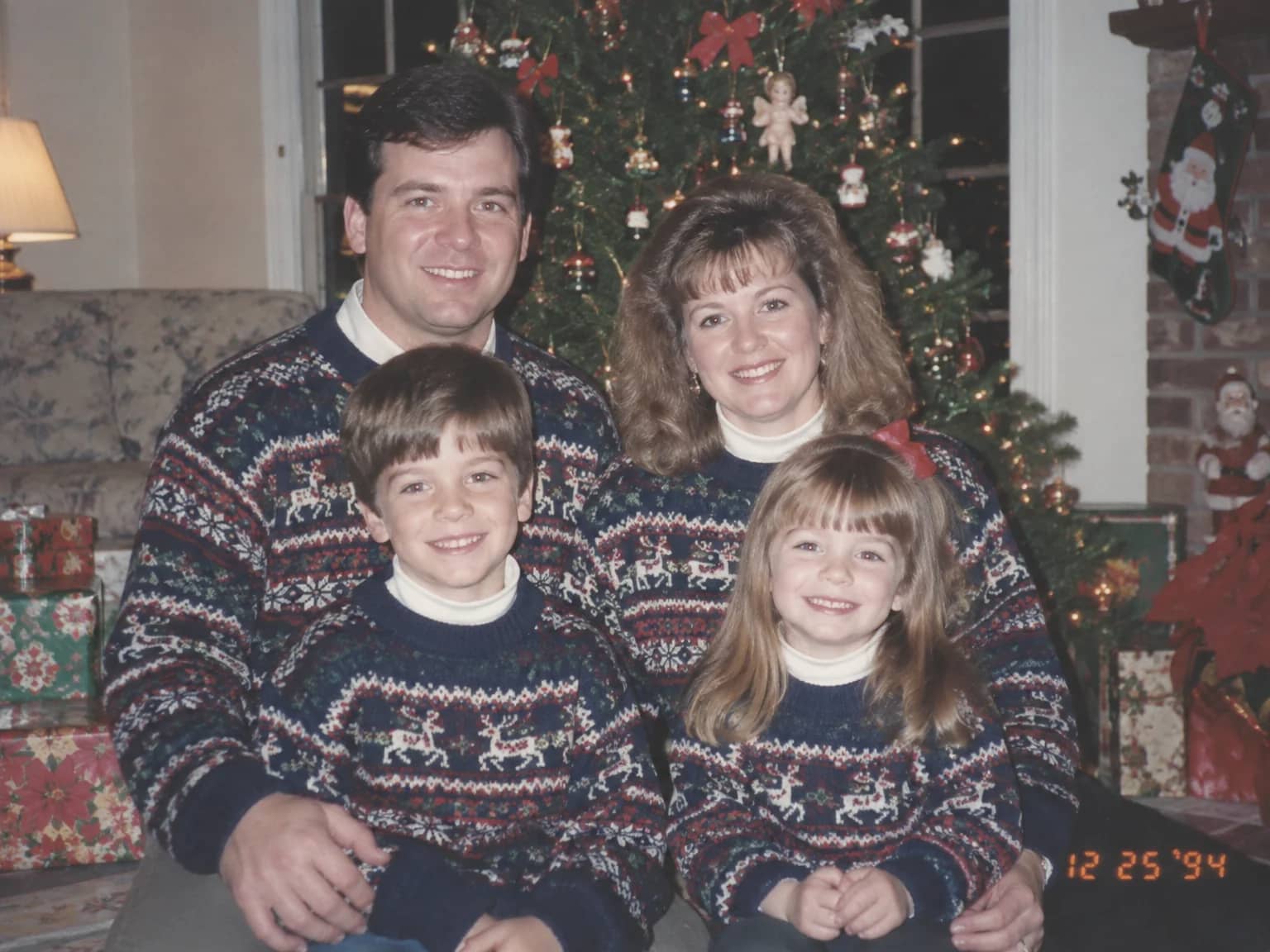
Date Stamp & Writing Remover
Take the orange date stamp, pen marks, stickers and tape off the picture

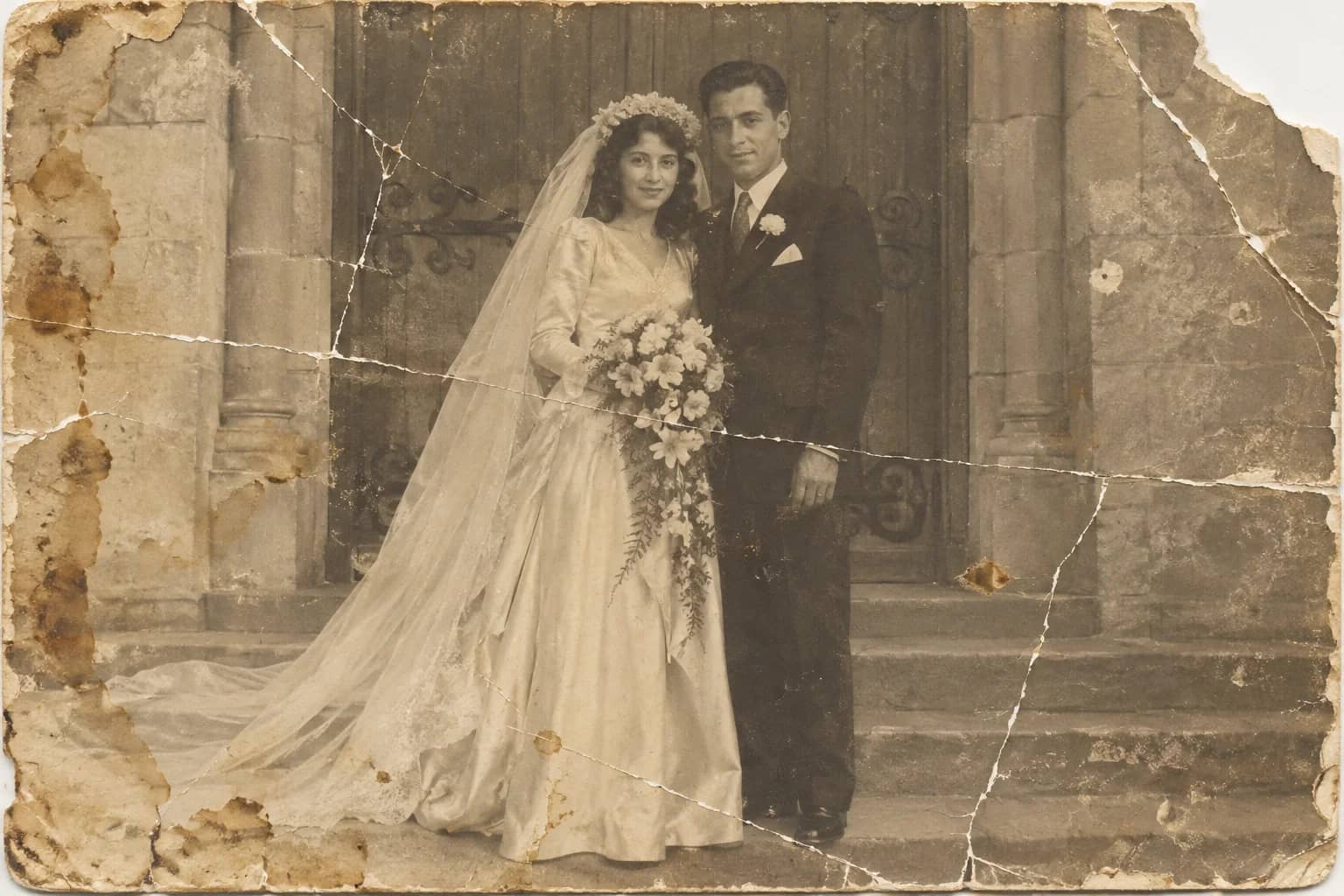
Photo Restoration
One pass that repairs damage, lifts fading and sharpens faces in an old photo
Scan Cleanup
Crop, straighten and de-dust a flatbed scan and remove the scanner's cast