Restore
Faded Photo Fixer
Bring back contrast and true color to a yellowed, pink-shifted or bleached print
4 free credits to start, enough for one Standard pass of this tool.
- 1Upload the faded print or slide scan
- 2Tell it what went wrong, or let the AI judge the cast
- 3Download the corrected photo with the color brought back
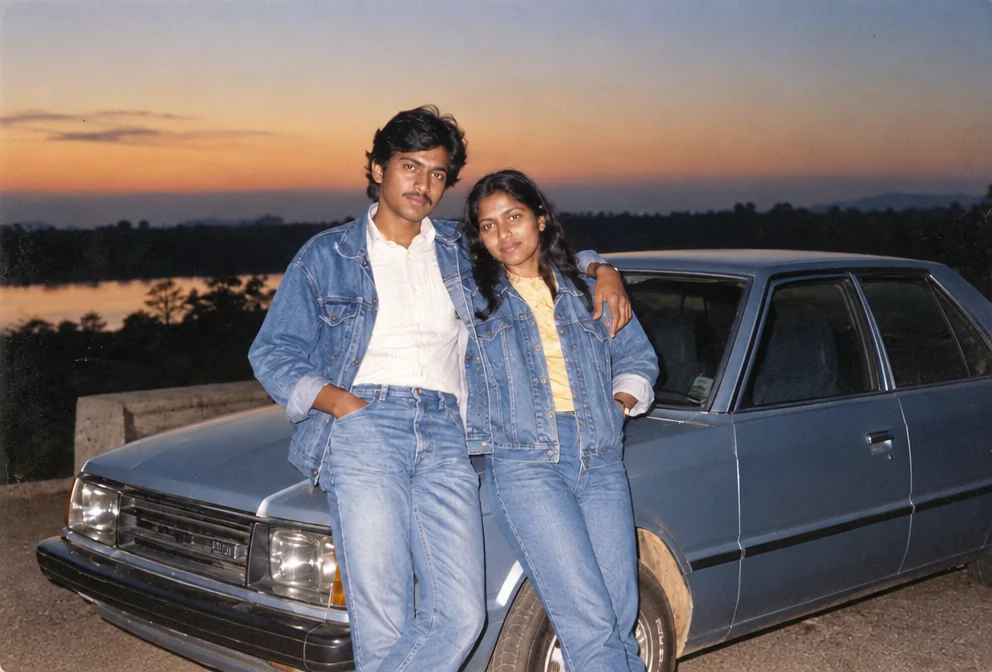
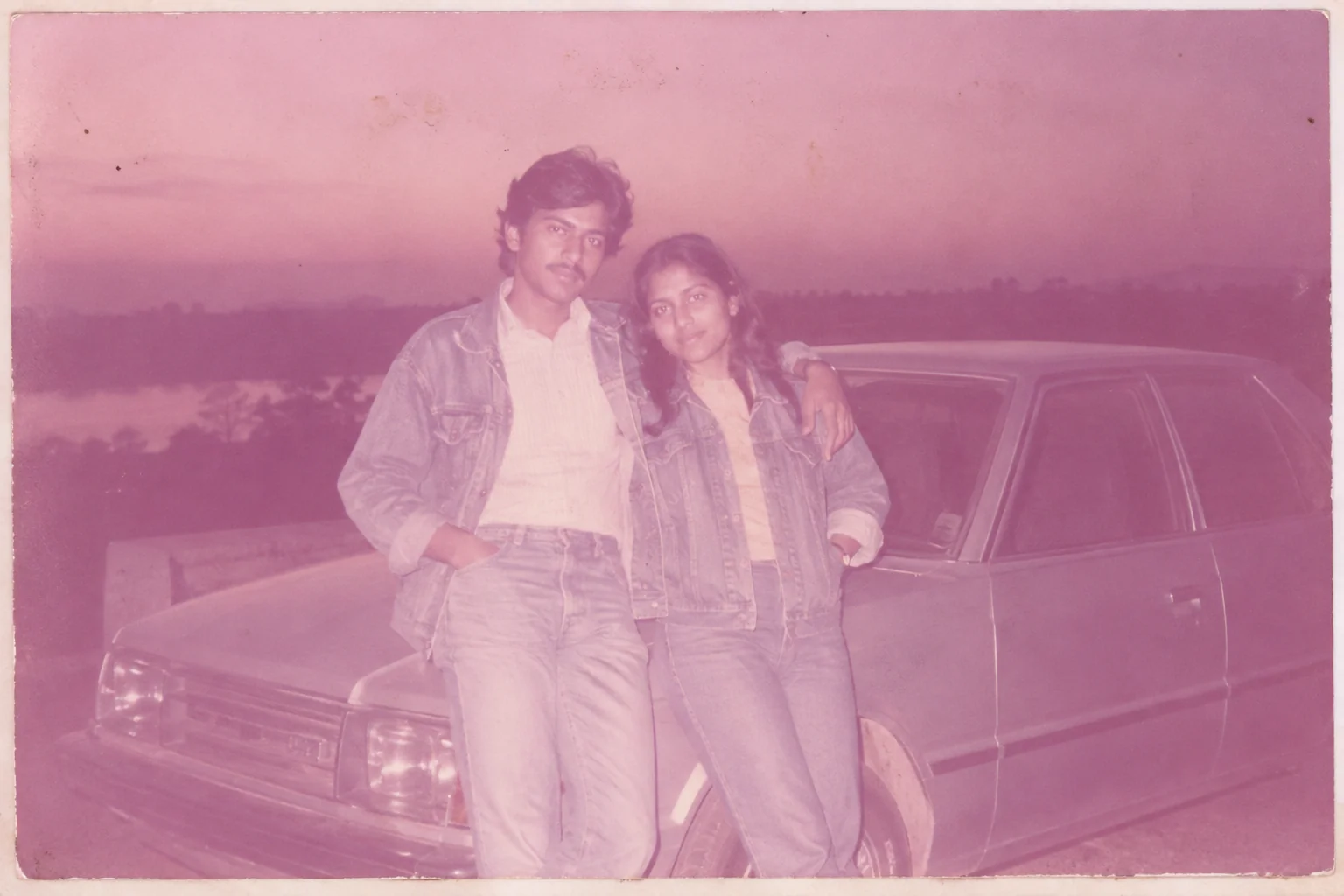
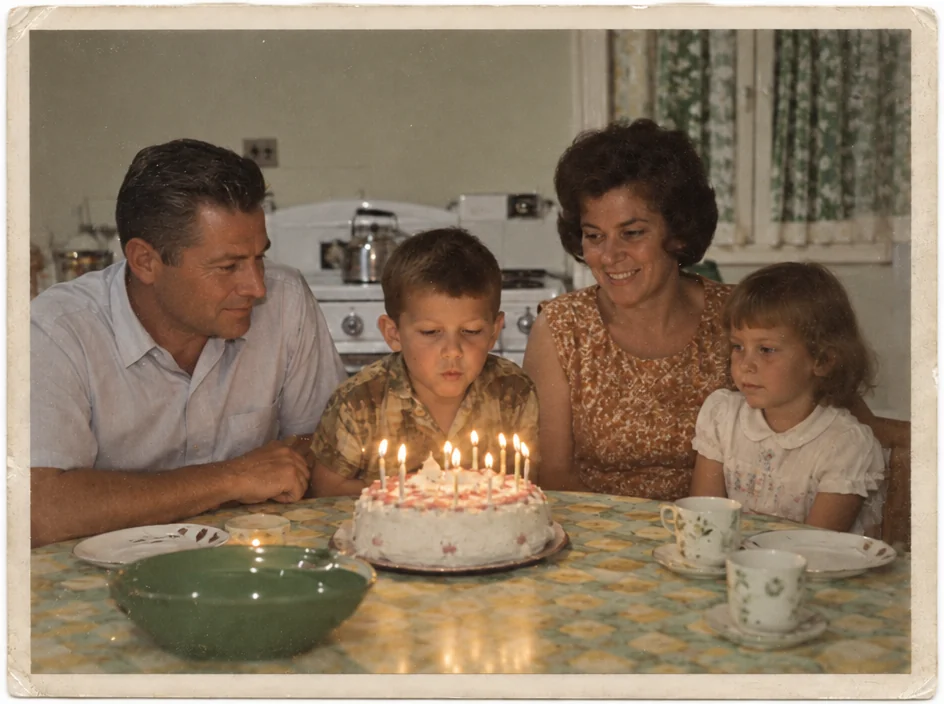
Restored by this tool from the original. Drag the handle to compare before and after.
Fading is the slowest kind of damage and the easiest to stop noticing. A print sits in a frame on a sunny wall for twenty years, and one day the sky is cream, the grass is grey-green and everyone's skin has the same faint orange. Color dyes do not fade evenly, which is why old prints drift toward a particular color rather than simply going pale: the cyan layer gives out first in many 1970s and 1980s papers, leaving pink and magenta behind. The Faded Photo Fixer undoes that drift. It restores full contrast, deep blacks and clean whites, sets a neutral white balance and brings the colors back to something close to what the paper carried when it was new, with skin tones as the priority.
The What went wrong select tells the AI which failure it is looking at. Yellowed is for the overall yellow-brown warmth of aged paper and old adhesives. Pink / magenta shift is for those 1970s and 1980s prints where everything has gone rosy. Sun bleached is for the washed-out loss of both contrast and saturation from a print that lived in daylight. Sepia brown is for a print that has drifted brown all over. Blue / cyan cast is for the cold blue tint from certain papers and poor storage. Let the AI judge is the right choice when you cannot tell, and it is often the right choice anyway, because the AI reads the whole frame before deciding.
The instructions specifically ask the AI not to oversaturate, so the result should look like a good print of its era rather than a modern phone snapshot. Nothing in the picture is moved or added, and the framing is kept. Results come back in seconds. If the print is scratched as well as faded, the Photo Restoration tool handles both in one pass; if it is only faded, this is the lighter touch. Keep the original scan alongside the corrected version; a faded print carries a record of its own age, and some families like to see both. For a batch of prints from the same album, the same cast setting usually suits all of them, since they faded together.
Credits per pass
| Tier | Credits | Good for |
|---|---|---|
| Standard | 4 | The print at screen size, quick repairs |
| Pro | 12 | More of the scan is sent, finer faces and texture |
| Max | 44 | The full scan, every readable detail kept for print |
What you can tell it
- Faded print
- What went wrongLet the AI judgeYellowedPink / magenta shiftSun bleachedSepia brownBlue / cyan cast
- Result · Same ratio as the original
In the Studio
- Pass the result into any other tool without uploading again
- Standard, Pro and Max tiers, with the cost shown before you run
- Every restoration kept in your library beside its original
- Upscale to 32 MP for framing, or make a short moving version
About this tool
Often used next
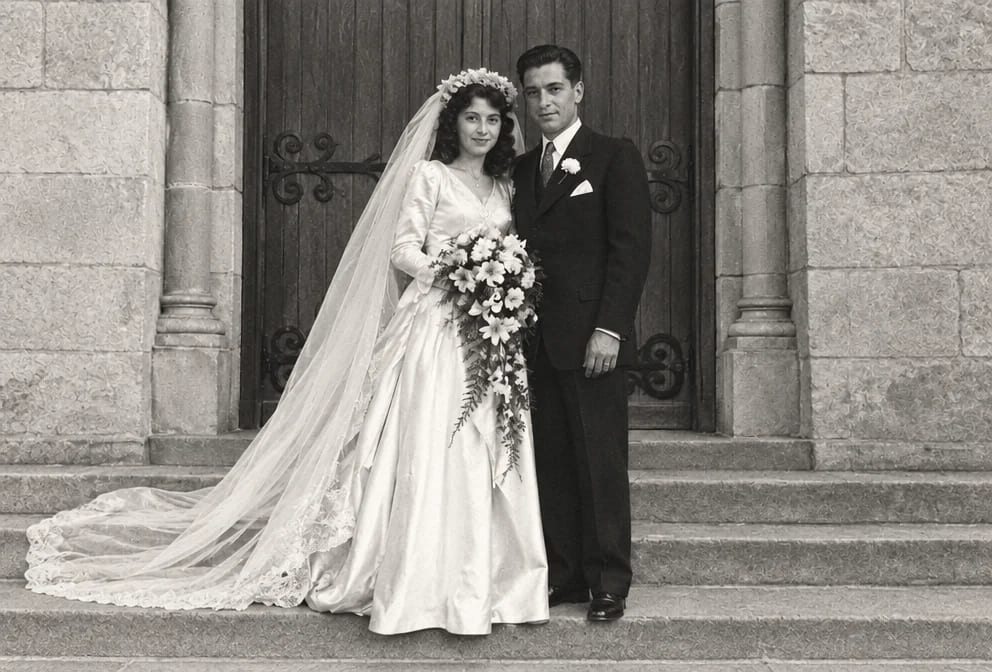
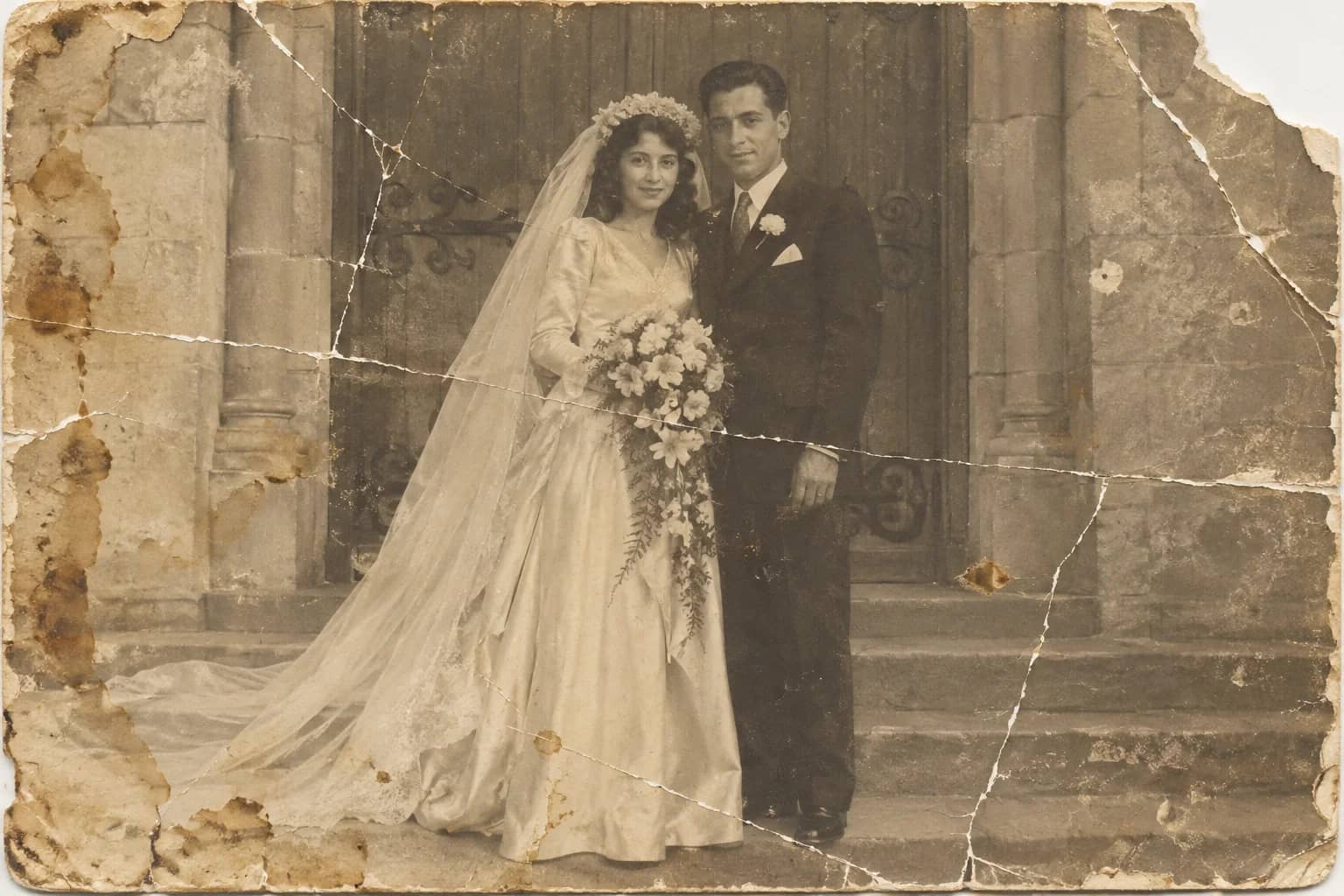
Photo Restoration
One pass that repairs damage, lifts fading and sharpens faces in an old photo
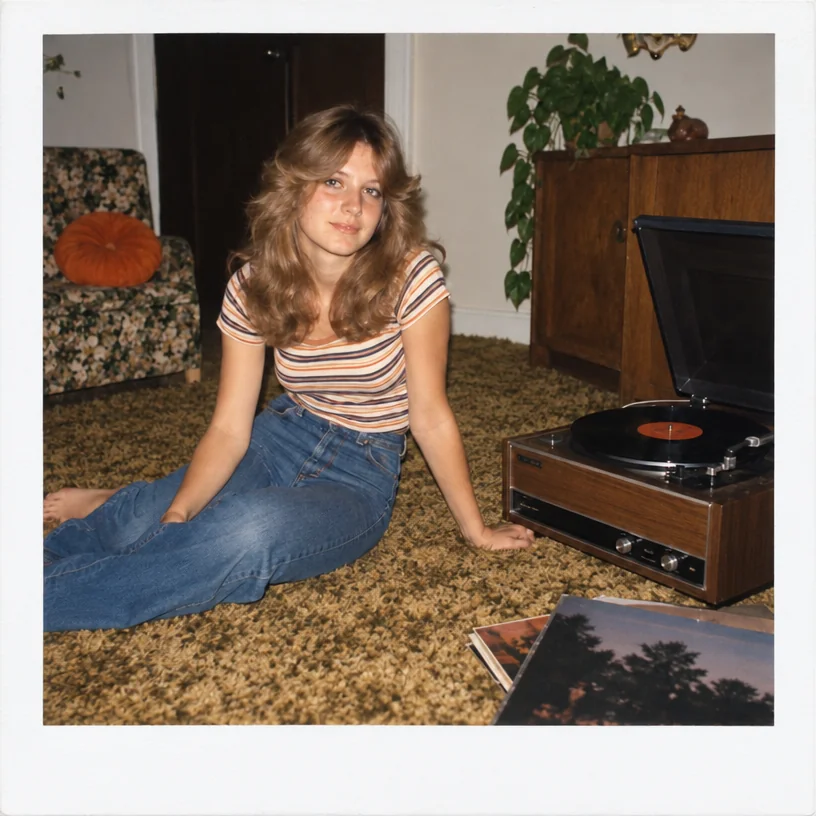
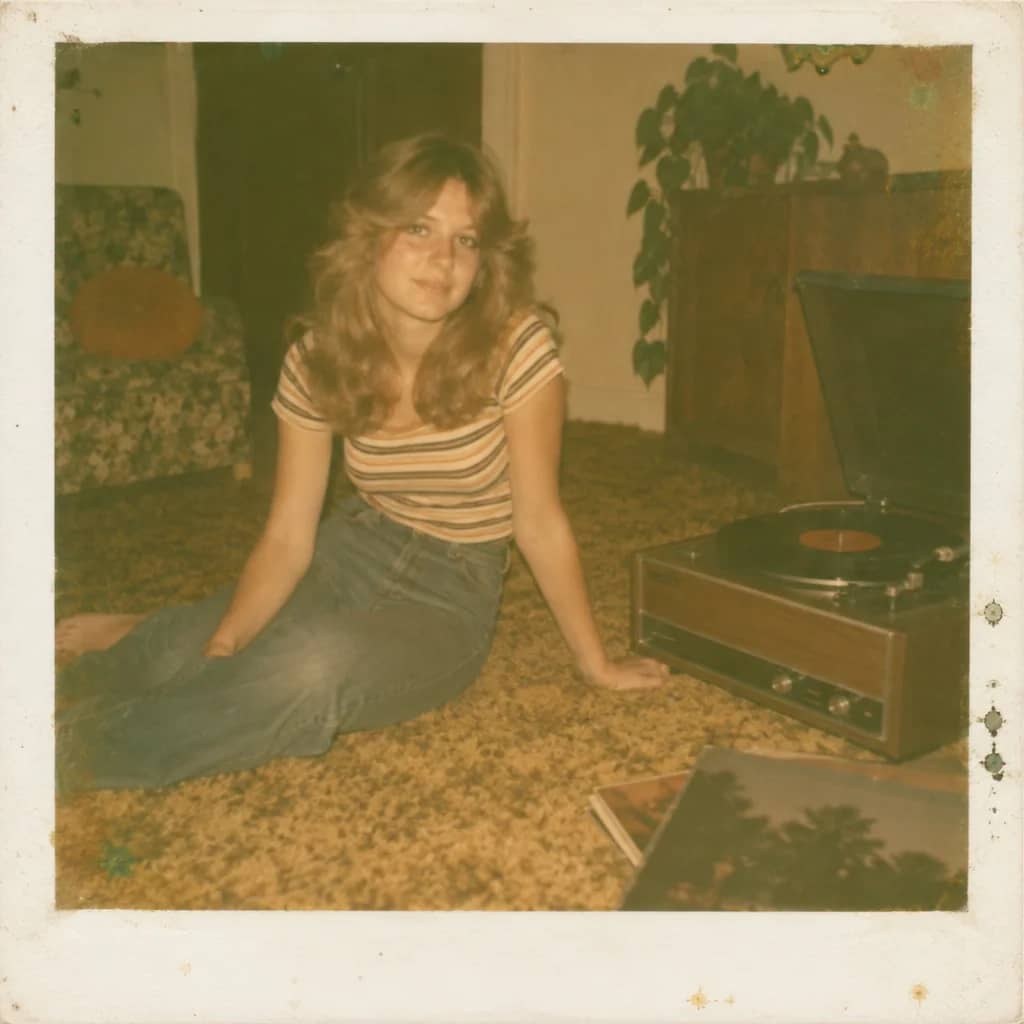
Polaroid Restoration
Undo the yellow-green drift and chemical blotches of an old instant photo
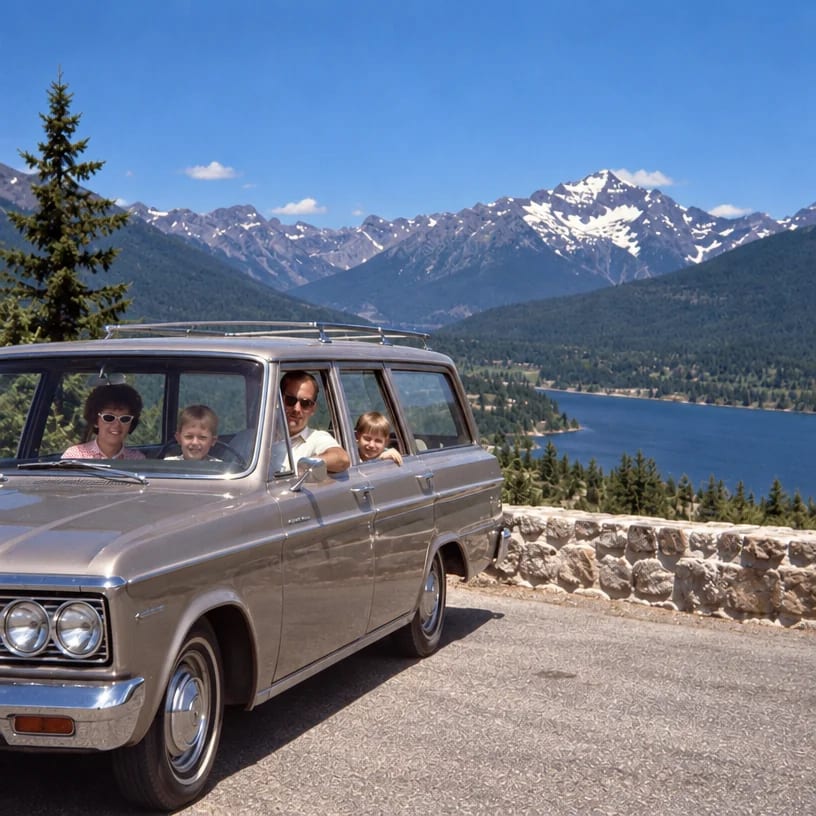
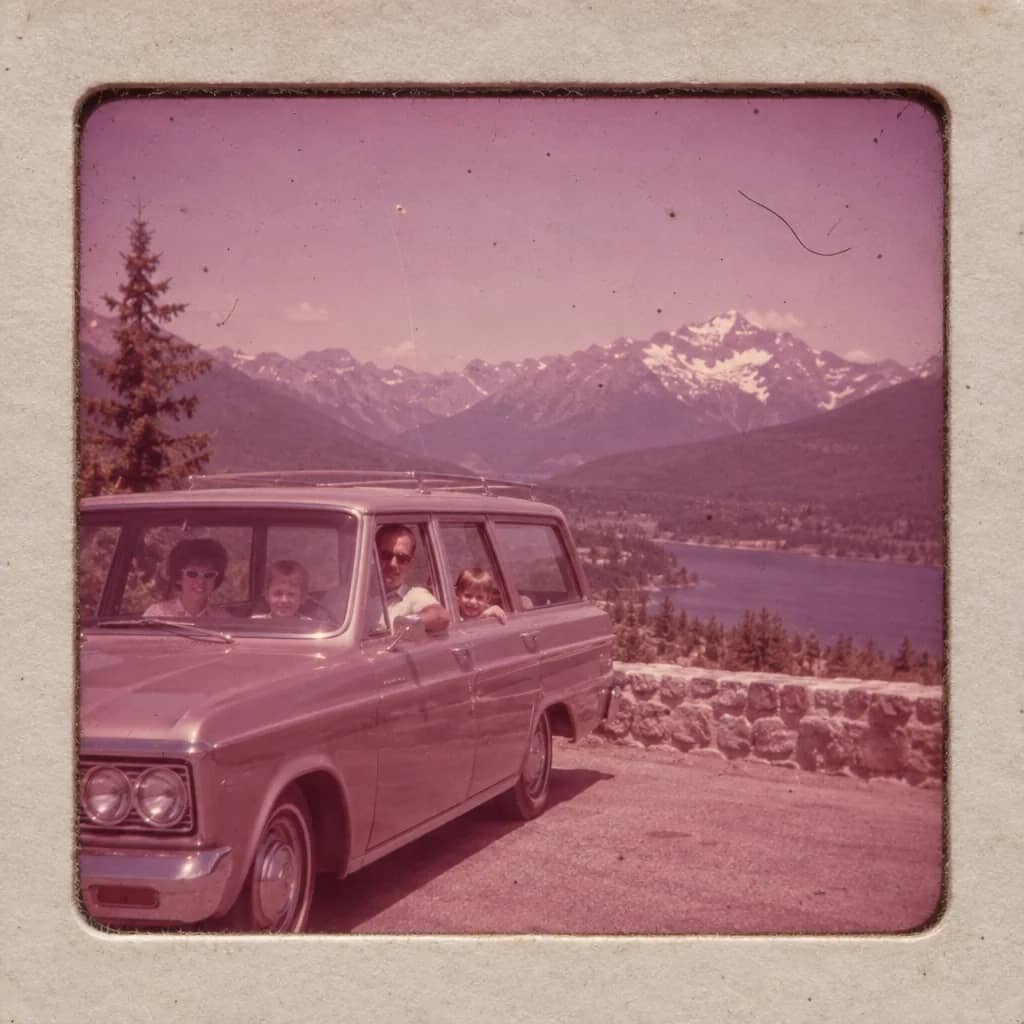
Slide Restoration
Bring a faded, fungus-spotted 35mm slide back to its film stock's colors
Exposure Fixer
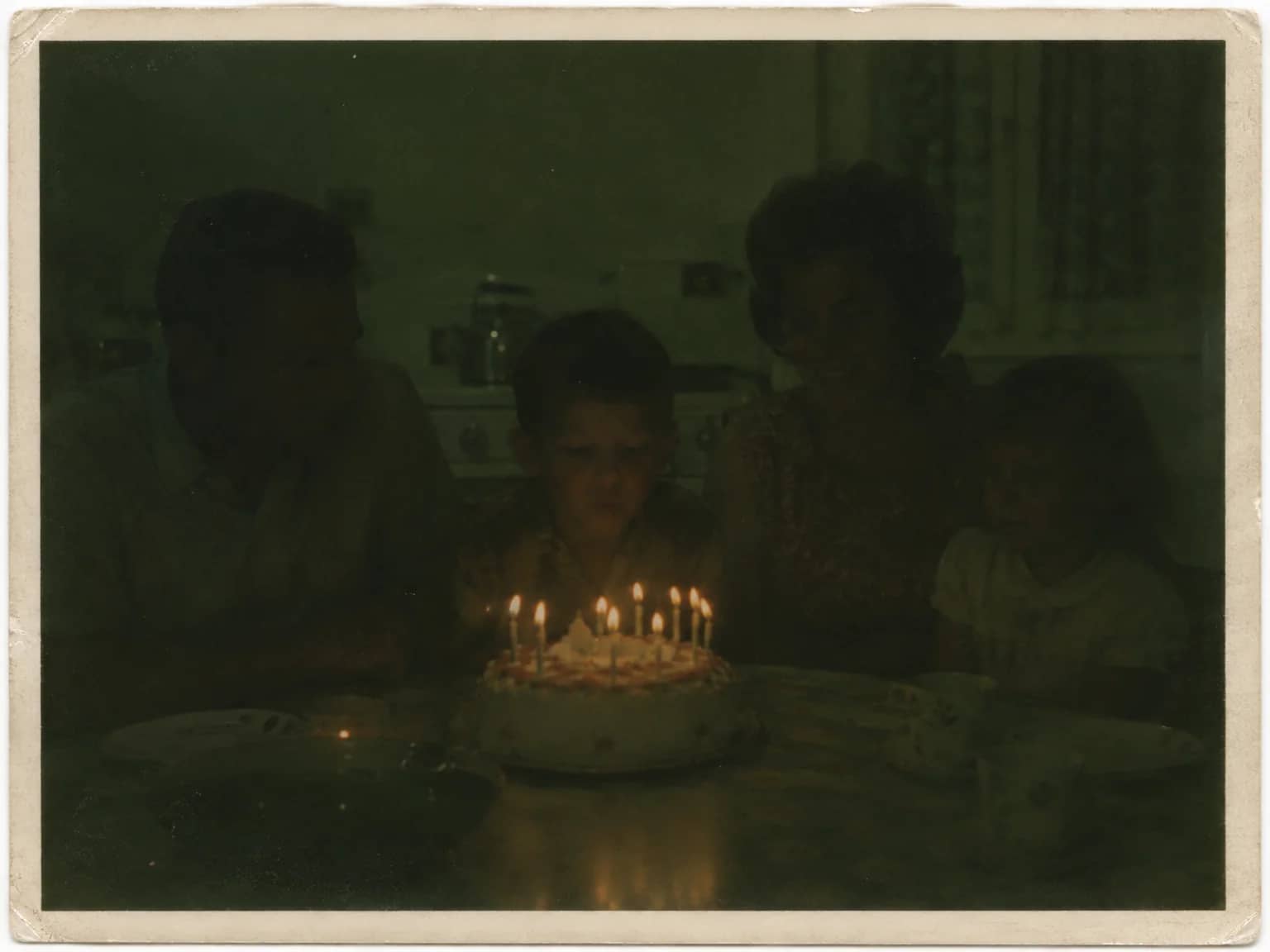
Recover a too-dark, too-bright, flash-lit or backlit photo without an HDR look