Restore
Face Restoration
Recover eyes, skin and hair in soft or tiny faces while keeping the person
4 free credits to start, enough for one Standard pass of this tool.
- 1Upload the photo with the face or faces that need work
- 2Choose Natural for a light touch or Strong for very small or blurry faces
- 3Download the result and compare it with other photos of the person
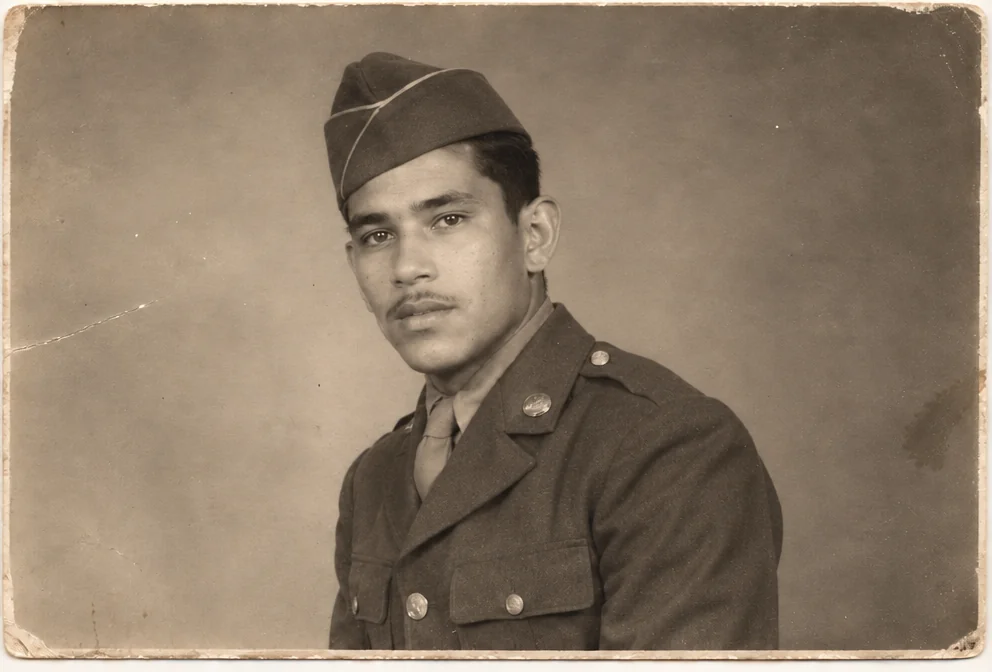
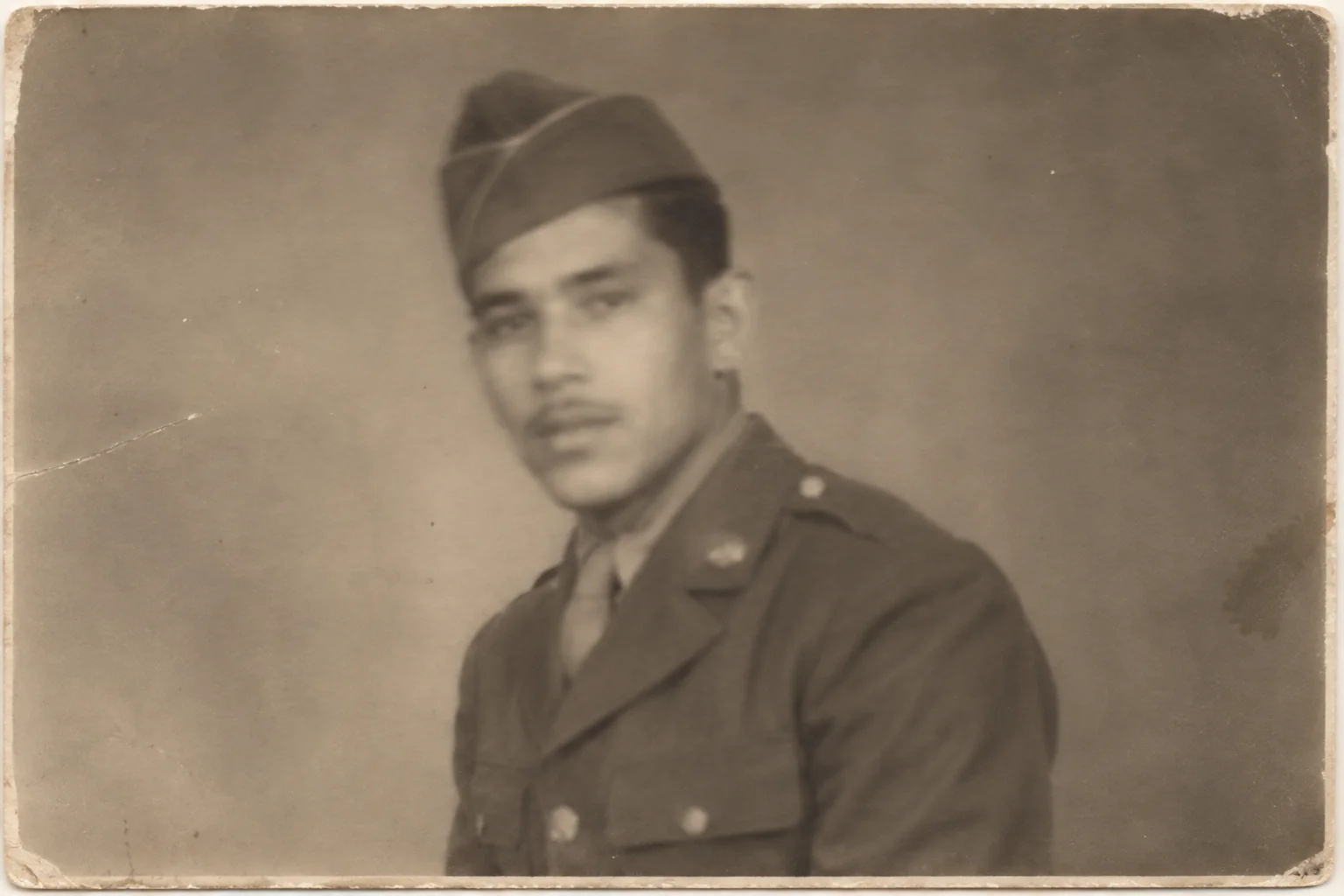
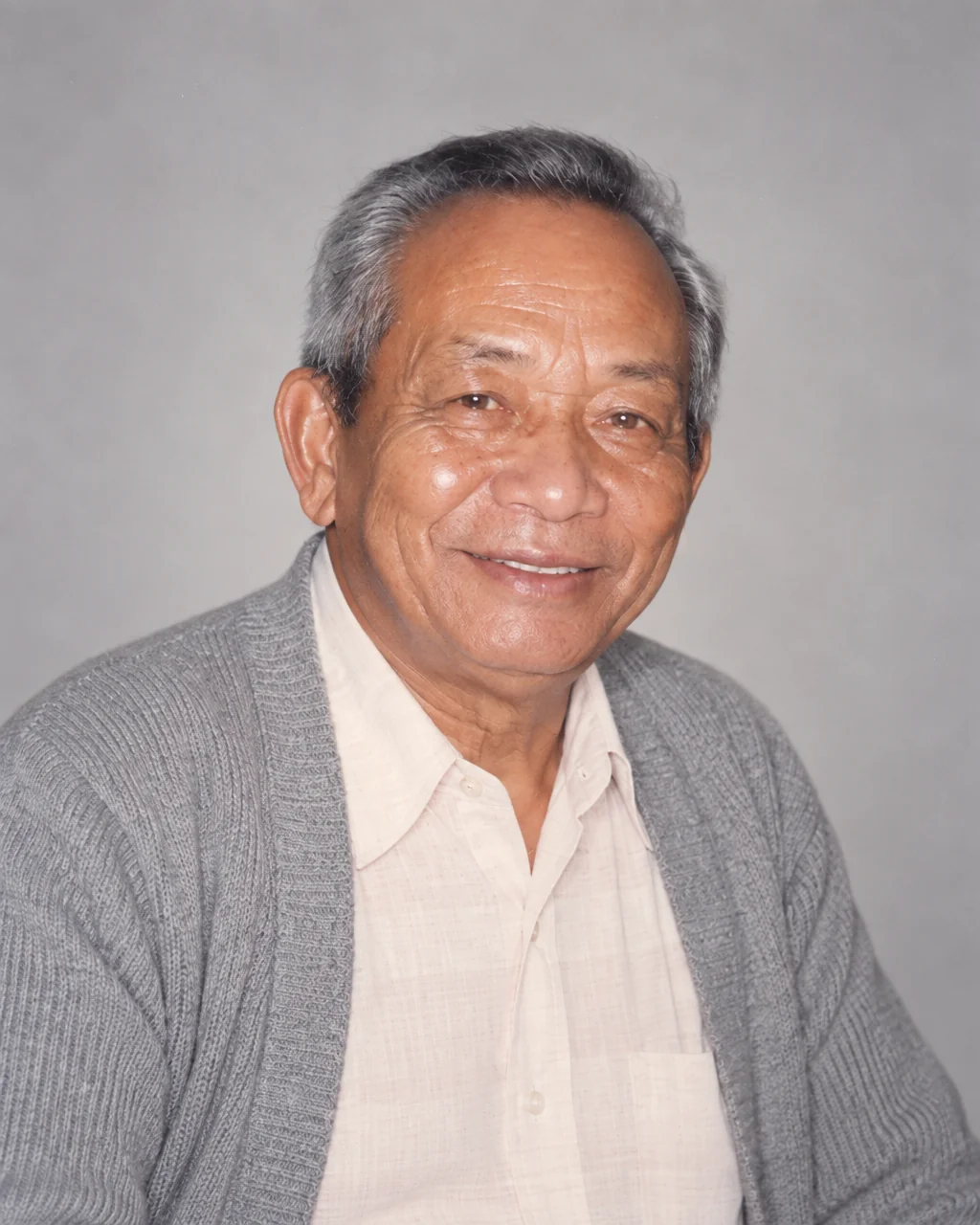
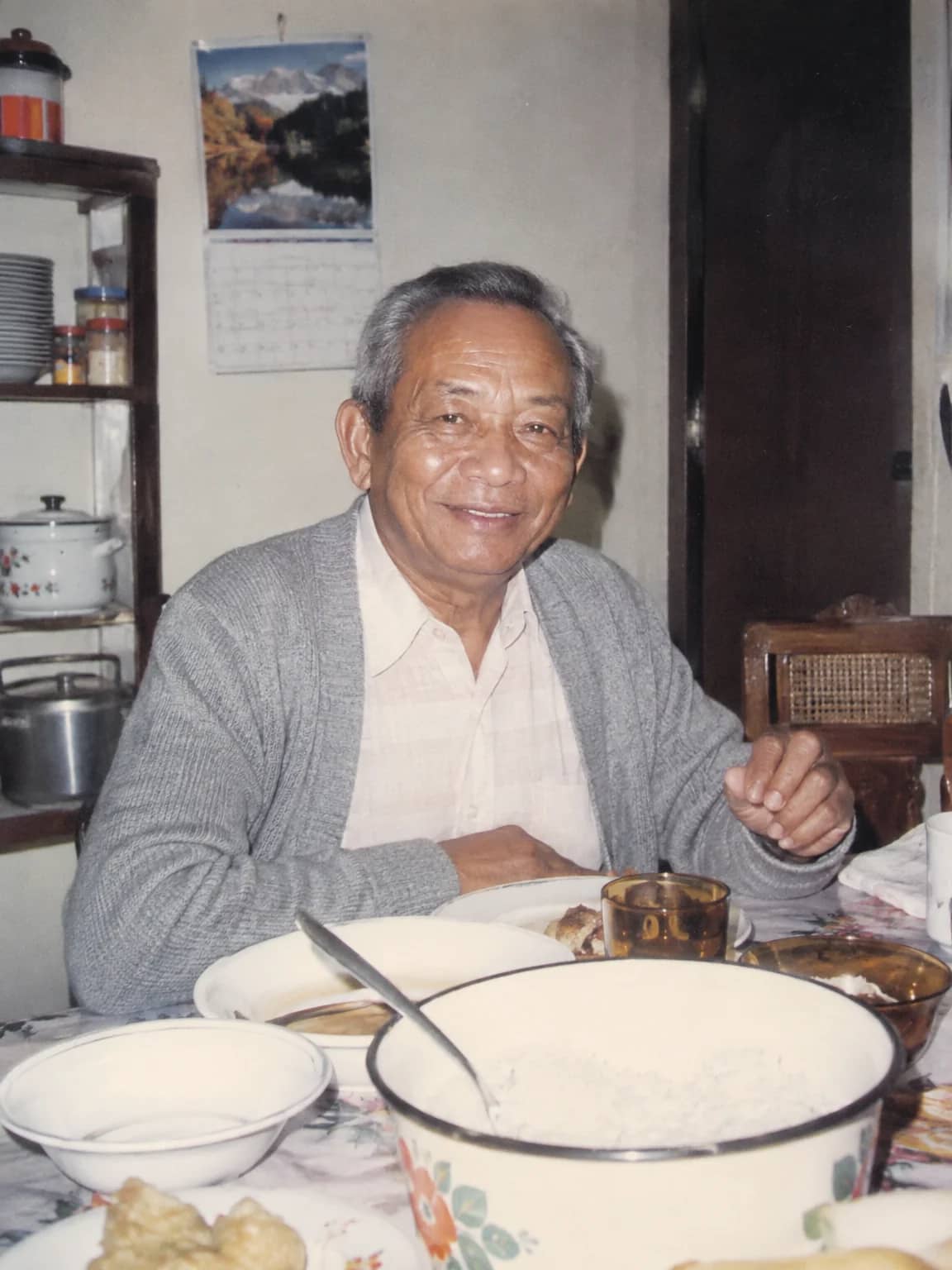
Restored by this tool from the original. Drag the handle to compare before and after.
Faces are what people look at first in an old photograph and what they miss most when they are soft. A small print, a slightly missed focus, a decade of handling, and the eyes become two grey smudges. Face Restoration works on the faces alone. It recovers detail in the eyes, eyebrows, skin texture, lips and hair that was lost to blur, low resolution or damage, and it leaves the rest of the photograph as it was apart from matching the sharpness so that a crisp face does not sit oddly on a soft background. The instructions are firm about identity: same face shape, same features, same expression, same apparent age, no beautifying, no slimming, no de-aging.
The Strength select is the important decision. Natural recovers only what is plausibly already in the print, sharpening features gently and keeping the soft character of the original. This is the right setting for most prints and the one that changes a face least. Strong is for faces that are very blurry or very small, a few dozen pixels across, where the AI has to reconstruct believable facial detail rather than sharpen what exists. It keeps the bone structure and expression it can see, but the fine detail it adds is inferred, and you should think of a Strong result as a plausible reconstruction to compare against other photographs of the person. The notes box lets you say which face matters, for instance the baby on the left, so the AI gives that one the closest attention.
Upload the largest version of the photo you have, since a face that is 200 pixels across gives the AI far more to work from than one that is 40. Results follow the shape of the upload and come back in seconds. After a face pass, the Studio can enlarge the result for reprinting or send it on to the Memorial Portrait tool. A group photo with a dozen faces is handled in the same pass, each face treated on its own terms, though the notes box is the way to say which one deserves the most care when the print will be cropped to a single person later. Faces in profile or half-turned are handled too, with the visible side guiding the reconstruction.
Credits per pass
| Tier | Credits | Good for |
|---|---|---|
| Standard | 4 | The print at screen size, quick repairs |
| Pro | 12 | More of the scan is sent, finer faces and texture |
| Max | 44 | The full scan, every readable detail kept for print |
What you can tell it
- Photo with faces
- StrengthNaturalStrong
- Anything to know? (optional)
- Result · Same ratio as the original
In the Studio
- Pass the result into any other tool without uploading again
- Standard, Pro and Max tiers, with the cost shown before you run
- Every restoration kept in your library beside its original
- Upscale to 32 MP for framing, or make a short moving version
About this tool
Often used next
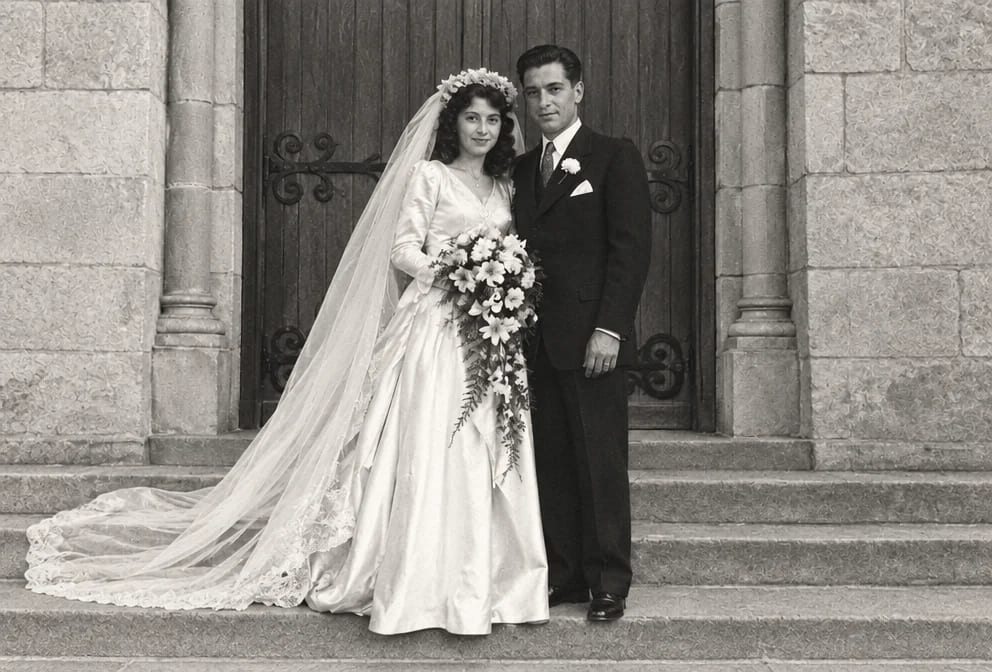
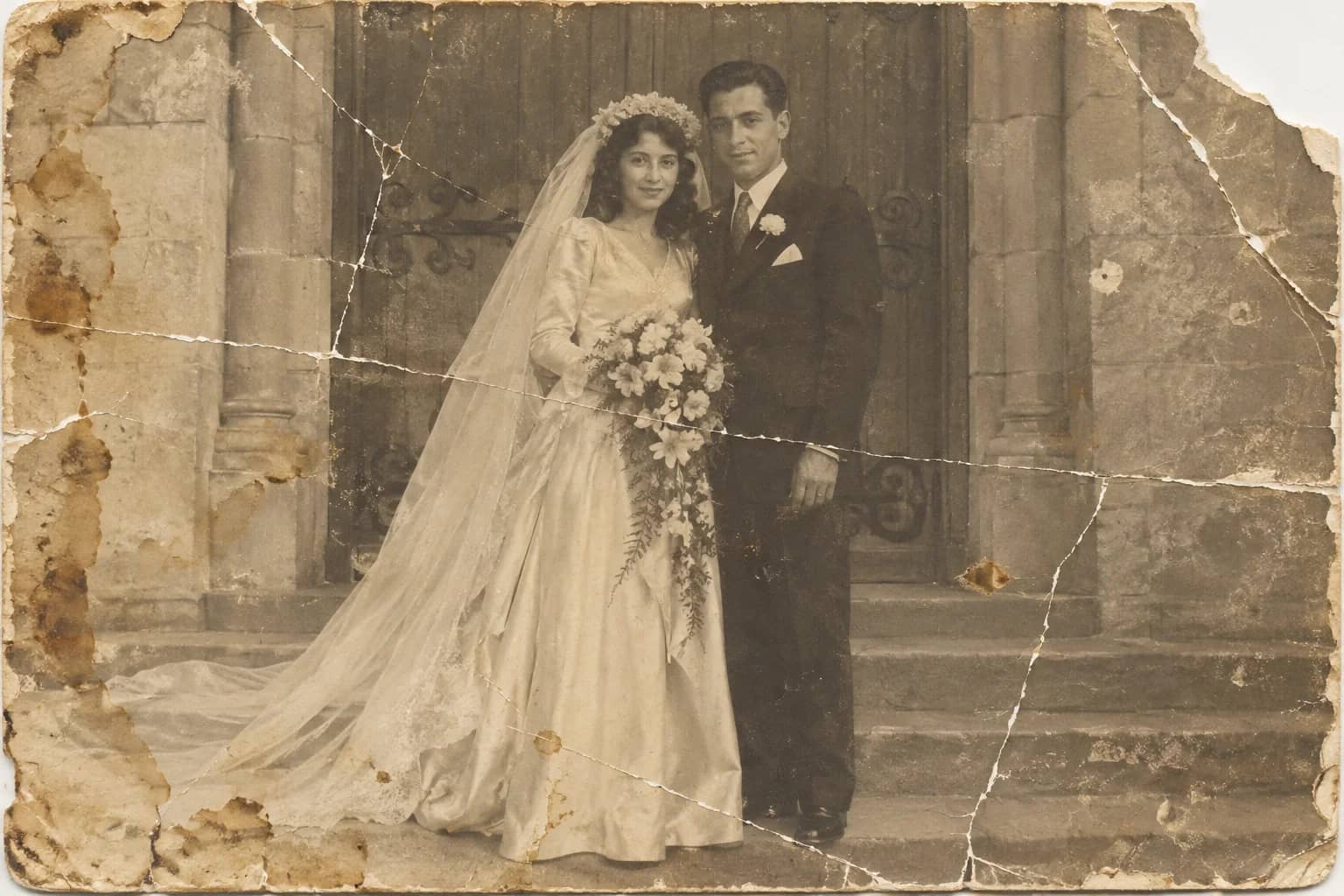
Photo Restoration
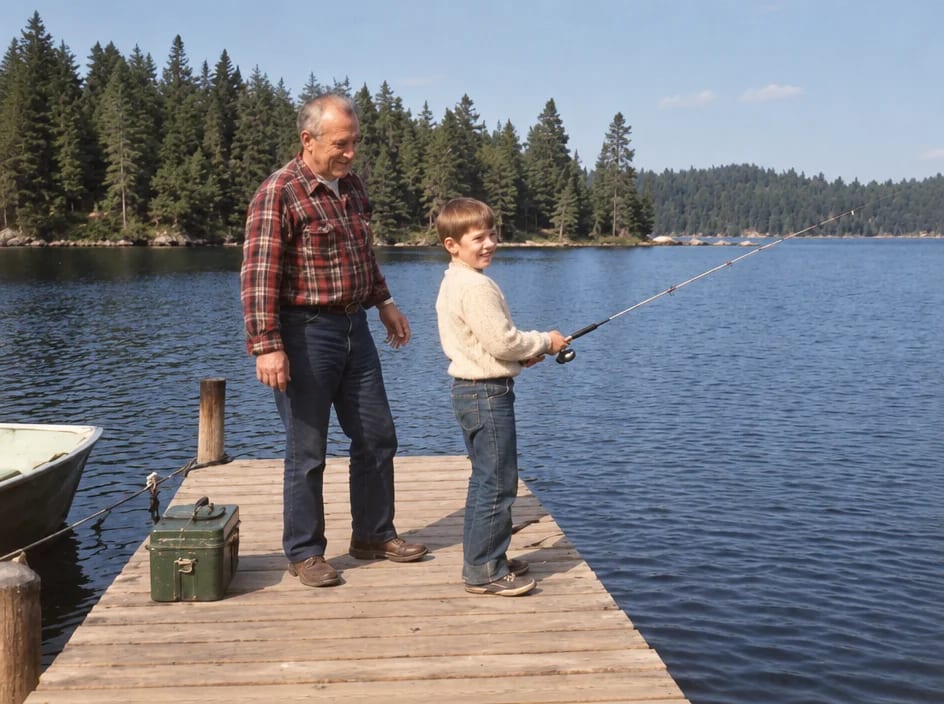
One pass that repairs damage, lifts fading and sharpens faces in an old photo
Unblur Old Photos
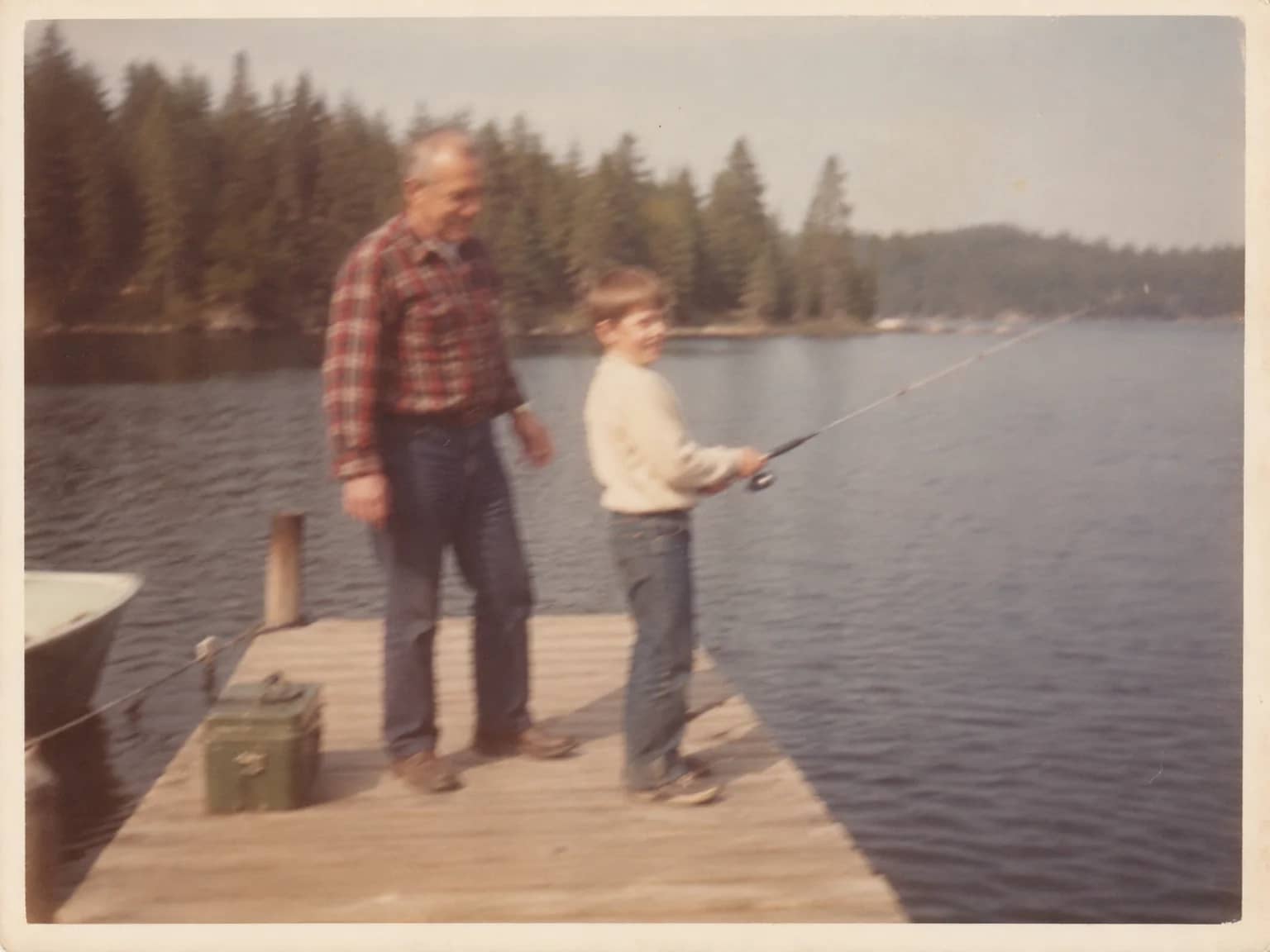
Recover crisp edges and texture from soft, shaken or out-of-focus prints
Crop a Person from a Group Photo
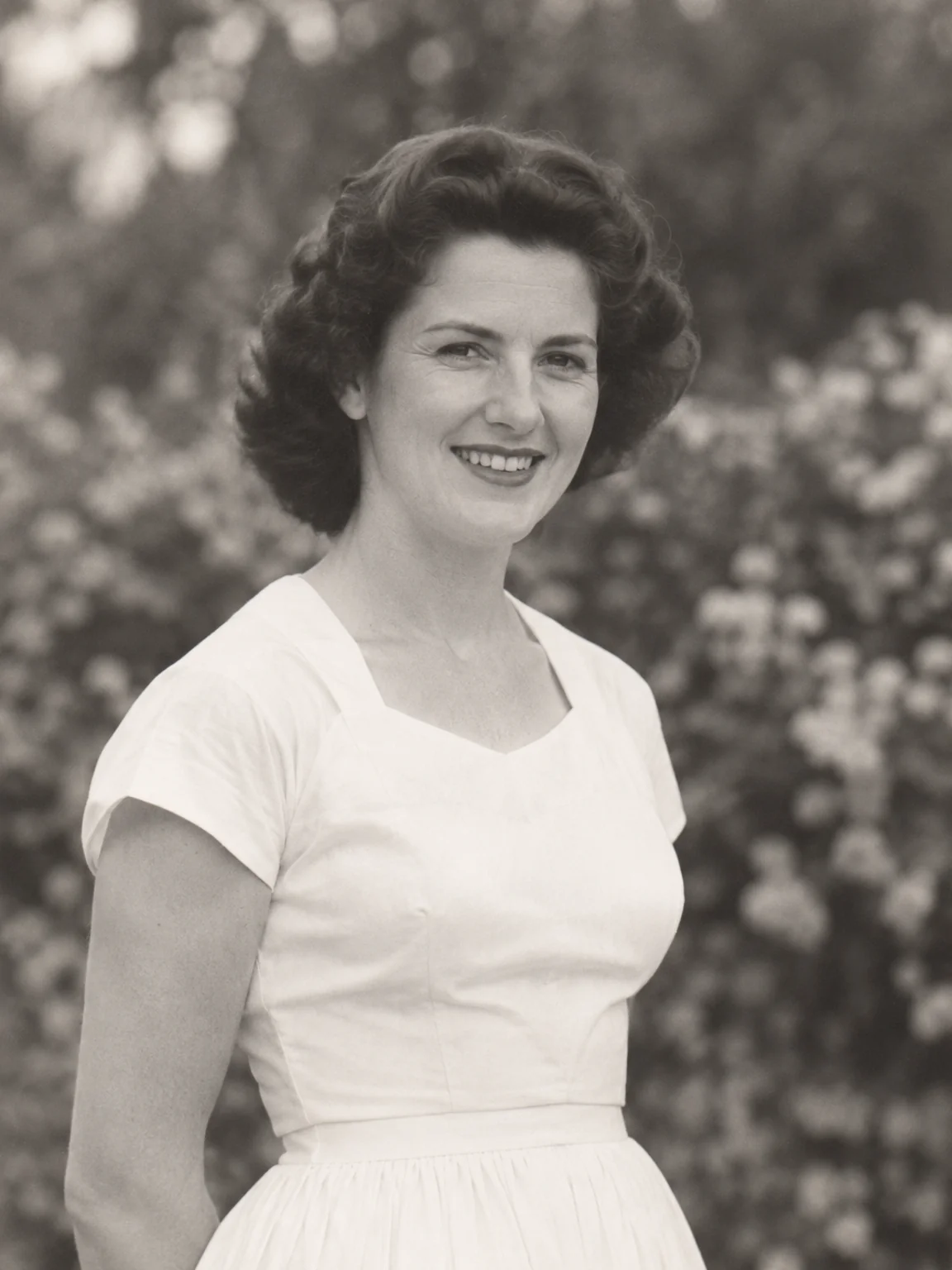
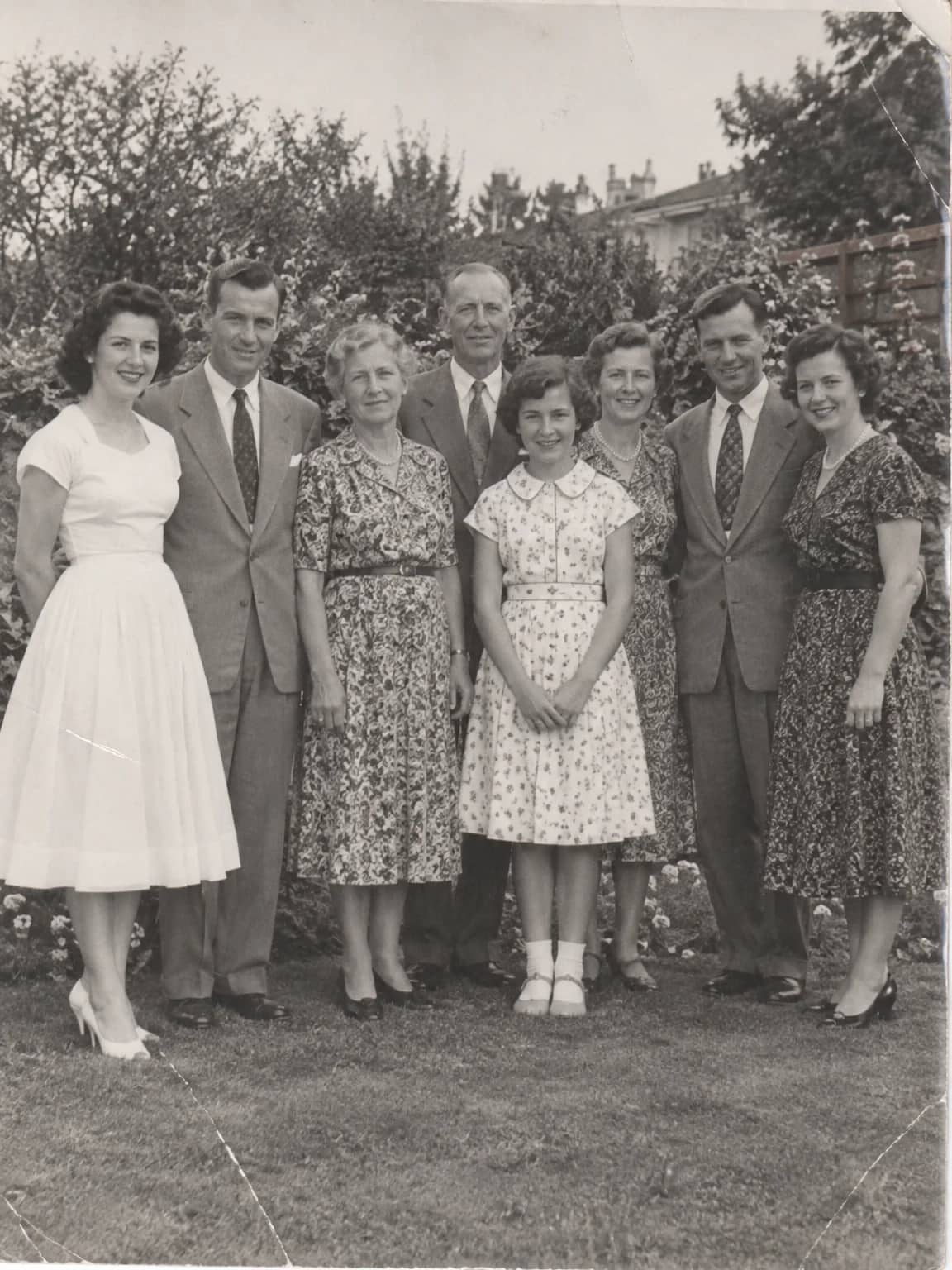
Lift one person out of a crowd into a restored head-and-shoulders portrait
Memorial Portrait
A gentle, restored head-and-shoulders portrait for a service, card or frame