Repair
Missing Parts Filler
Rebuild a torn-off corner or a lost edge by continuing the surviving scene
4 free credits to start, enough for one Standard pass of this tool.
- 1Upload the print with the missing area fully in frame
- 2Describe what is missing so the AI knows what to continue
- 3Download the completed print and check any rebuilt faces against other photos
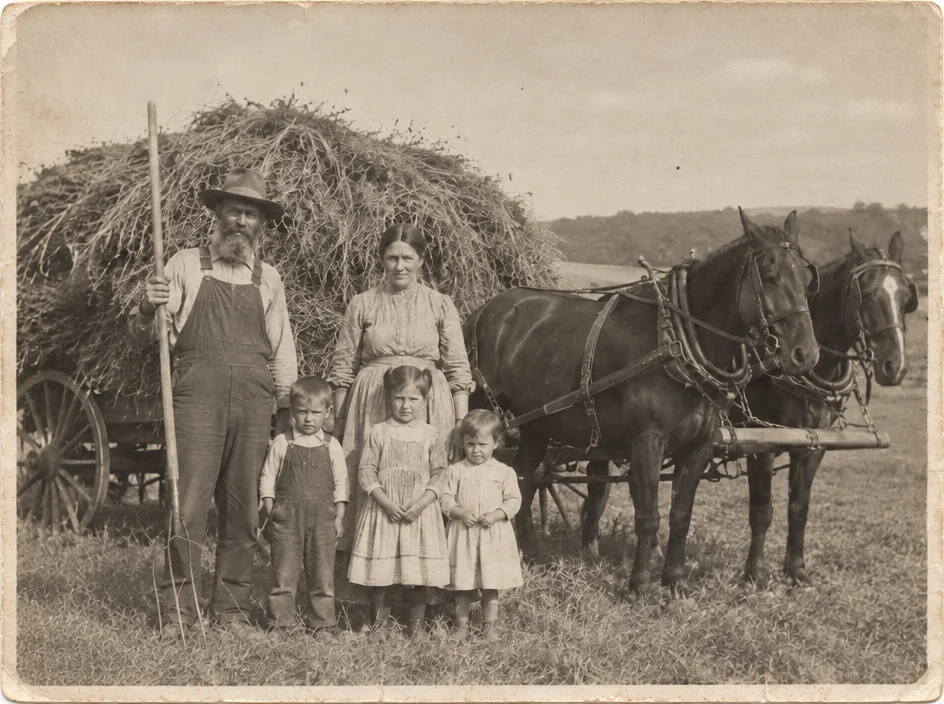
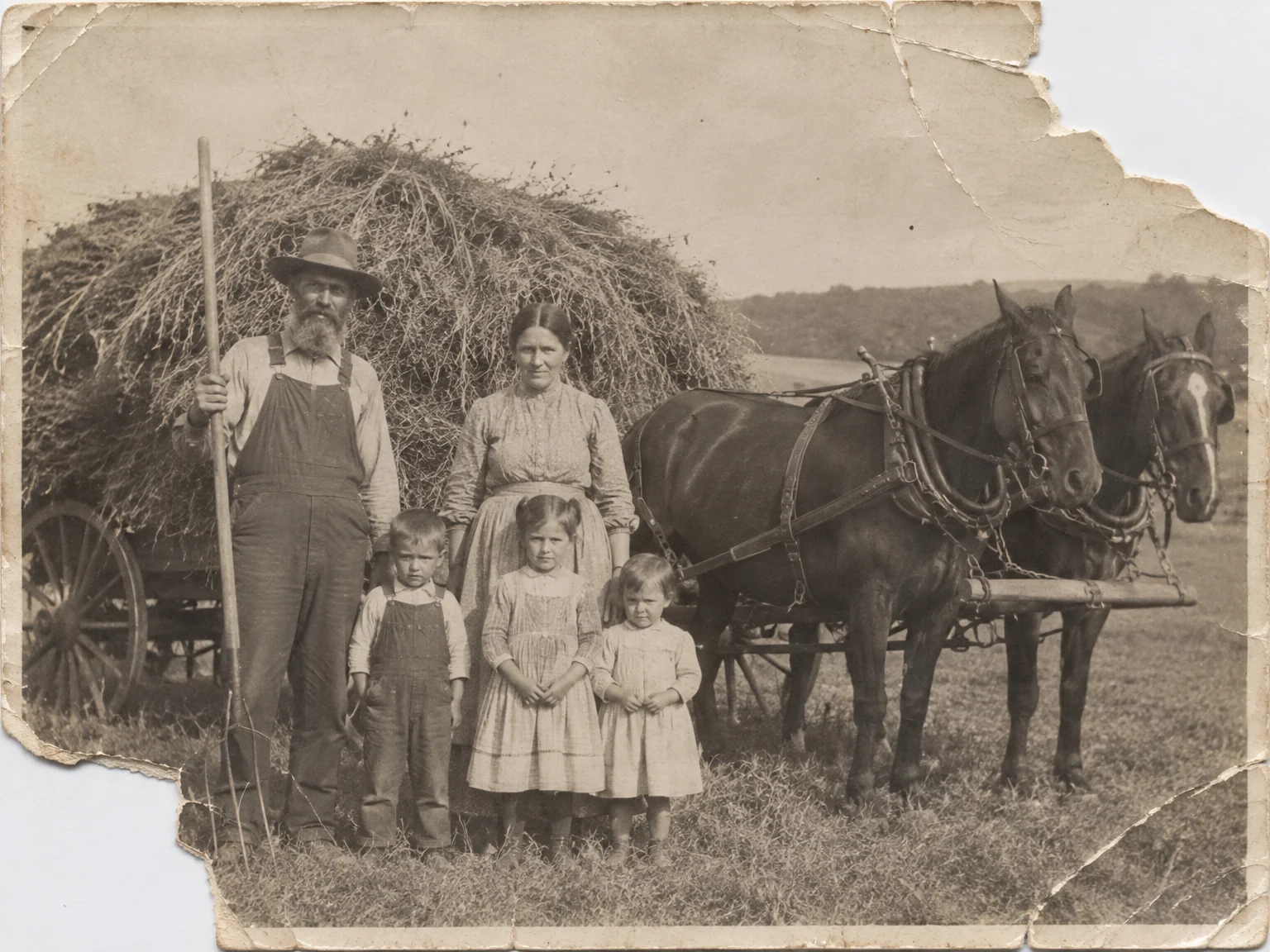
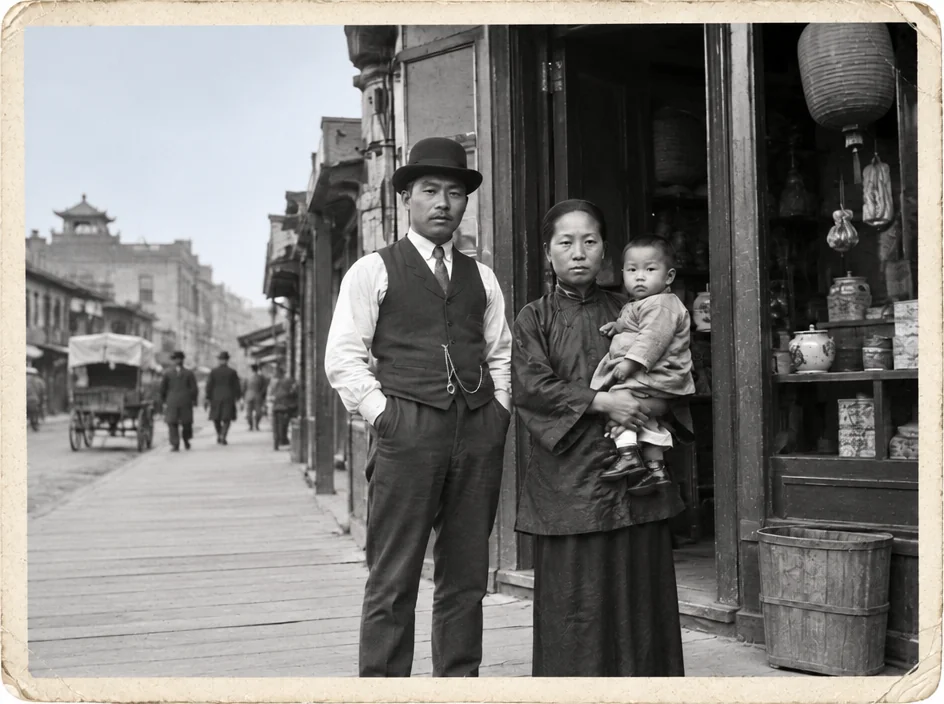
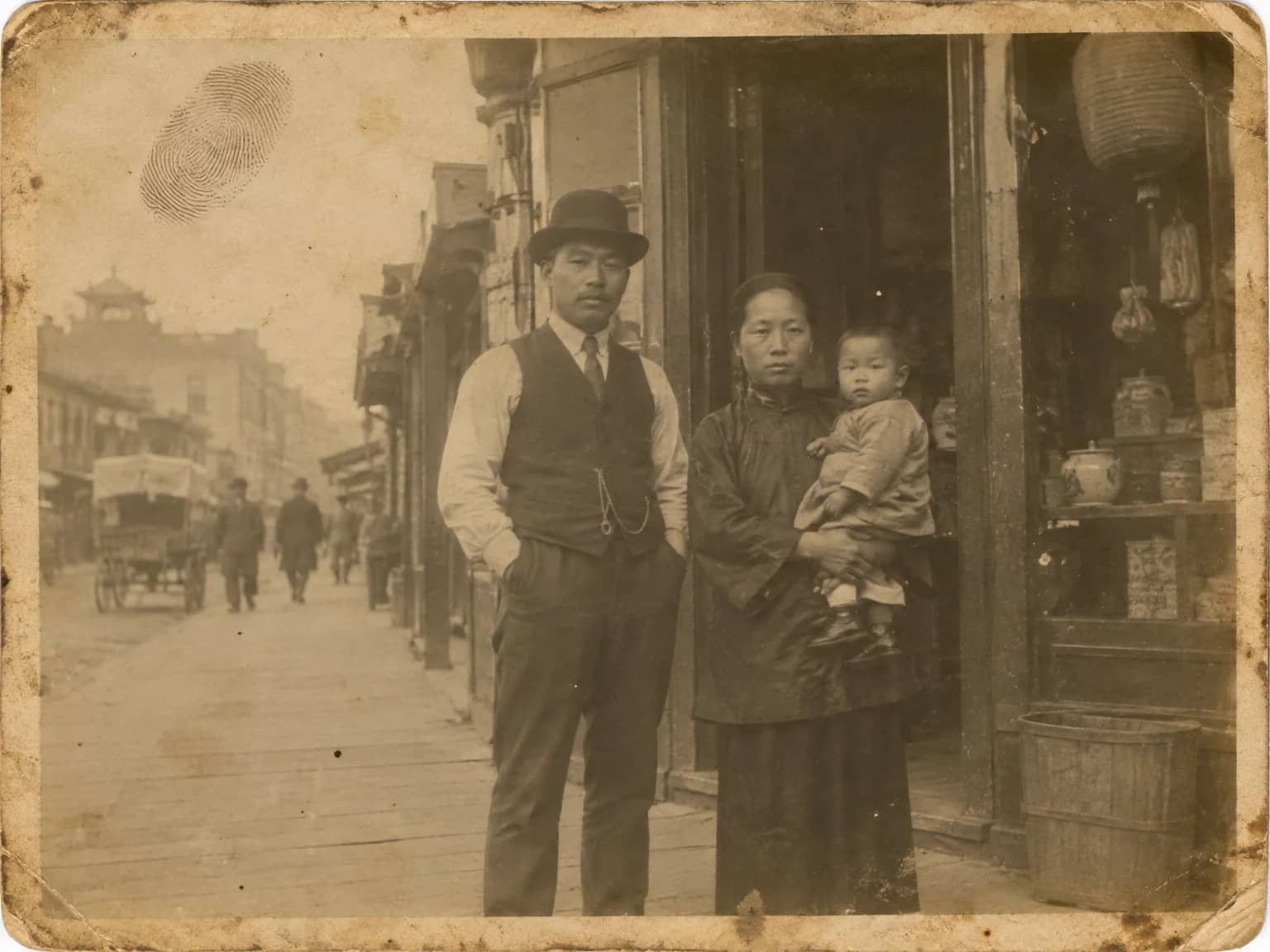
Restored by this tool from the original. Drag the handle to compare before and after.
Some prints have simply lost a piece. A corner tore off decades ago and was never found, a mouse got at the edge of a box, a print was cut down with scissors to fit a frame and the offcut is gone. The Missing Parts Filler reconstructs those areas by continuing what survives: the background pattern, the floor, the wall, a sleeve, the rest of a chair. It matches the tonality, the grain and the lighting of the surrounding print so the new area sits in the photograph rather than on it. The framing and the shape of the upload stay as they are; the filled area occupies the space where the missing piece was.
There is a line this tool will not cross, and it is stated in its instructions. If a face was in the missing area and none of it survives, the AI does not invent one. Where half a face survives, it completes it consistently with the visible half, and that completed half is a reconstruction you should compare against other photographs of the person. Clothing, hands, backgrounds and objects are continued plausibly, which is a different thing from being recovered, since nothing about the lost piece is known. The What is missing box helps the AI understand what it is looking at, for example that the bottom left corner is torn off rather than simply dark, or that a torn edge ran through a doorway.
Scan the print with the damaged edge fully in frame and, where there is any surviving fragment, include it. A photocopy of the lost corner in an album elsewhere would be worth mentioning in the notes too. Results return in seconds. For a tear where both pieces exist, the Scratch & Tear Repair tool is the better match, since it closes a line rather than inventing an area. Where the missing piece held part of a border or a caption, say so, and the AI continues the border rather than filling it with picture. If the print is one of a matched pair or a set, uploading the intact one first to see how the edge should look is a sensible check.
Credits per pass
| Tier | Credits | Good for |
|---|---|---|
| Standard | 4 | The print at screen size, quick repairs |
| Pro | 12 | More of the scan is sent, finer faces and texture |
| Max | 44 | The full scan, every readable detail kept for print |
What you can tell it
- Photo with a missing piece
- What is missing? (optional)
- Result · Same ratio as the original
In the Studio
- Pass the result into any other tool without uploading again
- Standard, Pro and Max tiers, with the cost shown before you run
- Every restoration kept in your library beside its original
- Upscale to 32 MP for framing, or make a short moving version
About this tool
Often used next
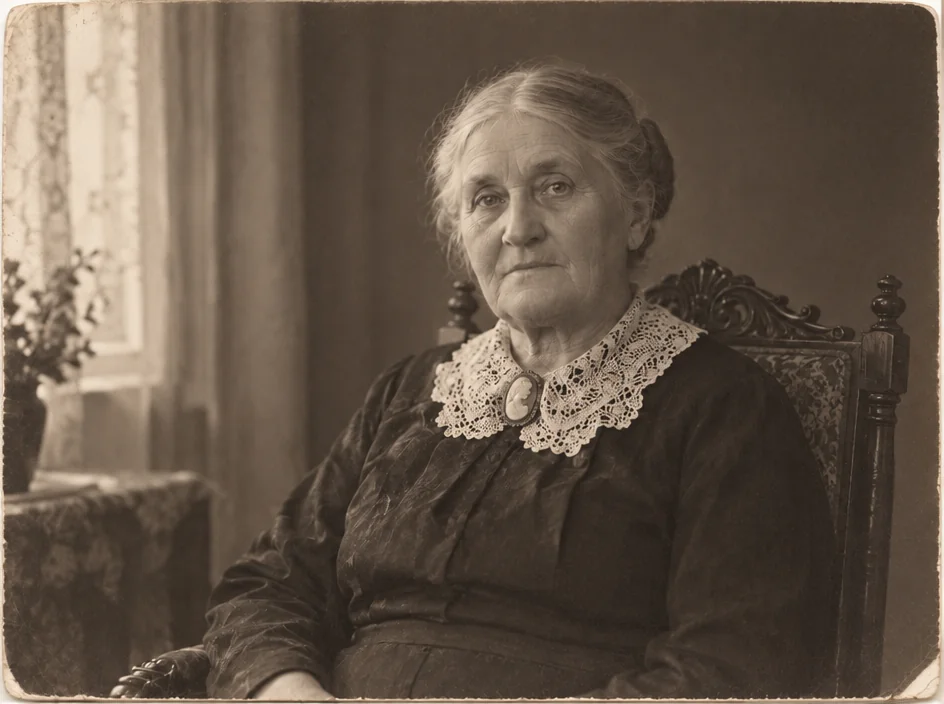
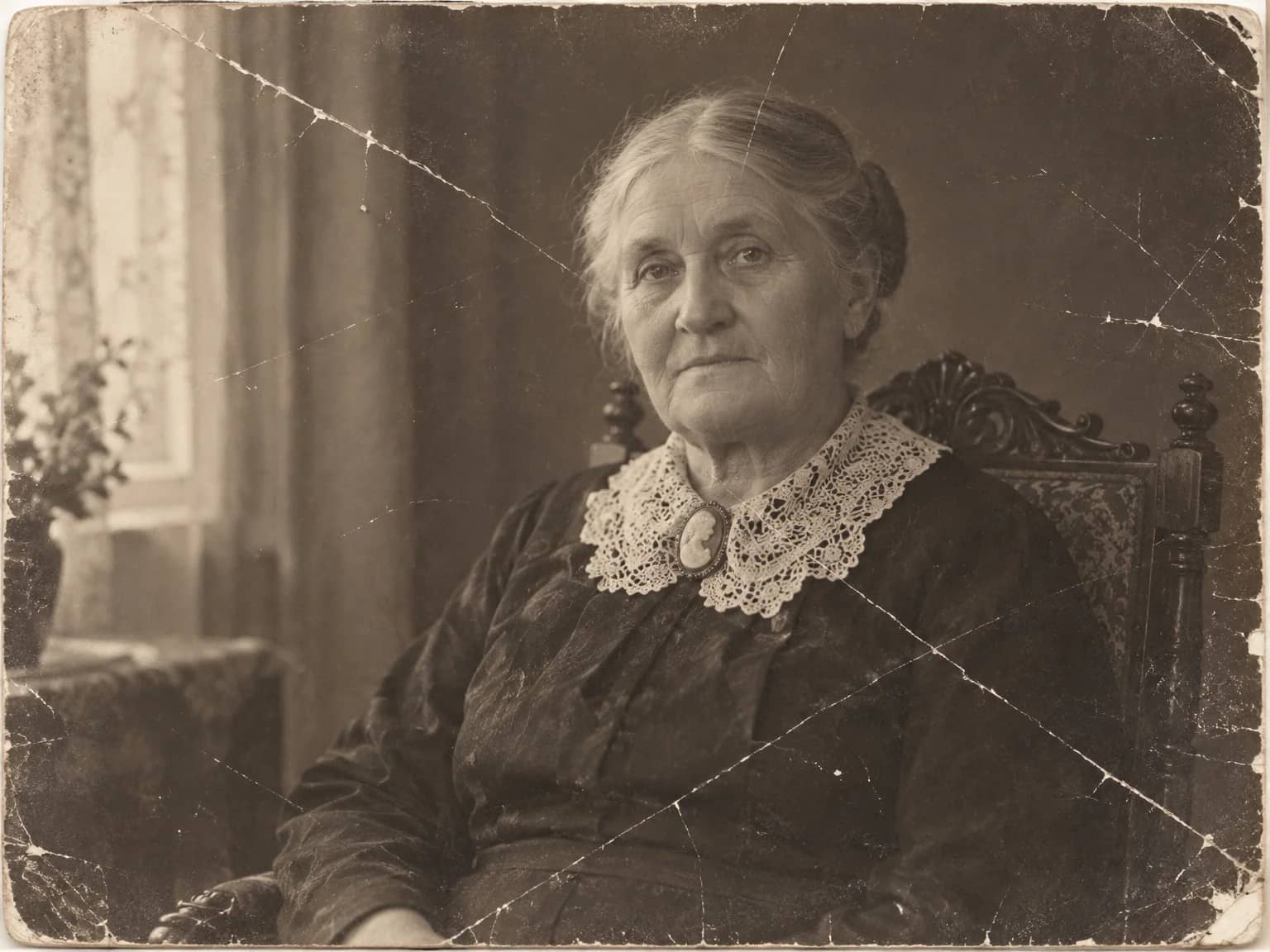
Scratch & Tear Repair
Close scratches, tears, creases and cracked emulsion without touching the rest
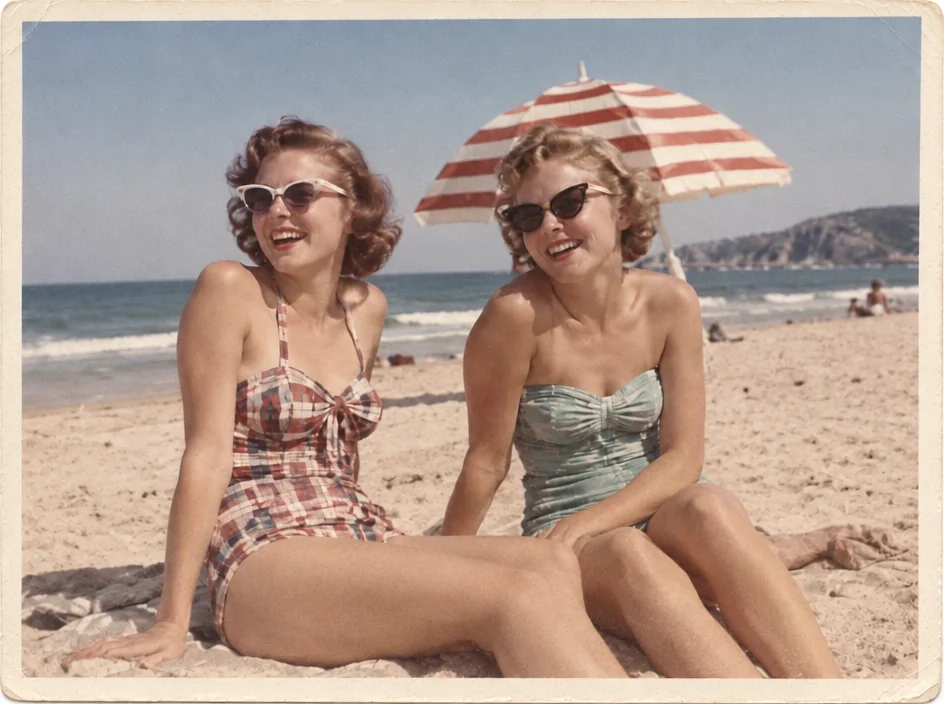
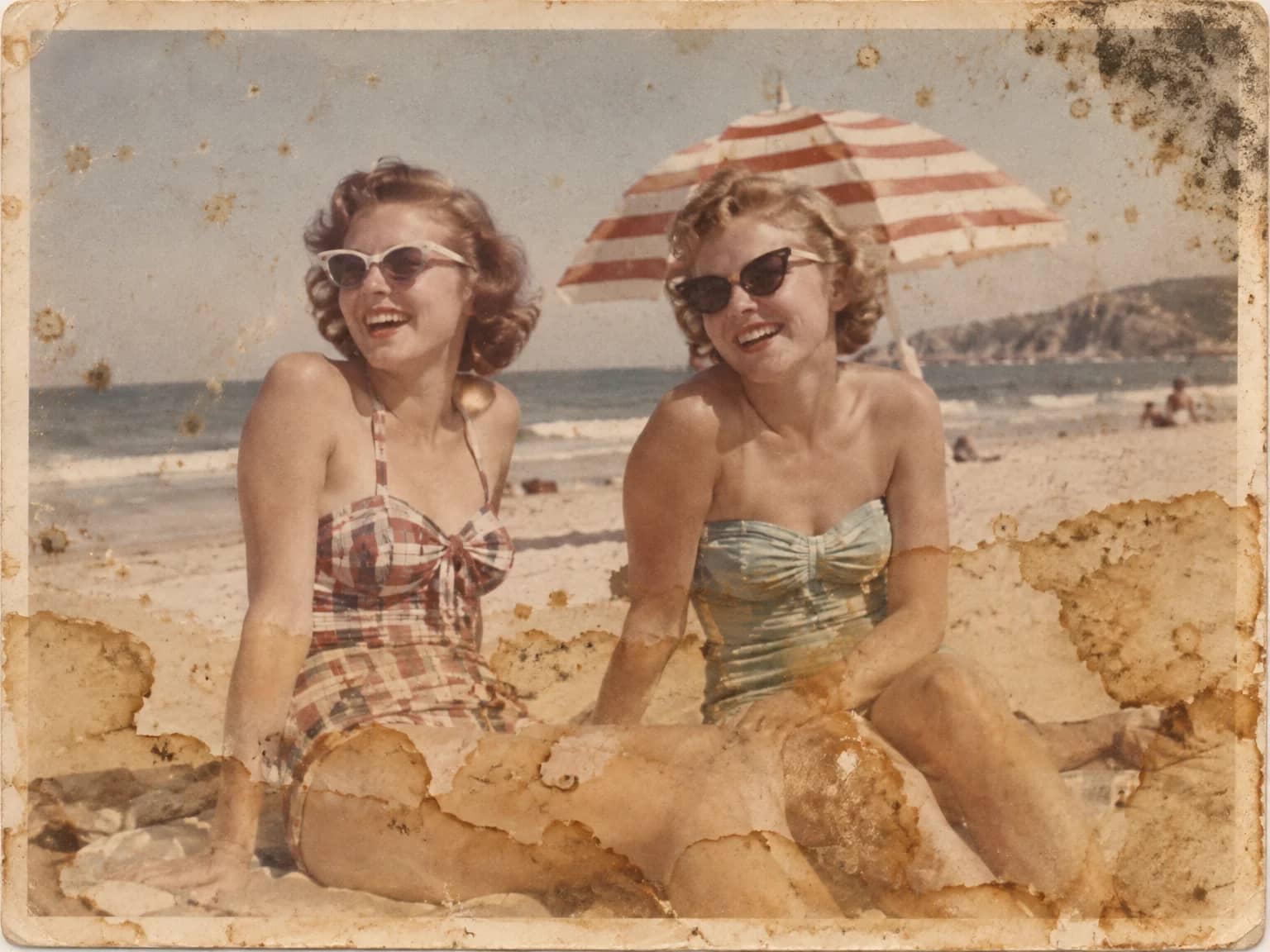
Stain & Spot Remover
Lift water stains, mold, foxing, dust, ink and tape residue from an old print
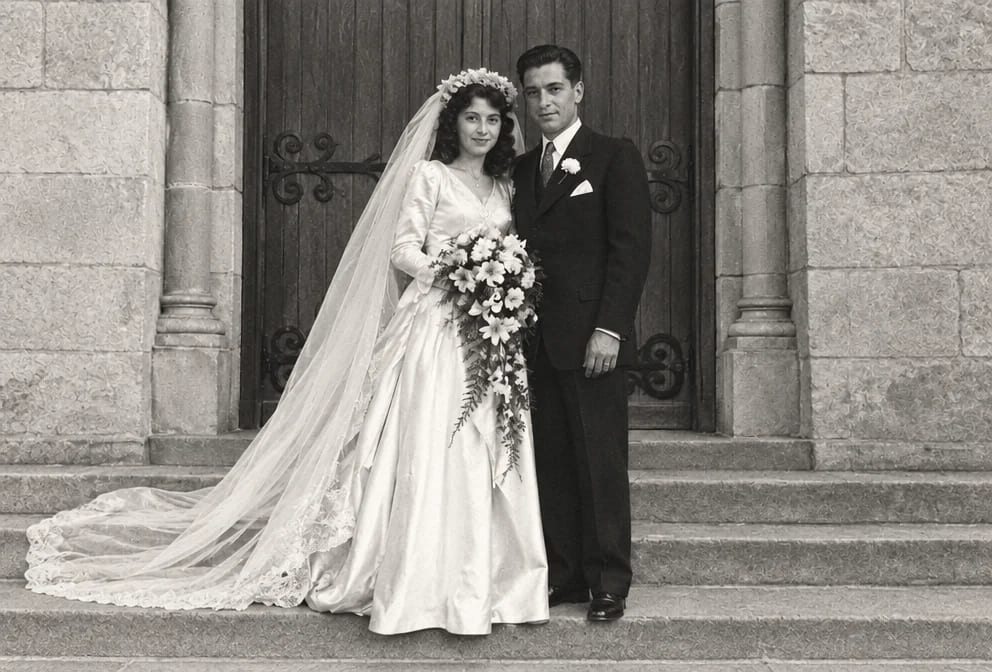
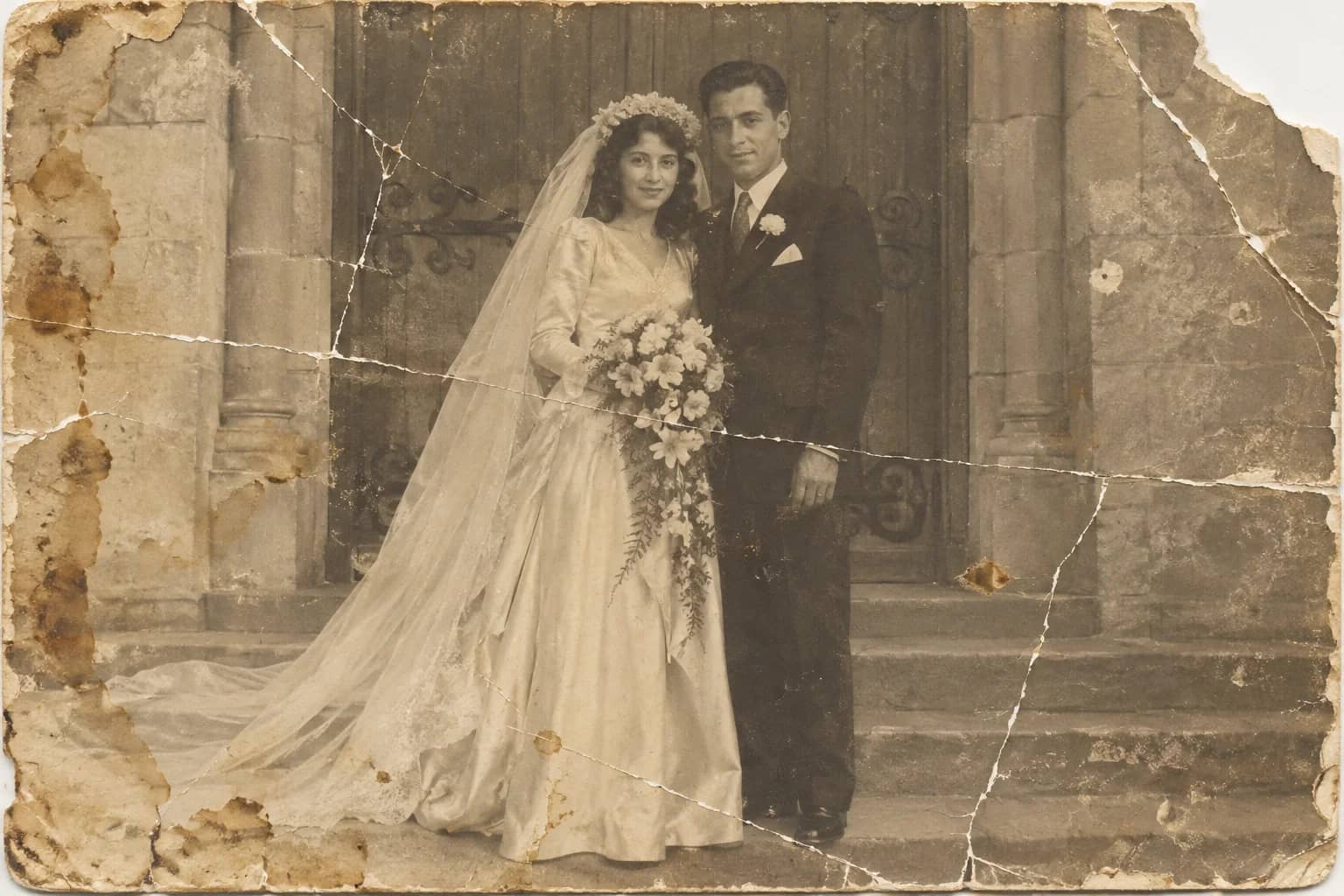
Photo Restoration
One pass that repairs damage, lifts fading and sharpens faces in an old photo
Describe the Repair
Say in plain words what needs fixing and let the AI carry it out