Restore
Photo Colorizer
Add plausible, era-matched color to a black-and-white or sepia photograph
4 free credits to start, enough for one Standard pass of this tool.
- 1Upload the black-and-white or sepia print
- 2Choose an era palette and write down any colors you remember
- 3Download the colorized photo or run it through another tool
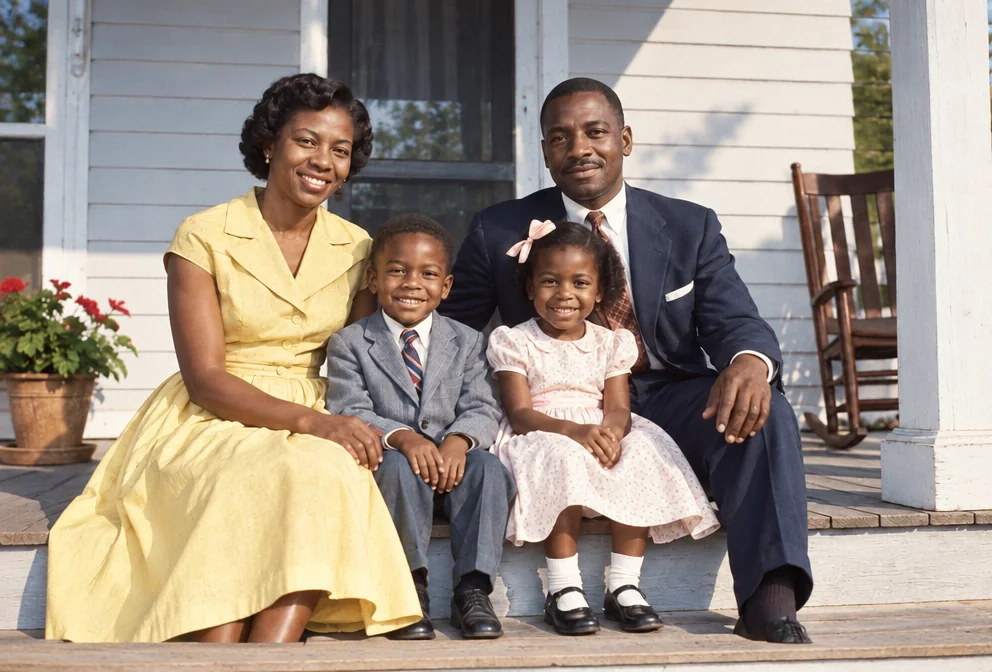
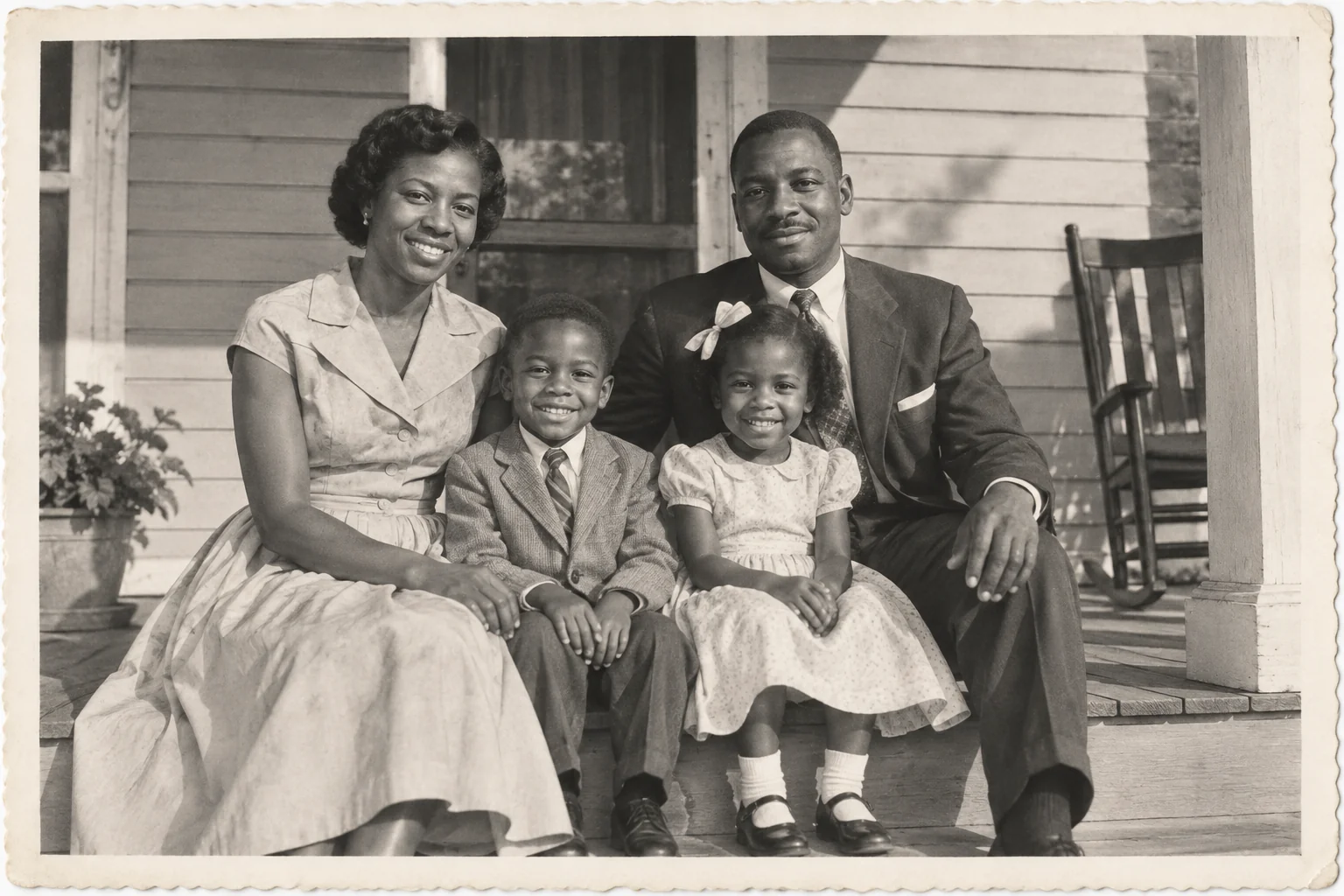
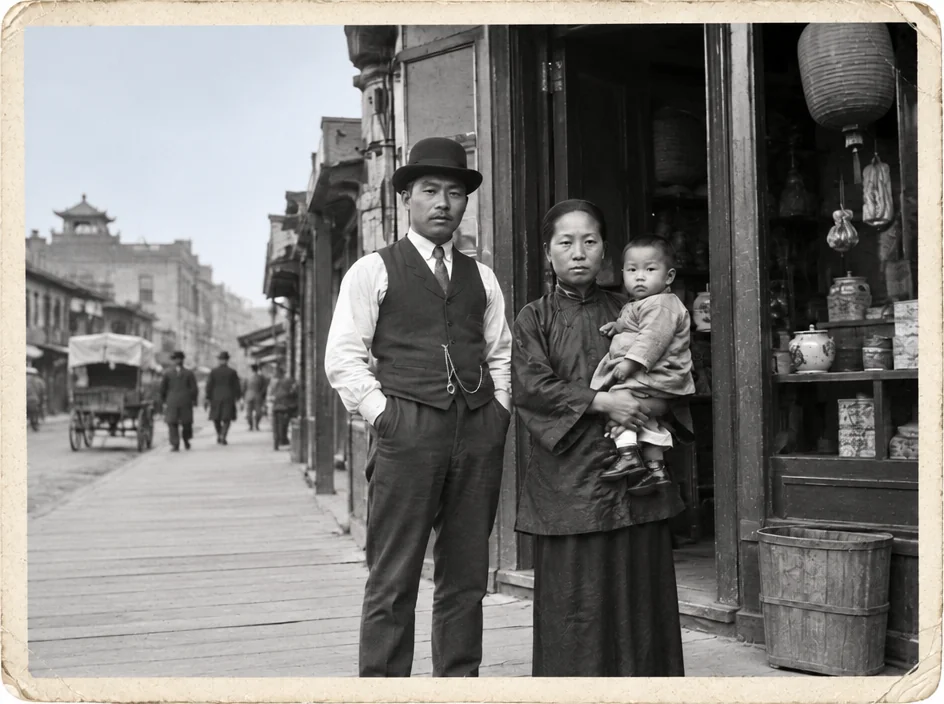
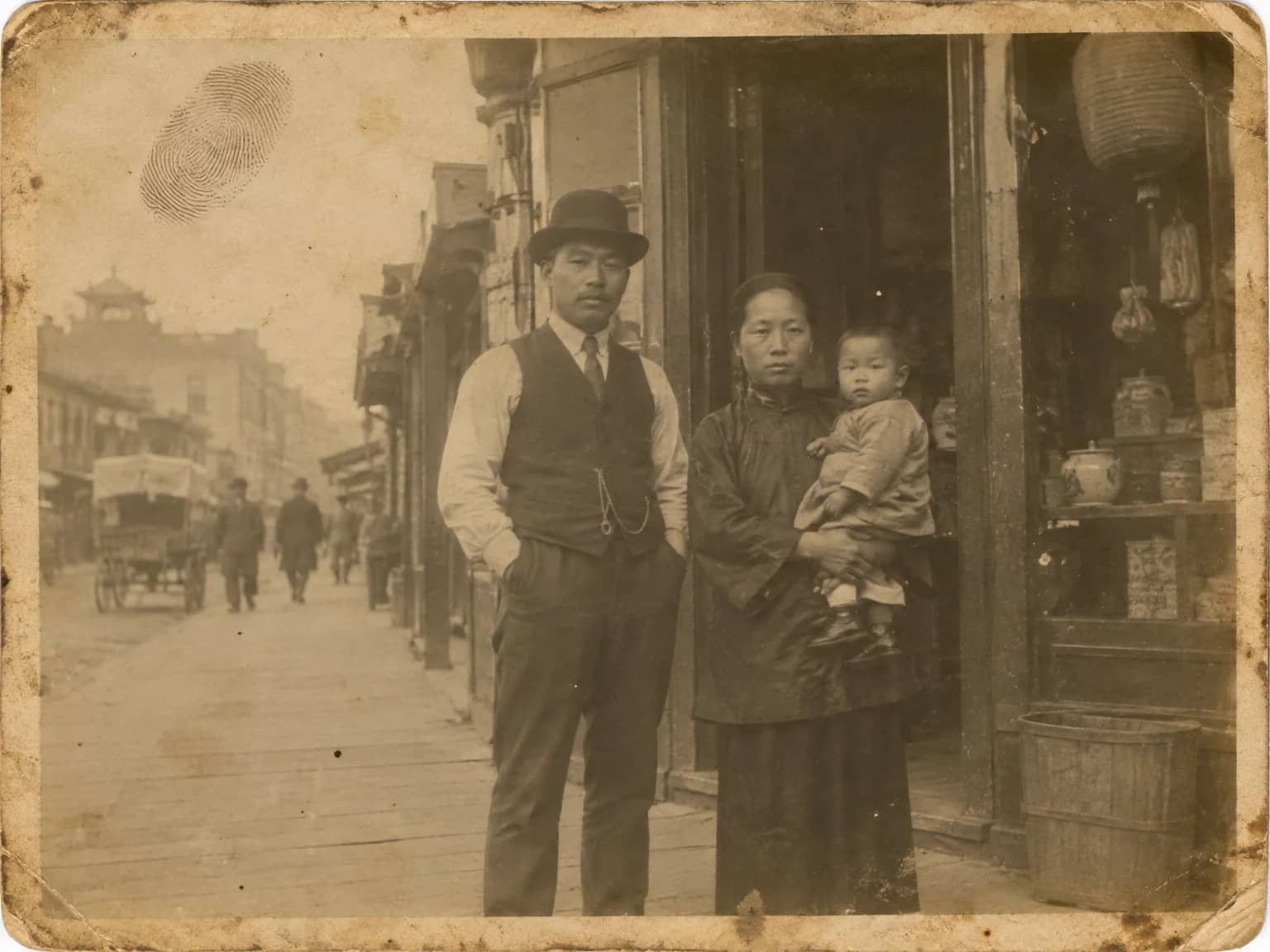
Restored by this tool from the original. Drag the handle to compare before and after.
A black-and-white photograph records light, not color, so any color added afterwards is an inference. That is worth saying plainly before anything else. What the Photo Colorizer does is make that inference carefully: varied and believable skin tones, natural hair and eye colors, fabric, sky, foliage and brick that look the way those materials tend to look, with no color spilling across an edge into the next thing. Underneath, the luminance, the contrast and the grain of the original are kept, so the colorized version still reads as the same photograph. It is a way of seeing a familiar print differently, not a record of what was there. The original remains what it was, and the colorized version sits beside it as an interpretation.
The Era palette select shapes the inference. Match the era lets the AI read the clothing, cars and print style and pick a period-plausible palette on its own. The named decades push it deliberately: the 1900s to 1920s option gives the muted, slightly desaturated look of hand-tinted prints, the 1930s and 1940s a restrained early-color palette, the 1950s the rich warmth people associate with Kodachrome prints, the 1960s something brighter and cooler, the 1970s warm and earthy, the 1980s vivid and contrasty. The Known colors box is the most useful field on the page. If you remember that her dress was pale blue or the car was dark green, say so, and the AI treats it as fact rather than guesswork. Family memory is the best color reference there is.
Sepia and brown-toned prints colorize as readily as neutral ones, since the tone is treated as a tint to be replaced rather than as image color. Upload the largest scan you have. Results arrive in seconds and follow the shape of your upload, and if the print is also scratched or faded it is usually better to restore it first and colorize the clean version, which the Studio lets you do in one chain. Groups colorize well, since each person is given their own skin tone rather than a shared one. Interiors with many small objects are where the AI has to guess most, so a note about the wallpaper or the sofa goes a long way in a living-room photograph from the 1950s.
Credits per pass
| Tier | Credits | Good for |
|---|---|---|
| Standard | 4 | The print at screen size, quick repairs |
| Pro | 12 | More of the scan is sent, finer faces and texture |
| Max | 44 | The full scan, every readable detail kept for print |
What you can tell it
- Black-and-white photo
- Era paletteMatch the era1900s–1920s1930s–1940s1950s1960s1970s1980s
- Known colors (optional)
- Result · Same ratio as the original
In the Studio
- Pass the result into any other tool without uploading again
- Standard, Pro and Max tiers, with the cost shown before you run
- Every restoration kept in your library beside its original
- Upscale to 32 MP for framing, or make a short moving version
About this tool
Often used next
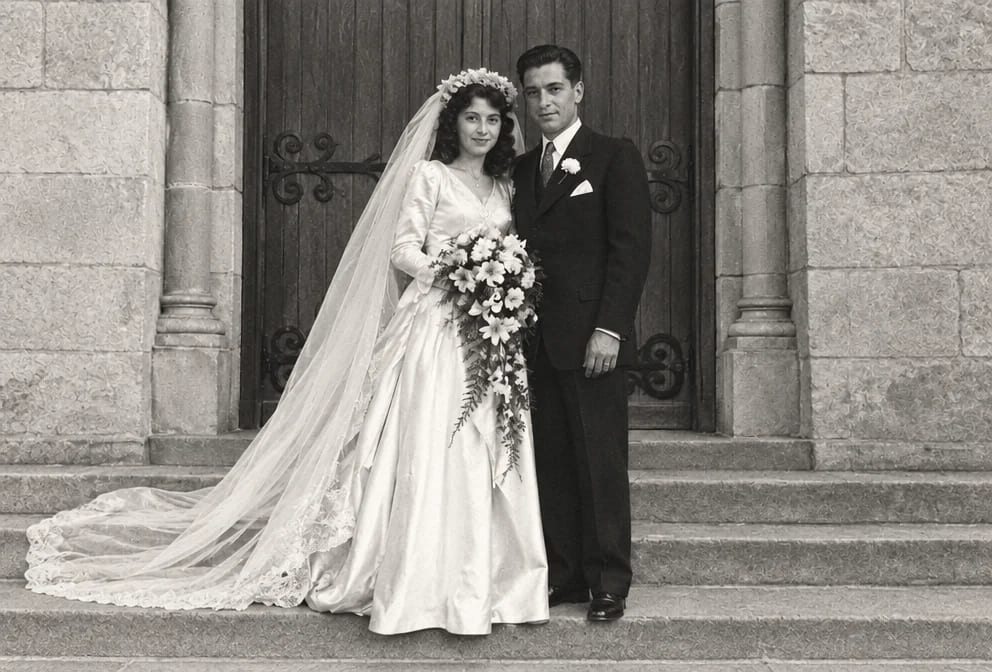
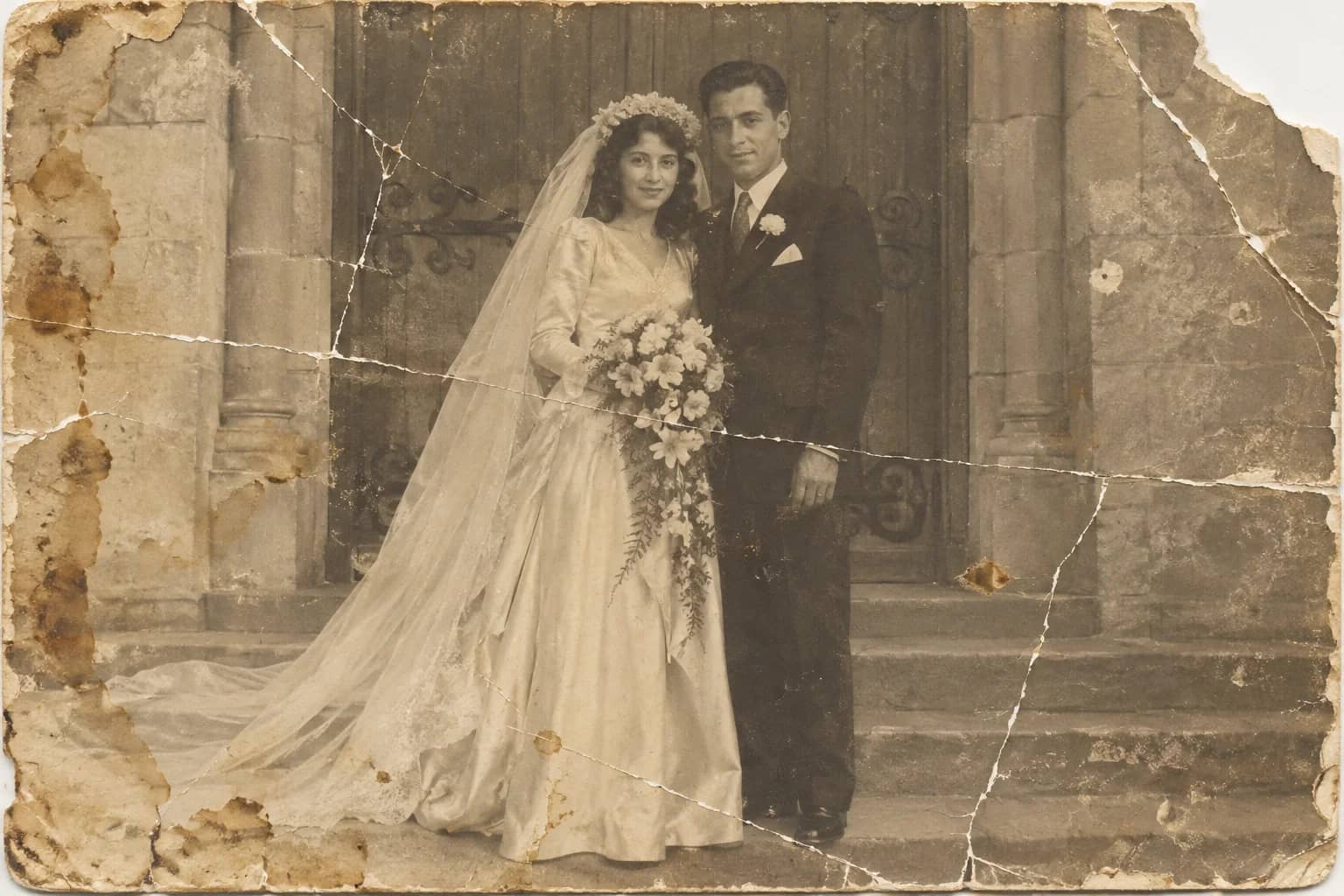
Photo Restoration
One pass that repairs damage, lifts fading and sharpens faces in an old photo
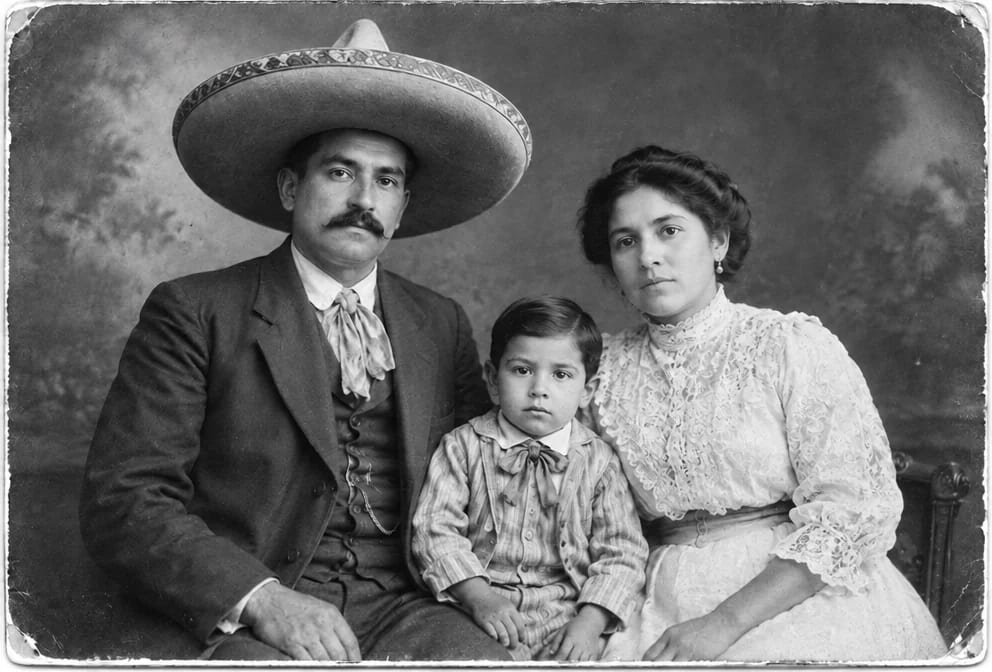
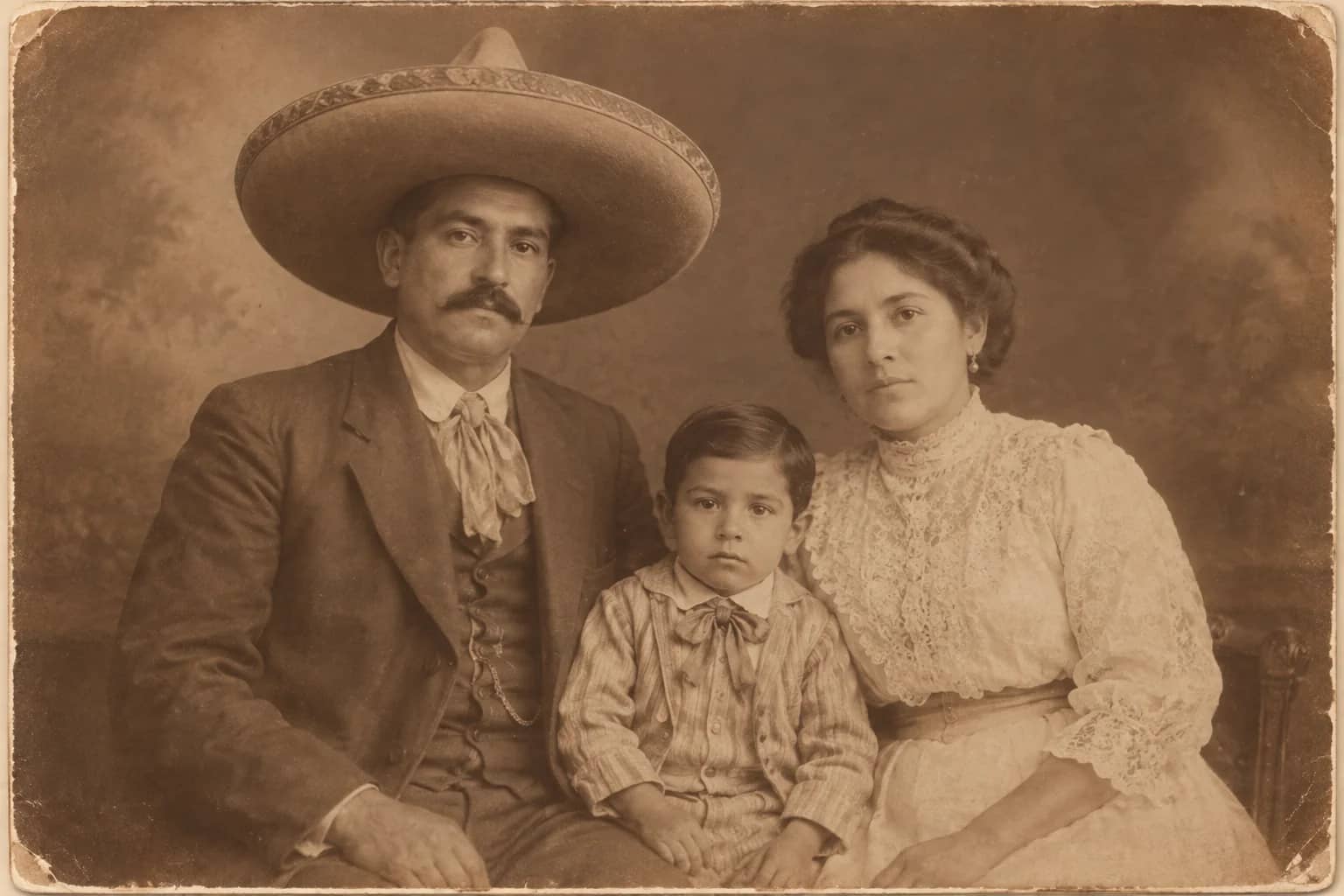
Sepia to Black & White
Take the brown out of a sepia print and give it a full-range monochrome tone
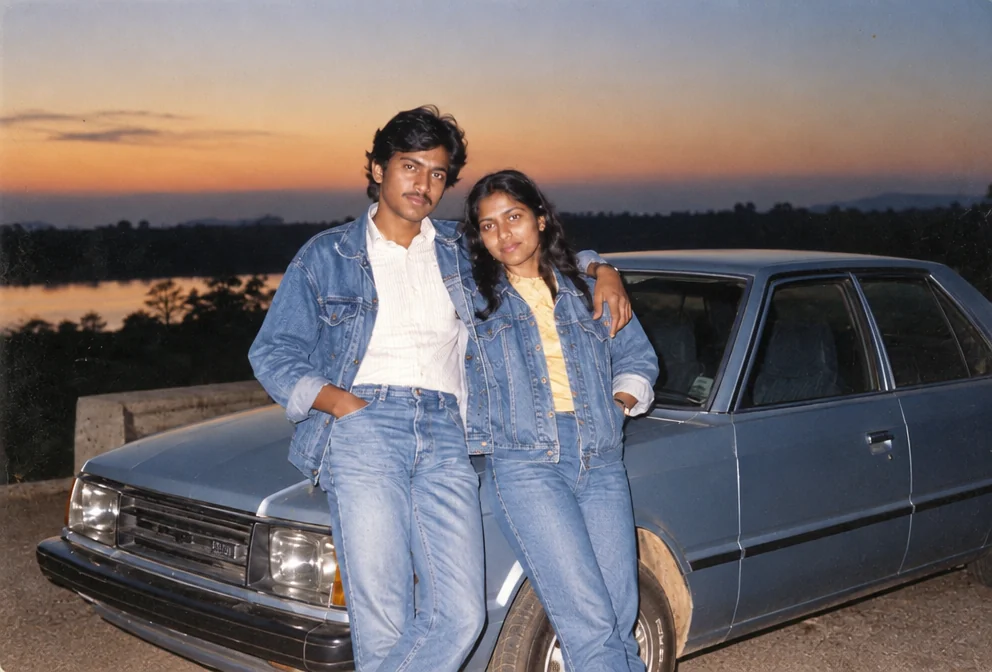
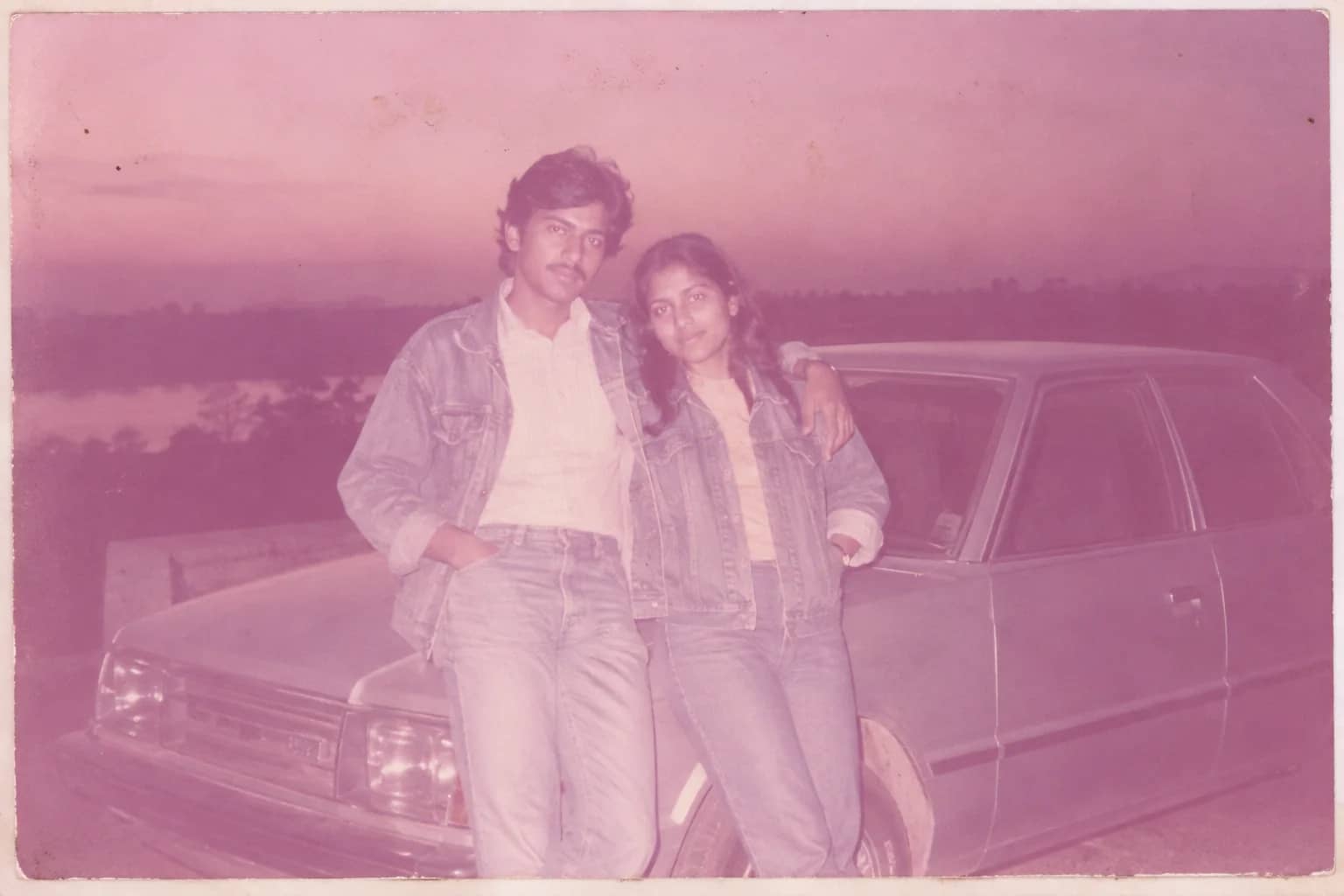
Faded Photo Fixer
Bring back contrast and true color to a yellowed, pink-shifted or bleached print
Describe the Repair
Say in plain words what needs fixing and let the AI carry it out