Formats
Cabinet Card restoration
A cabinet card is an albumen print mounted on a stiff card with the studio name printed under the image, made to stand in the parlour cabinet. It replaced the smaller carte de visite as the standard studio portrait.
The albumen yellows and cracks in a fine web, the image fades to pale brown, the card corners soften and the mount goes brittle enough to snap. Handle the cabinet card by its edges, scan it once at a high resolution, and do the repair on the file rather than the object.
Photo Restoration is the first tool to run on a cabinet card; it is written for this material and keeps the output at the shape of the upload. Chain Face Restoration and the upscaler in the Studio if the cabinet card is going to be reprinted.
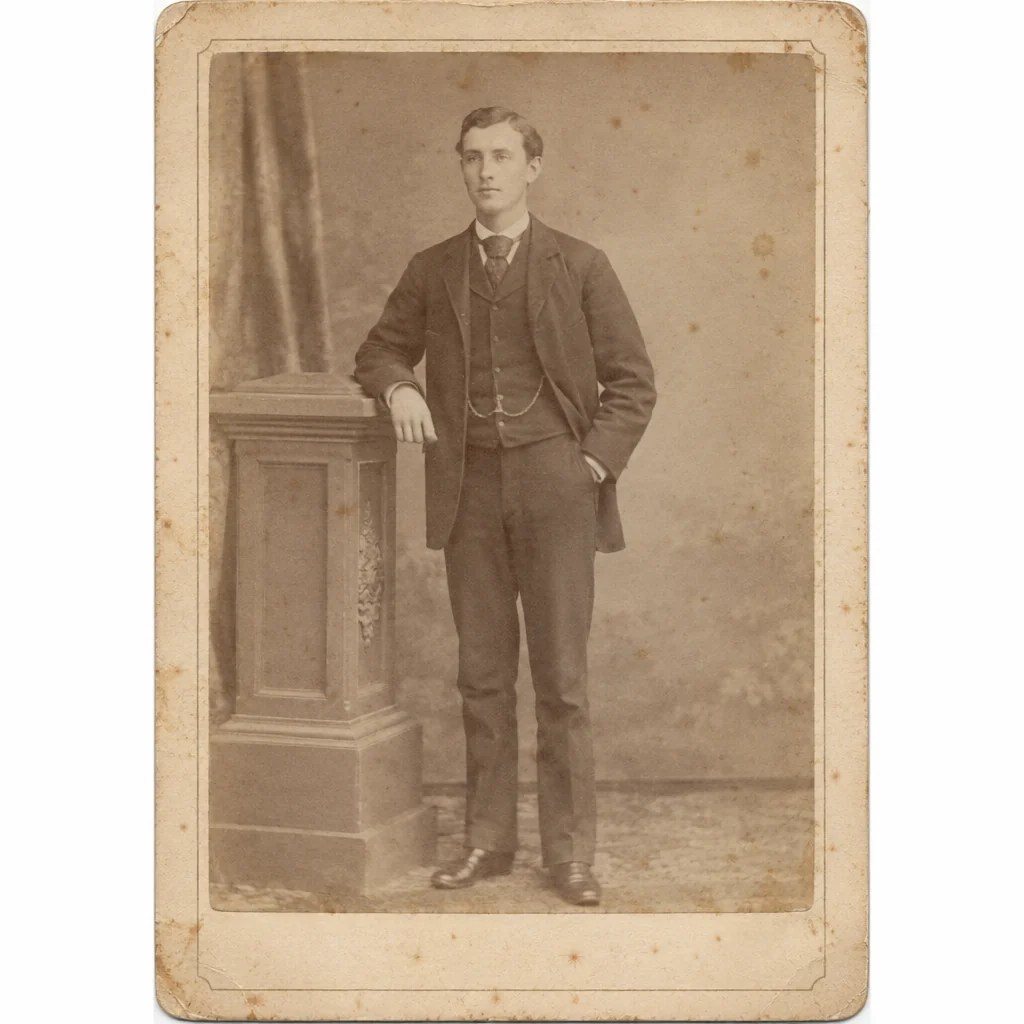
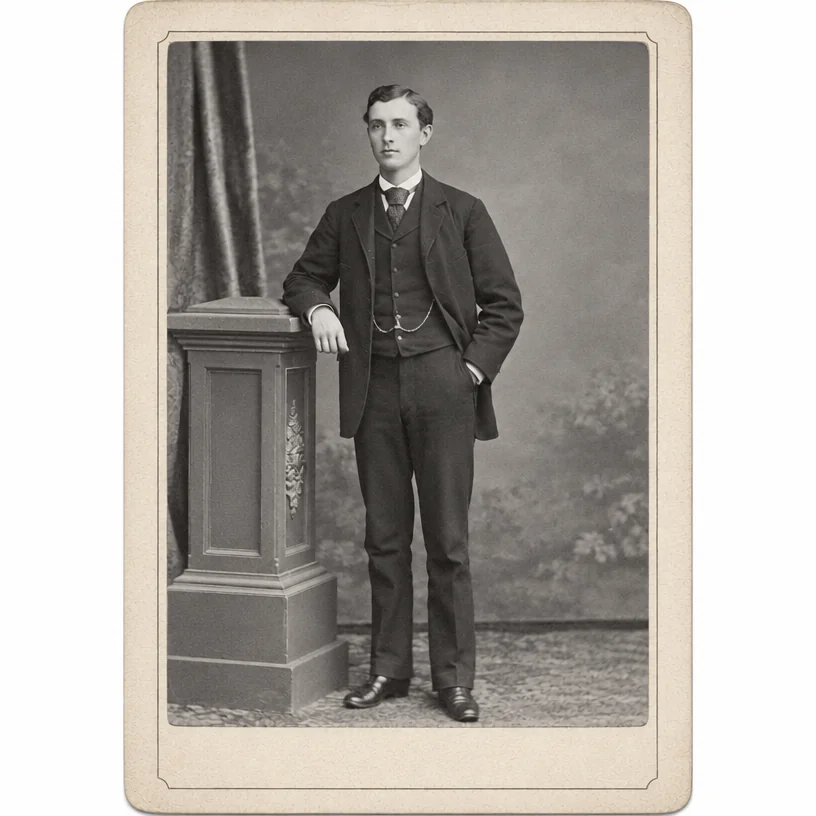
Original on the left, restored on the right; hover to see more of the repair. Made in the Studio from a scan of the print.
Print and file requirements
| Requirement | Detail |
|---|---|
| Years in use | 1866 to about 1914 |
| Typical size | 4.25 x 6.5 in card with a 4 x 5.5 in print |
| Process | Albumen print from a glass negative, mounted on card |
| Appearance | Warm brown or purple-brown tones; studio imprint on the front or back |
| How it fails | Yellowing, albumen cracking, fading, brittle mount |
| Scan tip | Scan the whole mount including the studio name, which dates the photo |
What matters for these photos
- Yellowing, albumen cracking, fading, brittle mount on a cabinet card
- A cabinet card scanned once, badly, and never touched again
- Faces on a cabinet card that are too small or too soft to enlarge
- A reprint of the cabinet card for a frame, needing more pixels than the scan has
Suggested order of passes
- 01
Run Photo Restoration on the cabinet card
Written for the way a cabinet card fails: yellowing, albumen cracking, fading, brittle mount.
Photo Restoration - 02
Clean up the cabinet card scan
Removes scanner dust, borders and the color cast a flatbed adds to a cabinet card, and straightens it.
Scan Cleanup - 03
Restore the faces on the cabinet card
Recovers eye and skin detail at natural strength; small faces on a cabinet card are plausible reconstructions.
Face Restoration - 04
Upscale the cabinet card for reprinting
A cabinet card is small to begin with; the upscaler adds the pixels a frame-sized print needs.
Image Upscaler
Questions
Related guides