People
Memorial Portrait
A gentle, restored head-and-shoulders portrait for a service, card or frame
4 free credits to start, enough for one Standard pass of this tool.
- 1Upload the clearest photo of the person you can find
- 2Choose a background, a color or black-and-white finish, and a ratio
- 3Download the portrait and check it against another photo before printing
Original
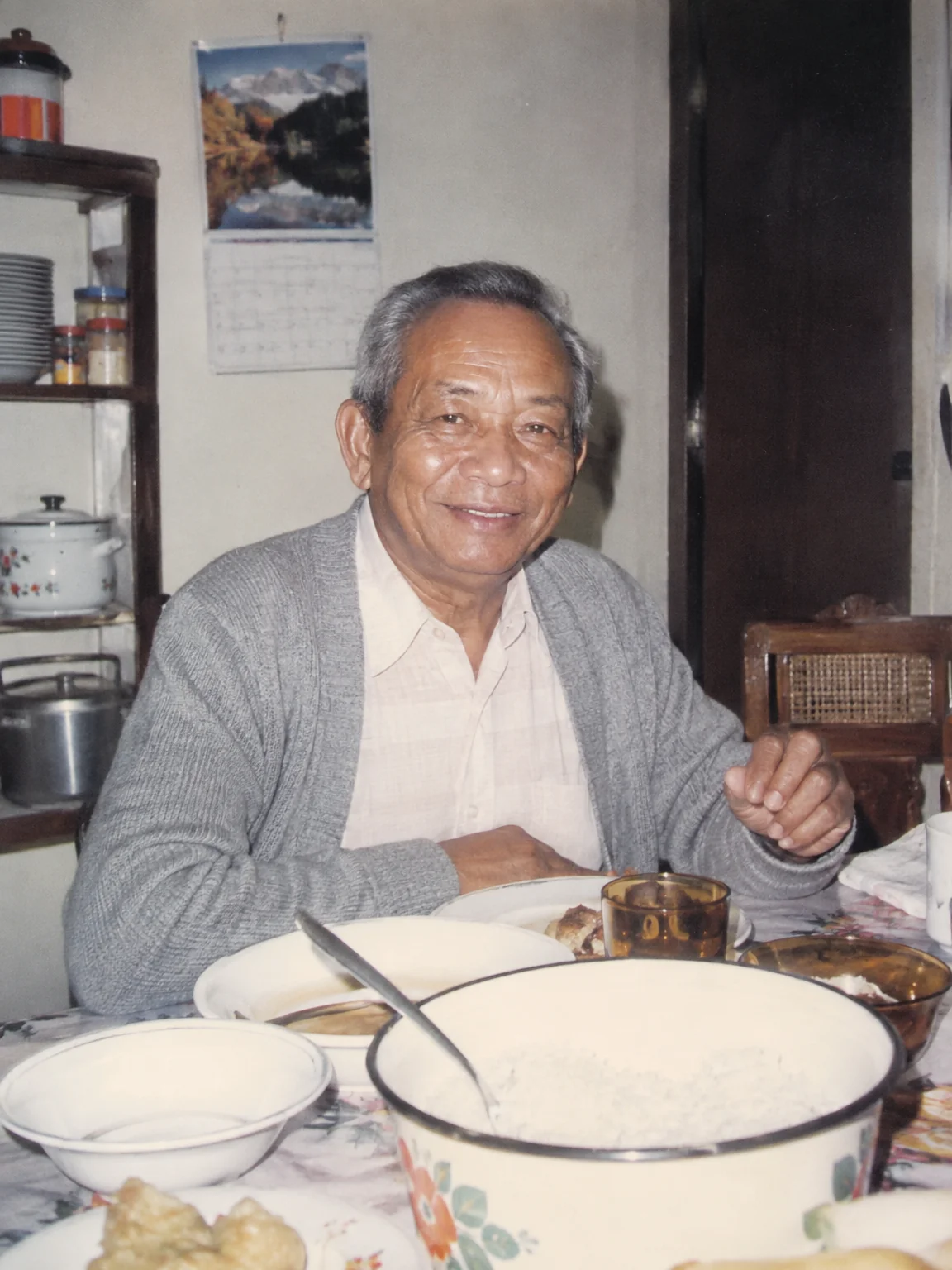
Restored
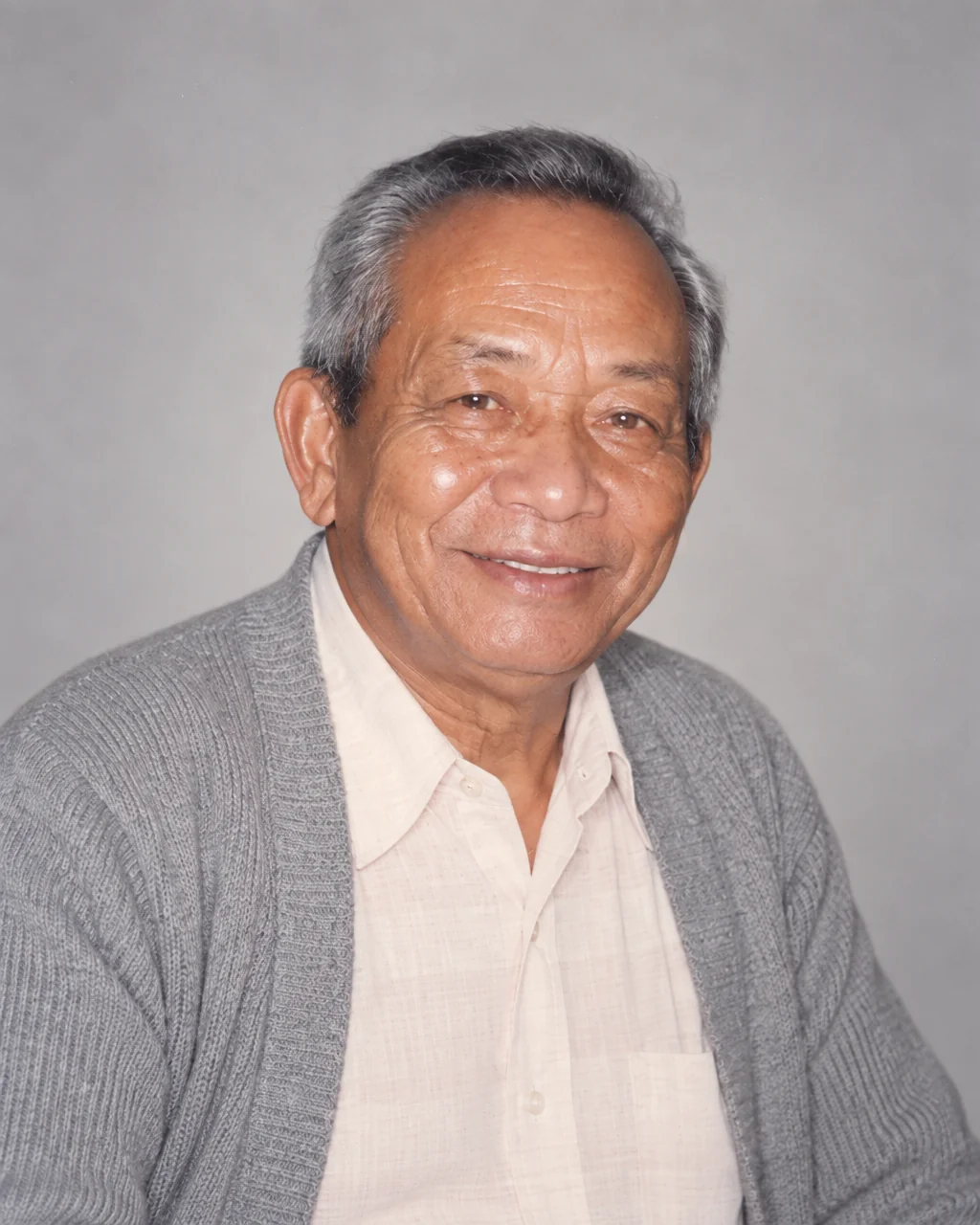
Restored by this tool from the original shown in the corner.
When someone dies, the family is asked for a photograph, usually at short notice and usually of someone who avoided cameras. What exists is a snapshot: a face at a barbecue with a paper plate in hand, a driving-licence photo, a figure in the corner of a group at a wedding. The Memorial Portrait tool turns a photograph like that into a respectful head-and-shoulders portrait for the order of service, the card, the notice, the frame beside the guest book. It restores the person's face and clothing with natural detail, lights them softly and evenly, and frames them as a classic portrait. Nothing about the person is changed: same features, same expression, same age, no smoothing away of the lines a life leaves.
The Background select sets the setting. Soft grey is a plain, softly lit light-grey studio backdrop and the quiet default. White is clean and suits printed cards. Dark is a deep charcoal that gives a formal, gallery feel. Original, blurred keeps the place the photo was taken but softens it so the face leads, which many families prefer because the garden or the kitchen was theirs. Original, restored keeps the setting sharp and repaired. The Finish select offers Color, kept or restored as the photo allows, or Black & white for a timeless, gentle monochrome. The Portrait ratio defaults to 4:5, a common frame size, with 3:4, 1:1 and landscape ratios available for different cards and screens.
Upload the clearest photo of the face you have, at the largest size. Where the face was small or soft, the finer detail in the portrait is inferred, so it is worth comparing the result with another picture before it is printed. Results come back in seconds, and the upscaler can enlarge the portrait for a large print. Many families make two versions, one in color for the frame and one in black-and-white for the printed card, and both can be generated from the same upload in a couple of runs. The original photo is not changed by any of this and remains as it was. The portrait ratio you chose is kept through enlargement, so the frame you bought will still fit.
Credits per pass
| Tier | Credits | Good for |
|---|---|---|
| Standard | 4 | The print at screen size, quick repairs |
| Pro | 12 | More of the scan is sent, finer faces and texture |
| Max | 44 | The full scan, every readable detail kept for print |
What you can tell it
- Photo of the person
- BackgroundSoft greyWhiteDarkOriginal, blurredOriginal, restored
- FinishColorBlack & white
- Portrait ratio4:53:41:12:35:44:33:2
- Result · Result 4:5
In the Studio
- Pass the result into any other tool without uploading again
- Standard, Pro and Max tiers, with the cost shown before you run
- Every restoration kept in your library beside its original
- Upscale to 32 MP for framing, or make a short moving version
About this tool
Often used next
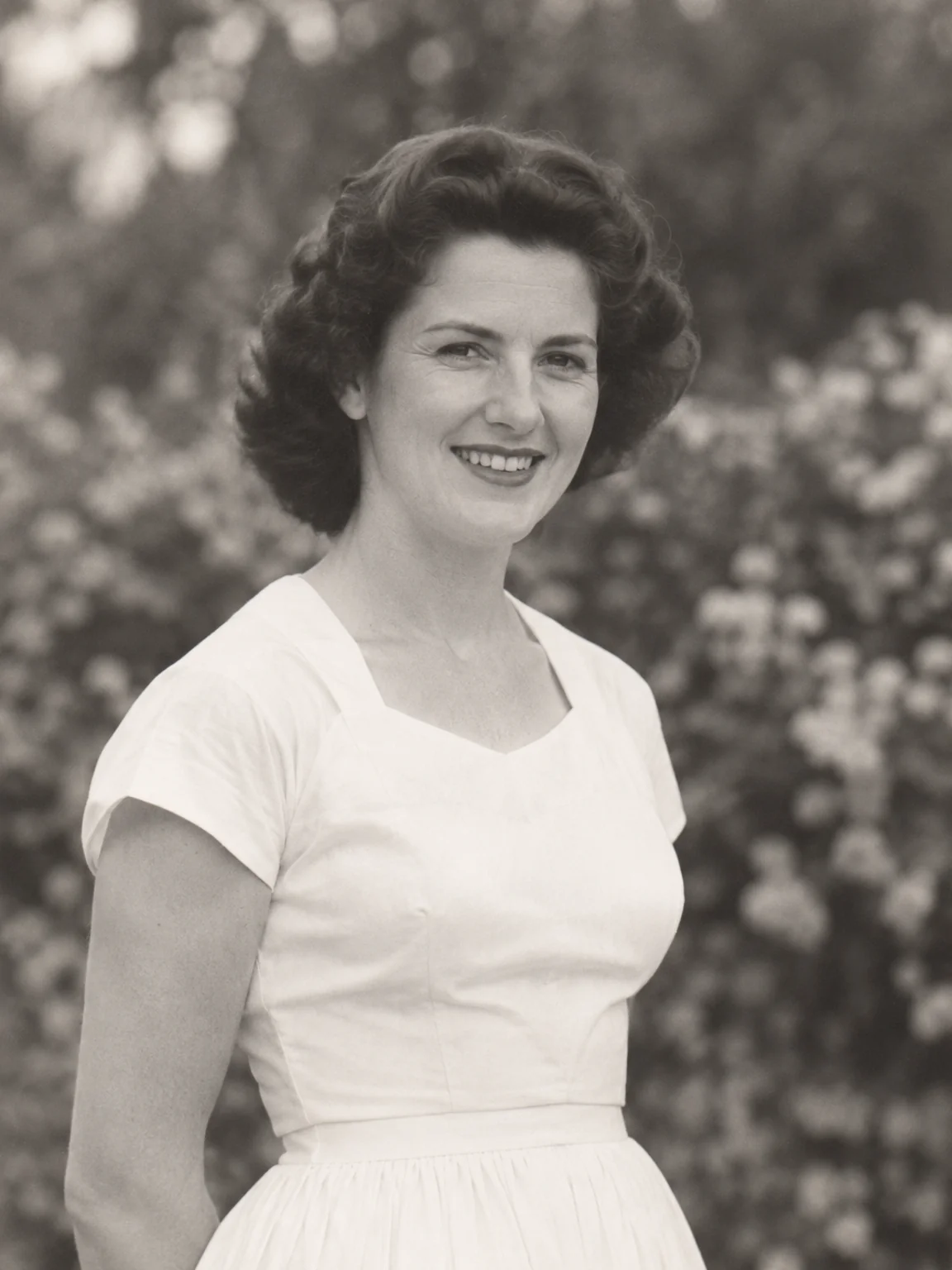
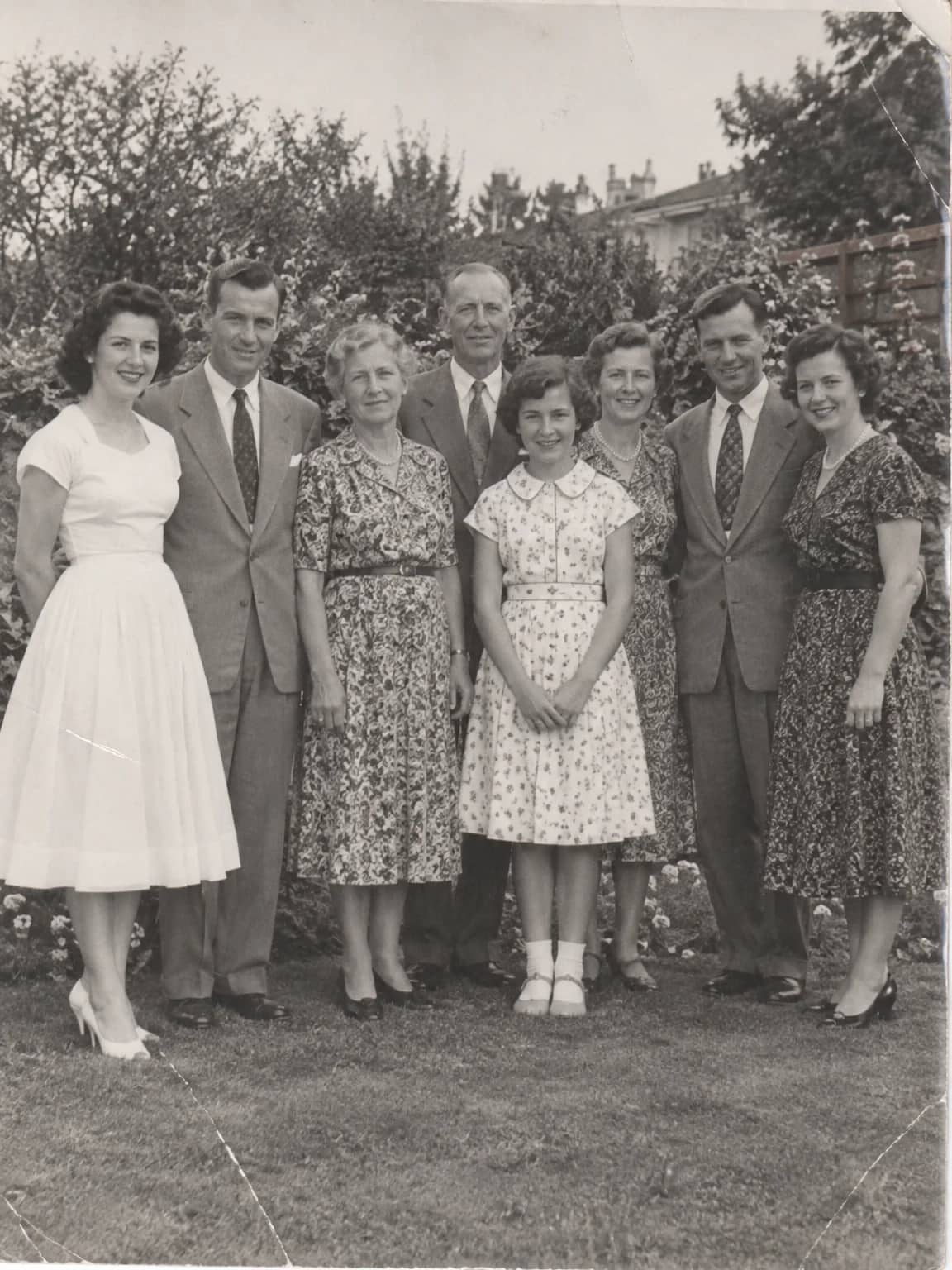
Crop a Person from a Group Photo
Lift one person out of a crowd into a restored head-and-shoulders portrait
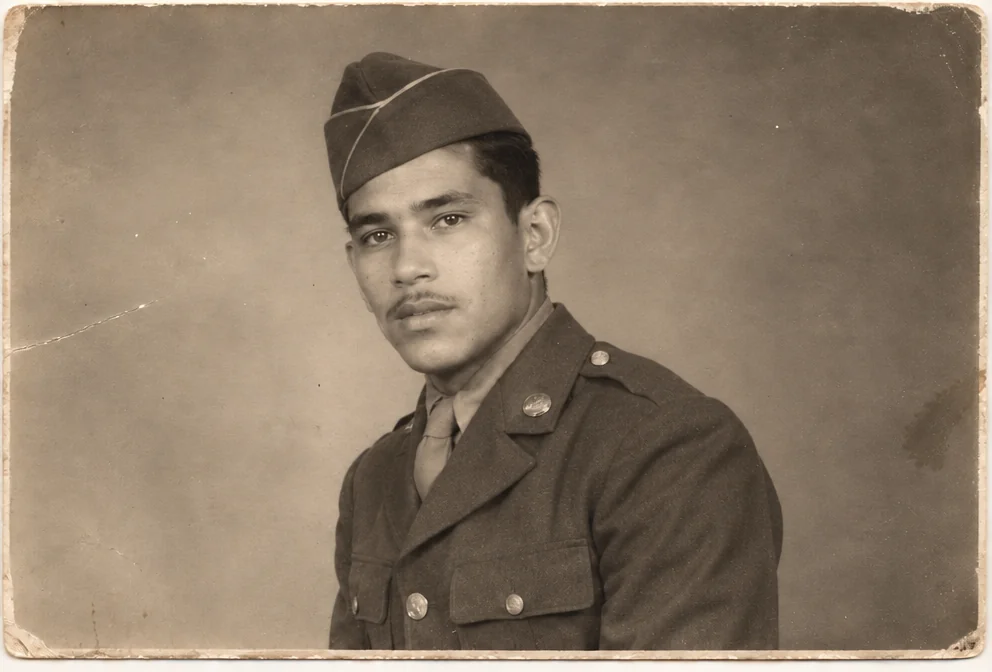
Face Restoration
Recover eyes, skin and hair in soft or tiny faces while keeping the person
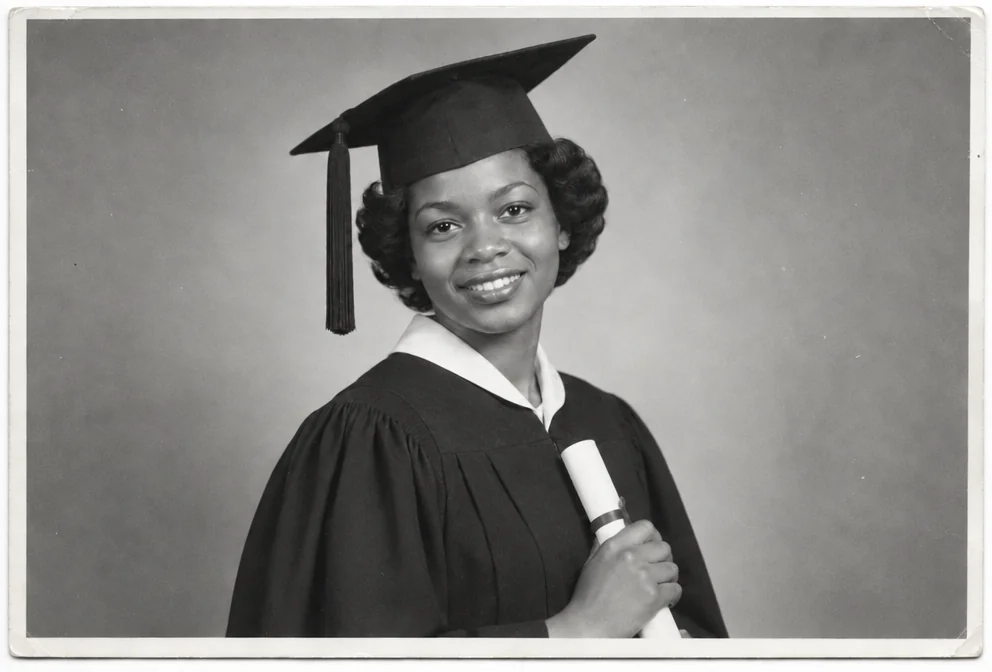
Black & White Converter
Turn a color photo into a considered black-and-white print, not a grey wash
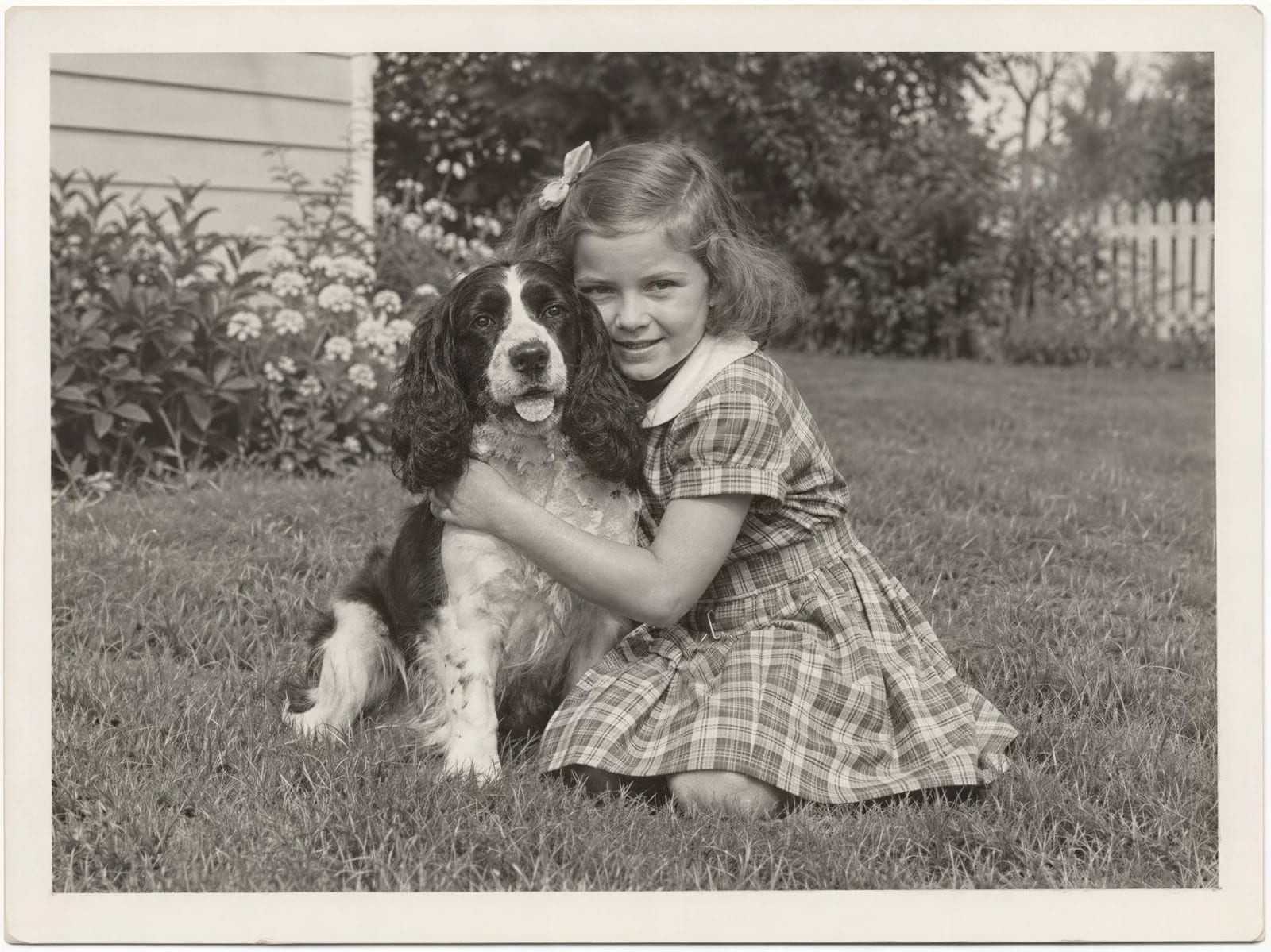
Image Upscaler
Enlarge a restored photo for reprinting, from a small scan up to 32 megapixels