Family Portraits
Moldy Family Portraits
Moldy family portraits usually come out of years in a humid attic, a cardboard box on a concrete floor or a plastic sleeve that trapped moisture. On a family portrait the mold shows as fuzzy grey or white patches, brown foxing spots and a musty smell that comes with the print, right across three or four generations posed in a studio or on the front steps.
Upload a scan or a phone photo of the moldy family portrait and the AI-powered repair comes back in seconds with every face, the seating order and the clothing left as they were. Where the mold covered a face in family portraits, check the result against family memory before you print it.
If the mold on the family portrait is worse than it looks, run Stain & Spot Remover twice rather than reaching for a heavier setting. Then upscale the moldy family portraits for a reprint, since the output keeps the shape of the upload.
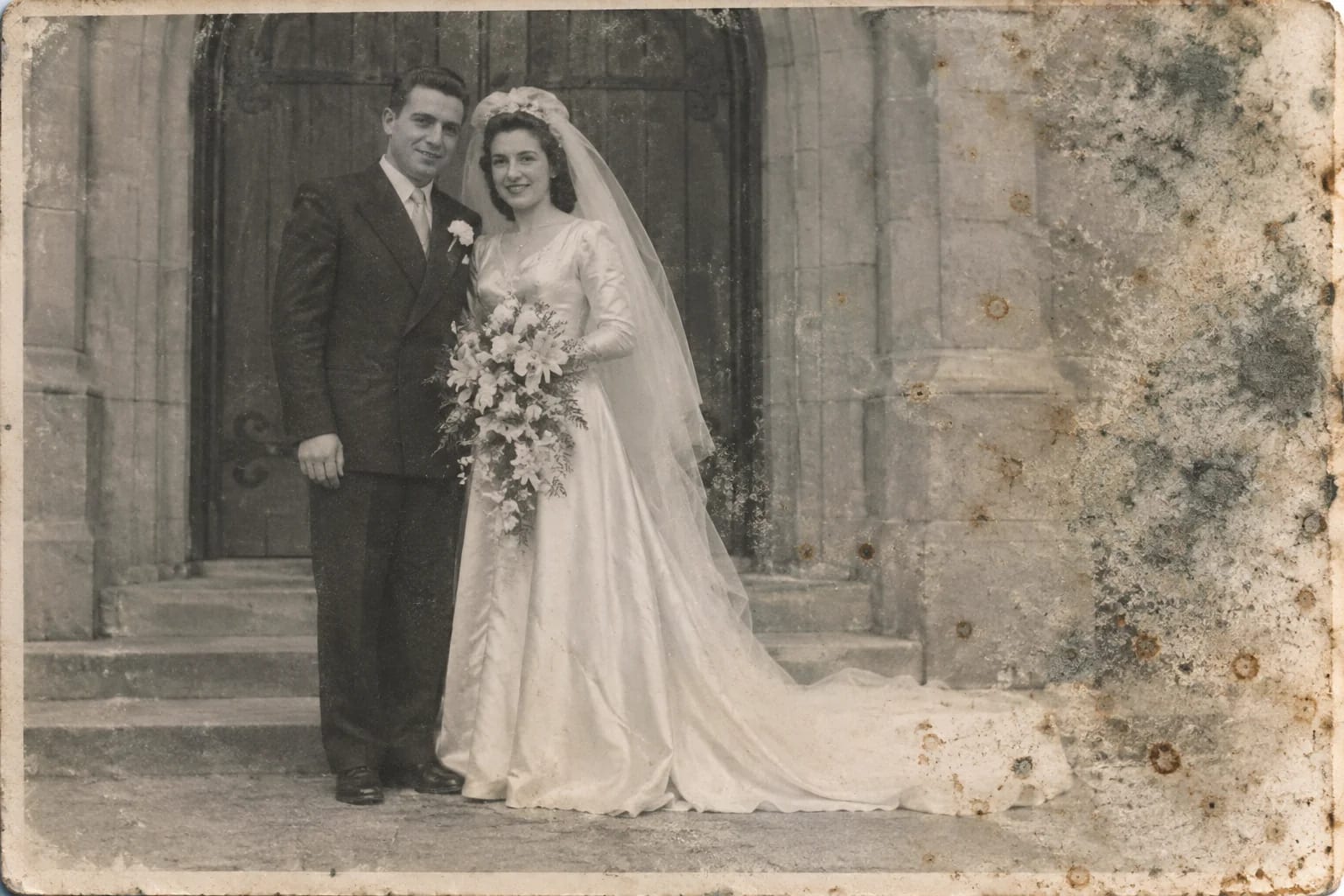
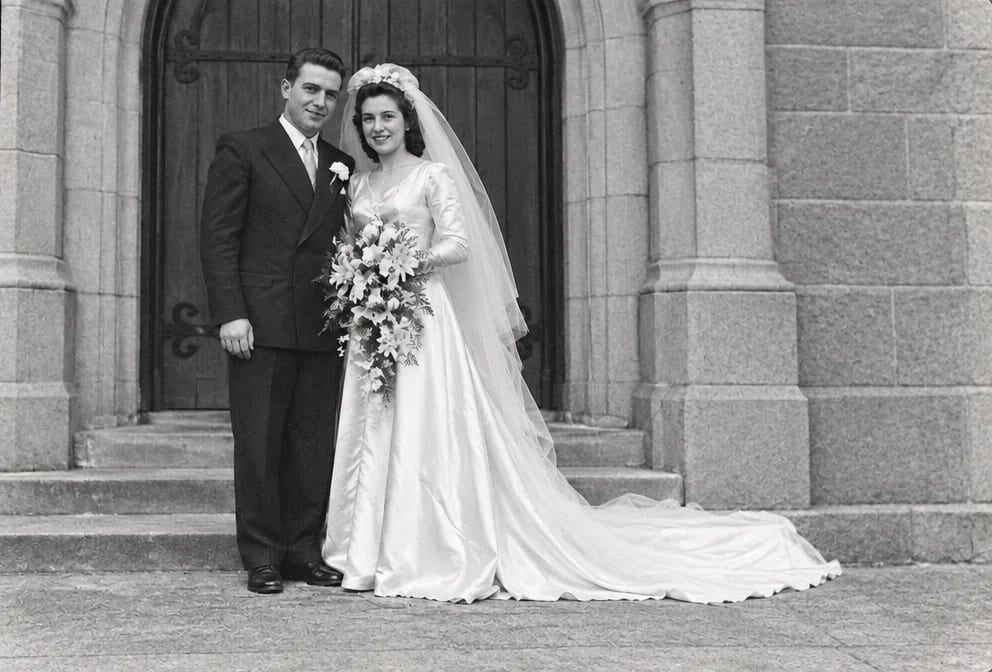
Original on the left, restored on the right; hover to see more of the repair. Made in the Studio from a scan of the print.
What matters for these photos
- A moldy family portrait that is the only copy anyone has
- Every face, the seating order and the clothing, hidden under the mold
- Mold from years in a humid attic, a cardboard box on a concrete floor or a plastic sleeve that trapped moisture, on family portraits from the 1880s to 1990s
- Small faces of three or four generations posed in a studio or on the front steps that the mold has taken the detail from
Suggested order of passes
- 01
Remove the mold
Stain & Spot Remover targets fuzzy grey or white patches, brown foxing spots and a musty smell that comes with the print while keeping every face, the seating order and the clothing in the family portrait untouched.
Stain & Spot Remover - 02
Repair the rest of the family portrait
Photo Restoration addresses the usual wear on family portraits, a crack through the middle from a broken frame, silver mirroring in the shadows and a lost corner, once the mold is gone.
Photo Restoration - 03
Sharpen the faces of three or four generations posed in a studio or on the front steps
Recovers the eye and skin detail the mold softened; keep it at natural strength on family portraits unless the faces are tiny.
Face Restoration - 04
Upscale the family portrait for reprinting
Adds the pixels a wall print needs after the mold repair, with the shape of the moldy family portraits unchanged.
Image Upscaler
This subject, by damage type


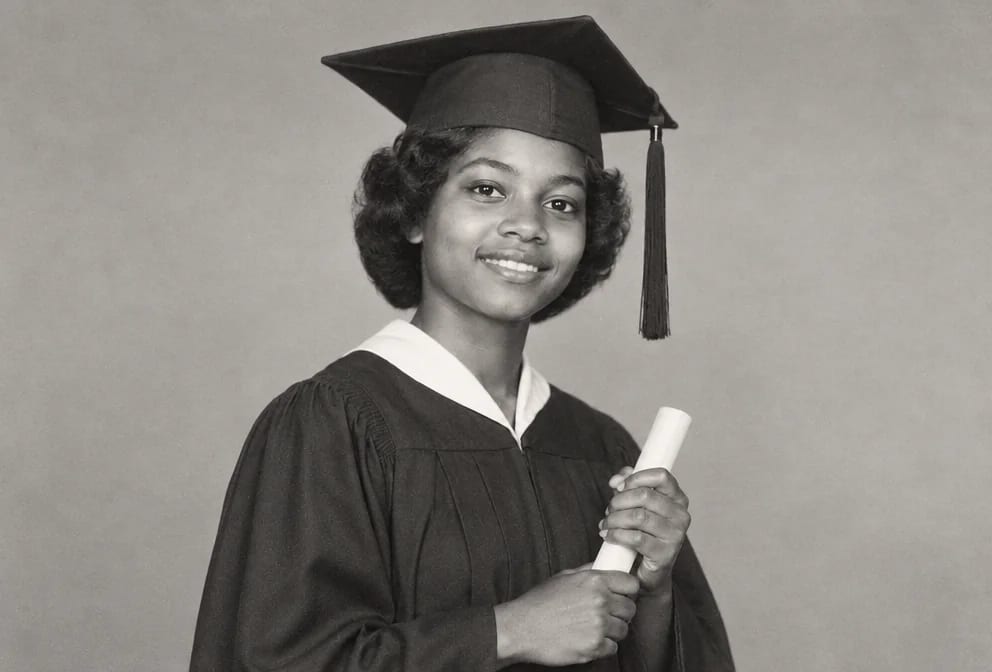

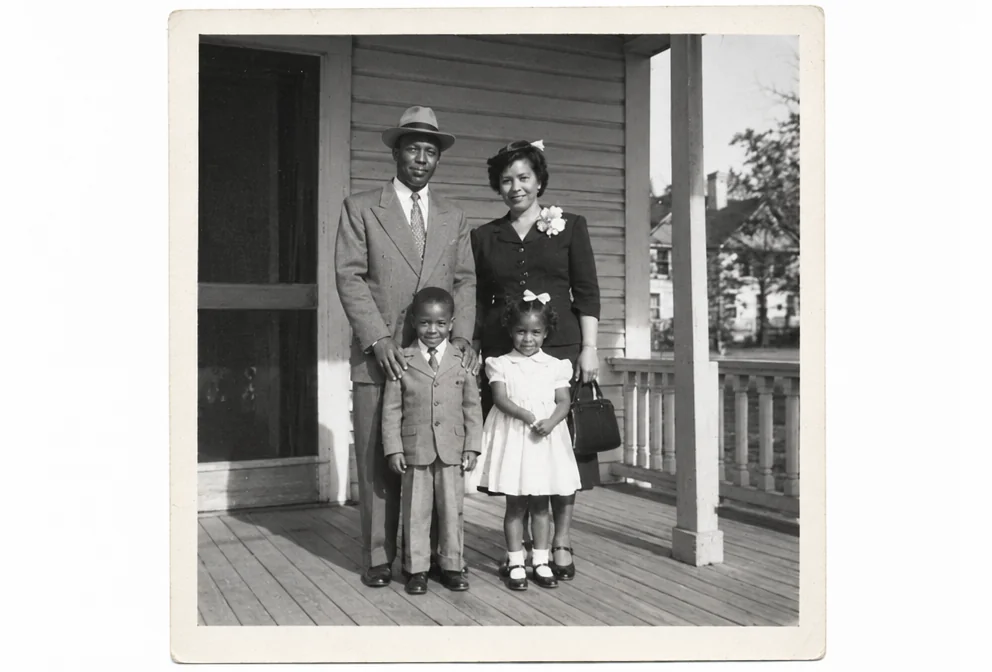
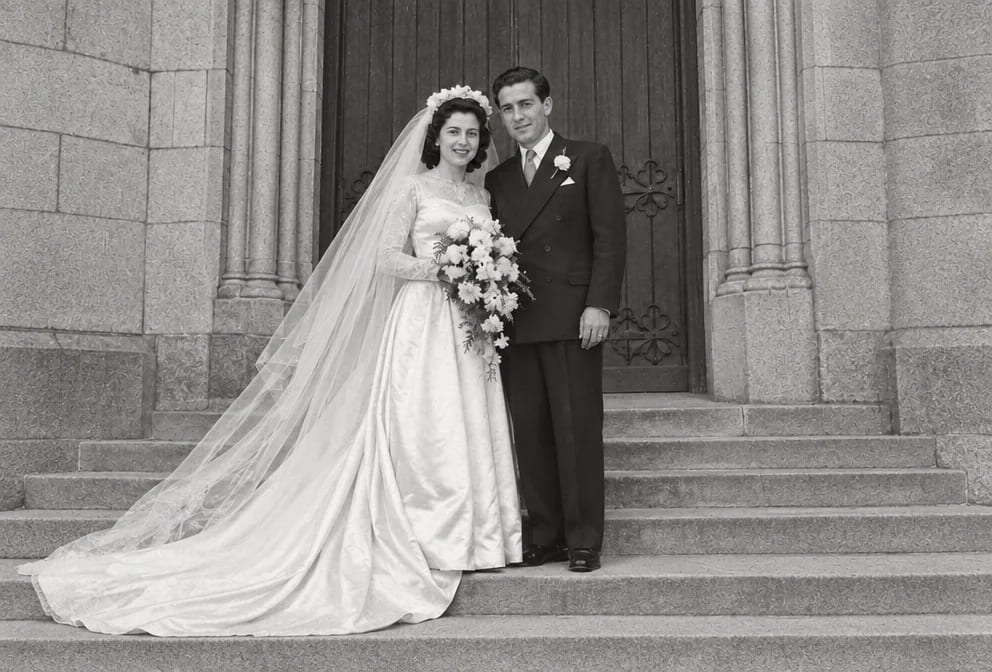

Questions
Related guides