Family Portraits
Blurry Family Portraits
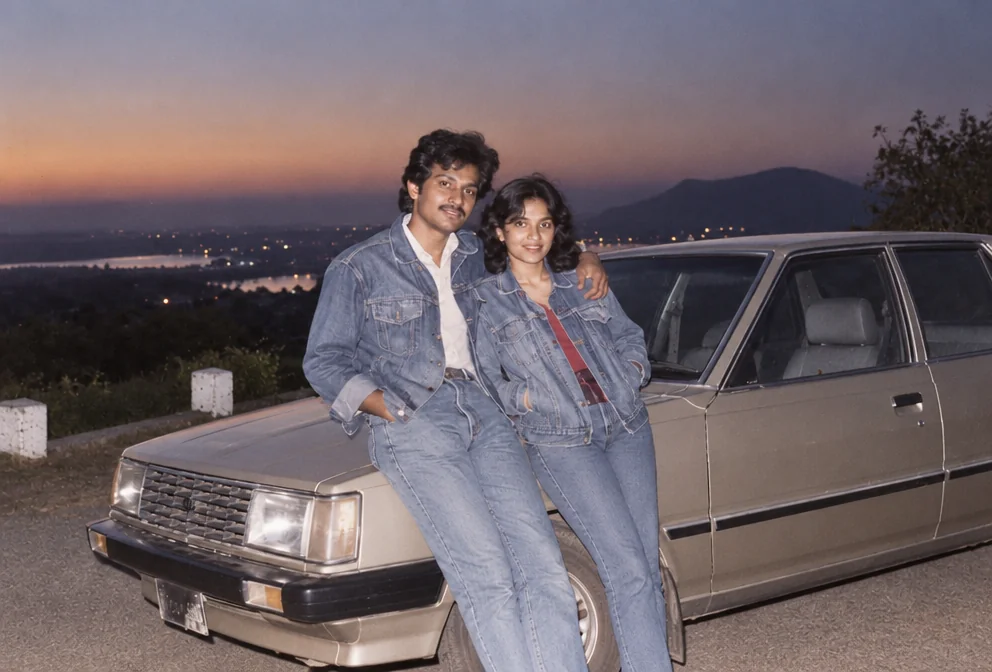
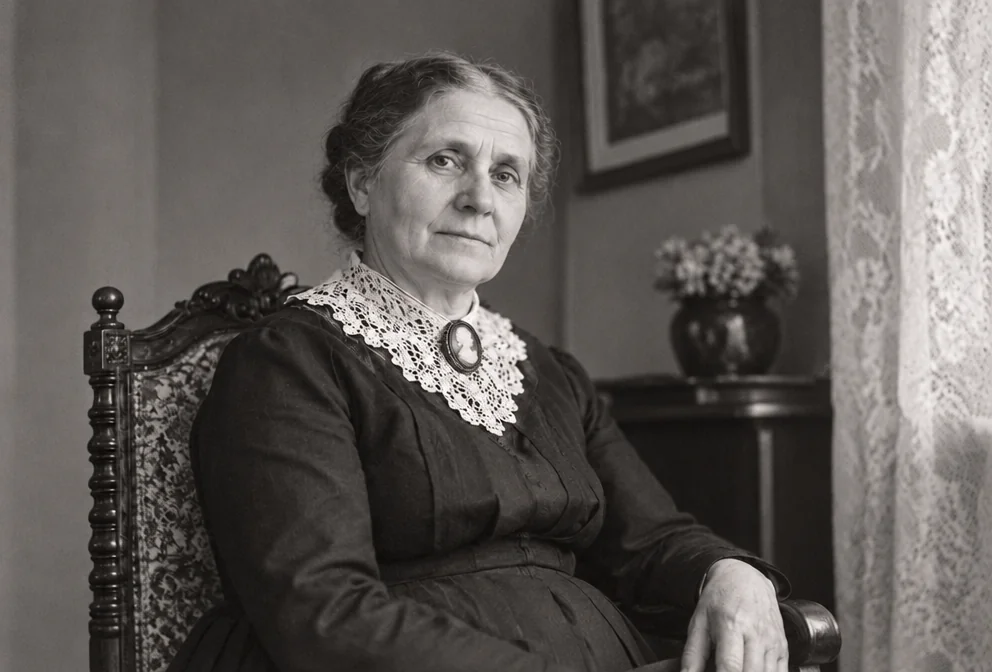
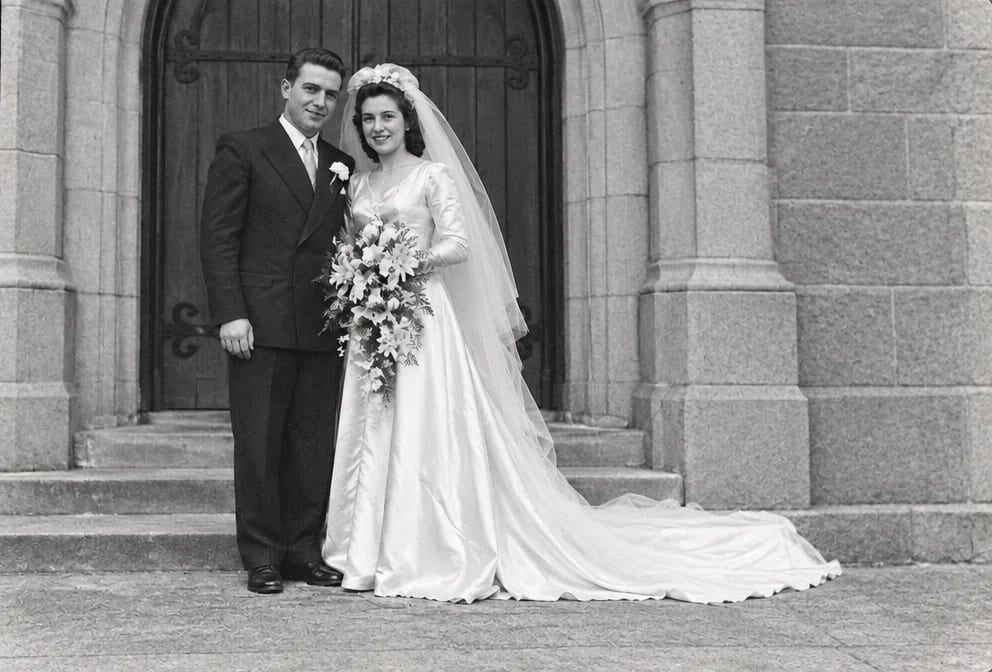
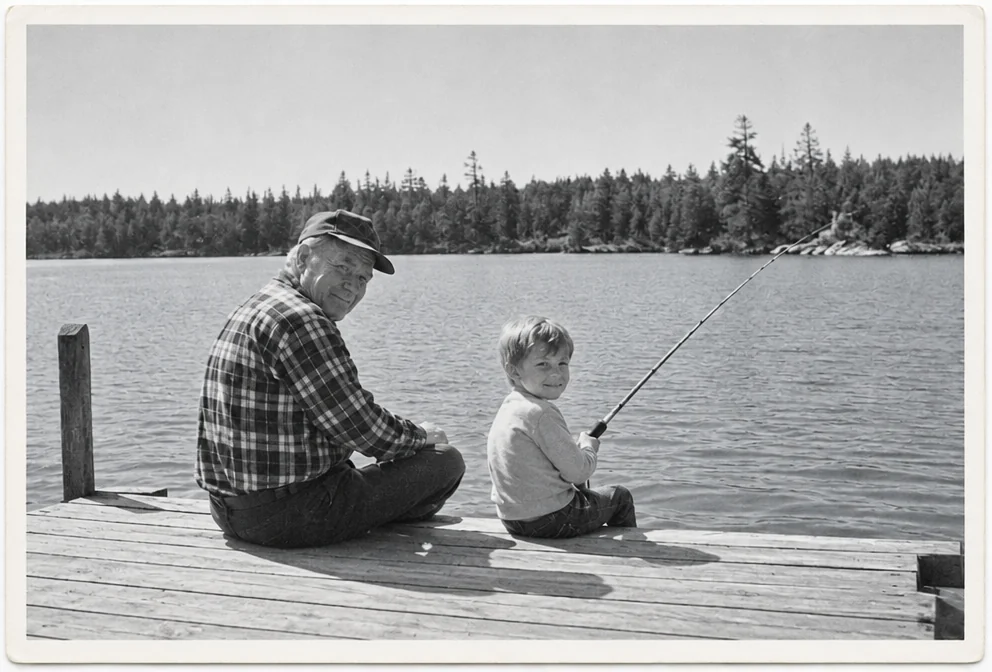
When blur reaches a family portrait, the result is soft edges, doubled outlines on faces and hands, and detail that never resolves however close you look. The cause is nearly always a slow shutter, a subject who moved, a lens that was never sharp or a camera held by a child, and family portraits kept in albums, frames and boxes were all exposed to it.
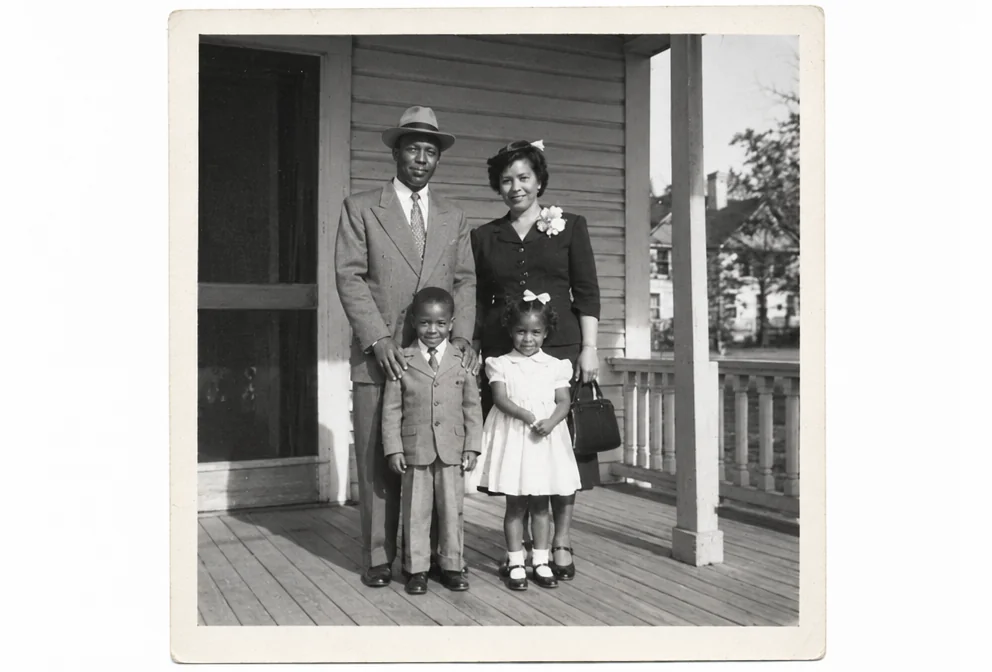
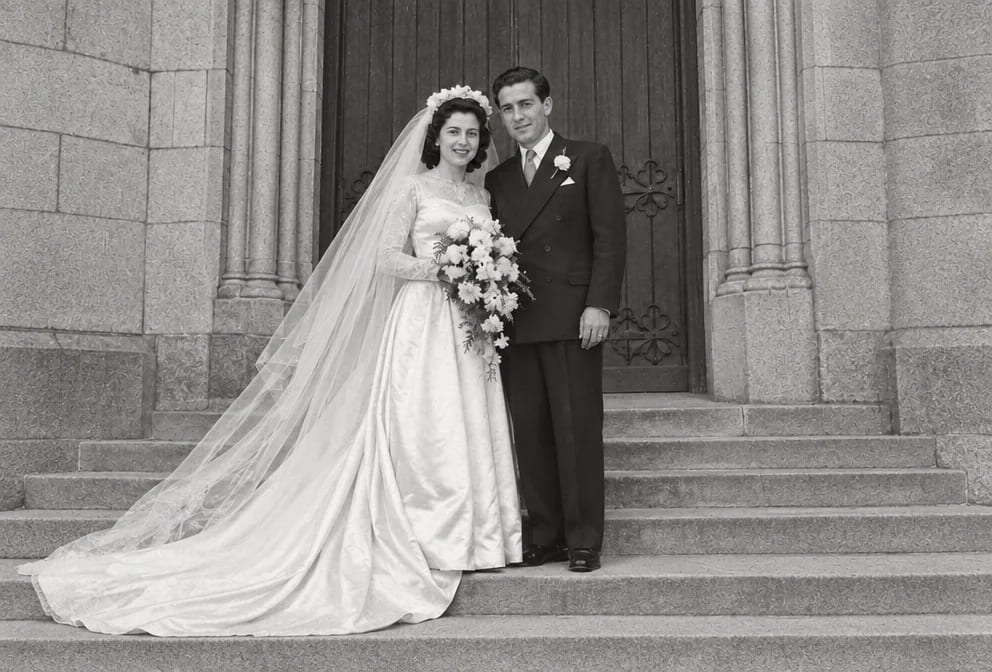
The restoration reads the blurry family portrait as a repair job: it removes the blur and rebuilds what was underneath from the surrounding grain, keeping every face, the seating order and the clothing as photographed. Faces of three or four generations posed in a studio or on the front steps that were lost to the blur are plausible reconstructions, so compare them with other pictures.
For blurry family portraits the order is blur first, faces second, upscale last, each step taking the previous result. Standard suits a family portrait for a screen; Pro or Max gives a blurry print more detail for reprinting.
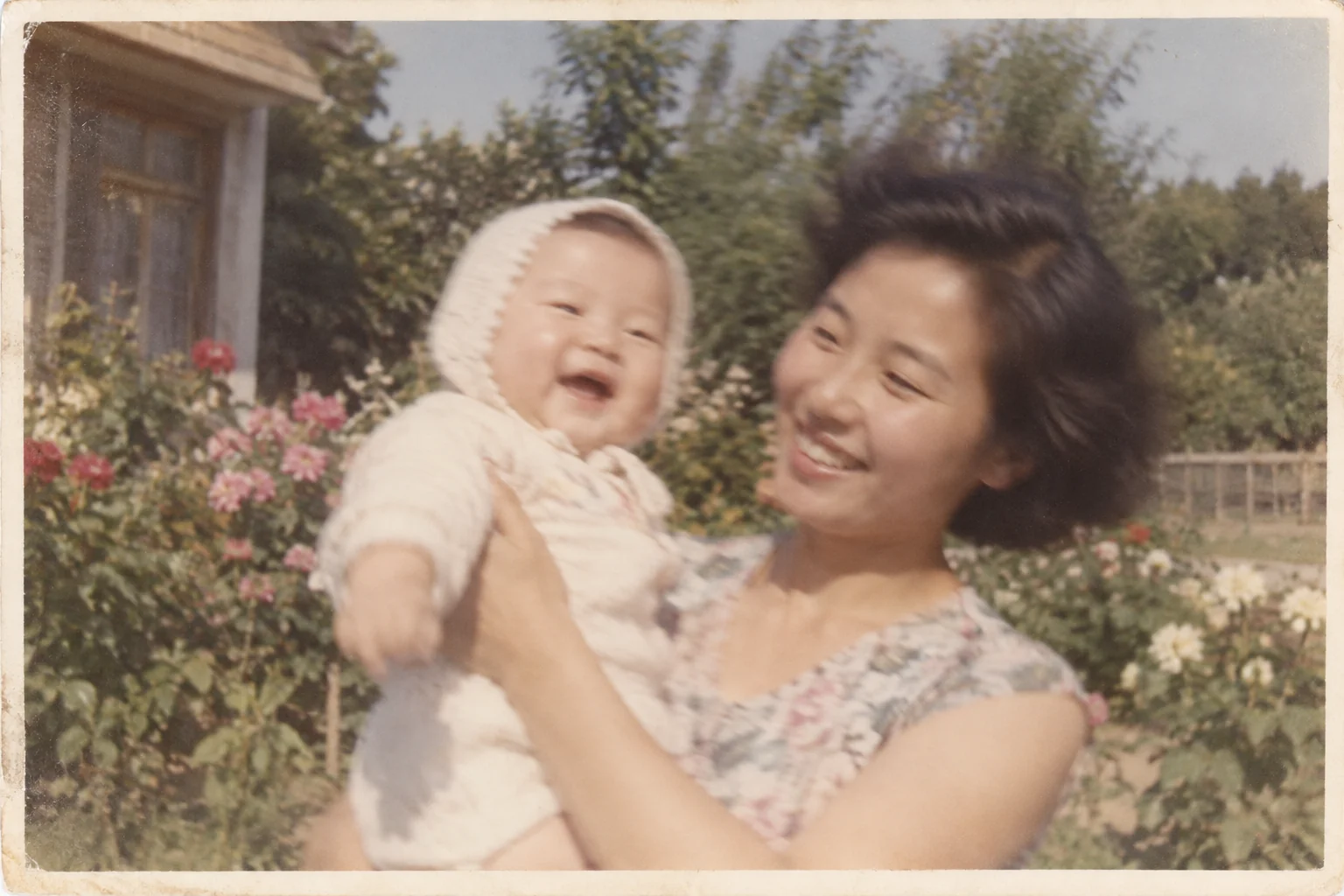
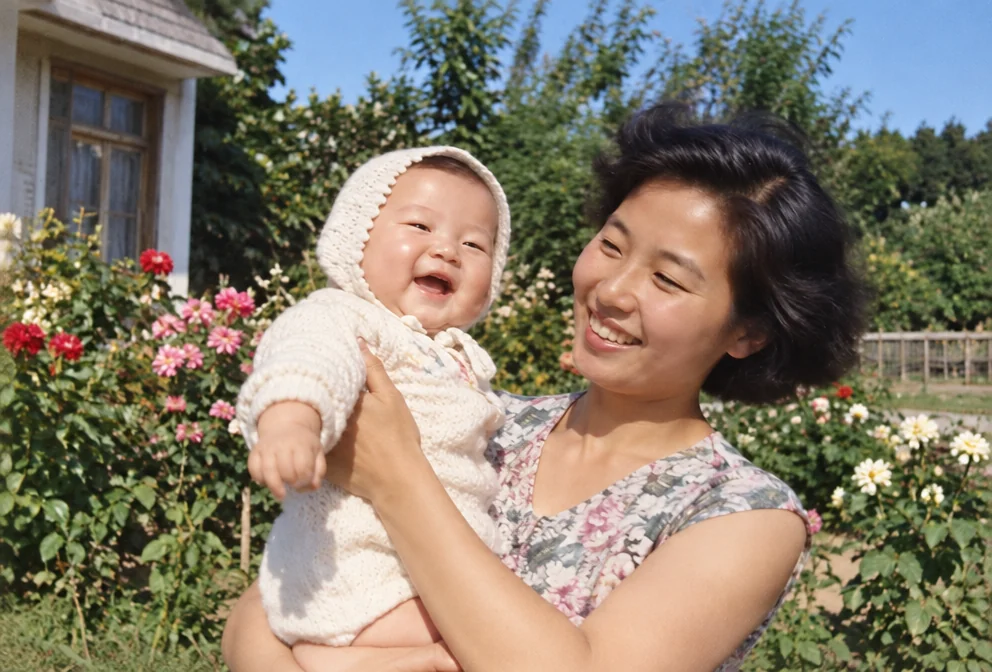
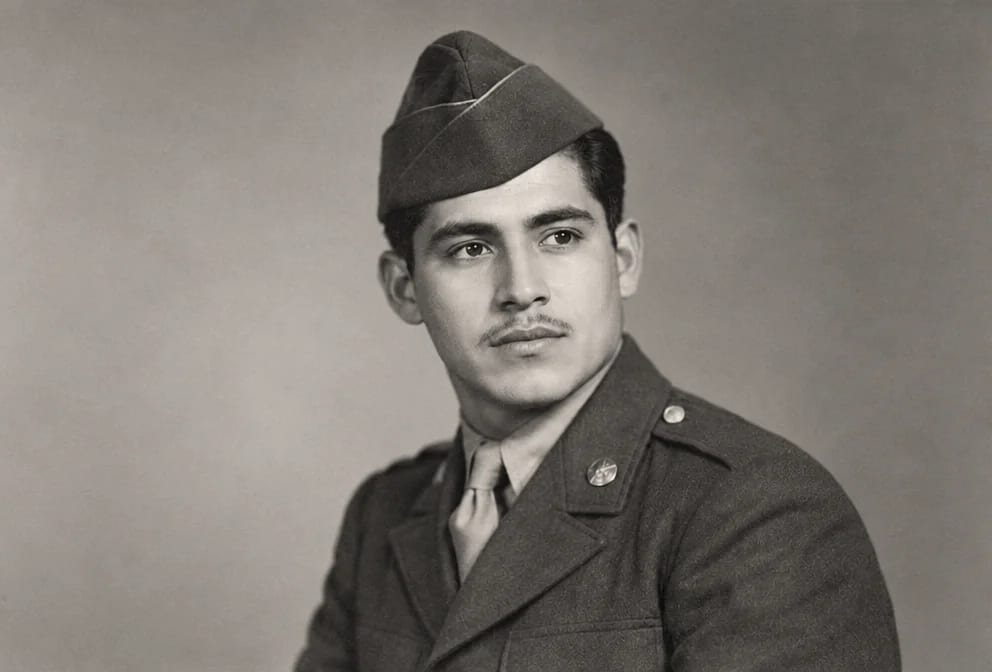
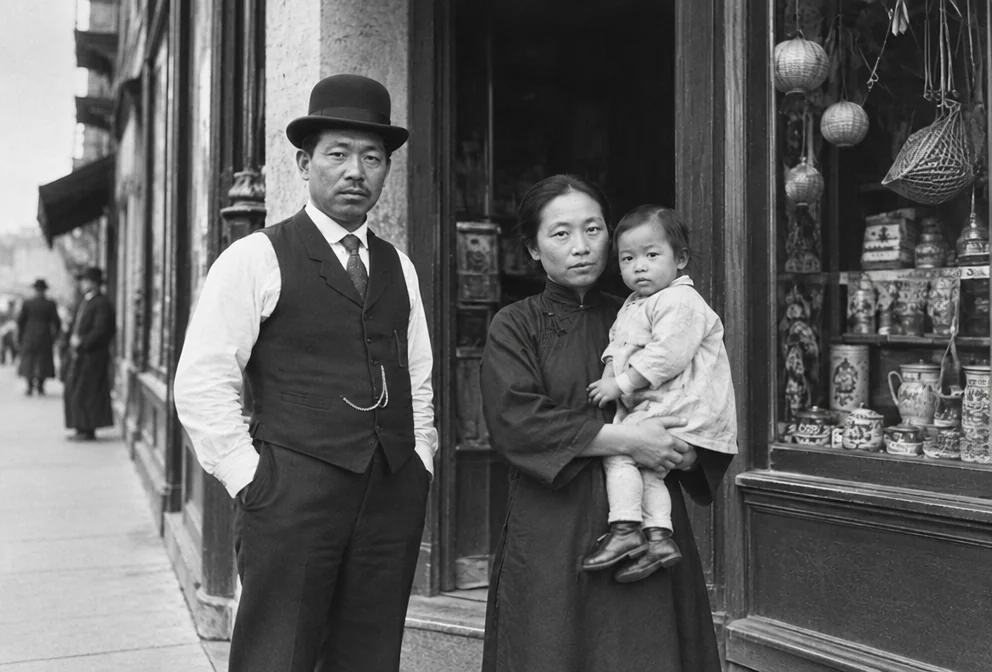
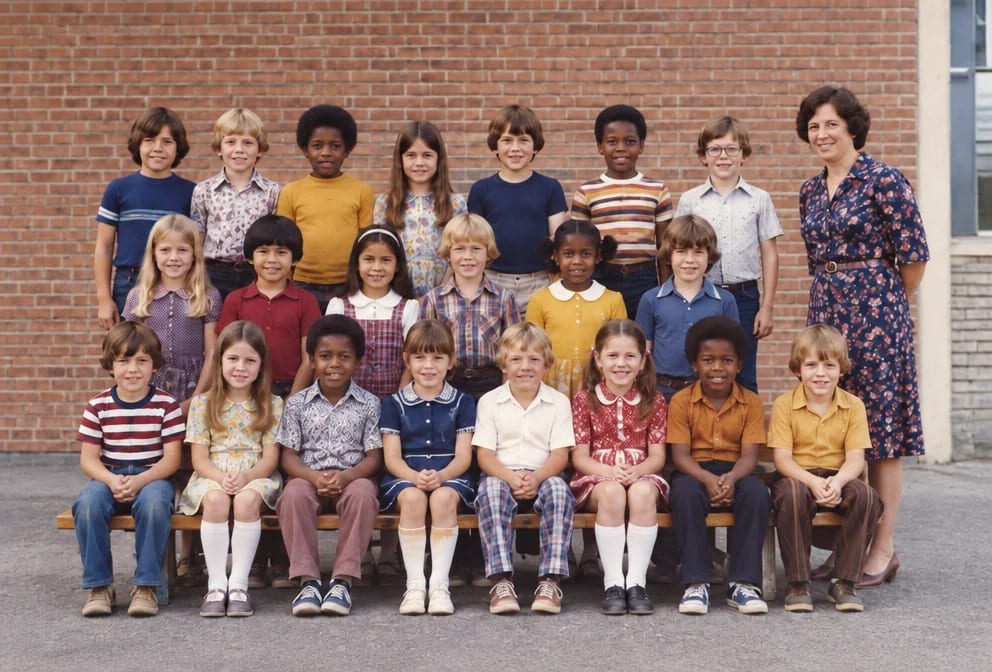
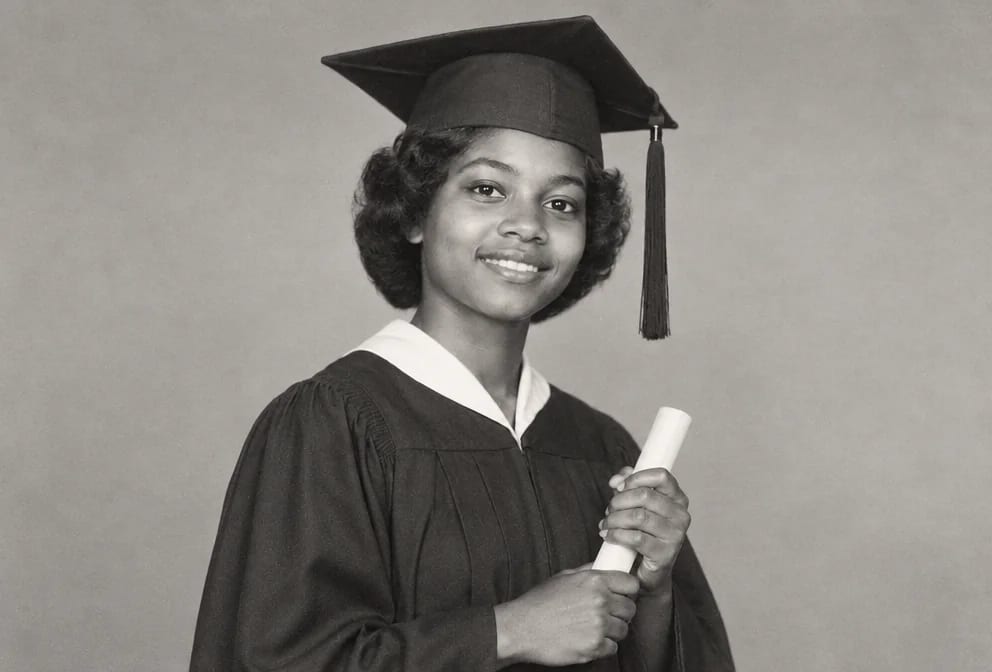
Original on the left, restored on the right; hover to see more of the repair. Made in the Studio from a scan of the print.
What matters for these photos
- Soft edges, doubled outlines on faces and hands, and detail that never resolves however close you look, spread over a family portrait
- A blurry family portrait that is the only copy anyone has
- Every face, the seating order and the clothing, hidden under the blur
- Blur from a slow shutter, a subject who moved, a lens that was never sharp or a camera held by a child, on family portraits from the 1880s to 1990s
Suggested order of passes
- 01
Remove the blur
Unblur Old Photos targets soft edges, doubled outlines on faces and hands, and detail that never resolves however close you look while keeping every face, the seating order and the clothing in the family portrait untouched.
Unblur Old Photos - 02
Repair the rest of the family portrait
Photo Restoration addresses the usual wear on family portraits, a crack through the middle from a broken frame, silver mirroring in the shadows and a lost corner, once the blur is gone.
Photo Restoration - 03
Upscale the family portrait for reprinting
Adds the pixels a wall print needs after the blur repair, with the shape of the blurry family portraits unchanged.
Image Upscaler
This subject, by damage type
Questions
Related guides