Ancestor Portraits
Low-Resolution Ancestor Portraits
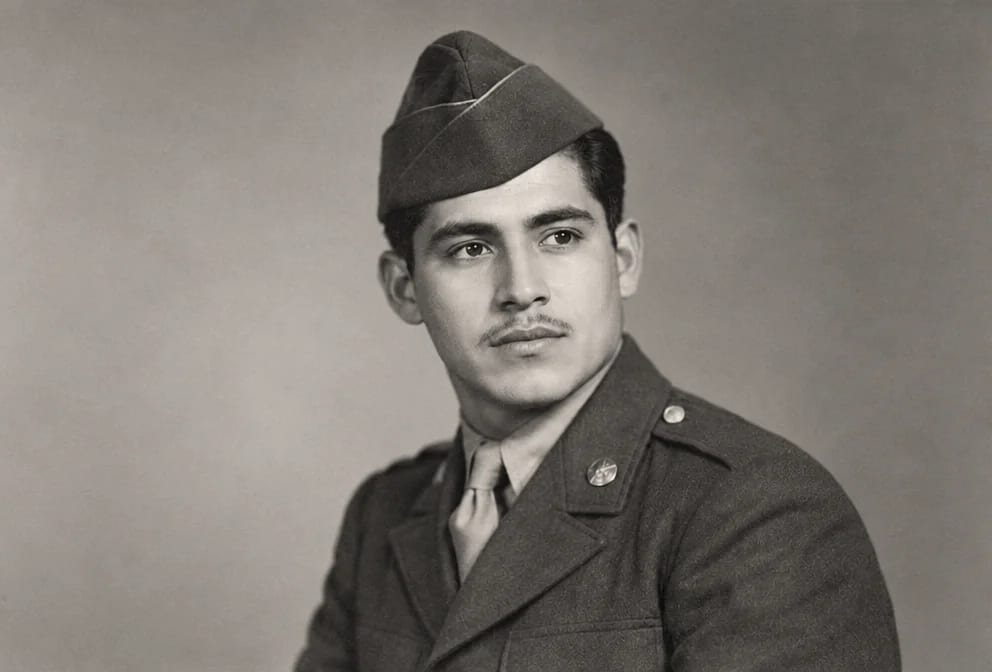
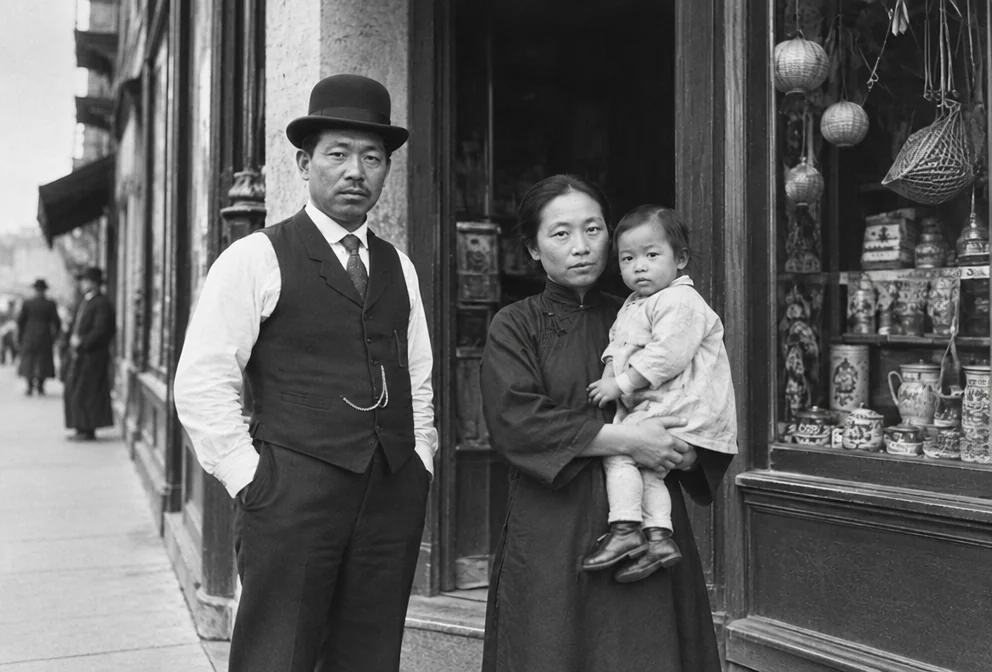
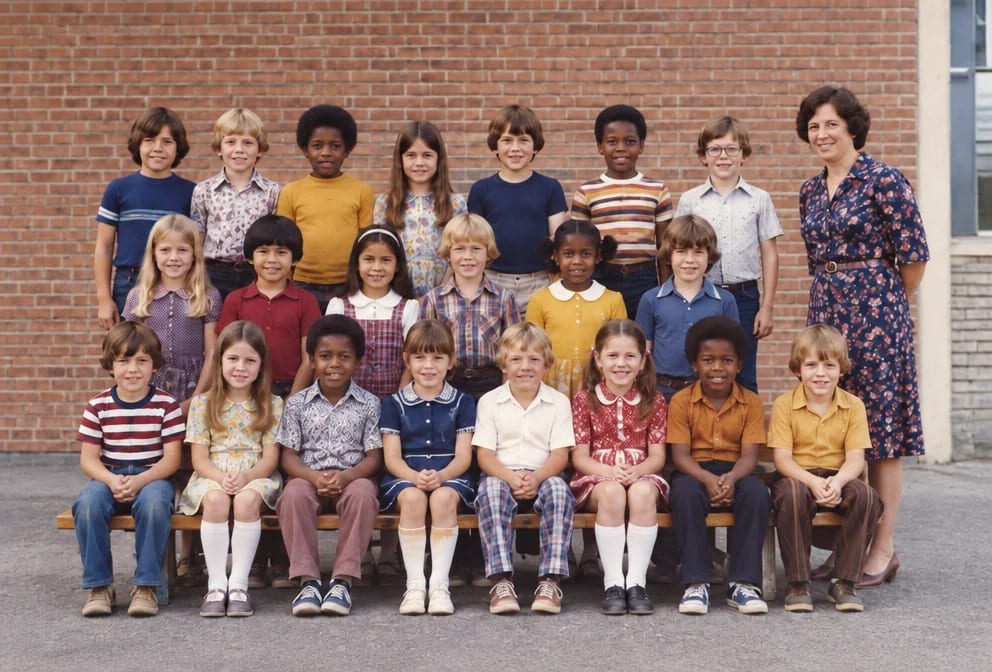
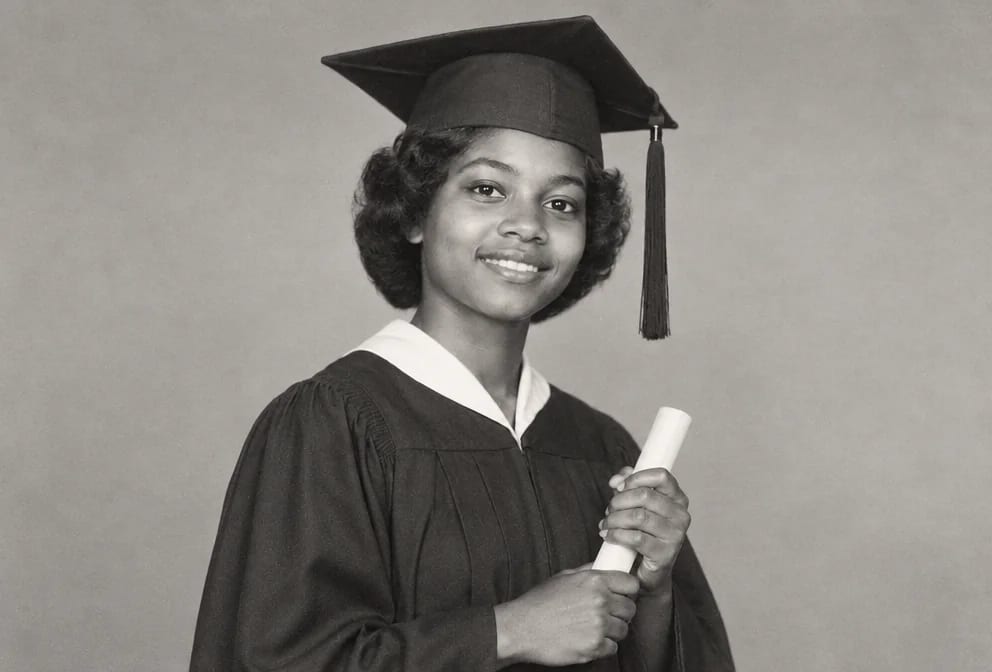
When low resolution reaches a ancestor portrait, the result is blocky pixels, mushy skin and faces the size of a fingernail that fall apart when enlarged. The cause is nearly always a tiny contact print, a wallet photo, a heavy crop or a scan made at 72 dpi years ago, and ancestor portraits kept in albums, frames and boxes were all exposed to it.
The restoration reads the low-resolution ancestor portrait as a repair job: it removes the low resolution and rebuilds what was underneath from the surrounding grain, keeping the features, the period clothing and the studio props as photographed. Faces of a great-great-grandparent nobody alive ever met that were lost to the low resolution are plausible reconstructions, so compare them with other pictures.
For low-resolution ancestor portraits the order is low resolution first, faces second, upscale last, each step taking the previous result. Standard suits a ancestor portrait for a screen; Pro or Max gives a low-resolution print more detail for reprinting.
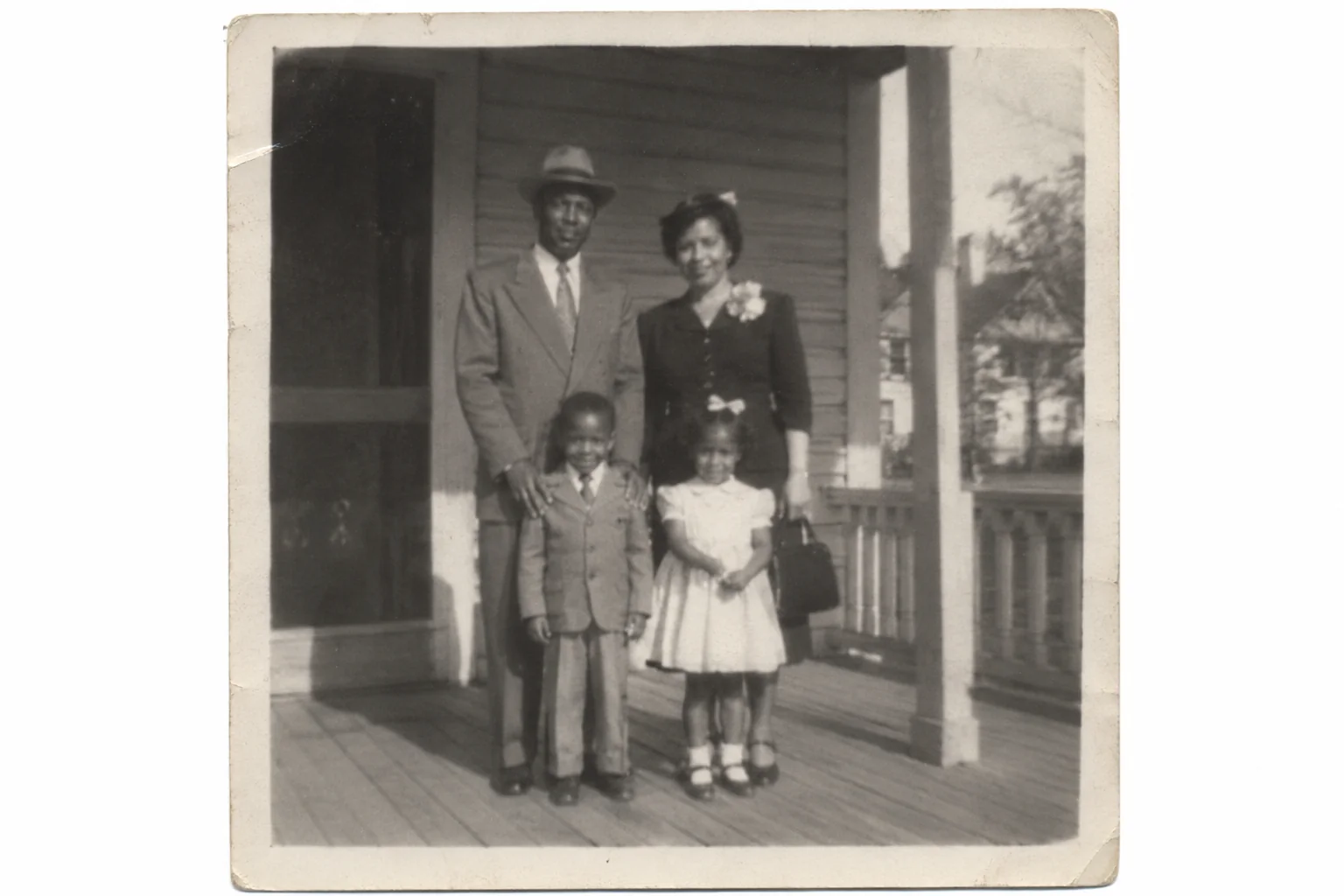
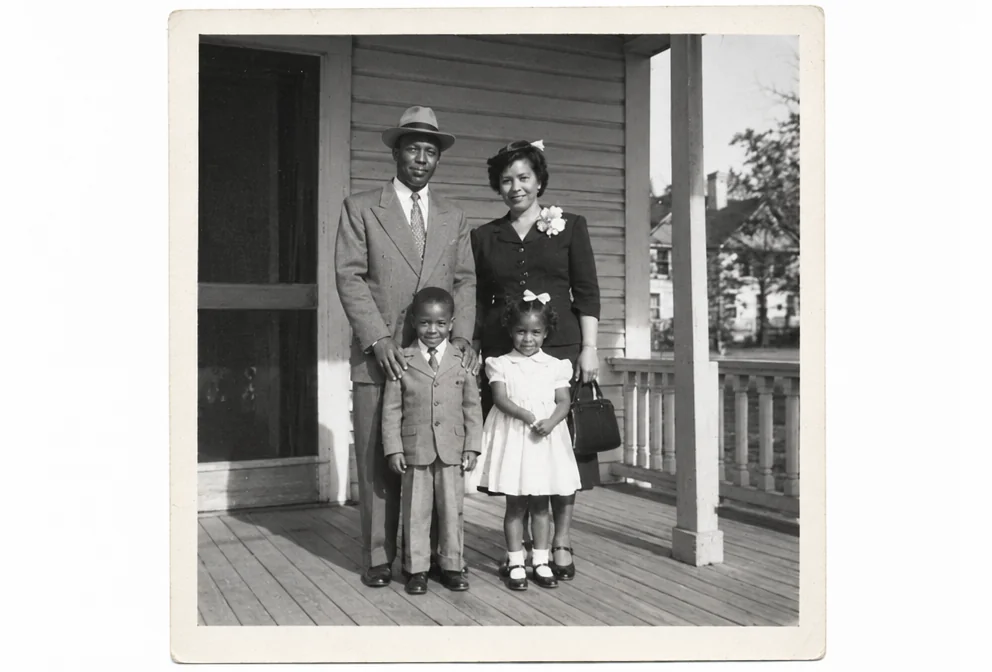
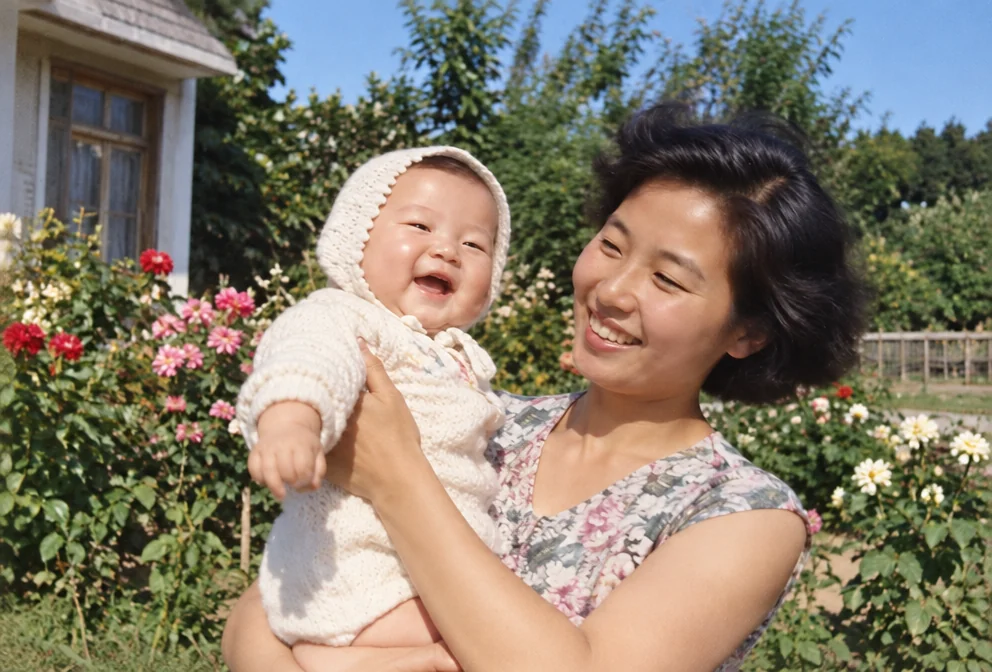
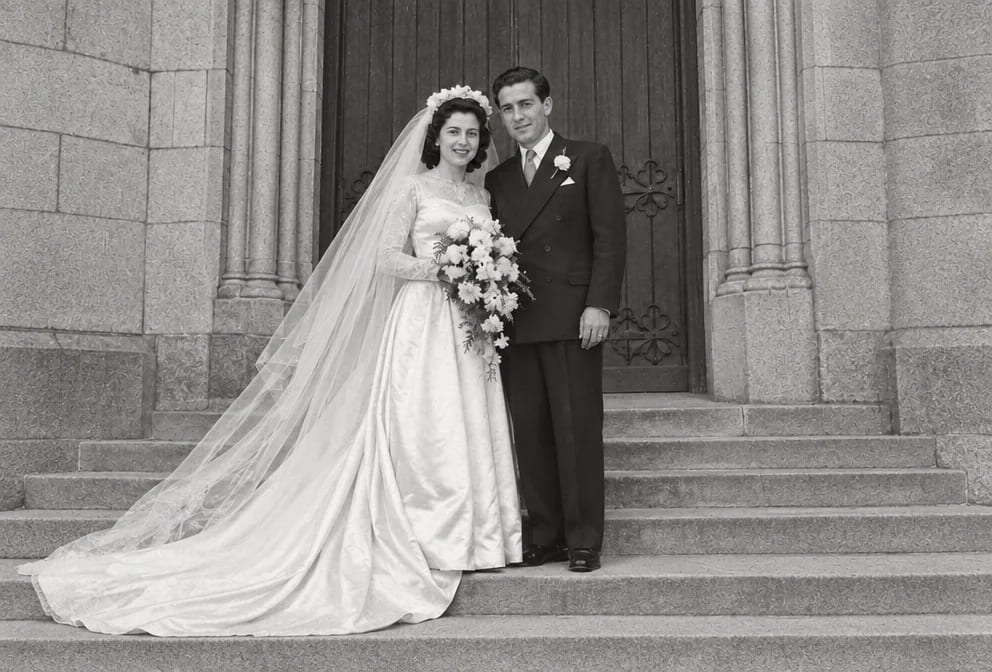
Original on the left, restored on the right; hover to see more of the repair. Made in the Studio from a scan of the print.
What matters for these photos
- Small faces of a great-great-grandparent nobody alive ever met that the low resolution has taken the detail from
- Low-resolution ancestor portraits that a copy shop refused to touch
- A low-resolution ancestor portrait needed for a memorial, an anniversary or a reprint
- Blocky pixels, mushy skin and faces the size of a fingernail that fall apart when enlarged, spread over a ancestor portrait
Suggested order of passes
- 01
Remove the low resolution
Face Restoration targets blocky pixels, mushy skin and faces the size of a fingernail that fall apart when enlarged while keeping the features, the period clothing and the studio props in the ancestor portrait untouched.
Face Restoration - 02
Repair the rest of the ancestor portrait
Tintype & Daguerreotype Restoration addresses the usual wear on ancestor portraits, silver mirroring, a tarnished tintype surface and cabinet-card mounts that have gone brittle, once the low resolution is gone.
Tintype & Daguerreotype Restoration - 03
Upscale the ancestor portrait for reprinting
Adds the pixels a wall print needs after the low resolution repair, with the shape of the low-resolution ancestor portraits unchanged.
Image Upscaler
This subject, by damage type

Questions
Related guides