Funeral and Memorial Photos
Blurry Funeral and Memorial Photos
Funeral and memorial photos showing soft edges, doubled outlines on faces and hands, and detail that never resolves however close you look have almost always met a slow shutter, a subject who moved, a lens that was never sharp or a camera held by a child. The blur sits on top of the image of the person being remembered, in the last good picture the family has of them, which is still there underneath.
Nothing in the memorial photo is redrawn for effect; the blur is treated as a layer to remove and the image of the person being remembered, in the last good picture the family has of them as the thing to keep. If the blurry area covered the face, the expression and the way they held themselves, the fill is inferred from what survives around it.
Start with Unblur Old Photos on the blurry memorial photo, then chain Face Restoration or the upscaler in the Studio if the funeral and memorial photos need it. The 4 free credits on a new account cover one Standard run on blurry funeral and memorial photos.
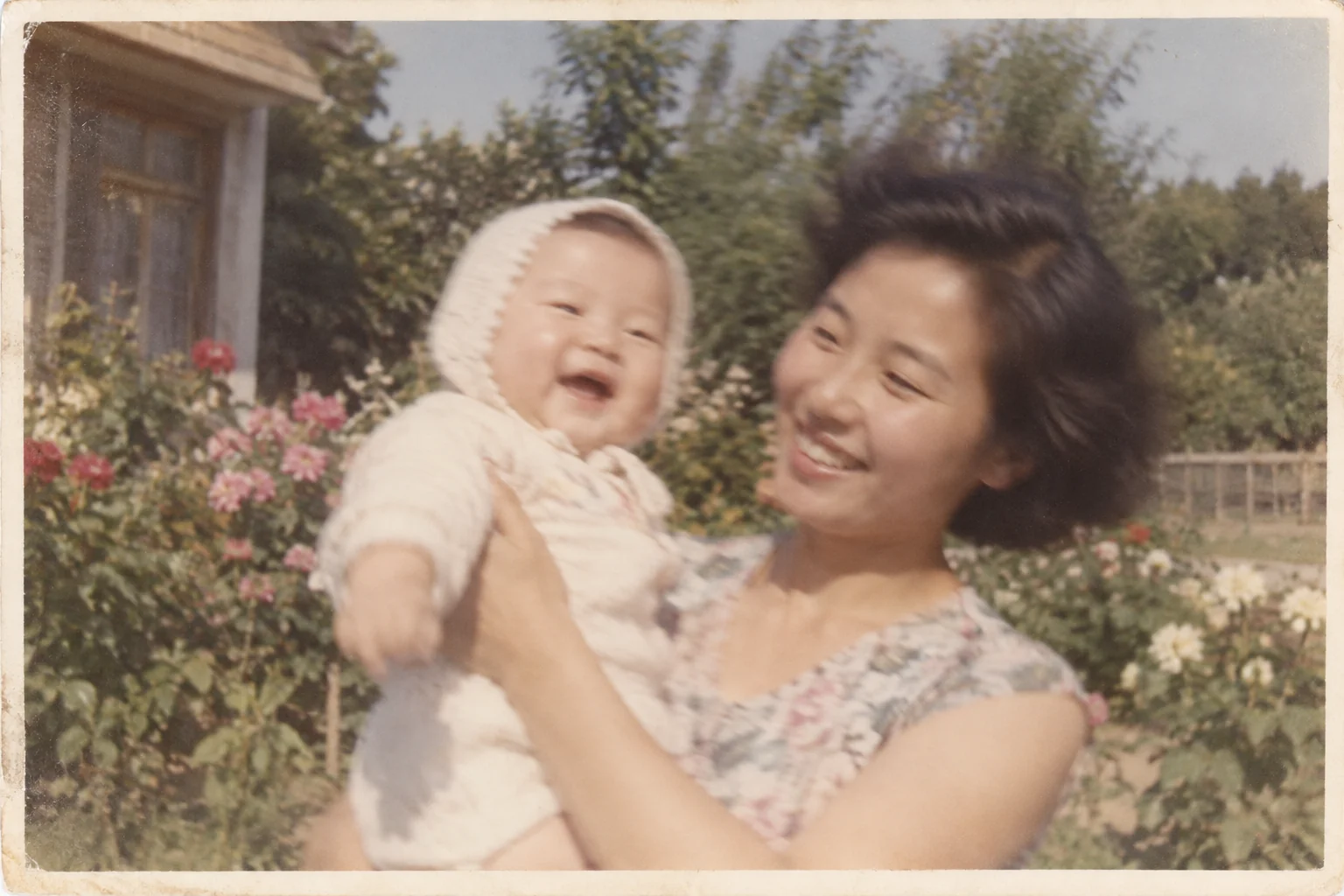
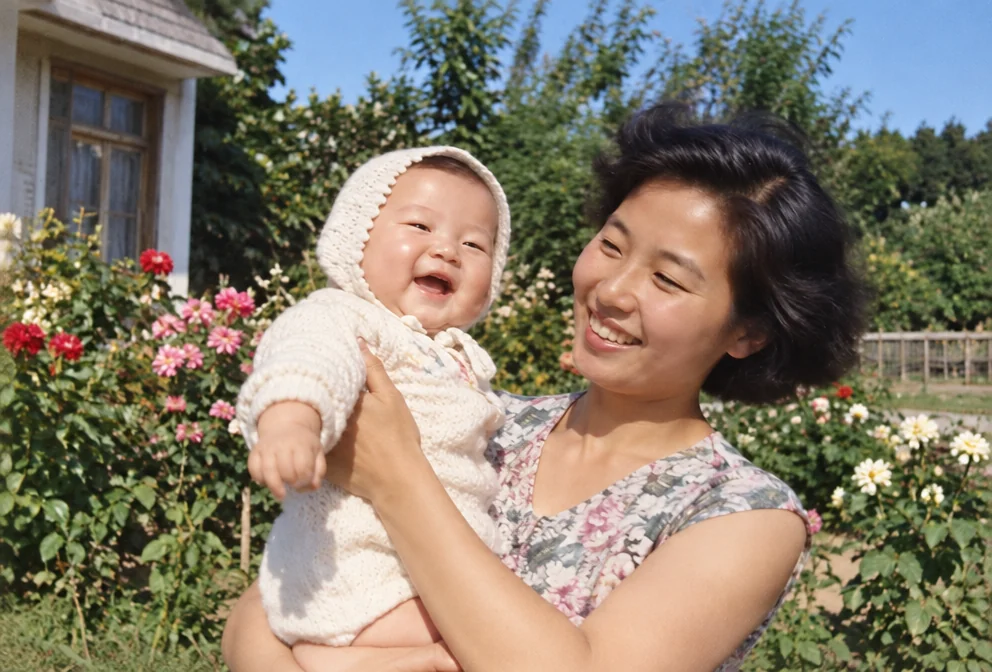
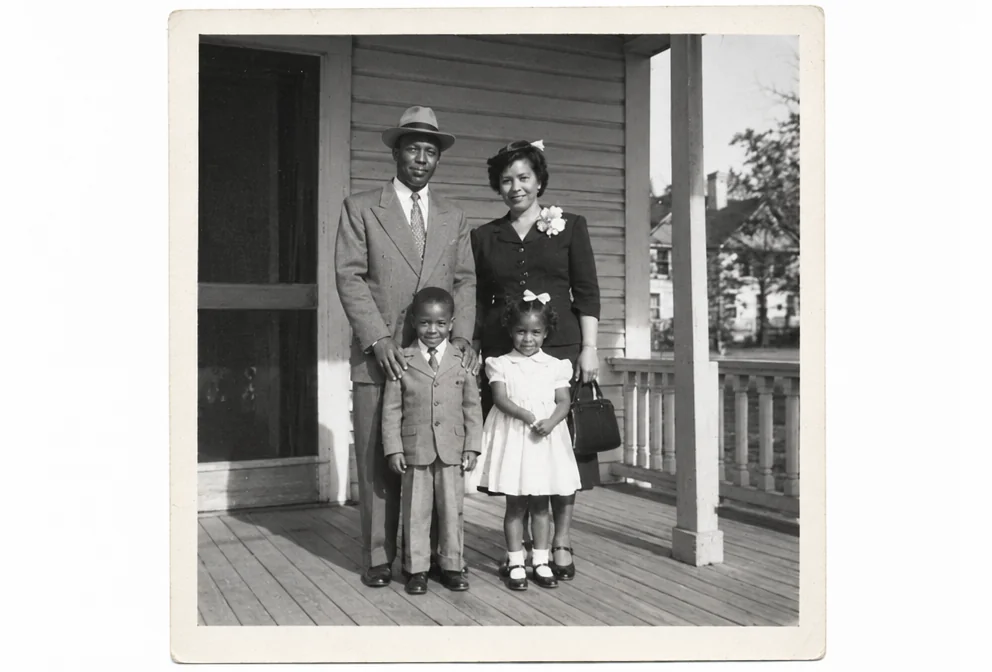
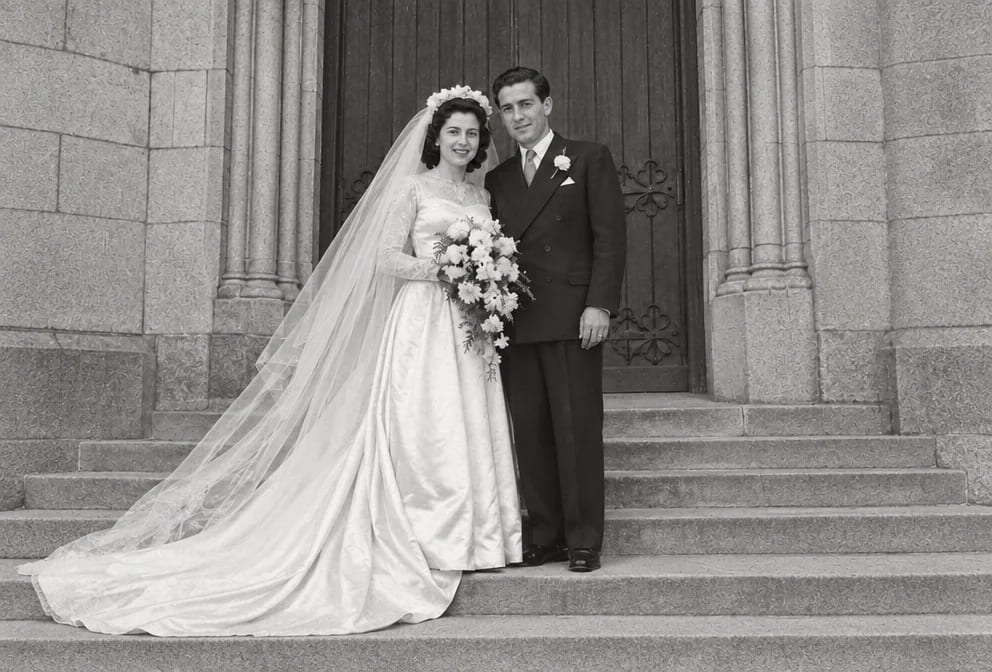
Original on the left, restored on the right; hover to see more of the repair. Made in the Studio from a scan of the print.
What matters for these photos
- A blurry memorial photo that is the only copy anyone has
- The face, the expression and the way they held themselves, hidden under the blur
- Blur from a slow shutter, a subject who moved, a lens that was never sharp or a camera held by a child, on funeral and memorial photos from the 1920s to 1990s
- Small faces of the person being remembered, in the last good picture the family has of them that the blur has taken the detail from
Suggested order of passes
- 01
Remove the blur
Unblur Old Photos targets soft edges, doubled outlines on faces and hands, and detail that never resolves however close you look while keeping the face, the expression and the way they held themselves in the memorial photo untouched.
Unblur Old Photos - 02
Repair the rest of the memorial photo
Memorial Portrait addresses the usual wear on funeral and memorial photos, a snapshot never meant to be a portrait, soft in focus, with a flash shadow and someone's arm at the edge, once the blur is gone.
Memorial Portrait - 03
Sharpen the faces of the person being remembered, in the last good picture the family has of them
Recovers the eye and skin detail the blur softened; keep it at natural strength on funeral and memorial photos unless the faces are tiny.
Face Restoration - 04
Upscale the memorial photo for reprinting
Adds the pixels a wall print needs after the blur repair, with the shape of the blurry funeral and memorial photos unchanged.
Image Upscaler
This subject, by damage type

Questions
Related guides