Damage
Fix stained photos
Staining is one of the most common reasons a print reaches this site, and the cause is usually coffee, ink, adhesive, fingerprints and whatever else was on the kitchen table that day. Look closely at a stained print and you will see brown or grey blotches with hard edges, sometimes a ring, sometimes a smear across the sky.
The AI-powered repair for stained photographs treats brown or grey blotches with hard edges, sometimes a ring, sometimes a smear across the sky as something to remove, not something to paint over. Faces the staining destroyed come back as plausible reconstructions, so compare them with other photographs of the same people.
Below are the subjects people most often bring in stained: each page describes what staining does to that kind of print and the order of tools to run. The 4 free credits on a new account cover one Standard pass at staining.
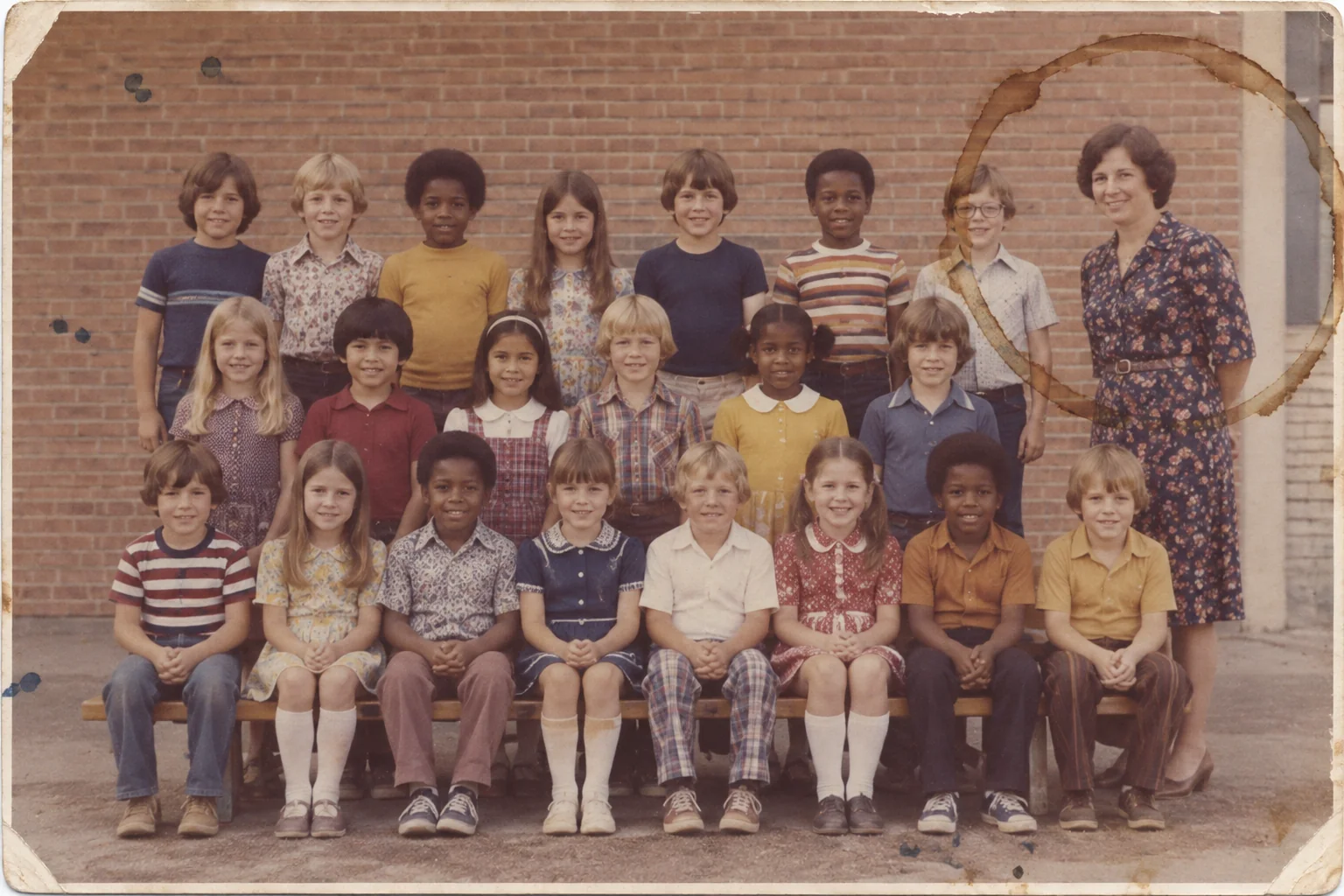
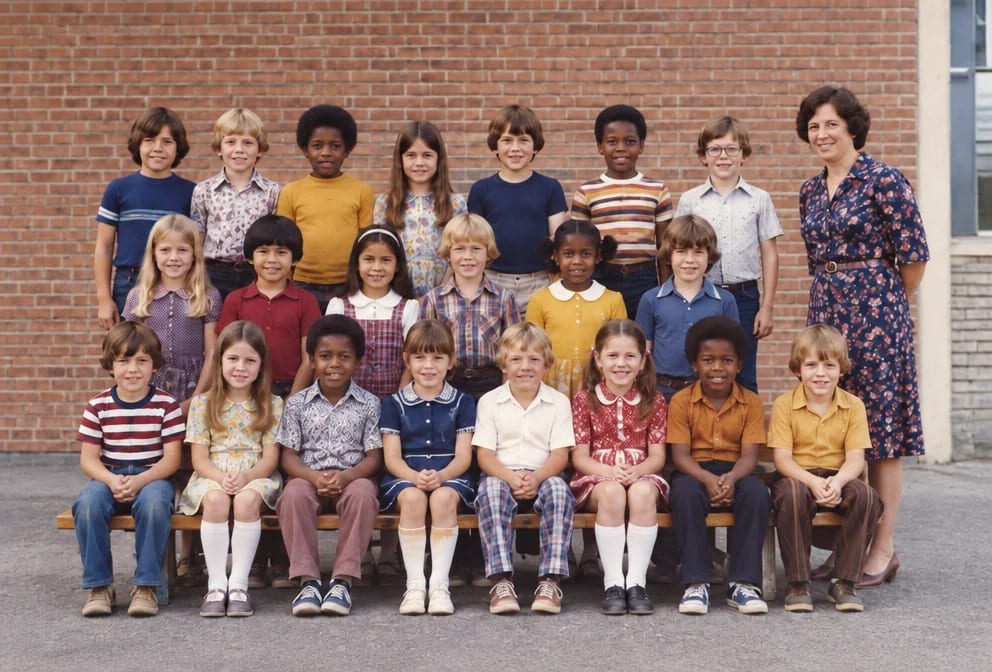
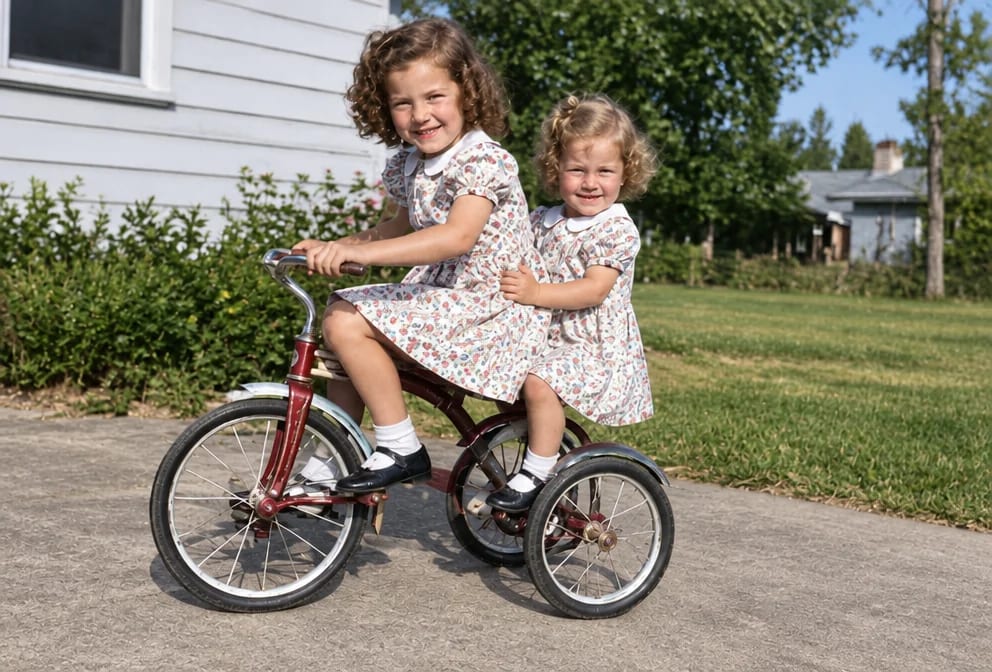
Original on the left, restored on the right; hover to see more of the repair. Made in the Studio from a scan of the print.
What matters for these photos
- Brown or grey blotches with hard edges, sometimes a ring, sometimes a smear across the sky
- Staining caused by coffee, ink, adhesive, fingerprints and whatever else was on the kitchen table that day
- Faces and clothing under the staining that need rebuilding from what survives
- Stained prints that are the only copy in the family
Suggested order of passes
- 01
Remove the staining
Stain & Spot Remover is written for brown or grey blotches with hard edges, sometimes a ring, sometimes a smear across the sky and rebuilds the area beneath from the surrounding image.
Stain & Spot Remover - 02
Run a full restoration on the stained print
Picks up the fading, scratches and softness that usually travel with staining.
Photo Restoration - 03
Restore the faces
Recovers eye and skin detail where the staining had softened it; use strong only for tiny faces.
Face Restoration - 04
Upscale for reprinting
Adds the pixels a reprint of the stained photo needs, with the shape of the upload unchanged.
Image Upscaler
This damage, by subject
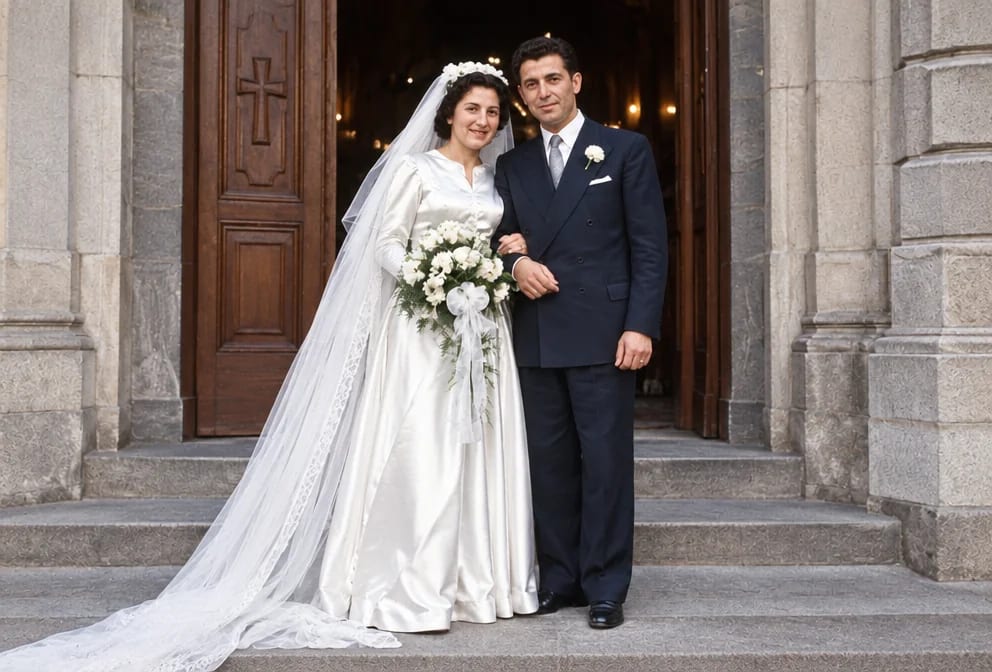
Wedding Photos
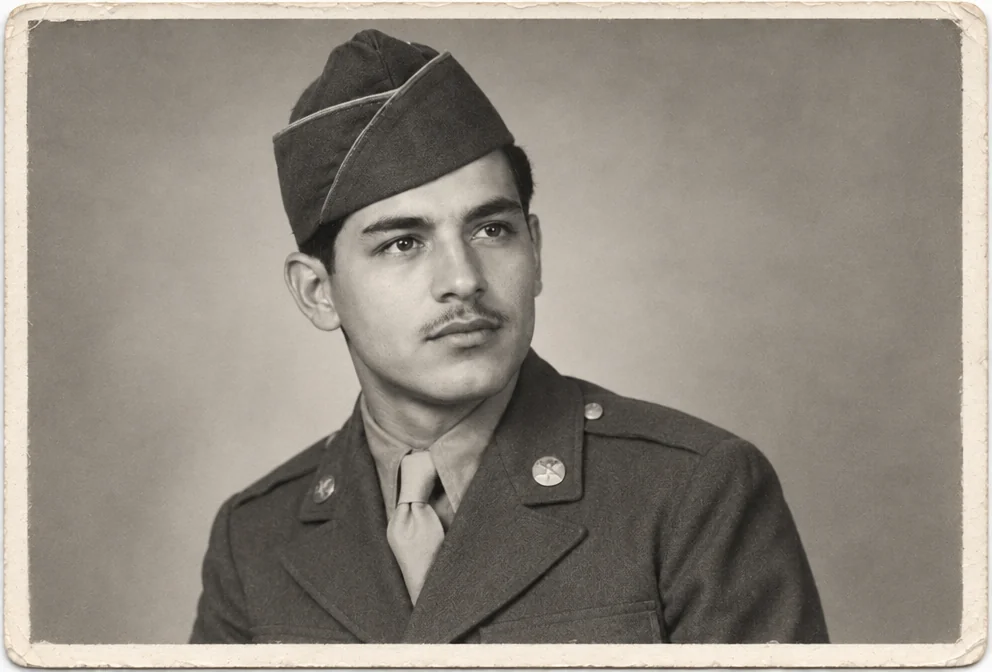
Military Photos
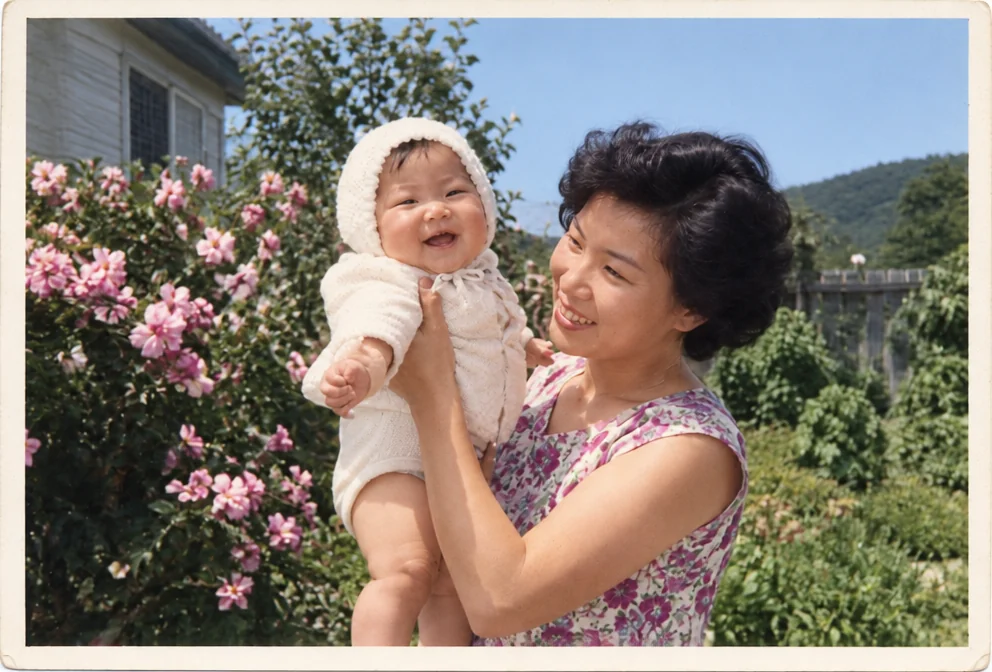
Baby Photos
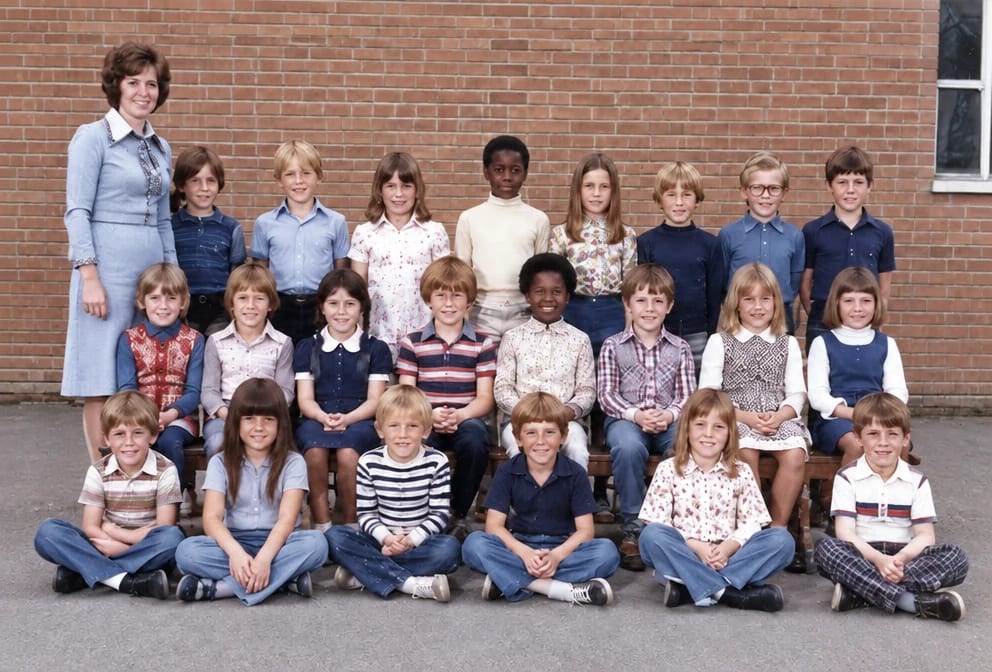
School Photos
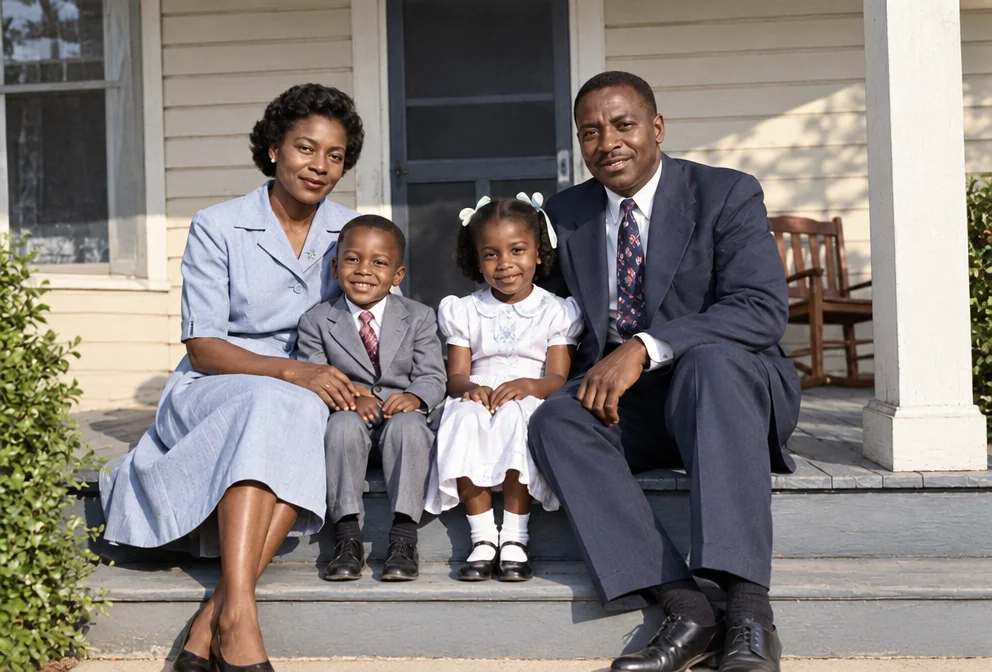
Family Portraits

Graduation Photos
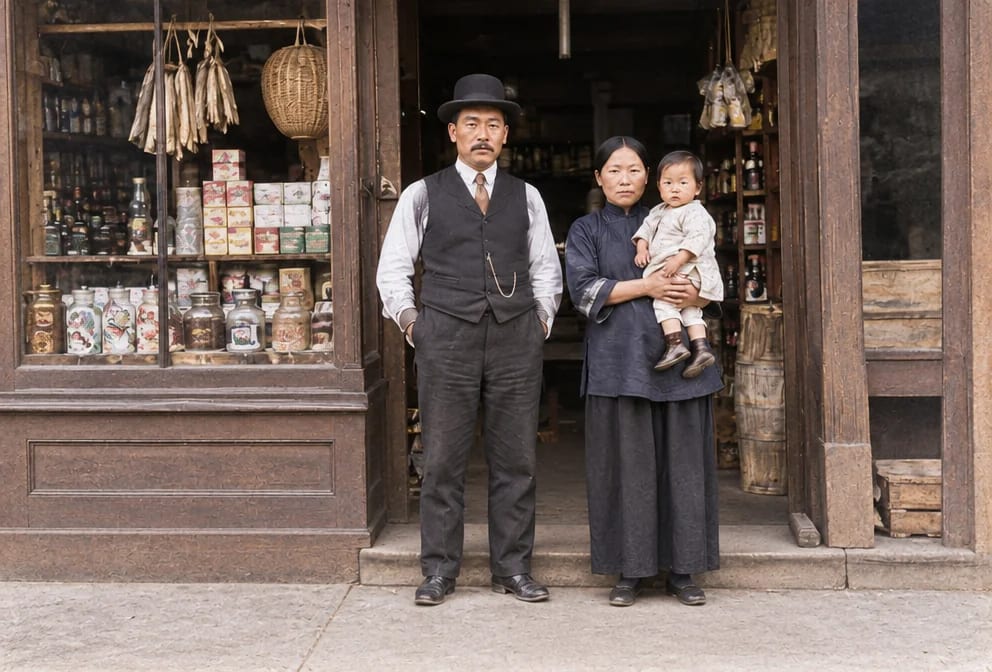
Immigration Photos
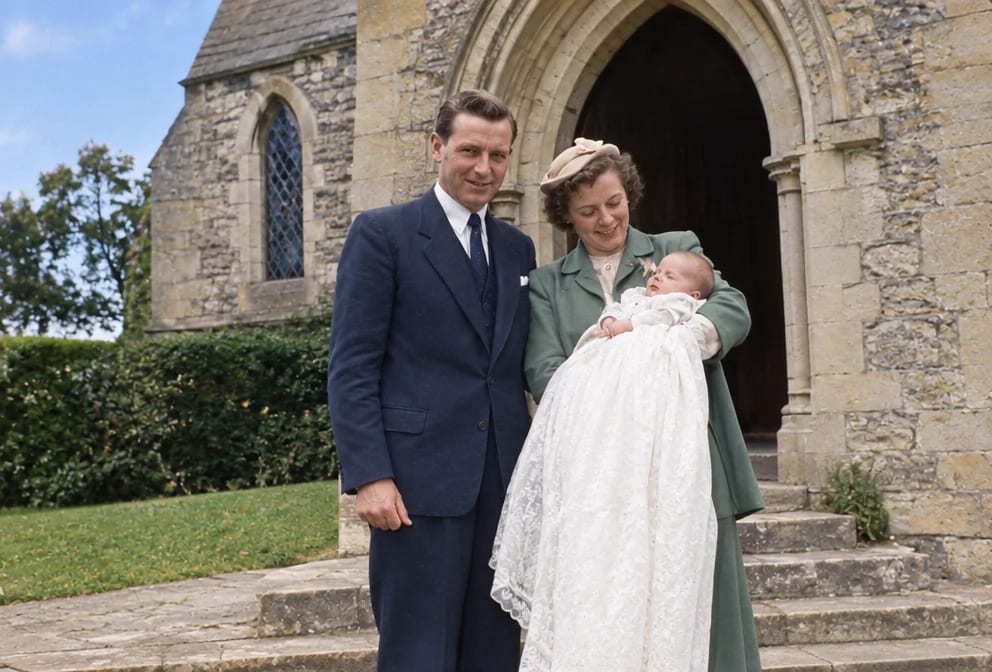
Baptism Photos
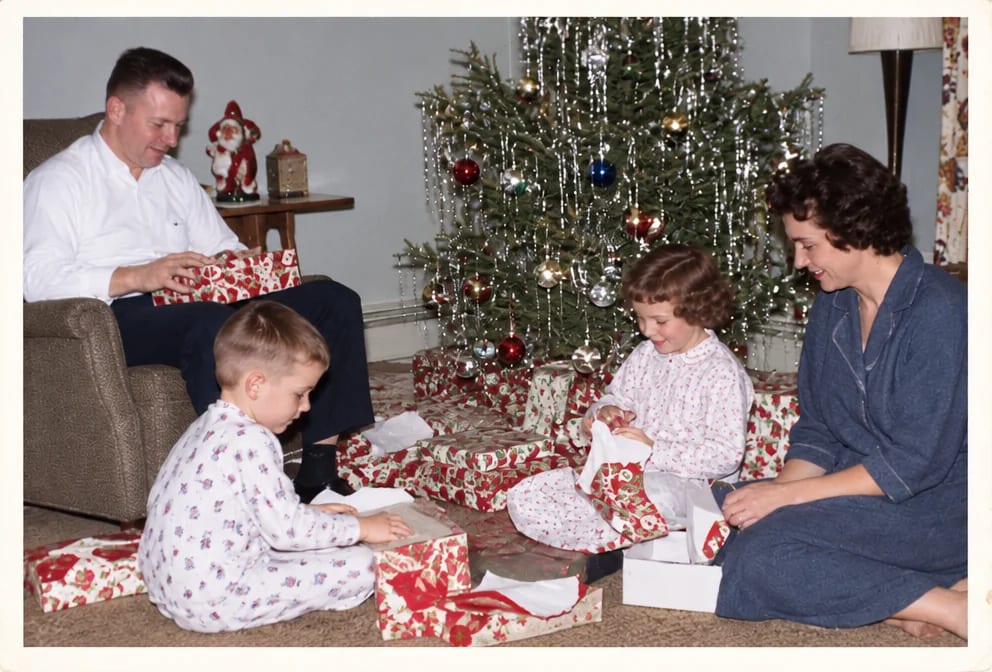
Holiday Photos
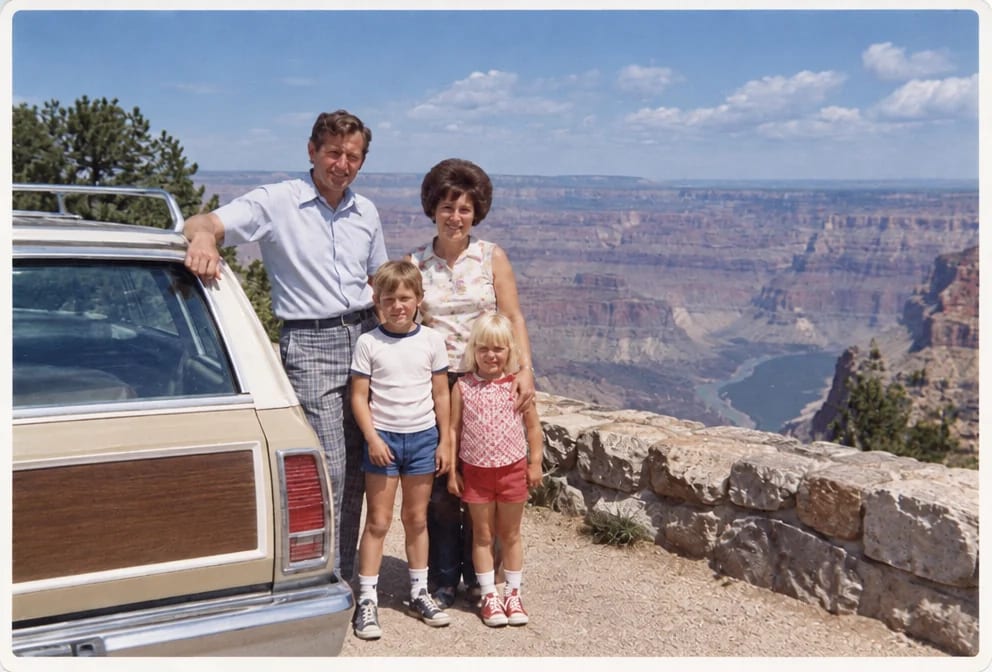
Vacation Photos
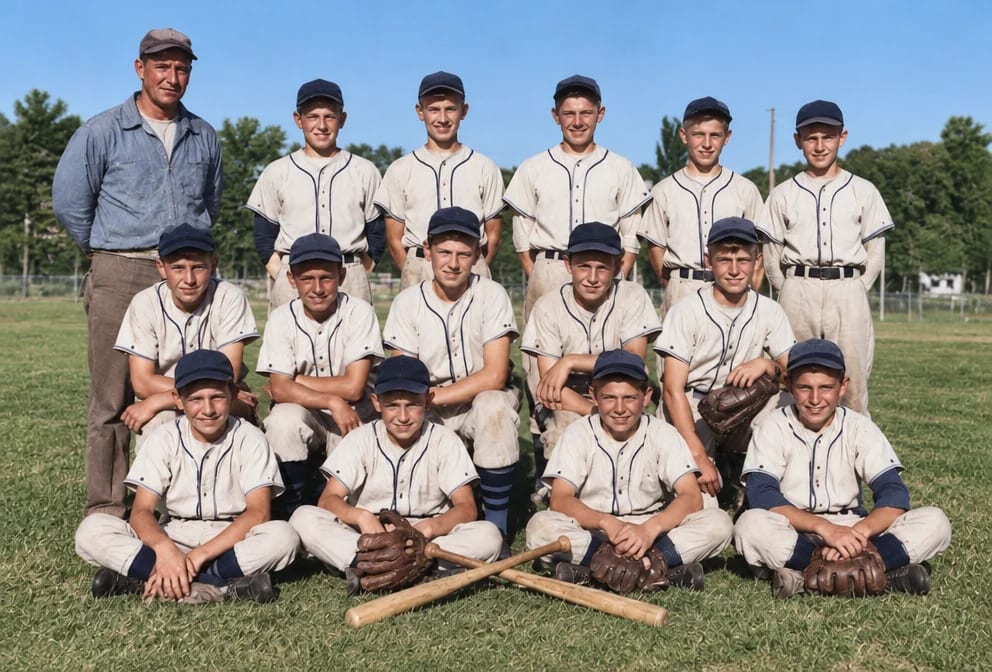
Sports Team Photos
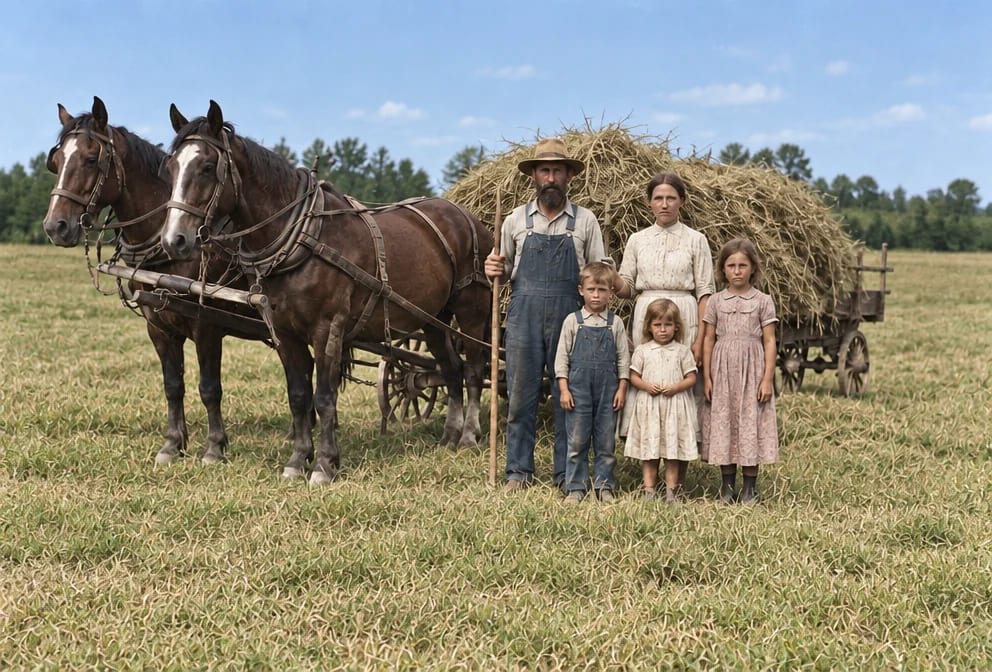
Farm Photos

House Photos
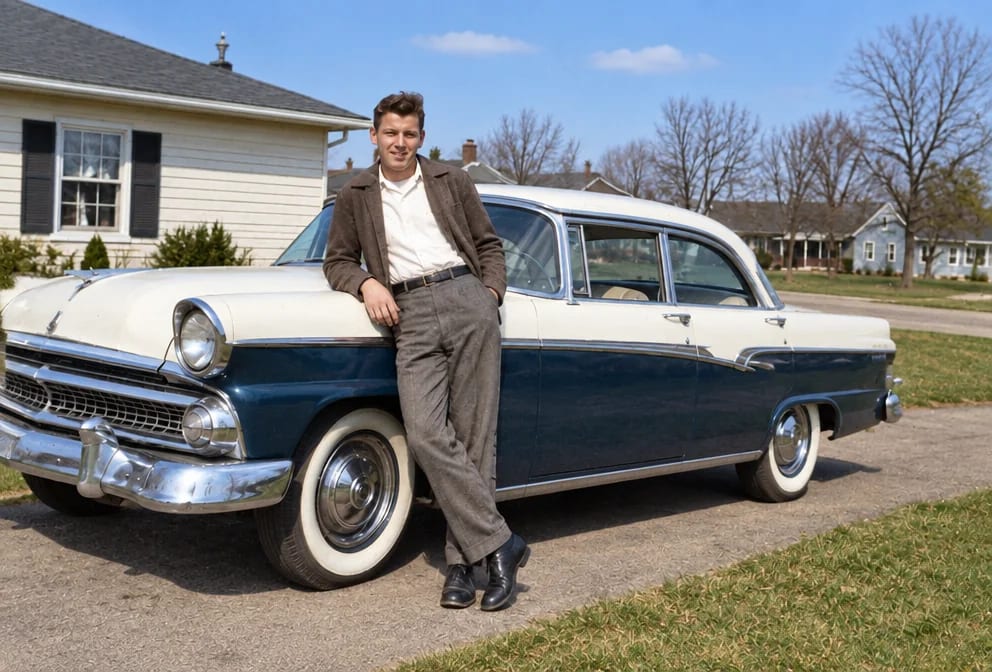
Classic Car Photos
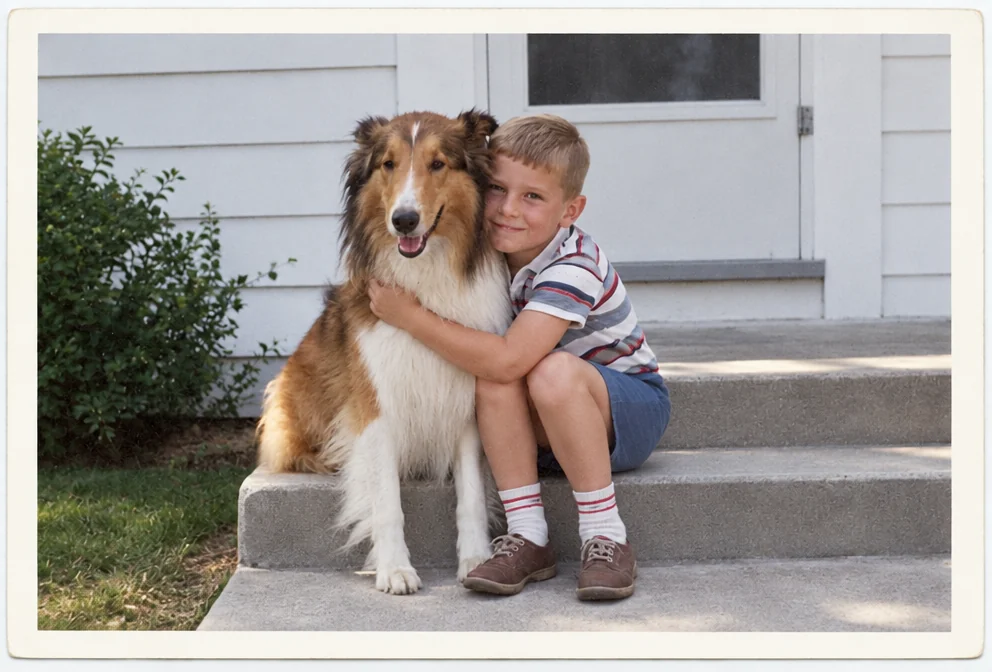
Pet Photos
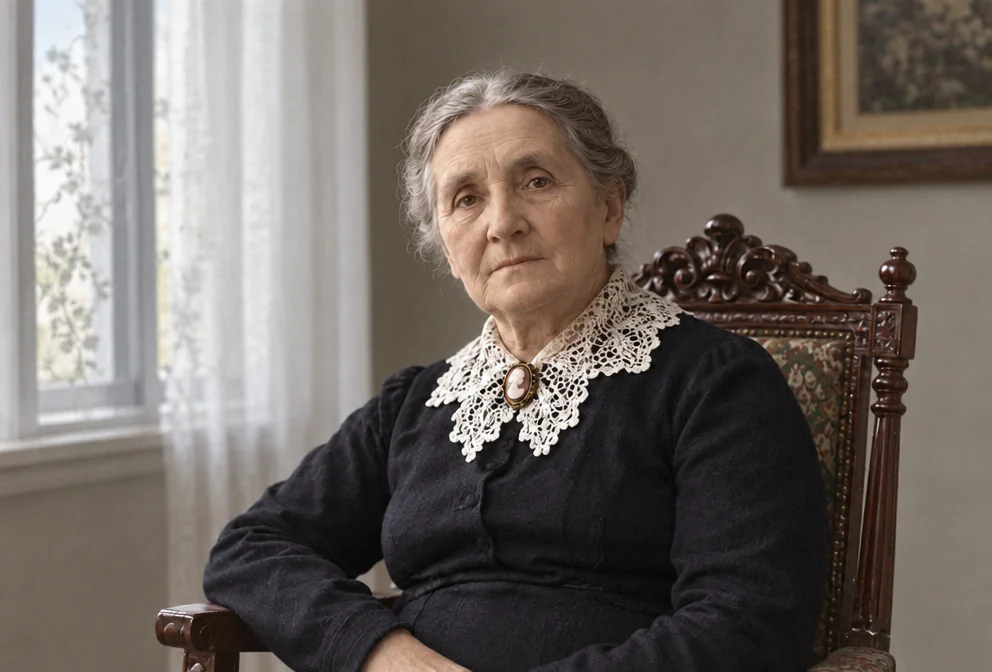
Grandparents Photos
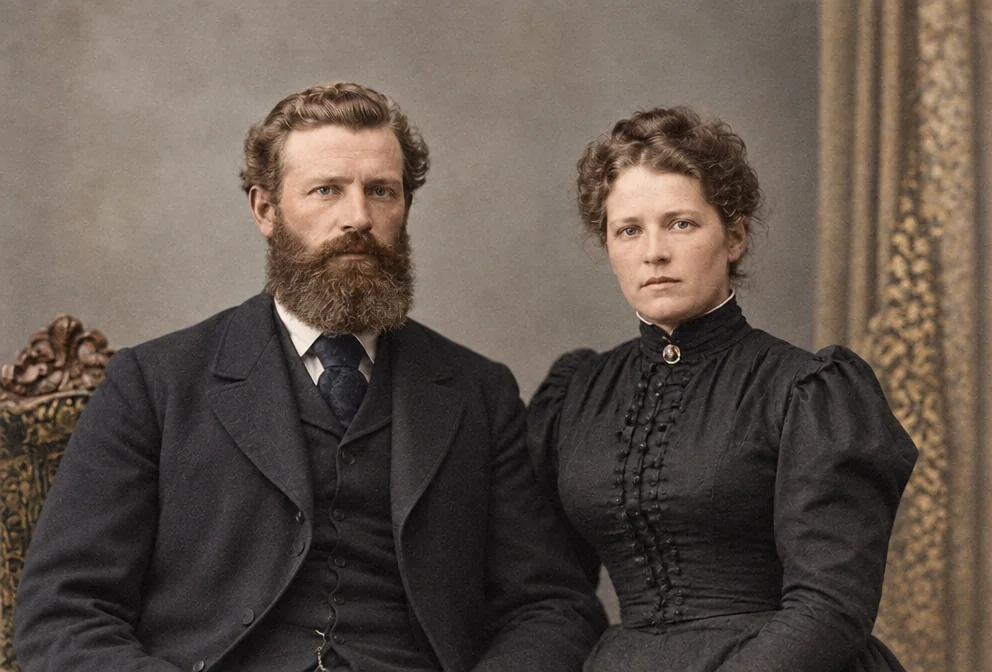
Ancestor Portraits
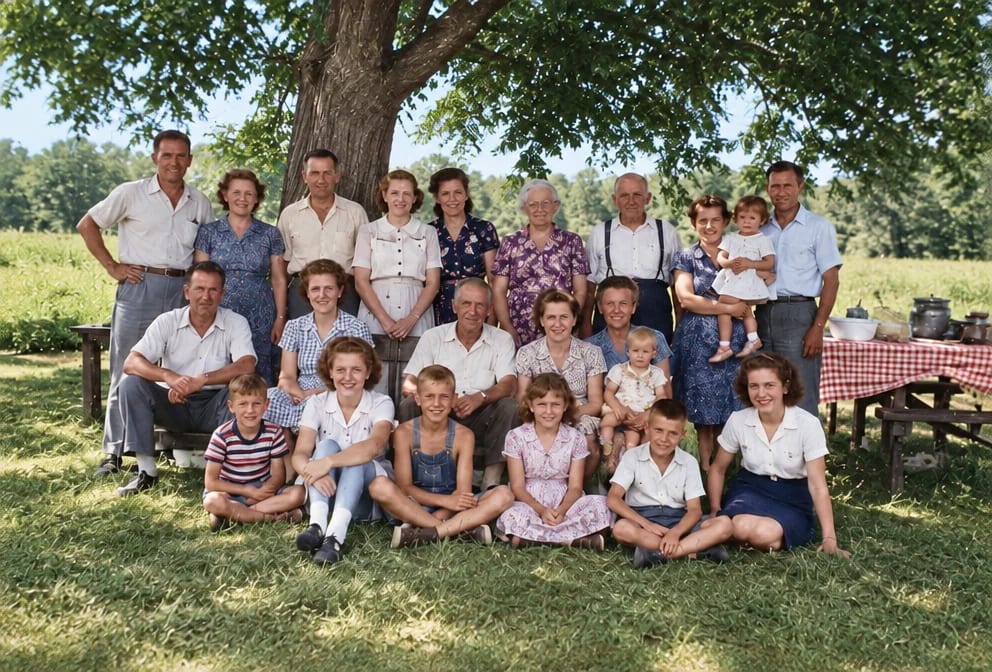
Group Photos
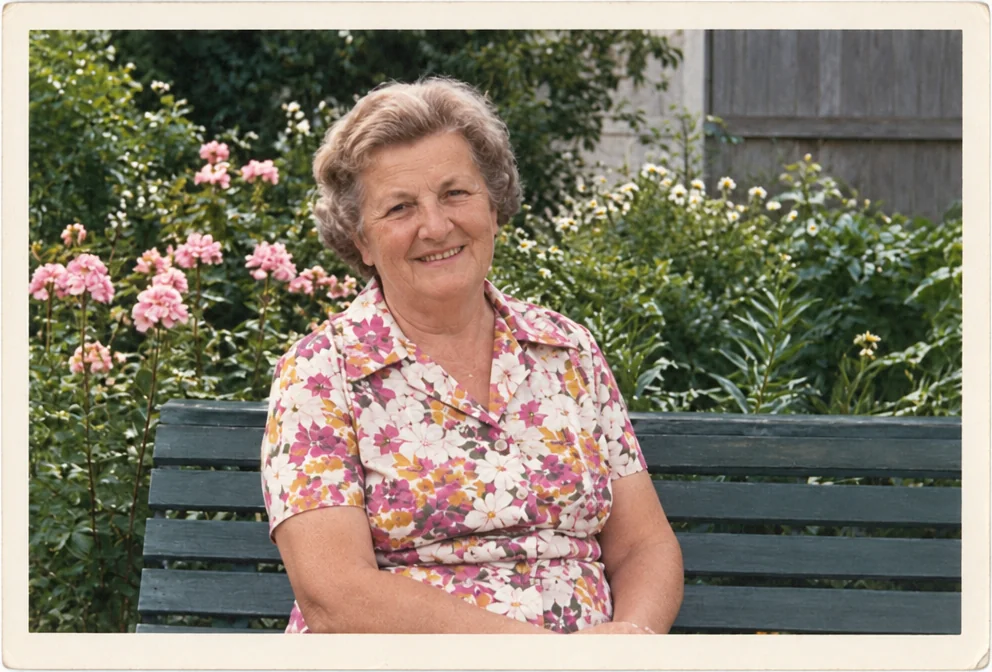
Funeral and Memorial Photos
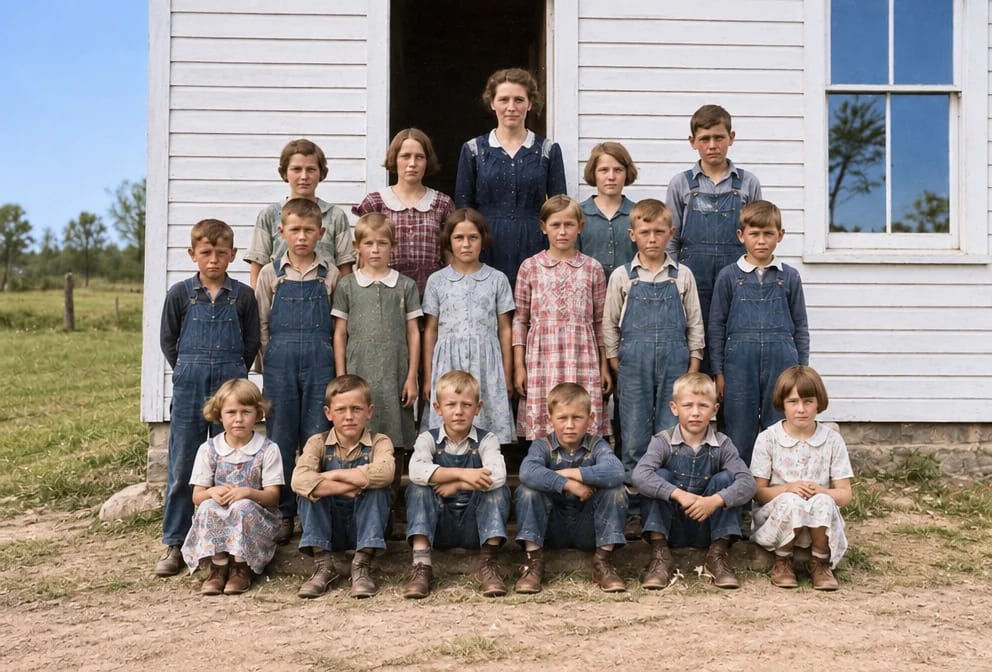
Class Photos
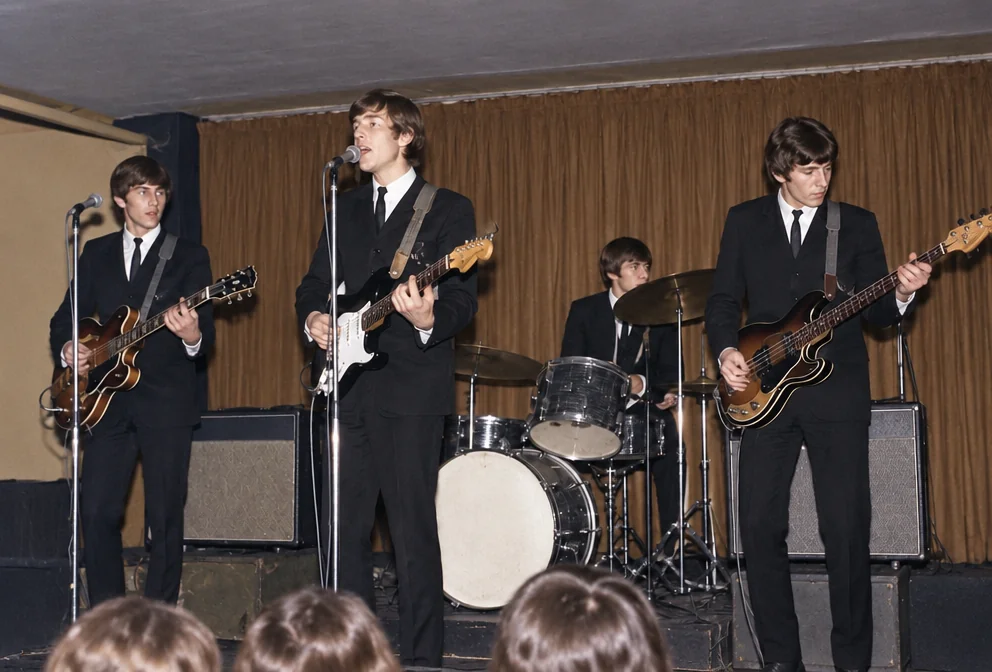
Band Photos

Workplace Photos
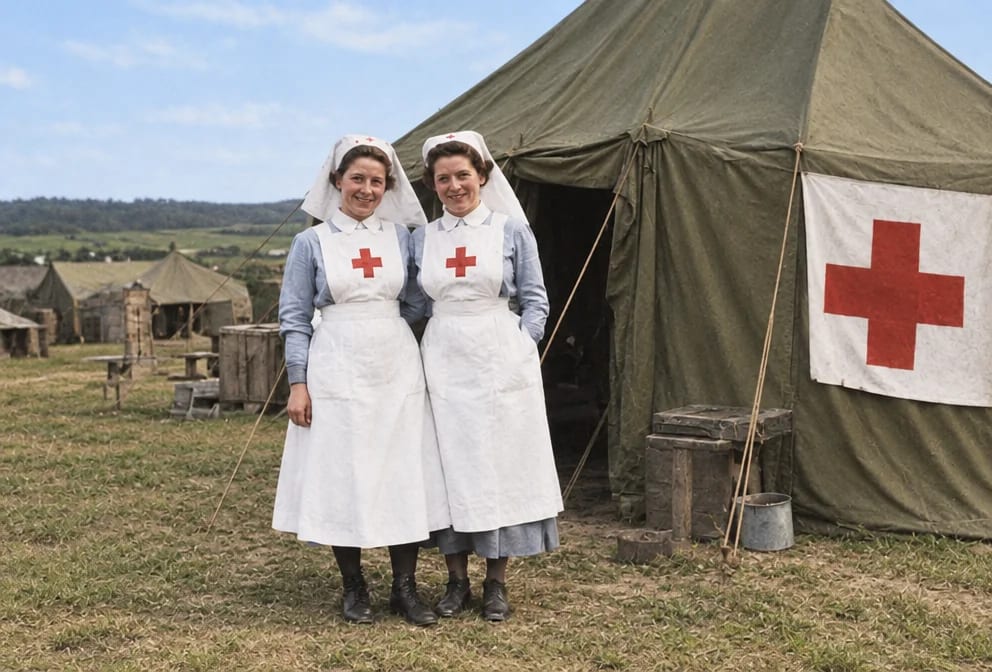
Wartime Photos
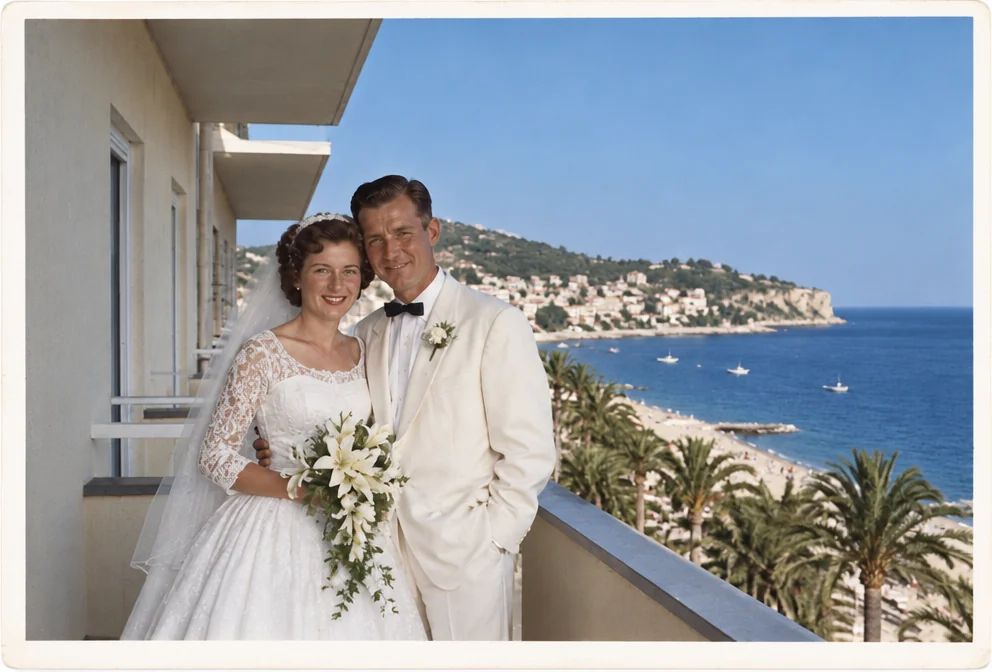
Honeymoon Photos
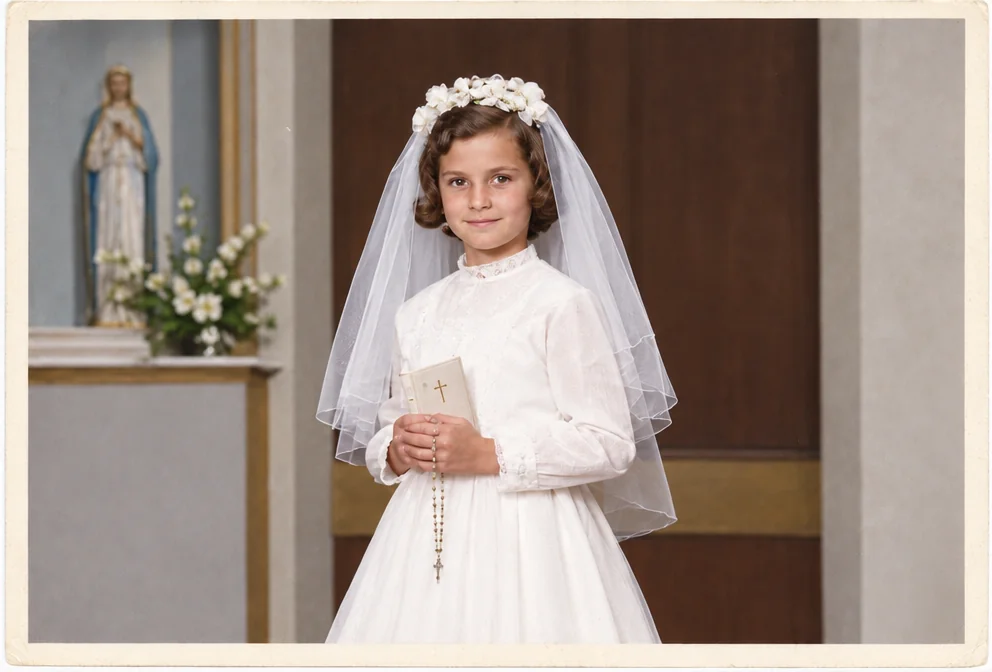
First Communion Photos
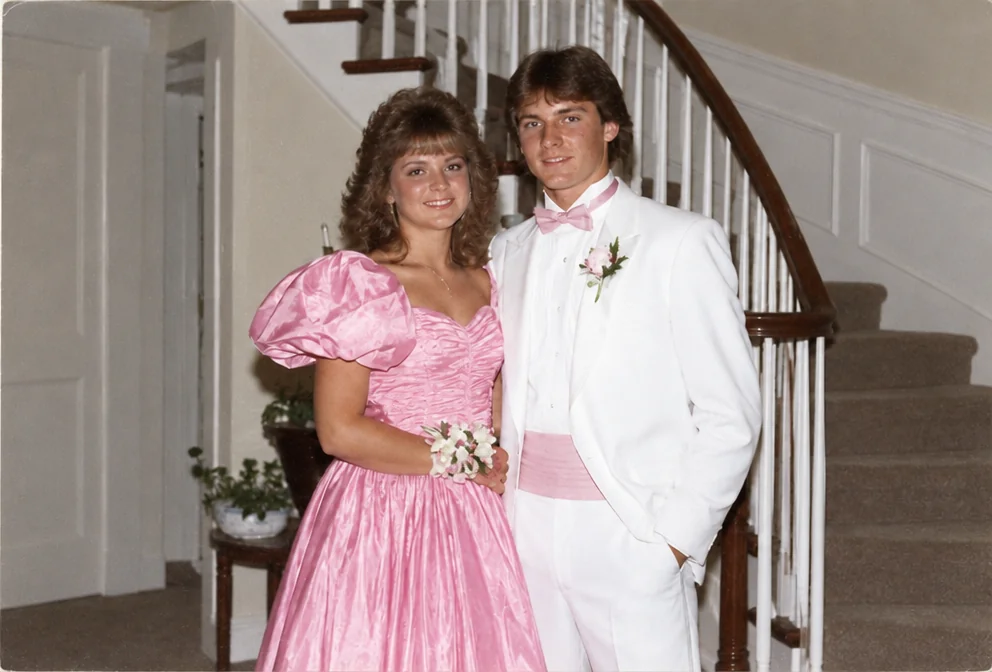
Prom Photos
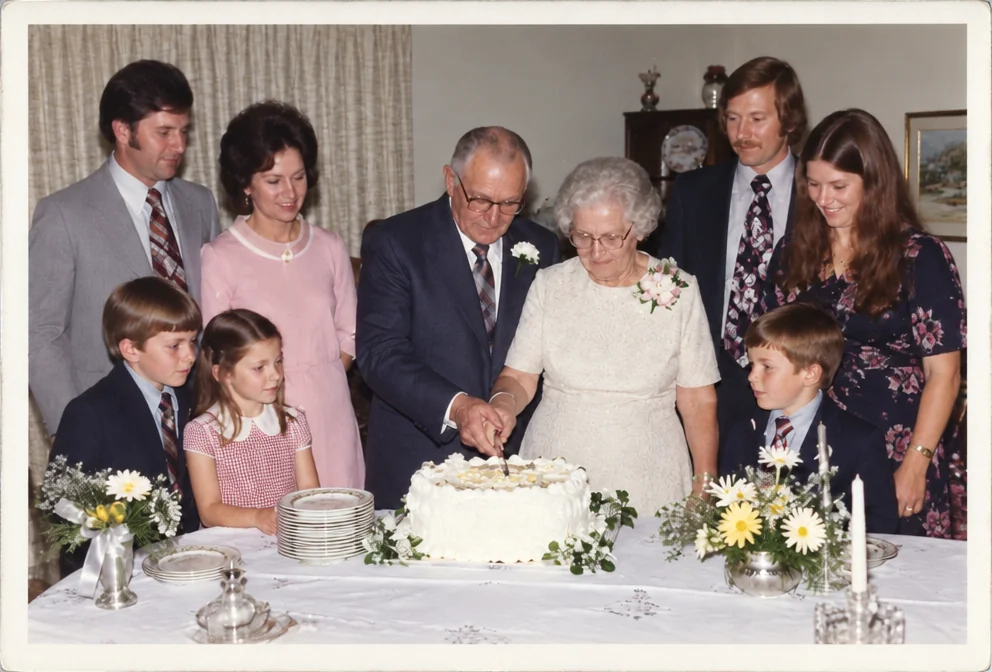
Anniversary Photos
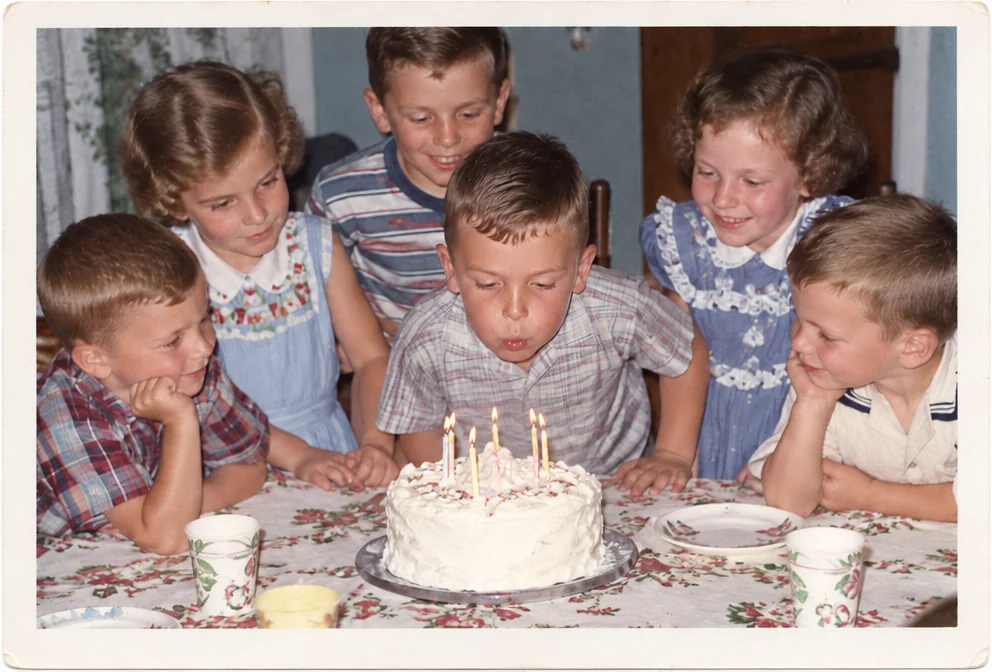
Birthday Photos
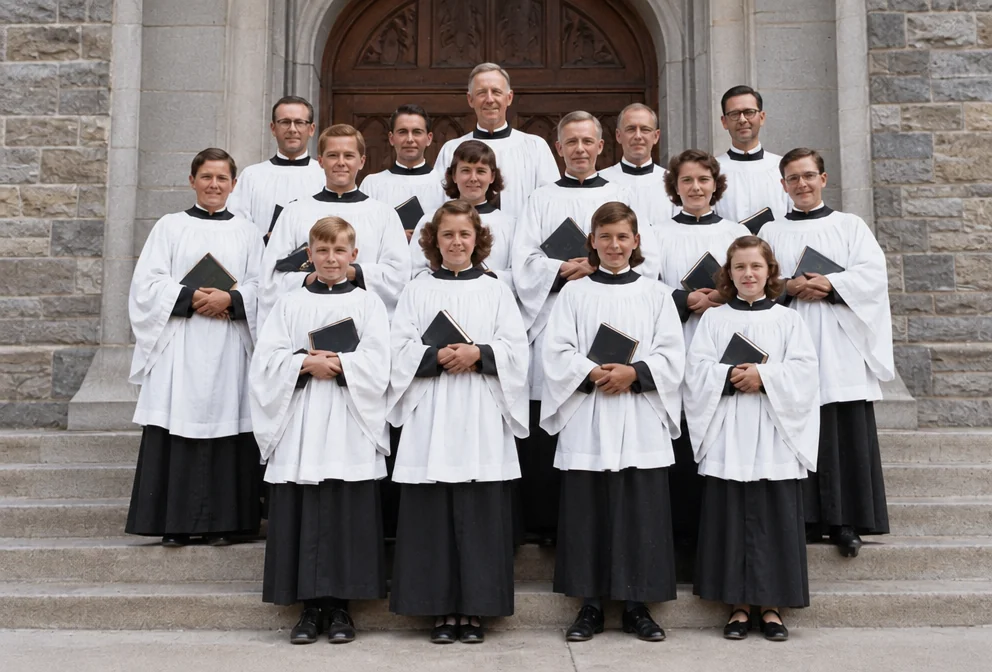
Church Photos
Childhood Photos
Questions
Related guides